Introducing Skydive
Skydive lets you build AI agents in the cloud. Talk to them in Slack, email or iMessage. They use their own computer to do work for you.



Today, we’re launching Skydive. It lets anyone on your team build AI agents to do real work across your tools.
You talk to Skydive agents in Slack, email, or iMessage; each gets their own Slack bot, inbox and phone number. Or chat on the web, in the Skydive desktop app, or from the terminal with the skydive CLI.
Every Skydive agent has its own computer in the cloud, with its own browser, terminal and file system. Give it access to the apps it needs, teach it the role, and it’ll keep working after everyone closes their laptop. Agents learn how your team gets things done and self improve over time, the same way a great hire would.
Creating an agent for a role takes less than 30 seconds. So pretty soon, Skydive agents accelerate each person and team in your company, from marketing, engineering, and operations to support, sales, and design, and all the work that falls between.
We built Skydive because we needed it ourselves. It started as an engineering agent nicknamed “Coworker” who lived in Slack, and pretty soon, every person and team wanted a coworker. Skydive let them build their own. Now, hundreds of agents do useful, critical work for us every day. It raised our ambitions as a company, and we’re excited to let other teams feel the same acceleration.
Skydive is available today for companies of every size. Create your first agent, invite your team, and watch what happens when everyone can build their own coworkers.
What makes Skydive unique
Chat anywhere
Your agents meet you where you already work.
Talk to the same agent in Slack, email or iMessage, with one identity and shared memory across every conversation. Add it to a Slack channel to work with your team. Forward it an email when you need help in your inbox. Text it when you’re away from your keyboard.
At your desk, keep working with that agent in a browser tab, the Skydive desktop app, or from Claude Code, Codex, Cursor, and the skydive CLI.
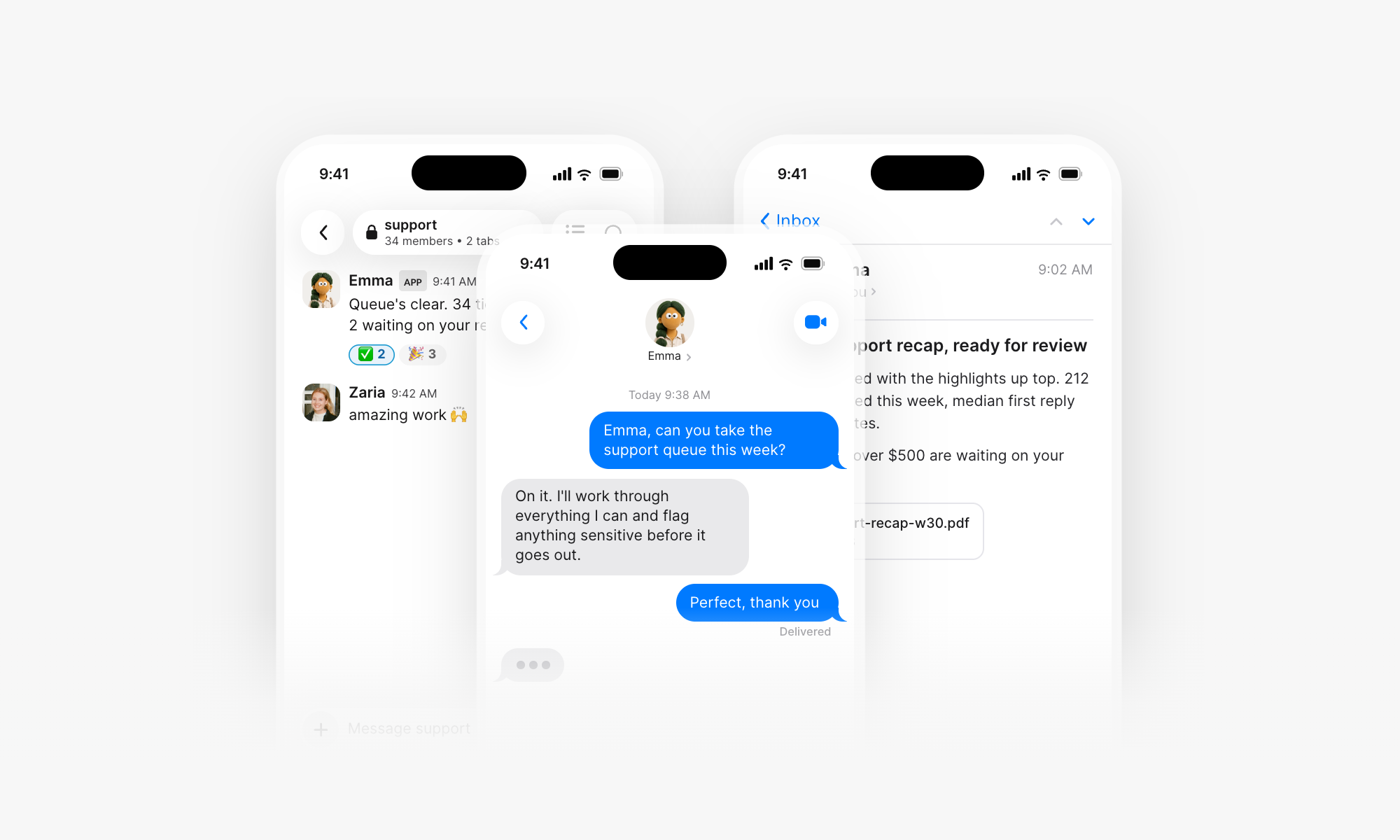
Inside Skydive, everyone has an EA agent they email, Slack, and text. Designers have design agents that work with local files through the desktop app. Support has agents that finish work inside 100s of customer facing Slack channels. Engineers have coding agents they ping in a terminal pane and Slack channels.
A computer for every agent
Every Skydive agent has its own computer in the cloud, with a browser, file system or terminal. Anything you can do on a computer, your agent can do too, from start to finish.
Agents fill out websites, research, build apps, run code, create files, download reports, upload creative and move between tools until a job is finished. If a task takes 3 hours and spans 4 apps, your agent will do it faster than you could on your own. And when agents need a file or local context from your machine, they’ll get your permission to move it over quickly and securely.
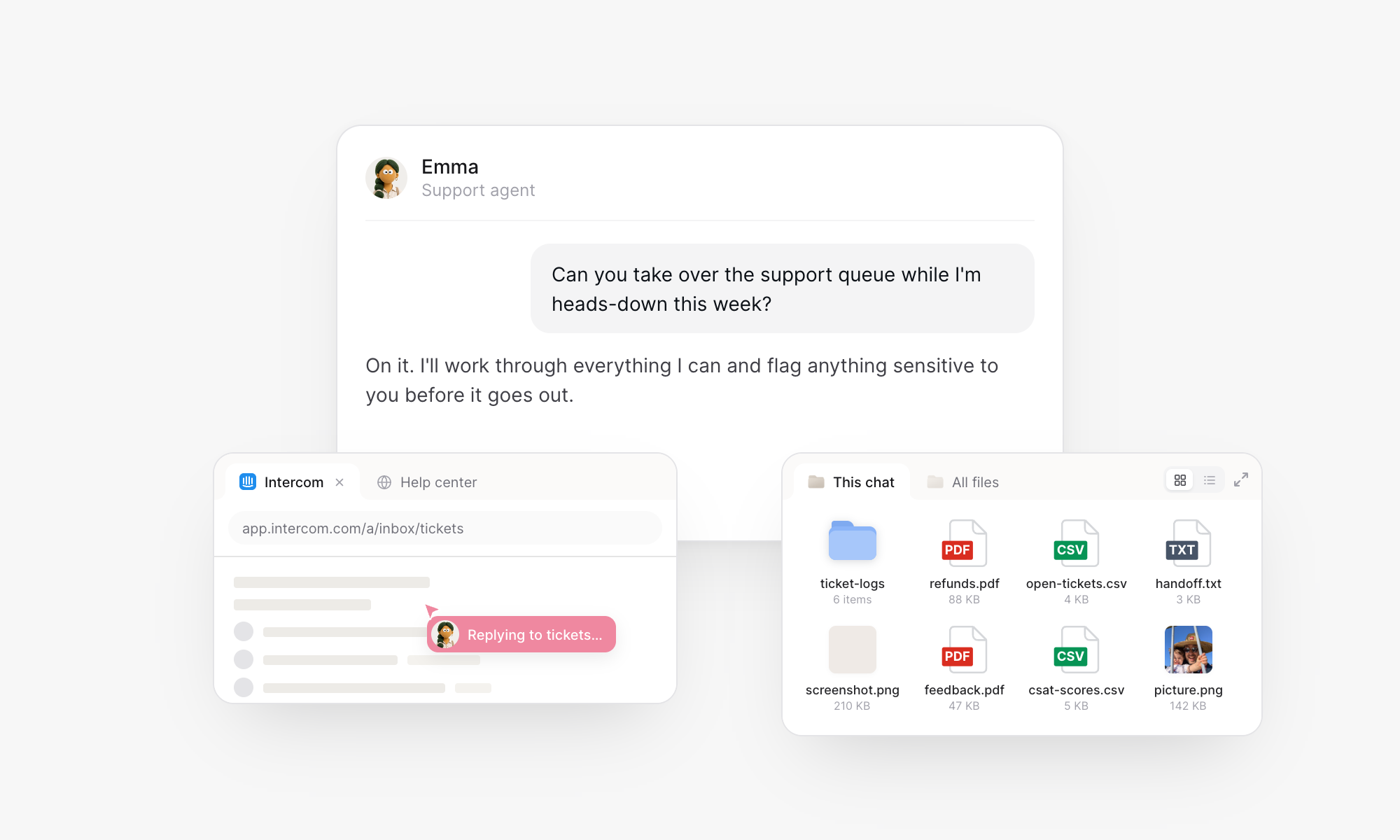
Your laptop can close. Work keeps moving.
Works inside your tools
Connect agents to 900+ apps and tools, like Gmail, GitHub, Notion, Linear, Intercom, Google Calendar and Google Drive. Grant secure access in 1 click and it’ll use the app like you would. And if there’s no clean OAuth, MCP, or API integration, your agent hands you its browser to log in, so it can use anything you would.
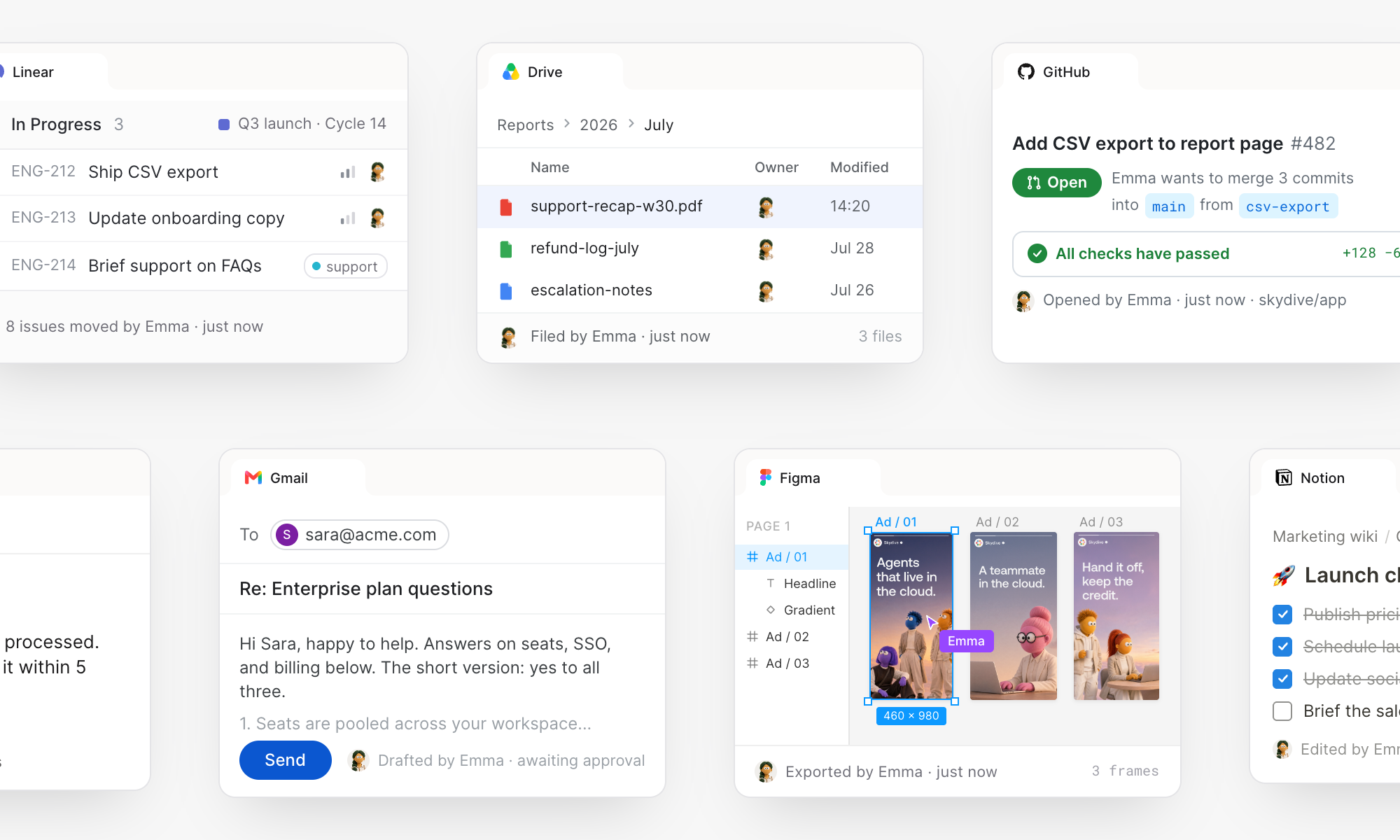
Agents begin to feel like coworkers: a support agent responding in Intercom like you would, an engineering agent debugging production with GitHub & CloudWatch, a marketing agent generating creative with OpenAI & managing campaigns in Meta, a project management agent turning ideas people mention in Slack into Linear updates, a recruiting ops agent scheduling 1st calls with Ashby, Gmail & Google Calendar.
Routines that never sleep
Tell an agent to monitor an inbox, watch a metric, read the logs, look out for a high priority customer issue, prepare a morning digest, or check campaign performance on Friday. It’ll turn that request into a routine that runs in the cloud on a schedule or when something happens.
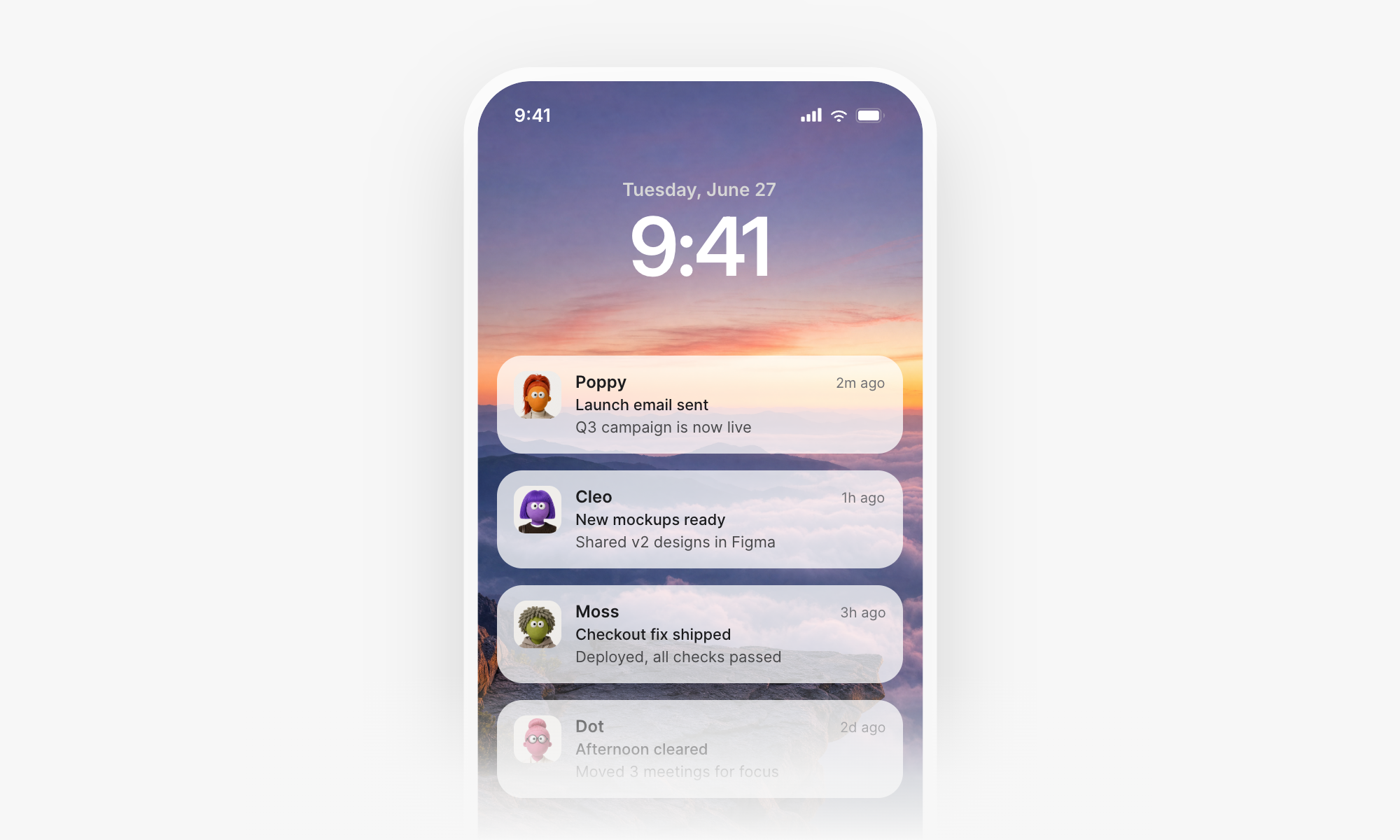
Your agents can take action 24/7.
Agents that work as a team
One agent saves you time. A team of them can change what you and your company can do.
Skydive moves you beyond 1 general assistant for everything, a jack of all trades, master of none. Instead, every person and team in your company can make specialist agents for any job. Each agent gets its own memory, context, training, permissions, tools, and computer, and that focus makes them an expert faster.
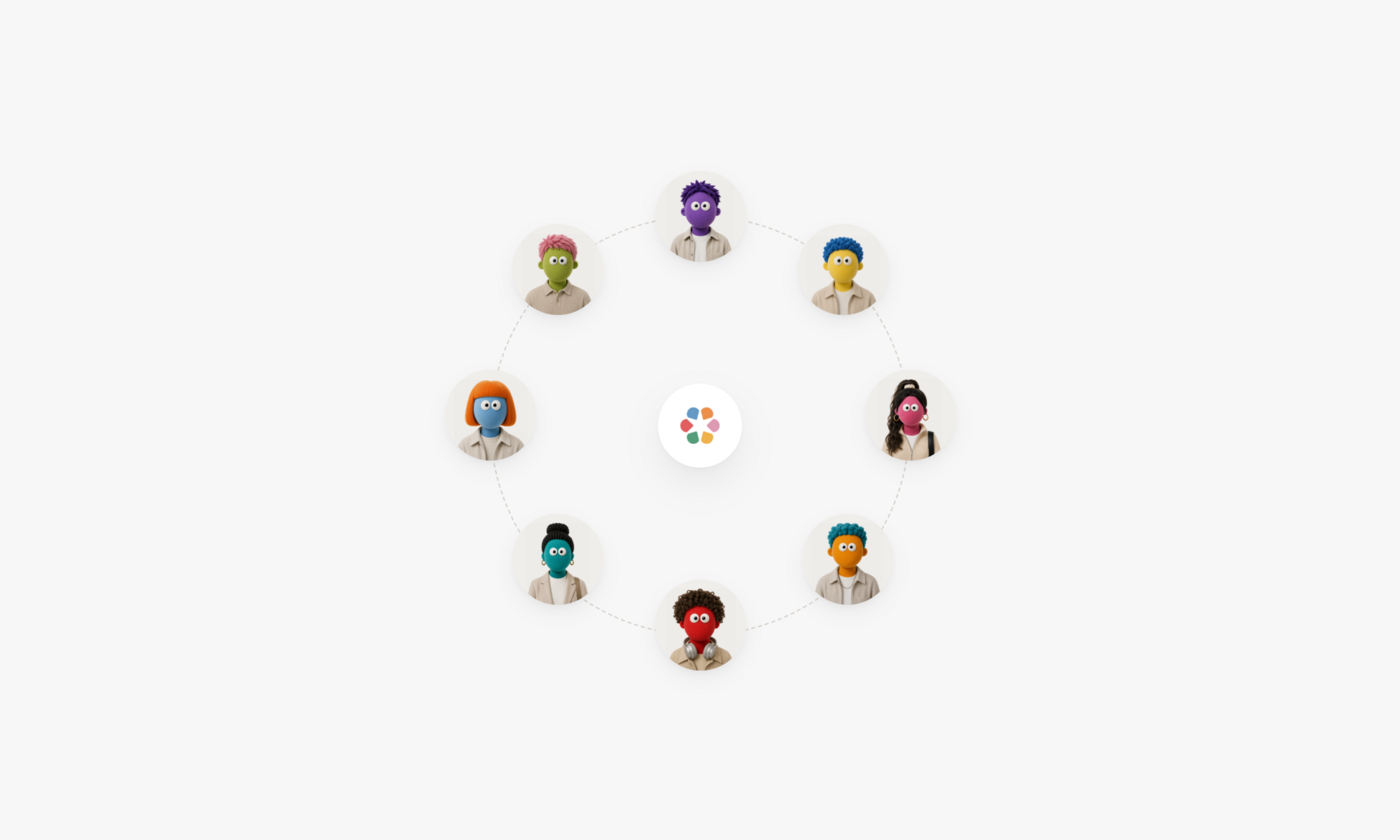
When agents need to work together, throw them in a group chat and they’ll share context to orchestrate work and handoffs across bigger jobs. You stay in the loop, free to jump in, review or redirect at any point.
Agents that get better as you work
Every interaction makes your agents sharper. You assign the work, review the results, and teach your preferences as you go. Your agent remembers your feedback, learns from corrections, and carries that knowledge into future work. Agents make their own skills and reflect on their work each day to self improve. Soon, they feel like the only agents that do work like you and your team would.
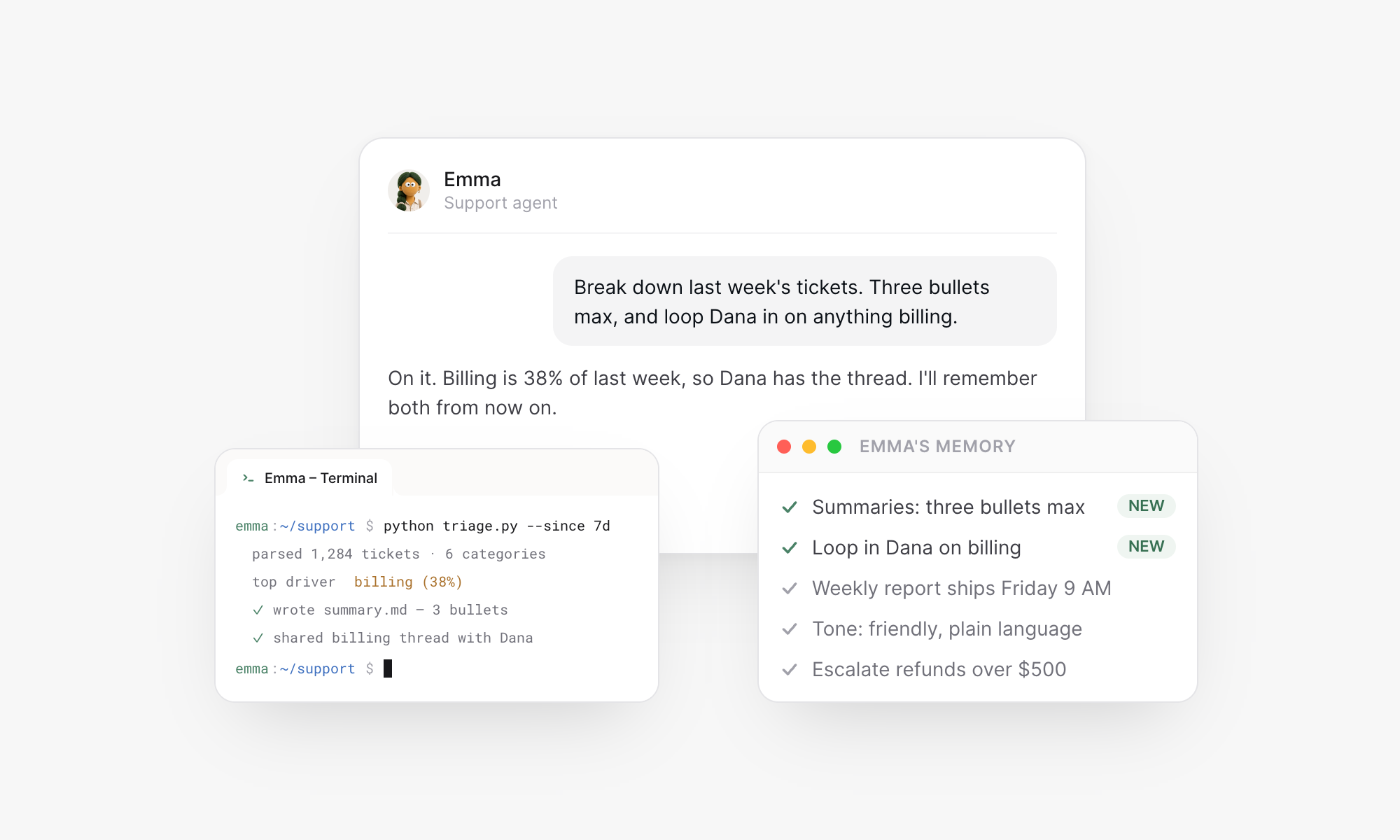
There are many agents on the market. But Skydive agents are yours.
Designed for the entire company
Skydive gives the most ambitious teams the AI infrastructure they need to solve problems with agents.
Every agent on Skydive comes with everything it needs to be successful out of box. You stop wasting cycles “building an agent” and instead focus on making it useful.
Your team gets 1 shared workspace for all its agents. We’ve built in the security, privacy, governance and usage controls that make managing an agent workforce a joy for builders and admins alike:
- Unlimited agents. Spin up a new agent for any job, big or small.
- Interact everywhere. An engineer can spin up an agent in their terminal, while the ops team uses it in Slack.
- Any model. Choose from 170+ models to run your agents. Train on the frontier, then drop your cost by 10x by switching to an open source model. All your agents keep working.
- Roles and permissions. Control who can view, edit or use an agent.
- Policies and guardrails. Securely share credentials w/ built in network layer controls.
- Spend controls. Get detailed visibility across the team and set hard or soft caps.
- and much much more…
Check out Skydive Enterprise for team and company plans.
Skydive is live today. Make your first agent, describe one job you would hand off a new coworker if you could, and watch it get to work. Then make your next one. It’ll be just as easy.
Make your first agent