> ## Documentation Index
> Fetch the complete documentation index at: https://getskydive.com/docs/llms.txt
> Use this file to discover all available pages before exploring further.
# Storage
> Your agent can provision a managed Postgres database for the apps it builds
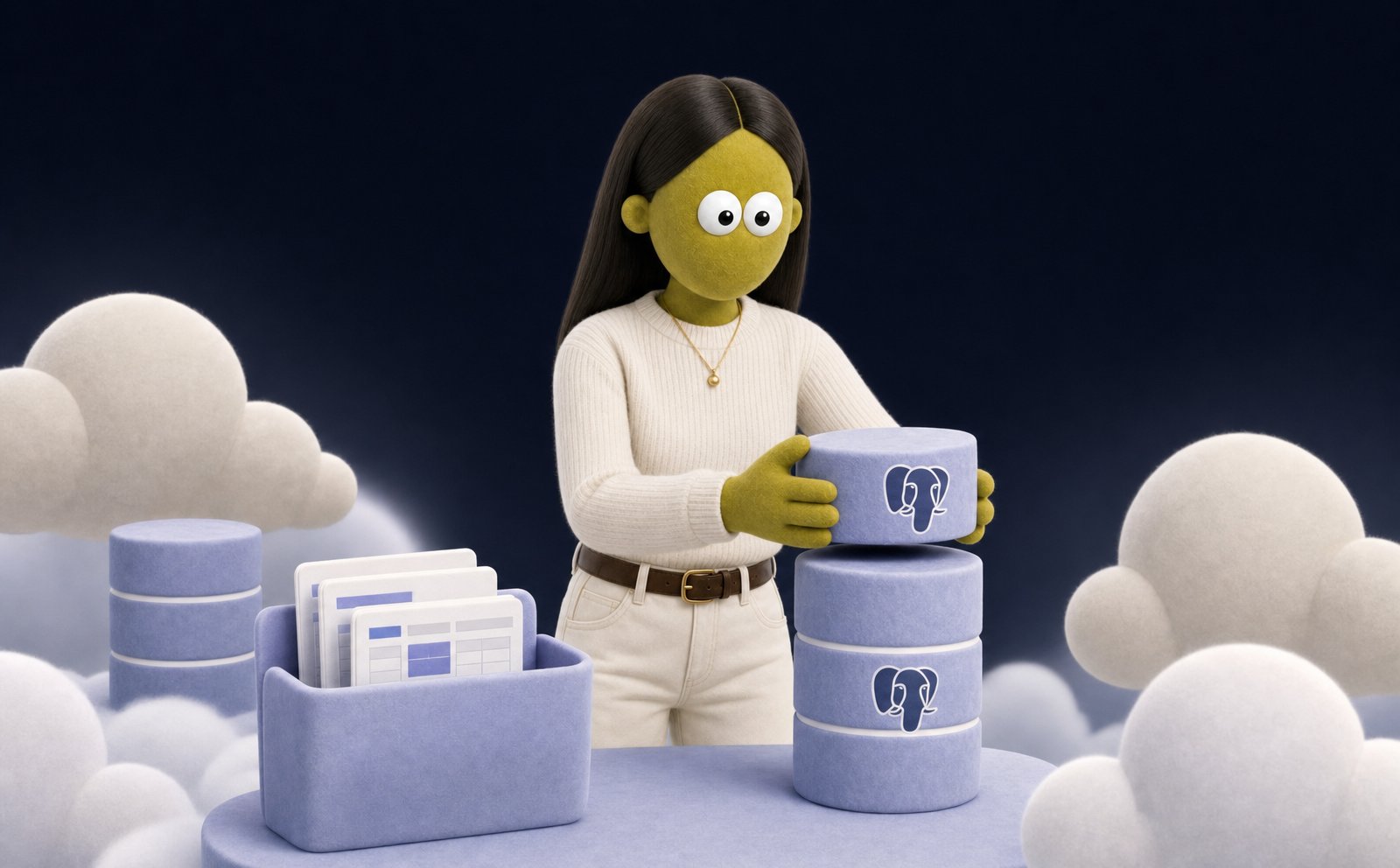
When an agent builds something that needs to remember data between visits, it provisions a managed Postgres database as the backend. No setup on your end. The agent creates the database, connects to it, and keeps the connection details safe.
 ## When an agent uses one
Persist the data behind a [web app](/docs/capabilities/webserver): records, settings, user accounts.
Store the rows a live dashboard reads from, so numbers survive a restart.
Keep results from [routines](/docs/agents/routines) building up over time.
Anything that's cleaner as real tables than as files in the workspace.
## How it works
Ask the agent for something that needs to remember data. It provisions a database on its own:
```text theme={null}
Build me a small CRM where I can add contacts and notes, and keep
them between sessions.
```
The agent creates a Postgres database (hosted on Neon), attaches it under an environment variable, and wires its app to read and write from it. The connection string is stored as a secret in the agent's sandbox and never printed in chat.
A database persists independently of the sandbox. The sandbox is wiped when it goes idle. The database and everything in it stays.
## Sizing
Databases come in three sizes: small, medium, and large. Most apps run well on the default small tier. The agent picks a larger size when the work needs more storage or throughput. You can also ask it to resize.
## Shared across your workspace
Databases belong to your workspace, not to a single agent. Any agent in the workspace can attach an existing database and connect to it. Two agents can share one backing store: one writes the data, another reads it. Each agent chooses the environment variable it attaches the database under. When a database is no longer needed, an agent can archive it. Archiving preserves the data and frees the name for reuse.
Databases are the backing store for the live web apps your agent hosts.
## When an agent uses one
Persist the data behind a [web app](/docs/capabilities/webserver): records, settings, user accounts.
Store the rows a live dashboard reads from, so numbers survive a restart.
Keep results from [routines](/docs/agents/routines) building up over time.
Anything that's cleaner as real tables than as files in the workspace.
## How it works
Ask the agent for something that needs to remember data. It provisions a database on its own:
```text theme={null}
Build me a small CRM where I can add contacts and notes, and keep
them between sessions.
```
The agent creates a Postgres database (hosted on Neon), attaches it under an environment variable, and wires its app to read and write from it. The connection string is stored as a secret in the agent's sandbox and never printed in chat.
A database persists independently of the sandbox. The sandbox is wiped when it goes idle. The database and everything in it stays.
## Sizing
Databases come in three sizes: small, medium, and large. Most apps run well on the default small tier. The agent picks a larger size when the work needs more storage or throughput. You can also ask it to resize.
## Shared across your workspace
Databases belong to your workspace, not to a single agent. Any agent in the workspace can attach an existing database and connect to it. Two agents can share one backing store: one writes the data, another reads it. Each agent chooses the environment variable it attaches the database under. When a database is no longer needed, an agent can archive it. Archiving preserves the data and frees the name for reuse.
Databases are the backing store for the live web apps your agent hosts.