Product
Solutions
Enterprise
Pricing
Blog
Log in
Get Started
→
INTEGRATIONS
/
Alpic
Alpic integration for AI agents
Connect Alpic and your Skydive agent gets to work. Ask in plain English, get the answer, keep moving.
Connect Alpic
→
Learn more
Alpic, connected
Everything your agent can do in Alpic
Connect Alpic once and your agent can read, act, and report across it.
Just ask, in plain English
just ask and the agent handles the rest in Alpic
Server watchlist
Pricing deploy
Canary check
#
#servers
Gen
9:18 AM
Which of my MCP servers are deployed and where is each one running?
Puffin
APP
9:19 AM
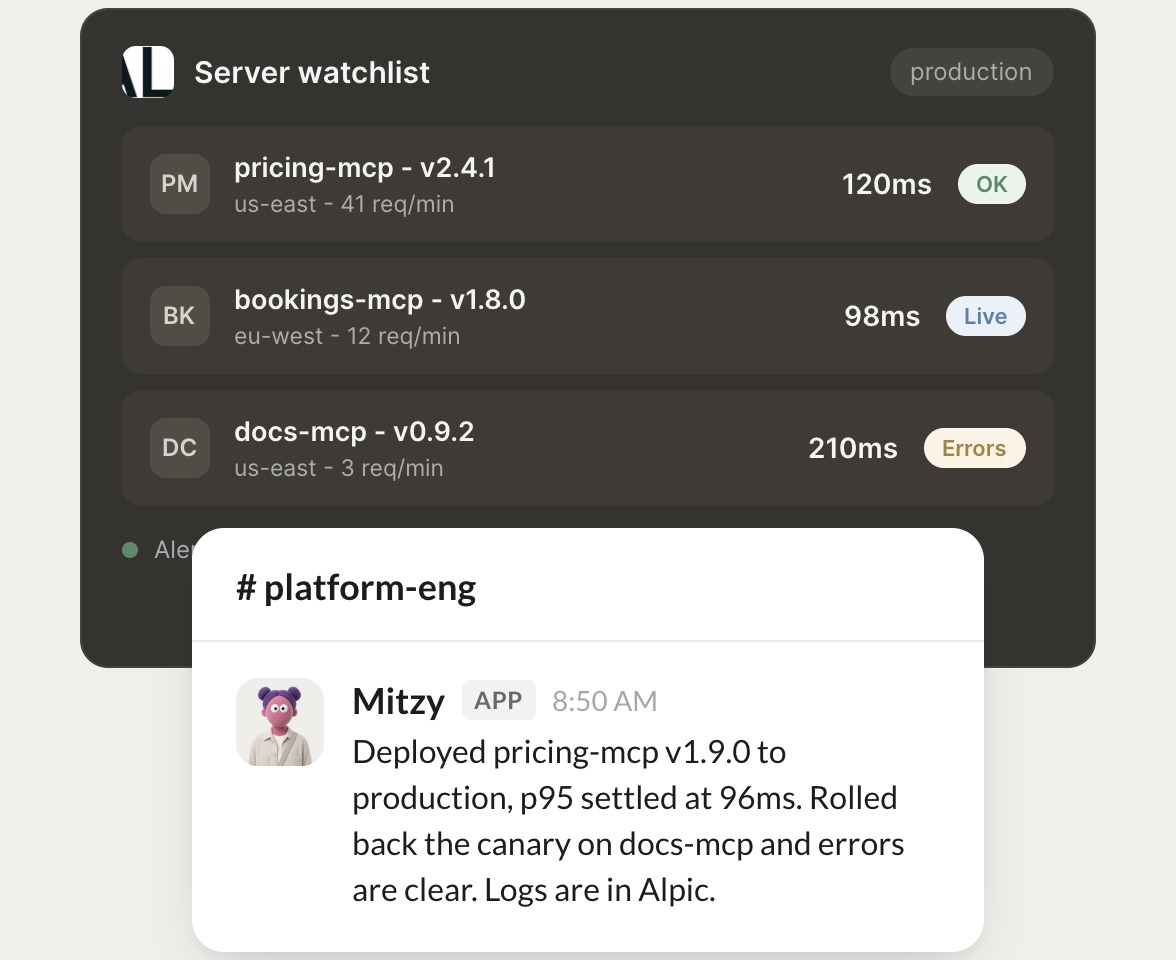
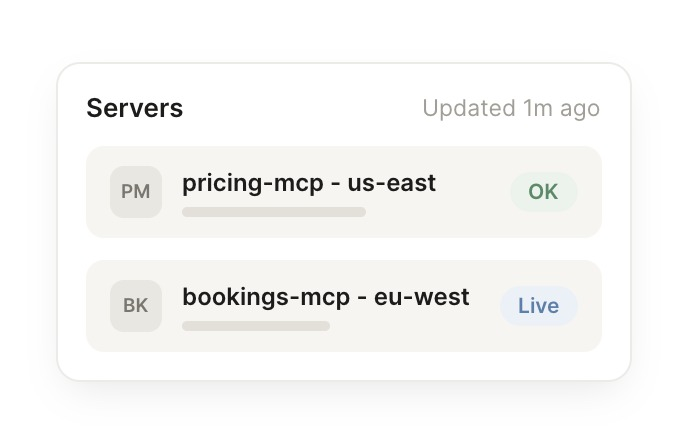
All three are live: pricing-mcp v2.4.1 in us-east at 120ms, bookings-mcp v1.8.0 in eu-west at 98ms, and docs-mcp v0.9.2 in us-east.
Gen
9:24 AM
Perfect, thank you.
#
#deploys
James
8:31 AM
Ship the new pricing-mcp build and watch the latency for me.
Effie
APP
8:32 AM
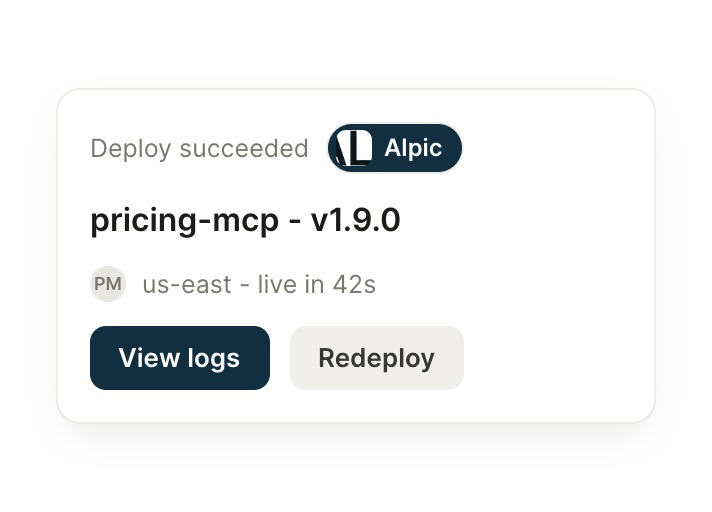
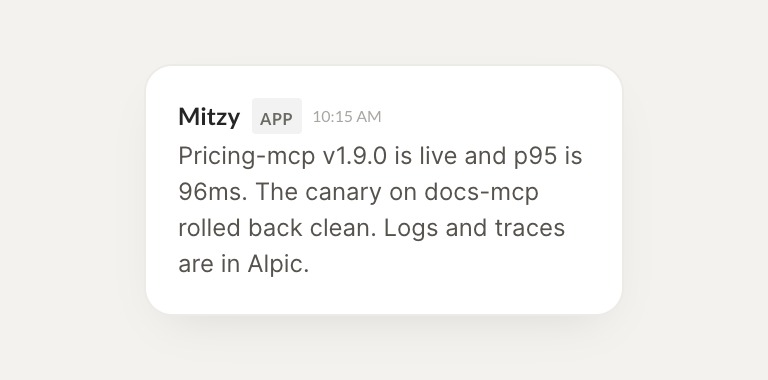
Pricing-mcp v1.9.0 is live and p95 is 96ms. The canary on docs-mcp rolled back clean, and logs and traces are in Alpic.
James
8:38 AM
Got it, that works.
#
#canary
Marcus
9:00 AM
Did anything regress in the last deploy?
Mitzy
APP
9:02 AM
No regressions. Pricing p95 held at 96ms, the docs canary rollback left it on the previous version, and error rates are flat.
Marcus
9:05 AM
Nice, quick turnaround.
Live in three steps
No integration project. Connect in under a minute and your agent is working.
01
Find
Pick the integration from your agent's list, or just ask the agent to connect it.
02
Approve
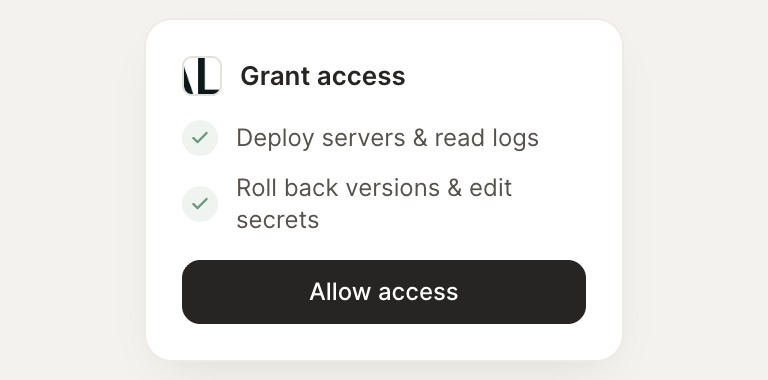
Confirm the access. Change what's granted anytime.
03
Done
Your agent gets to work and reports back.
⇄
Ready to put Alpic on autopilot?
Connect Alpic
→
Browse all integrations