Product
Solutions
Enterprise
Pricing
Blog
Log in
Get Started
→
INTEGRATIONS
/
Autodesk
Autodesk integration for AI agents
Connect Autodesk and your Skydive agent gets to work. Ask in plain English, get the answer, keep moving.
Connect Autodesk
→
Learn more
Autodesk, connected
Everything your agent can do in Autodesk
Connect Autodesk once and your agent can read, act, and report across it.
Just ask, in plain English
just ask and the agent handles the rest in Autodesk
Model uploads
Clash report
Viewer status
#
#models
James
9:18 AM
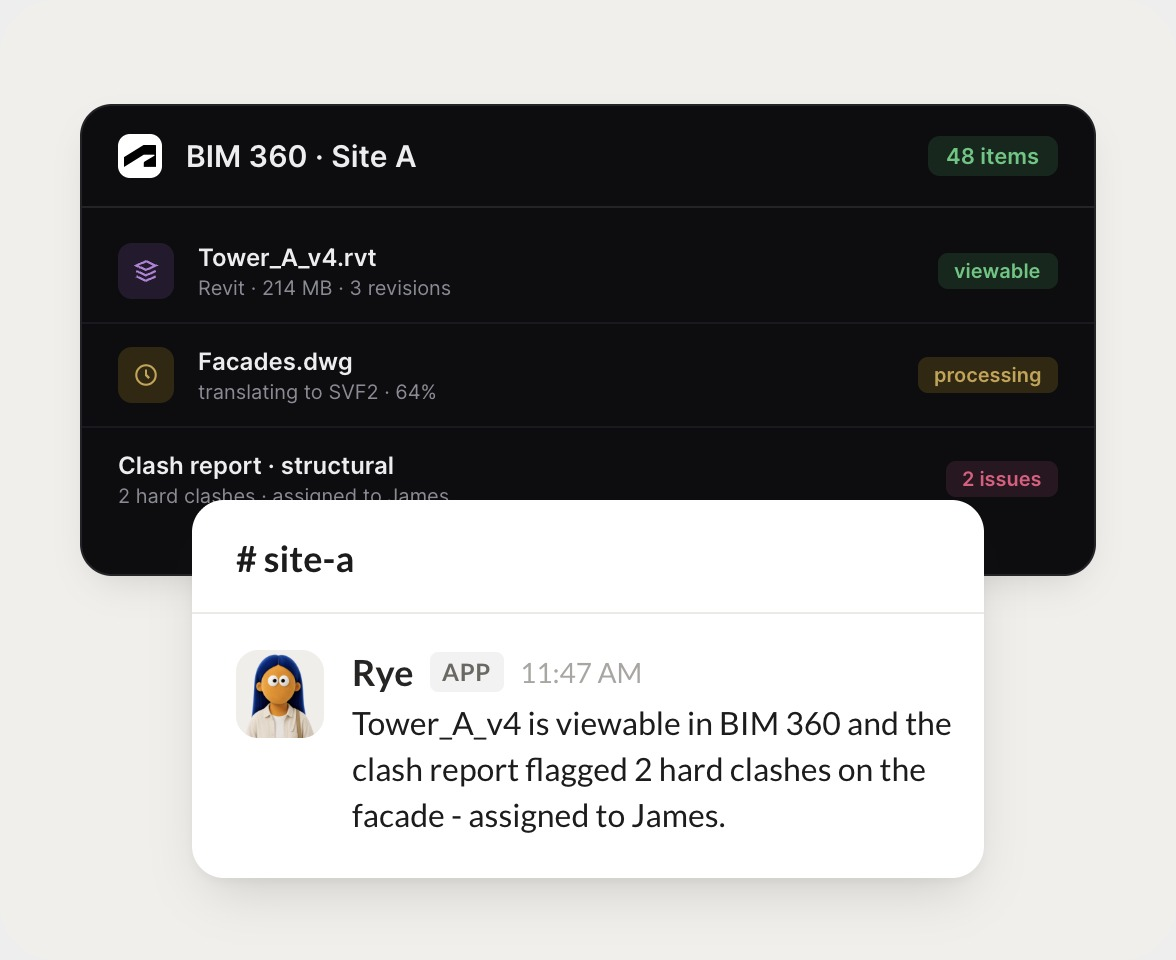
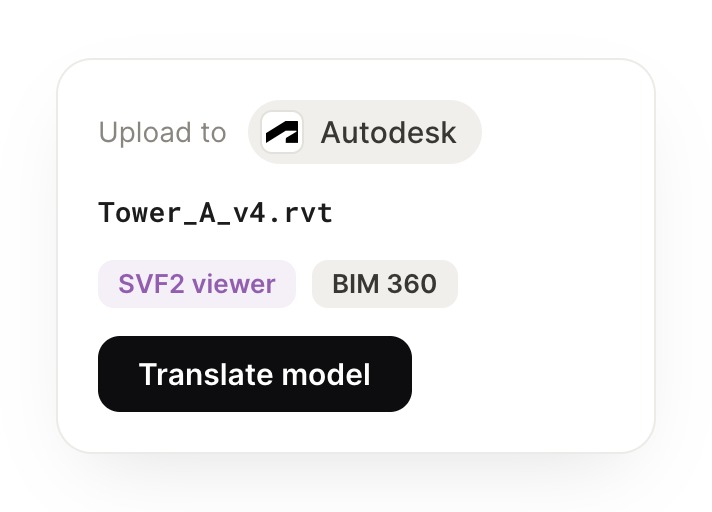
Get Tower_A_v4 viewable in the BIM 360 viewer for the site team.
Rye
APP
9:19 AM
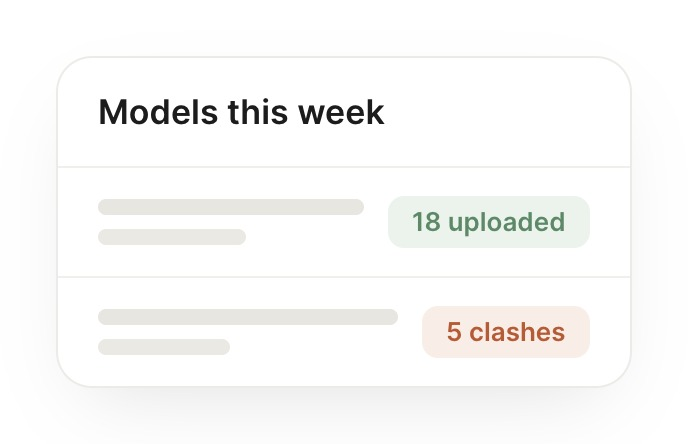
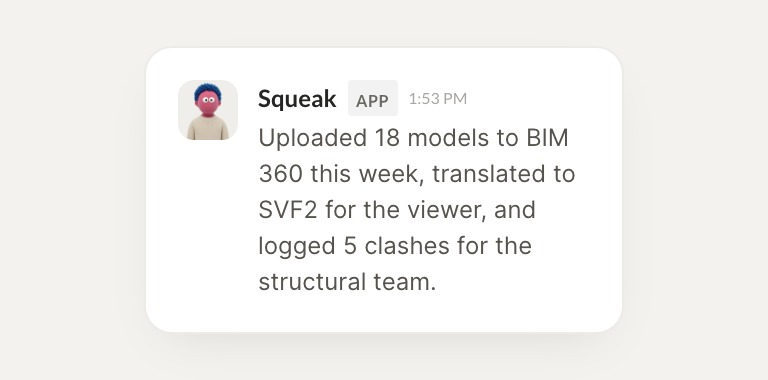
Uploaded 18 models to BIM 360 this week, translated to SVF2 for the viewer, and logged 5 clashes for the structural team.
James
9:24 AM
Perfect, thank you.
#
#clashes
Josh
8:31 AM
Any hard clashes in the latest facades file?
Squeak
APP
8:32 AM
Facades.dwg finished processing with 2 hard clashes against structure. Both are in the clash report and tagged for the structural team.
Josh
8:38 AM
Got it, that works.
#
#viewer
Marcus
9:00 AM
What did we push to site-a this week?
Cole
APP
9:02 AM
Tower_A_v4 plus 17 supporting models went up. The clash report has 2 hard and 2 soft issues, and everything is viewable in the viewer.
Marcus
9:05 AM
Nice, quick turnaround.
Live in three steps
No integration project. Connect in under a minute and your agent is working.
01
Find
Pick the integration from your agent's list, or just ask the agent to connect it.
02
Approve
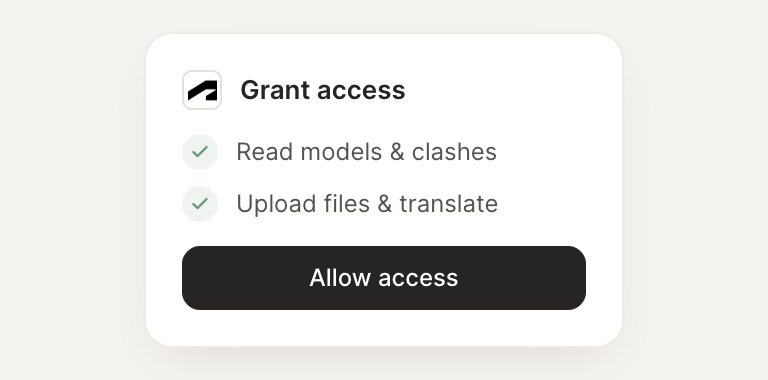
Confirm the access. Change what's granted anytime.
03
Done
Your agent gets to work and reports back.
⇄
Ready to put Autodesk on autopilot?
Connect Autodesk
→
Browse all integrations