Product
Solutions
Enterprise
Pricing
Blog
Log in
Get Started
→
INTEGRATIONS
/
Builder
Builder integration for AI agents
Connect Builder and your Skydive agent gets to work. Ask in plain English, get the answer, keep moving.
Connect Builder
→
Learn more
Builder, connected
Everything your agent can do in Builder
Connect Builder once and your agent can read, act, and report across it.
Just ask, in plain English
just ask and the agent handles the rest in Builder
Page status
Publish flow
Targeting check
#
#content
Arnav
9:18 AM
What is the state of the marketing space content?
Satin
APP
9:19 AM
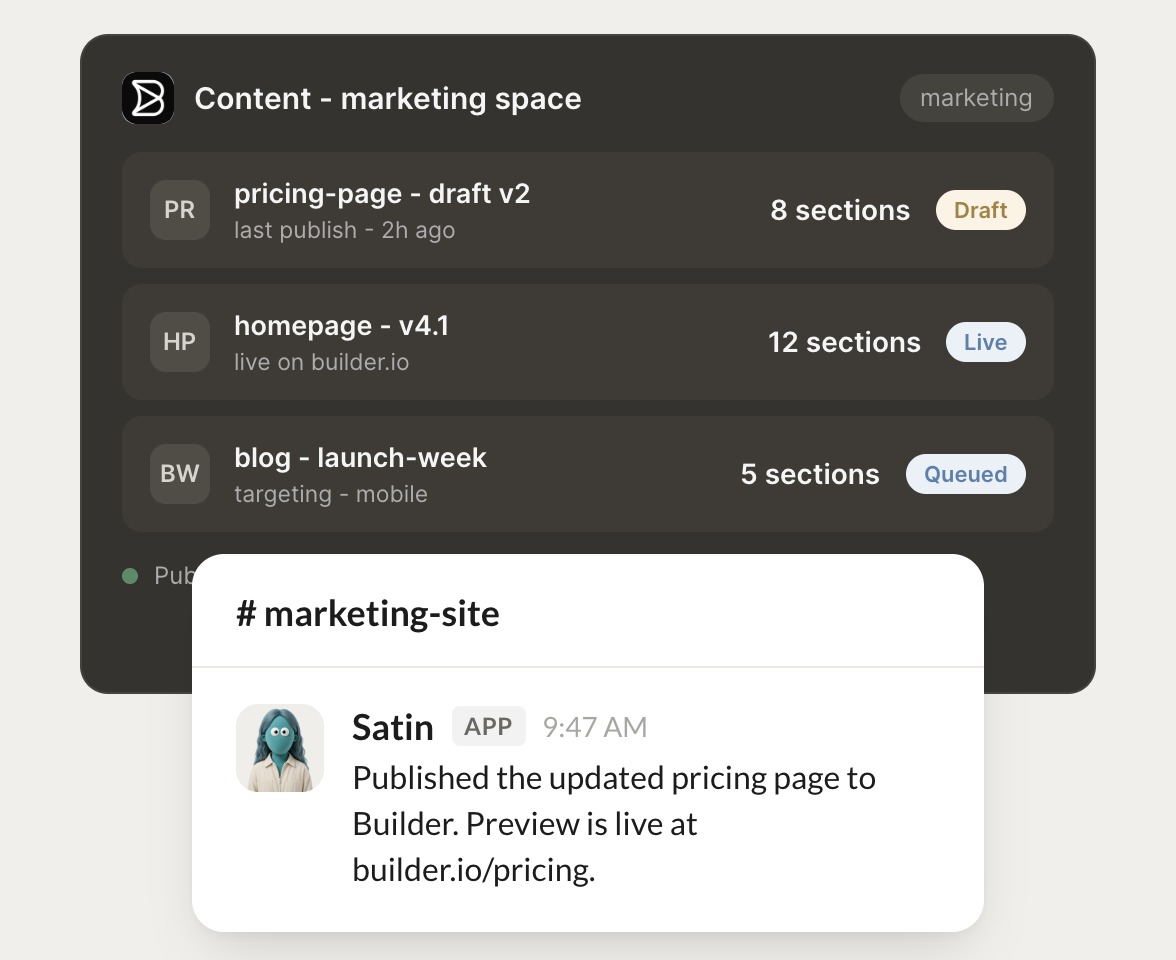
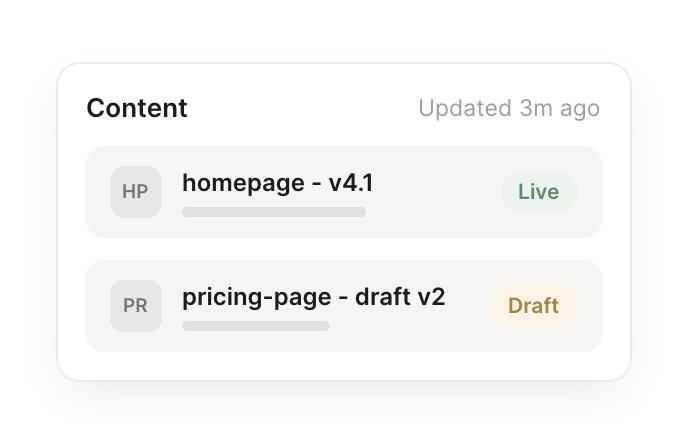
Pricing page draft v2 has 8 sections and was last published 2 hours ago. Homepage v4.1 is live on builder.io with 12 sections.
Arnav
9:24 AM
Perfect, thank you.
#
#publish
Dhruv
8:31 AM
Ship pricing page v2 and keep mobile targeting intact.
Bun
APP
8:32 AM
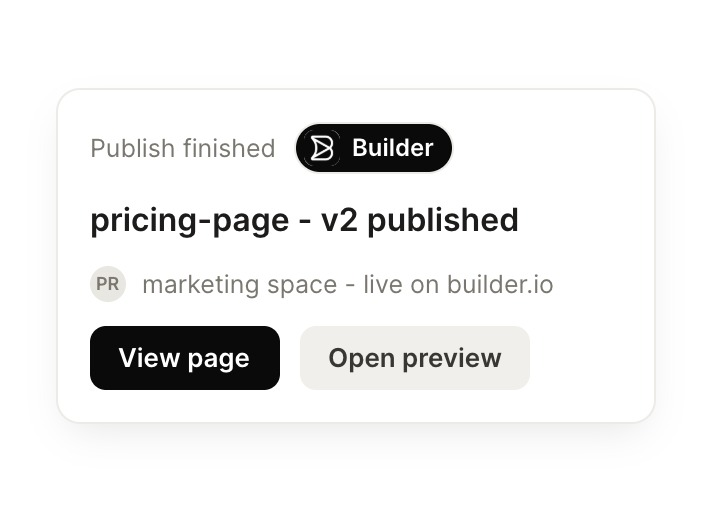
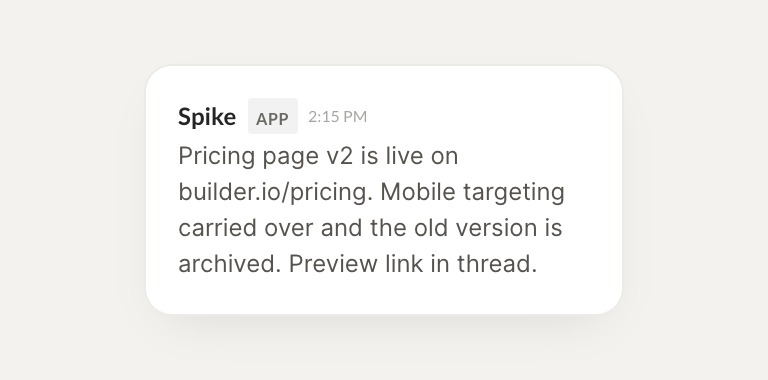
Pricing page v2 is live on builder.io/pricing. Mobile targeting carried over and the old version is archived. Preview link is in the thread.
Dhruv
8:38 AM
Got it, that works.
#
#targeting
Vento
9:00 AM
Which pages changed most recently?
Spike
APP
9:02 AM
The pricing page (2h ago), then the blog layout. Homepage v4.1 has not changed since its last publish.
Vento
9:05 AM
Nice, quick turnaround.
Live in three steps
No integration project. Connect in under a minute and your agent is working.
01
Find
Pick the integration from your agent's list, or just ask the agent to connect it.
02
Approve
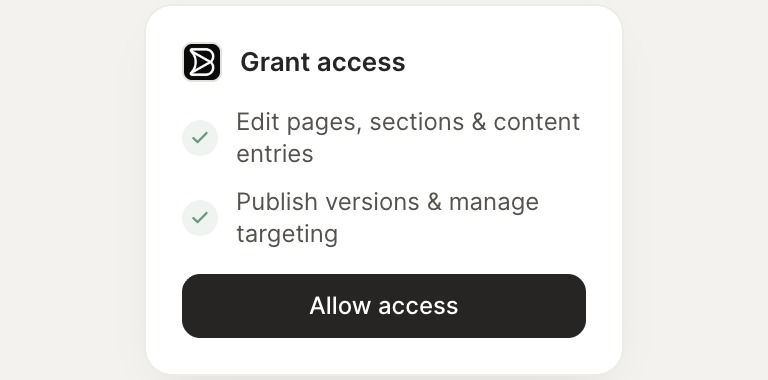
Confirm the access. Change what's granted anytime.
03
Done
Your agent gets to work and reports back.
⇄
Ready to put Builder on autopilot?
Connect Builder
→
Browse all integrations