Product
Solutions
Enterprise
Pricing
Blog
Log in
Get Started
→
INTEGRATIONS
/
Clerk
Clerk user management, on autopilot
Your agent watches sign-ups, surfaces pending invites, and keeps you current on how people are authenticating.
Connect Clerk
→
Learn more
Clerk, connected
Your user base at a glance
Ask about new sign-ups or a stalled invite and the agent pulls the answer straight from Clerk.
Just ask, in plain English
Just ask, and the agent handles the rest in Clerk.
Sign-up watch
Invite cleanup
Auth report
#
auth
Dhruv
9:18 AM
How many new sign-ups did we get today and how are they authenticating?
Opal
APP
9:19 AM
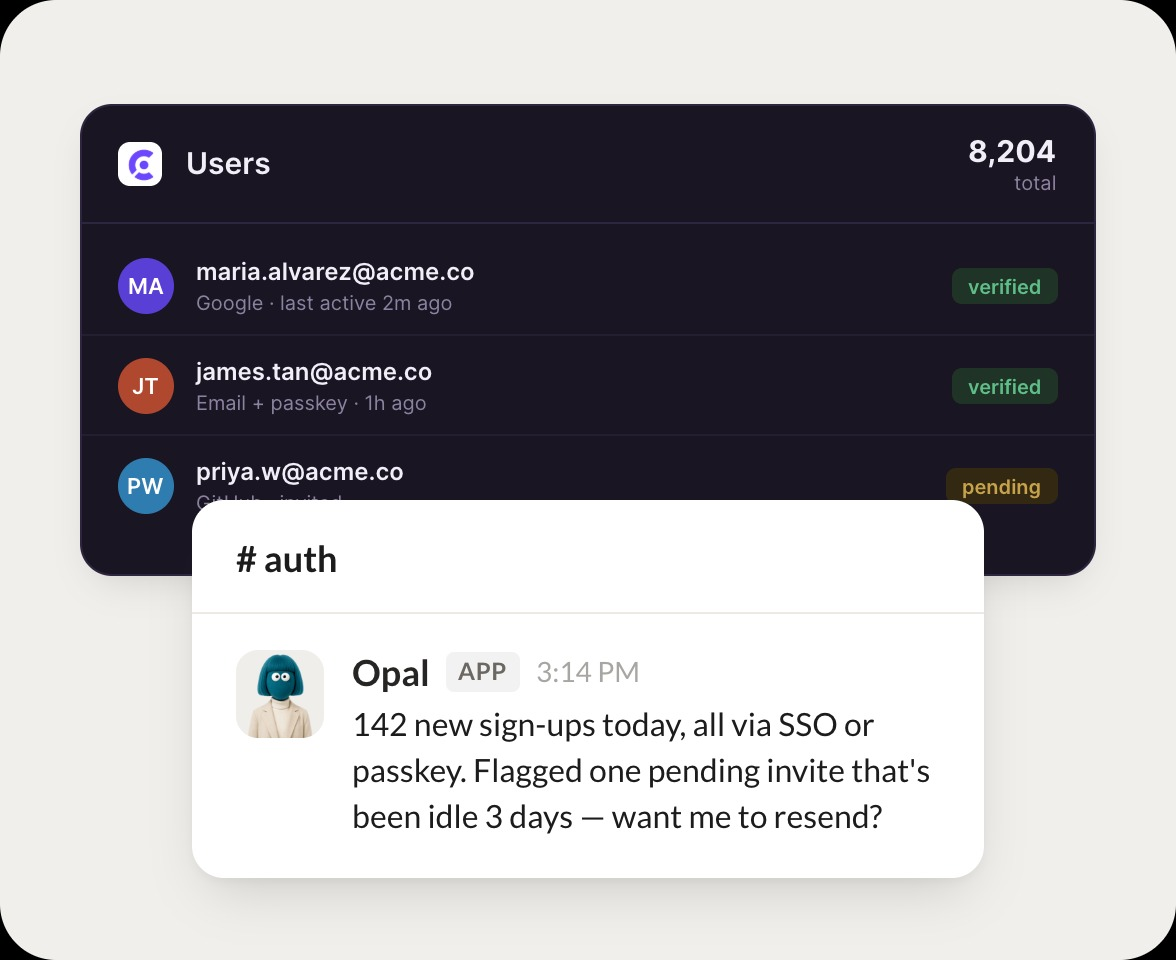
142 new sign-ups today, all via SSO or passkey. Flagged one pending invite that has been idle 3 days and can resend it on your say-so.
Dhruv
9:24 AM
Go ahead and resend it.
#
access
Leo
8:31 AM
Is there a pending invite that has been sitting idle?
Nan
APP
8:32 AM
Yes,
[email protected]
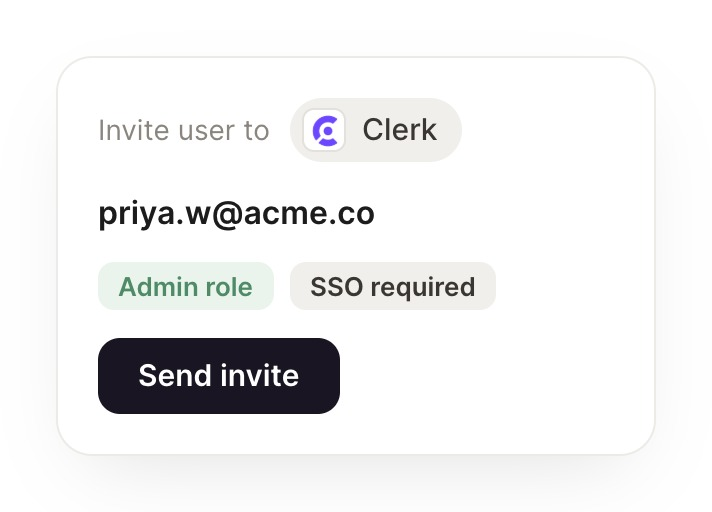
was invited but never accepted, idle 3 days now. Want me to resend it?
Leo
8:38 AM
Yes, resend please.
#
identity
Eldar
9:00 AM
Give me this week's onboarding numbers and passkey adoption.
Lars
APP
9:02 AM
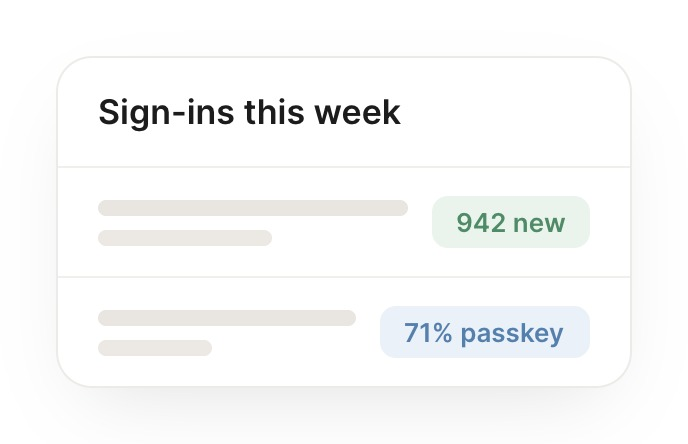
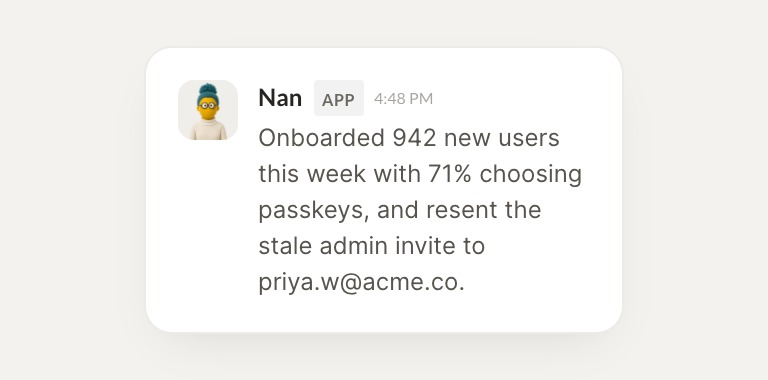
Onboarded 942 new users this week with 71 percent choosing passkeys, and resent the stale admin invite.
Eldar
9:05 AM
Great progress this week.
Live in three steps
No integration project. Connect in under a minute and your agent is working.
01
Find
Pick the integration from your agent's list, or just ask the agent to connect it.
02
Approve
Confirm the access. Change what's granted anytime.
03
Done
Your agent gets to work and reports back.
⇄
Put Clerk auth insights in your team channel
Connect Clerk
→
Browse all integrations