Product
Solutions
Enterprise
Pricing
Blog
Log in
Get Started
→
INTEGRATIONS
/
Cloudflare
Connect Skydive agents to your Cloudflare
Connect Cloudflare and your agent reads your DNS, checks your zones, and surfaces what needs attention. Your infrastructure stays in order while you do the work that matters.
Connect Cloudflare
→
Learn more
Cloudflare, connected
Turn your Skydive agents into infrastructure teammates
One connection, and your agent reads your DNS and zones, checks settings, and flags what is worth a look.
Just ask, in plain English
Ask your agent for what you need, right where you already work. It handles the rest in Cloudflare.
DNS check
Zone review
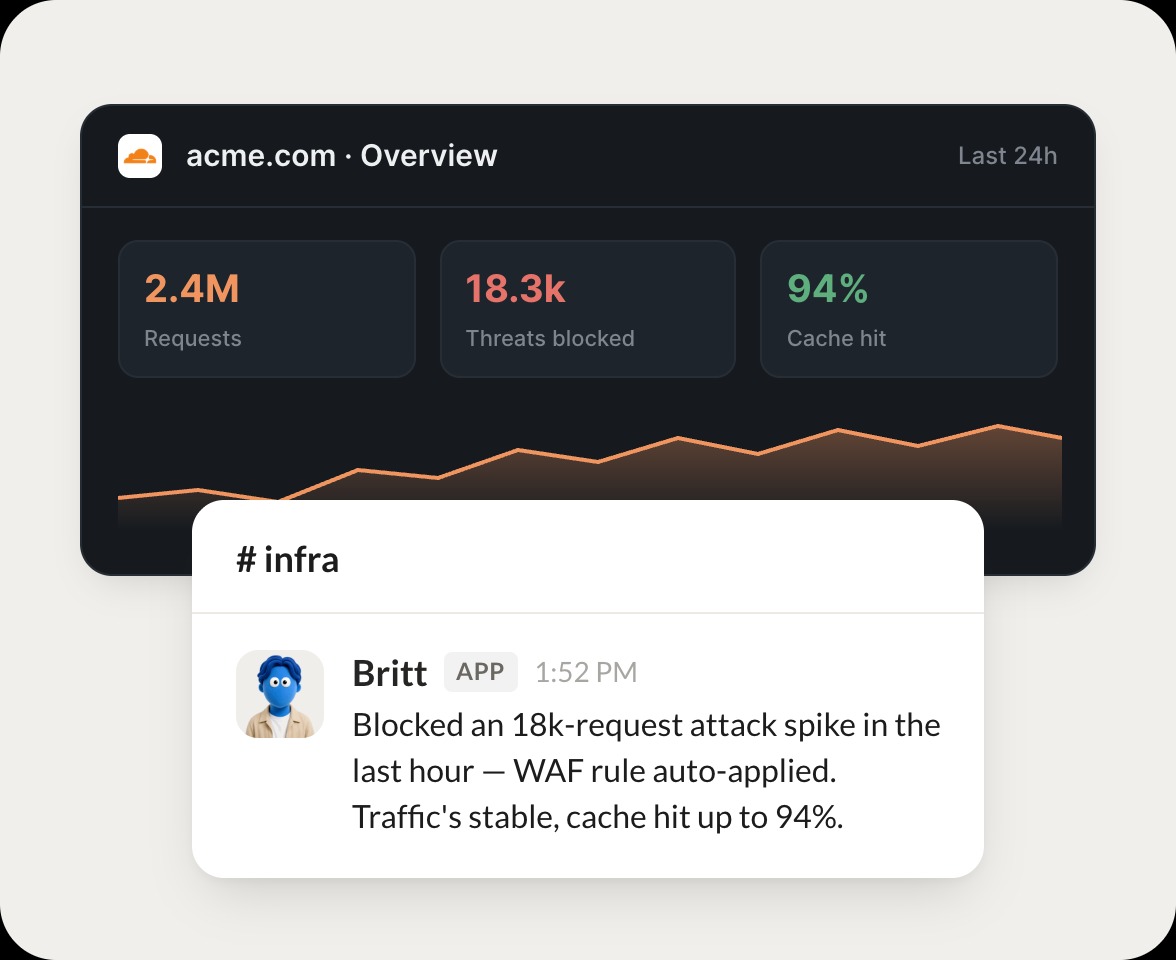
Traffic watch
#
dns
Eldar
9:18 AM
List the DNS records for our main domain.
Britt
APP
9:19 AM
Pulled the DNS for your main domain. There are 24 records, and I flagged two A records still pointing at the old host so you can clean them up.
Eldar
9:24 AM
Thanks, fixing those.
#
zones
Dhruv
8:31 AM
Which zones have proxy turned off?
Hollis
APP
8:32 AM
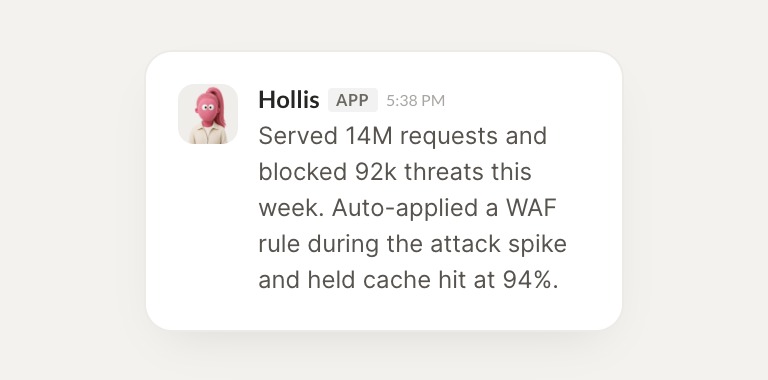
Checked your zones. Three have the proxy turned off, which means their traffic is not going through Cloudflare, so I listed each one.
Dhruv
8:38 AM
Good to know.
#
traffic
Vento
9:00 AM
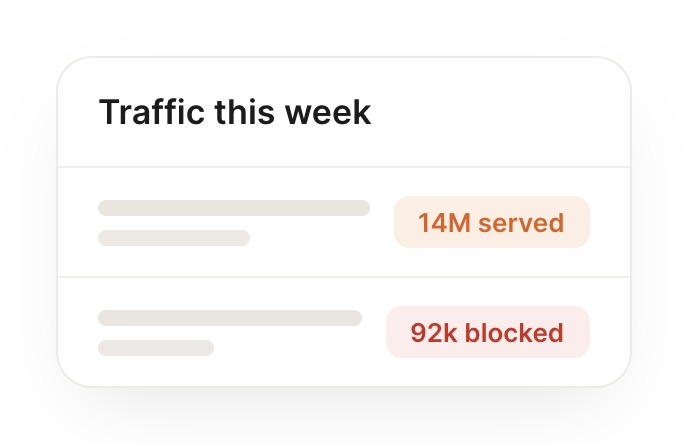
How much traffic did we block this week?
Cecily
APP
9:02 AM
Read this week's traffic. Cloudflare blocked 12k threats, mostly bot traffic on the login route, and I pulled the breakdown for you.
Vento
9:05 AM
Nice, send it.
Live in three steps
No integration project. Connect in under a minute and your agent is working.
01
Find
Pick the integration from your agent's list, or just ask the agent to connect it.
02
Approve
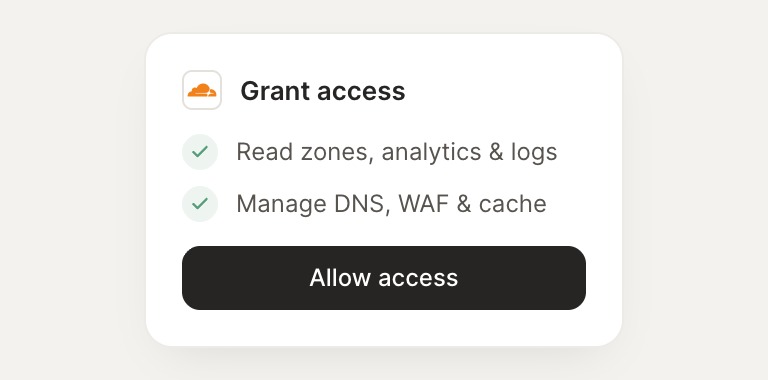
Confirm the access. Change what's granted anytime.
03
Done
Your agent gets to work and reports back.
⇄
Connect your agent to Cloudflare today
Connect Cloudflare
→
Browse all integrations