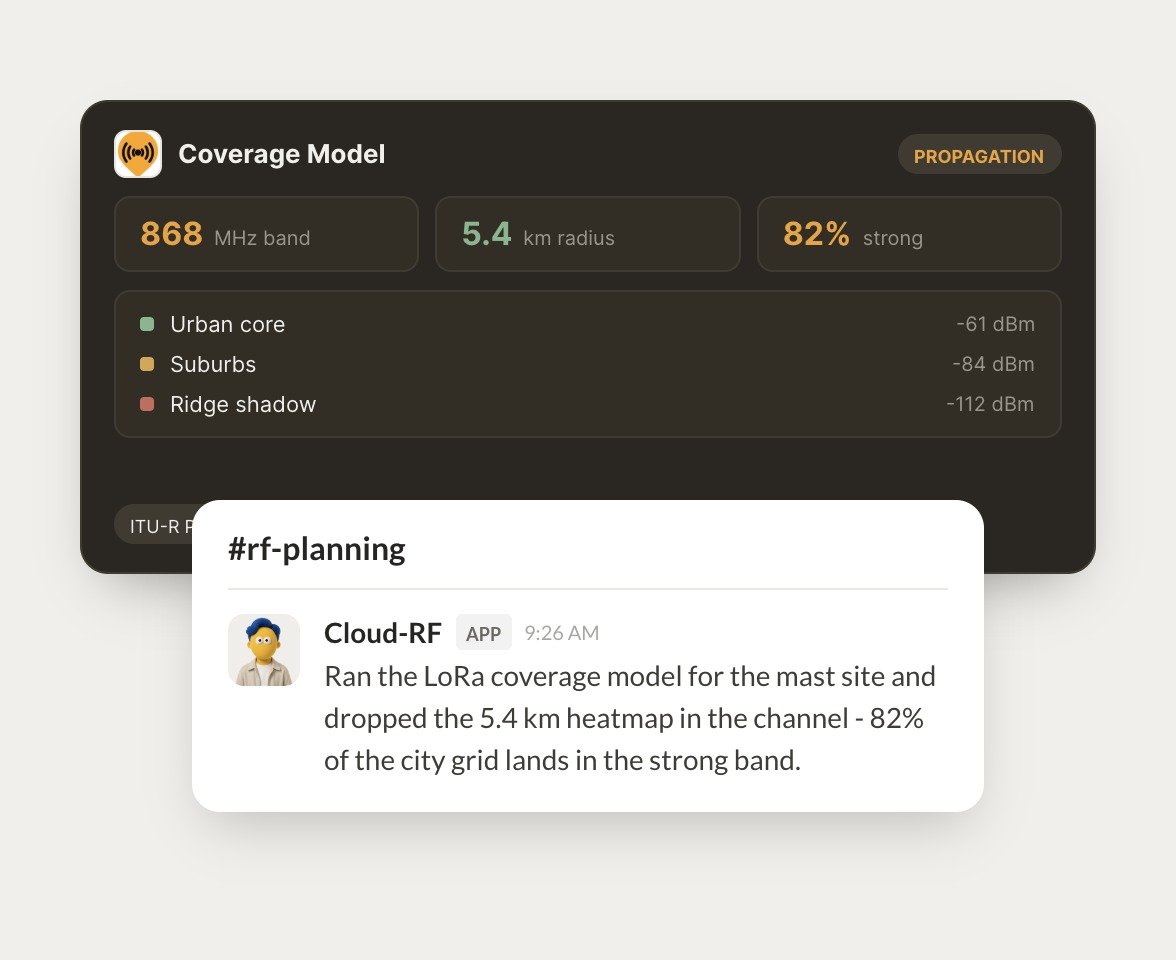
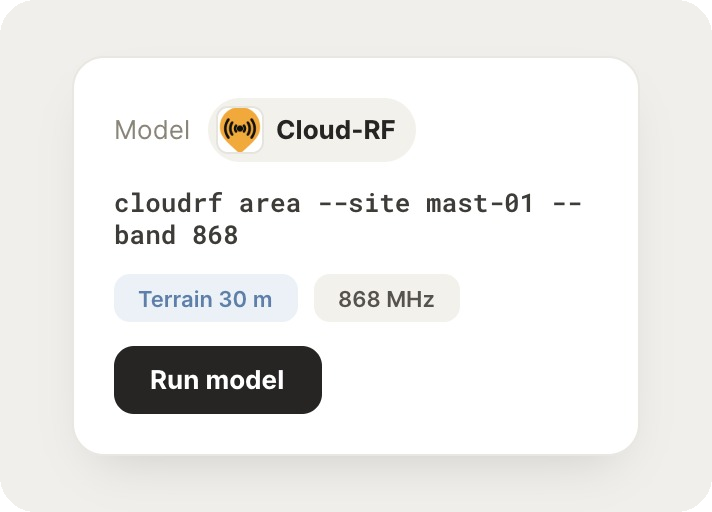
Run a LoRa coverage model for the mast-01 site at 868 MHz and share the heatmap.
Lane
APP
9:19 AM
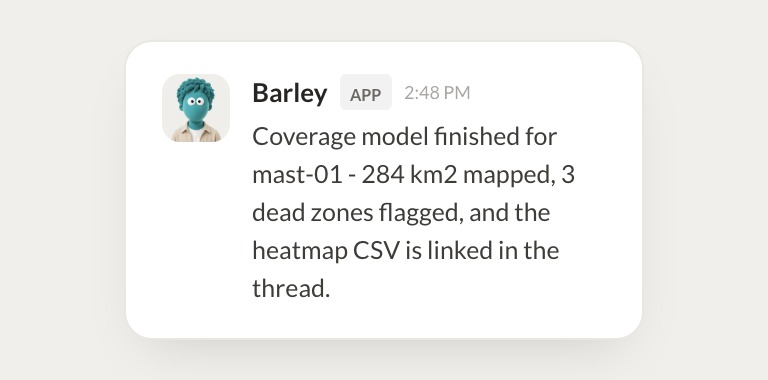
Ran the model on 30 m terrain. The heatmap covers 284 square km and 82% of the city grid lands in the strong band. It's posted in the thread with the CSV.
Zaria
9:24 AM
Got it, thanks.
#
#field-ops
Dylan
8:31 AM
Which parts of the city grid fall outside the strong band from mast-01?
Barley
APP
8:32 AM
Three dead zones showed up. The worst is the ridge shadow on the east side at about minus 112 dBm, and two smaller pockets sit behind the stadium. I marked them on the map.
Dylan
8:38 AM
Awesome, super helpful.
#
#network
Rain
9:00 AM
Export a path loss report from mast-01 to the three new sensor sites.
Piazza
APP
9:02 AM
Path loss report is ready. Sensors A and B are well within budget, and sensor C needs about 6 dB more, so a taller antenna should fix it. The PDF is in the planning folder.
Rain
9:05 AM
Perfect.
Live in three steps
No integration project. Connect in under a minute and your agent is working.
01
Find
Pick the integration from your agent's list, or just ask the agent to connect it.
02
Approve
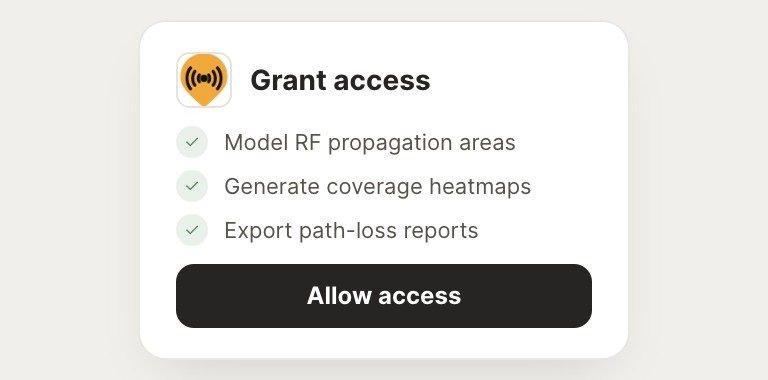
Confirm the access. Change what's granted anytime.