Product
Solutions
Enterprise
Pricing
Blog
Log in
Get Started
→
INTEGRATIONS
/
DatoCMS
DatoCMS integration for AI agents
Connect DatoCMS and your Skydive agent gets to work. Ask in plain English, get the answer, keep moving.
Connect DatoCMS
→
Learn more
DatoCMS, connected
Everything your agent can do in DatoCMS
Connect DatoCMS once and your agent can read, act, and report across it.
Just ask, in plain English
just ask and the agent handles the rest in DatoCMS
Landing page
New posts
Model check
#
#content-ops
Brendan
9:18 AM
Publish the new landing page copy in all six locales.
Yve
APP
9:19 AM
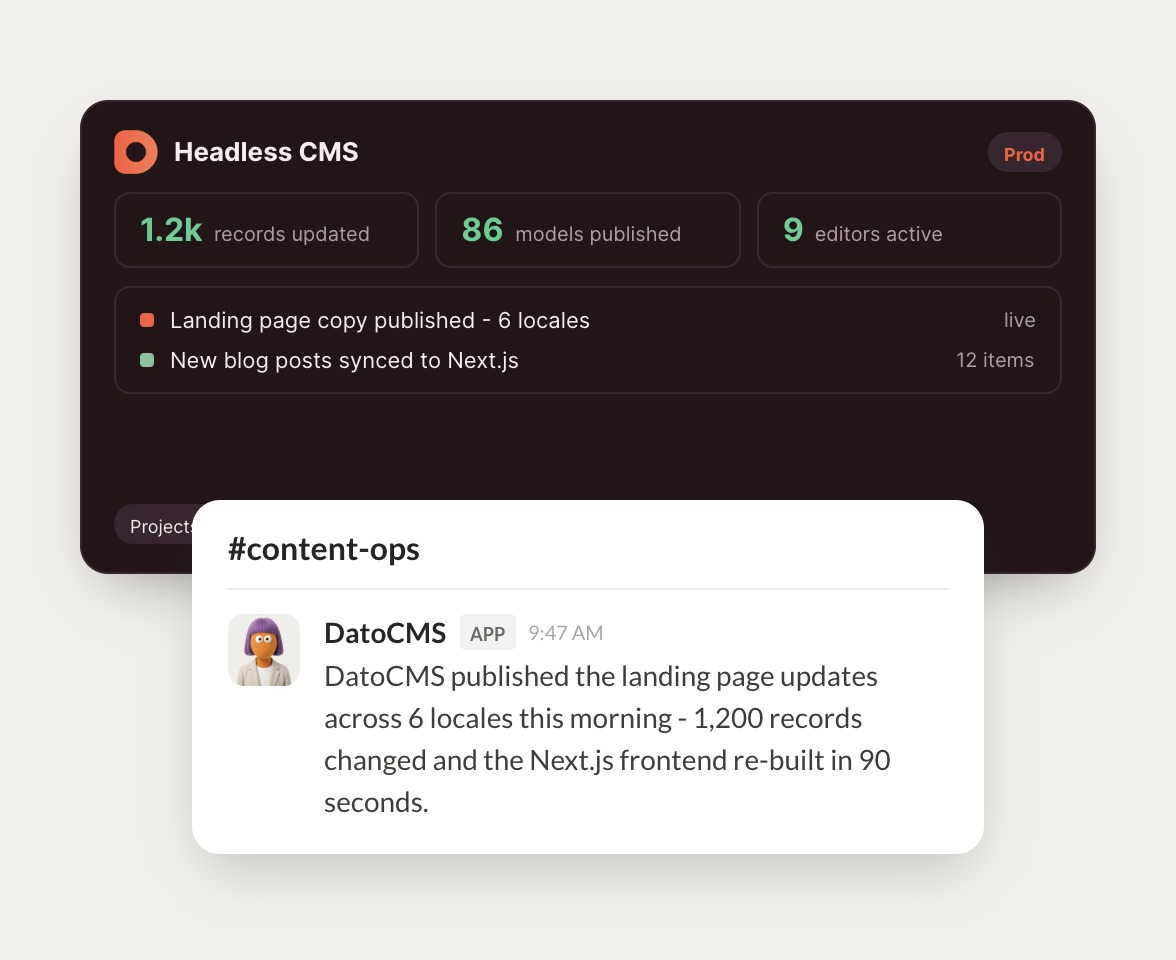
Landing page is published across six locales. 1,200 records changed and the Next.js frontend rebuilt in 90 seconds.
Brendan
9:24 AM
Nice work.
#
#web
Dylan
8:31 AM
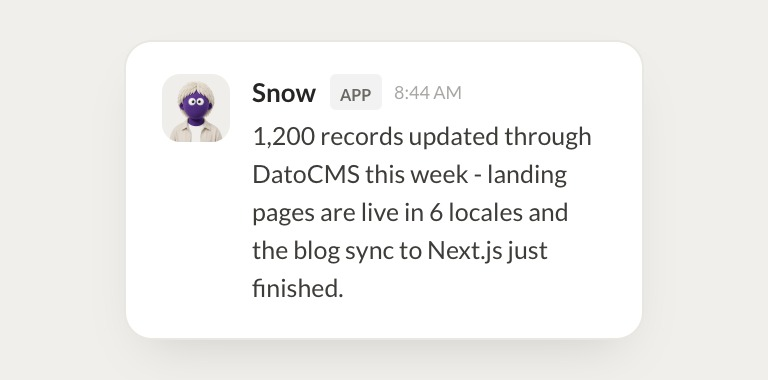
Sync this week's blog posts to the site.
Snow
APP
8:32 AM
Synced 12 new blog posts. They're live and the sitemap updated automatically.
Dylan
8:38 AM
Thanks, that's exactly it.
#
#content
Gen
9:00 AM
Which content models haven't been used in 90 days?
Link
APP
9:02 AM
Four models are unused in 90 days, including two old campaign templates. List is in the thread for cleanup.
Gen
9:05 AM
Great, ship it.
Live in three steps
No integration project. Connect in under a minute and your agent is working.
01
Find
Pick the integration from your agent's list, or just ask the agent to connect it.
02
Approve
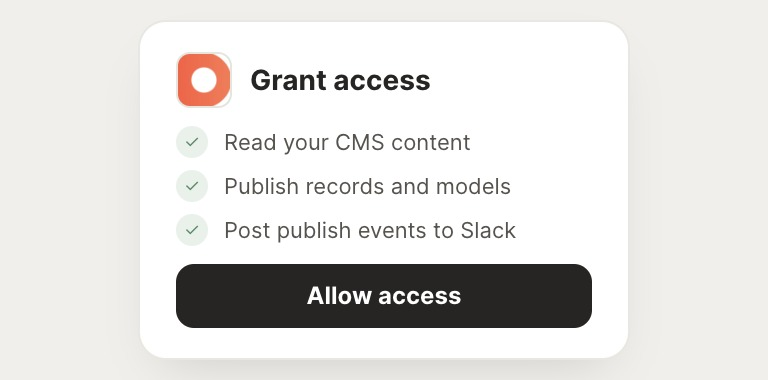
Confirm the access. Change what's granted anytime.
03
Done
Your agent gets to work and reports back.
⇄
Ready to put DatoCMS on autopilot?
Connect DatoCMS
→
Browse all integrations