Product
Solutions
Enterprise
Pricing
Blog
Log in
Get Started
→
INTEGRATIONS
/
Dwolla
Dwolla integration for AI agents
Connect Dwolla and your Skydive agent gets to work. Ask in plain English, get the answer, keep moving.
Connect Dwolla
→
Learn more
Dwolla, connected
Everything your agent can do in Dwolla
Connect Dwolla once and your agent can read, act, and report across it.
Just ask, in plain English
just ask and the agent handles the rest in Dwolla
Payout batch
Failed transfers
KYC queue
#
#payments
Arnav
9:18 AM
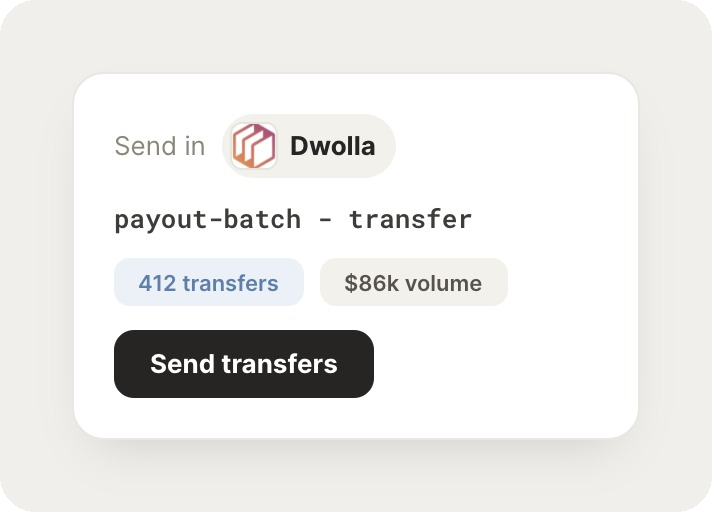
Send today's payout batch to our contractors.
Sadie
APP
9:19 AM
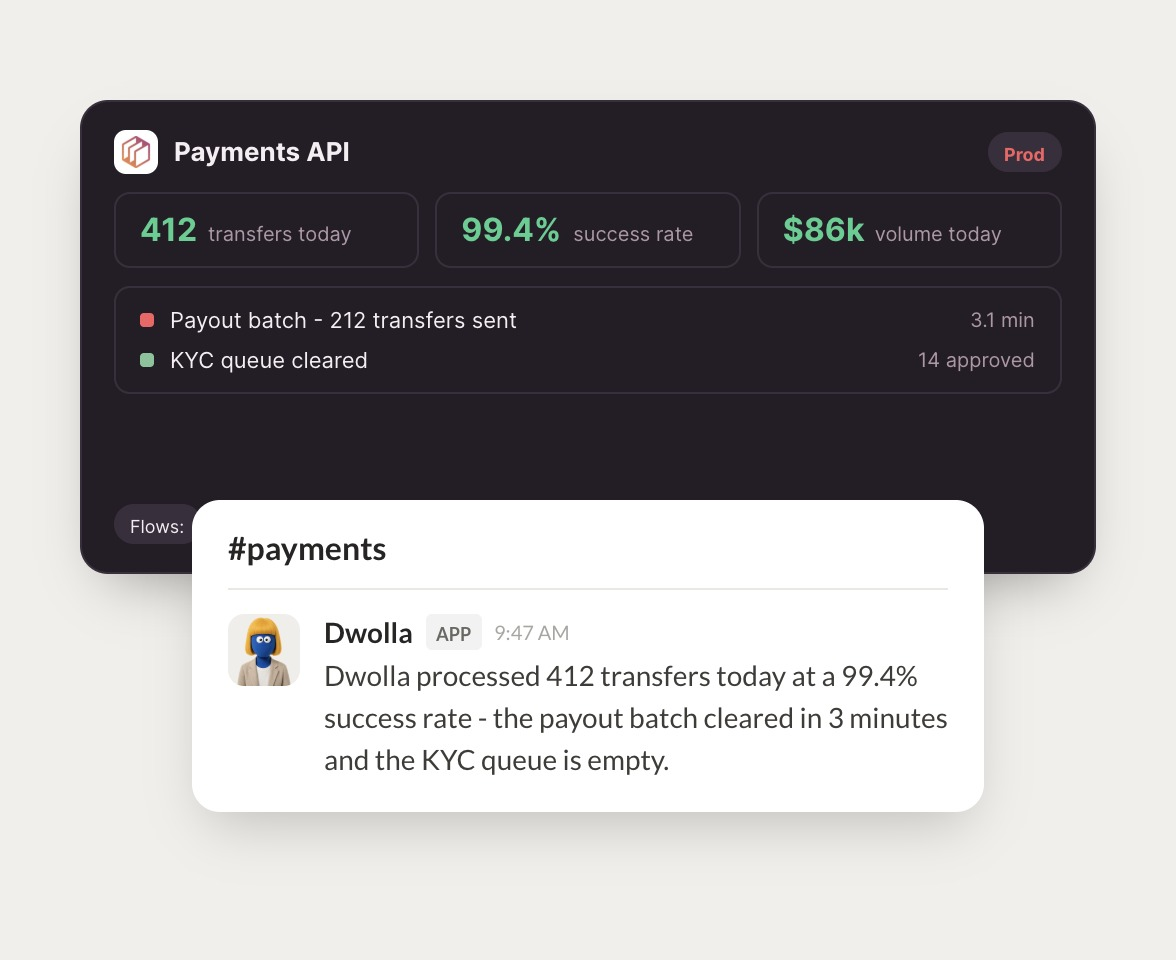
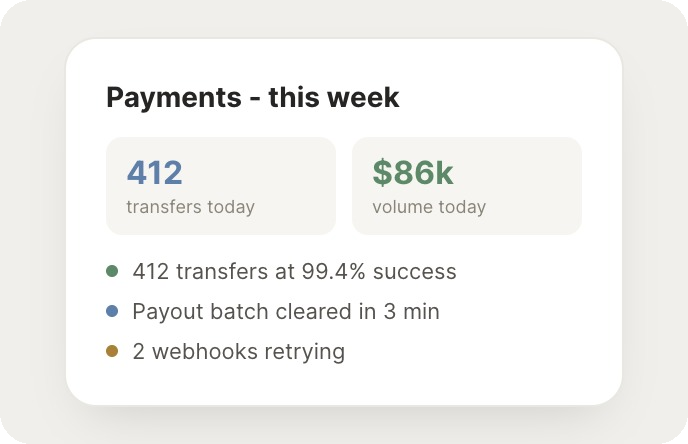
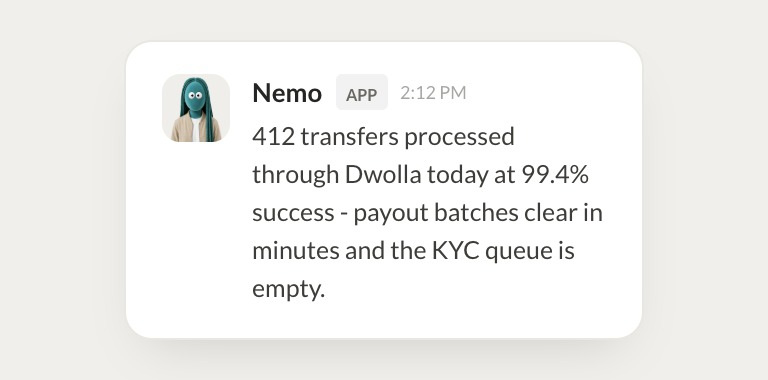
Payout batch of 212 transfers went out and cleared in 3 minutes. Today's success rate is 99.4%.
Arnav
9:24 AM
Amazing, thank you.
#
#finance
James
8:31 AM
Were there any failed transfers this week?
Nemo
APP
8:32 AM
Three transfers failed on closed accounts. I flagged the recipients so ops can update their bank details.
James
8:38 AM
That works.
#
#ops
Dhruv
9:00 AM
Is the KYC queue clear?
Squashy
APP
9:02 AM
Yes, the KYC queue is empty. The last 14 reviews were approved this morning.
Dhruv
9:05 AM
Perfect, thank you.
Live in three steps
No integration project. Connect in under a minute and your agent is working.
01
Find
Pick the integration from your agent's list, or just ask the agent to connect it.
02
Approve
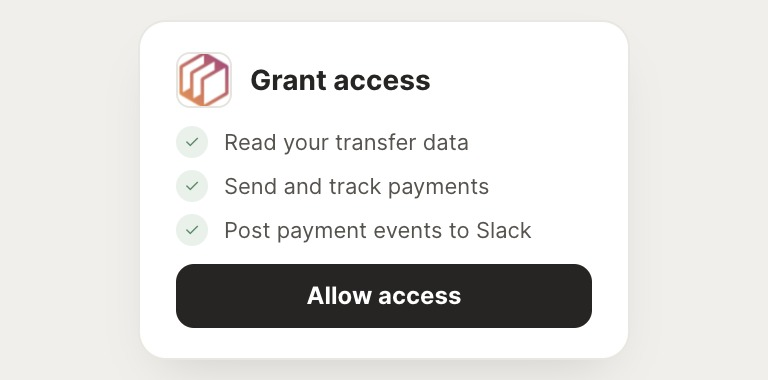
Confirm the access. Change what's granted anytime.
03
Done
Your agent gets to work and reports back.
⇄
Ready to put Dwolla on autopilot?
Connect Dwolla
→
Browse all integrations