Product
Solutions
Enterprise
Pricing
Blog
Log in
Get Started
→
INTEGRATIONS
/
Gitpod
Gitpod integration for AI agents
Connect Gitpod and your Skydive agent gets to work. Ask in plain English, get the answer, keep moving.
Connect Gitpod
→
Learn more
Gitpod, connected
Everything your agent can do in Gitpod
Connect Gitpod once and your agent can read, act, and report across it.
Just ask, in plain English
just ask and the agent handles the rest in Gitpod
Workspace status
Branch setup
Idle cleanup
#
#dev-environments
Josh
9:18 AM
Which Gitpod workspaces are running right now?
Lettie
APP
9:19 AM
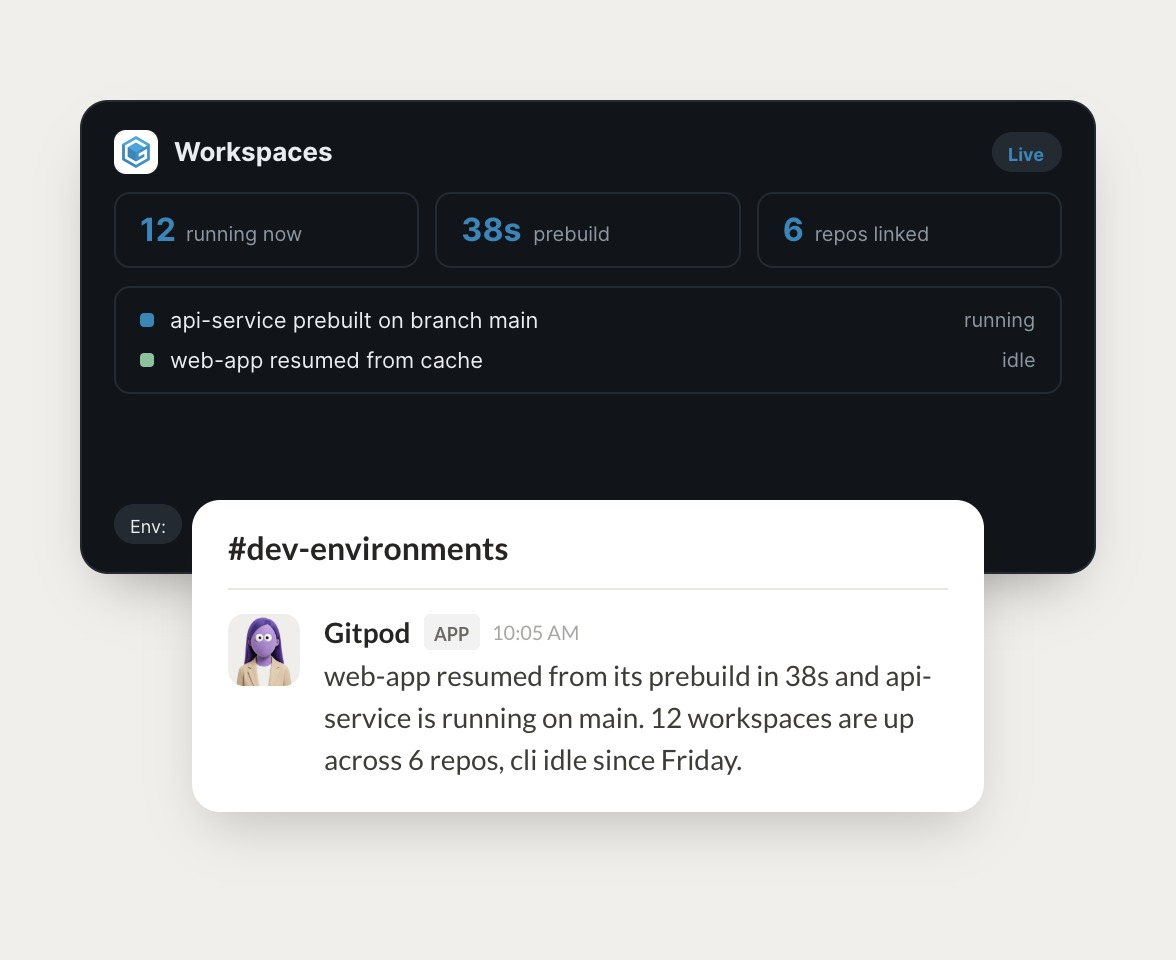
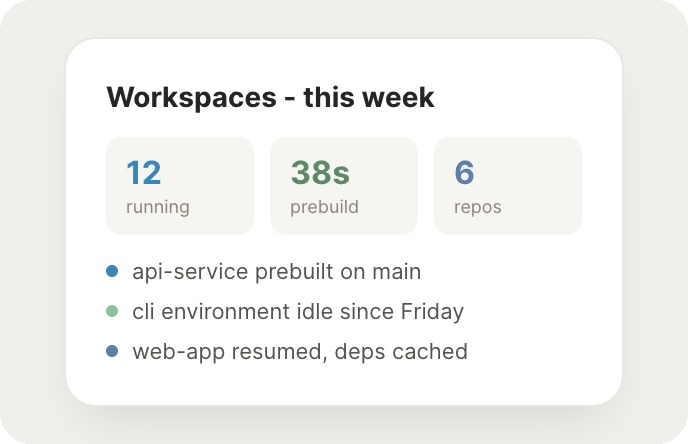
12 workspaces are up across 6 repos. api-service is running on main and web-app resumed from its prebuild in 38 seconds.
Josh
9:24 AM
Nice, that's quick.
#
#engineering
Marcus
8:31 AM
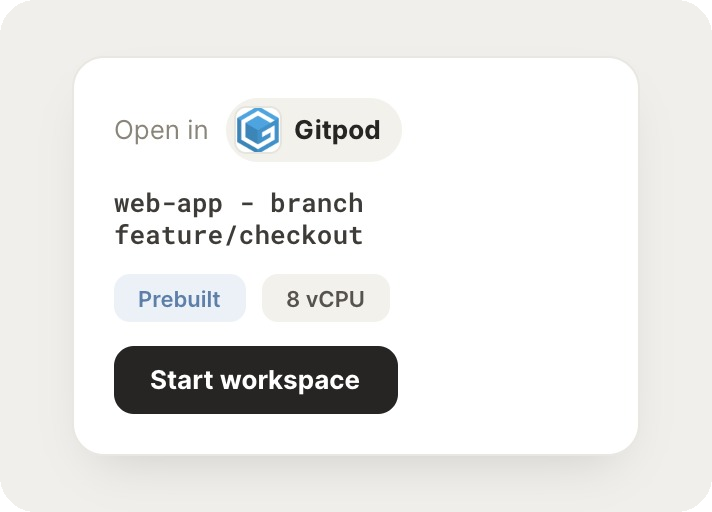
Start a workspace for web-app on feature/checkout.
Lena
APP
8:32 AM
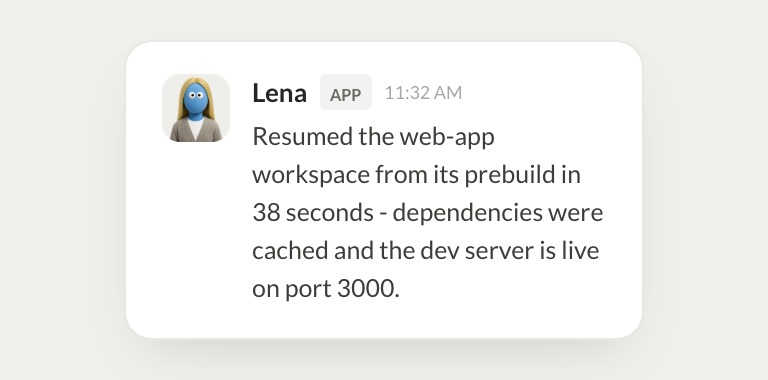
Resumed the web-app workspace on feature/checkout from its prebuild in 38 seconds. Dependencies were cached and the dev server is live on port 3000.
Marcus
8:38 AM
Great, appreciate it.
#
#platform
Arnav
9:00 AM
Anything idle we can stop?
Floss
APP
9:02 AM
The cli workspace has been idle since Friday and two old branch workspaces have not been opened in a week. I stopped all three to free up capacity.
Arnav
9:05 AM
Love it.
Live in three steps
No integration project. Connect in under a minute and your agent is working.
01
Find
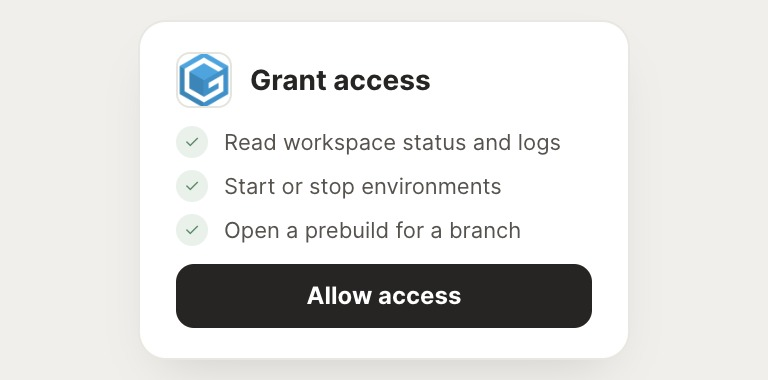
Pick the integration from your agent's list, or just ask the agent to connect it.
02
Approve
Confirm the access. Change what's granted anytime.
03
Done
Your agent gets to work and reports back.
⇄
Ready to put Gitpod on autopilot?
Connect Gitpod
→
Browse all integrations