Product
Solutions
Enterprise
Pricing
Blog
Log in
Get Started
→
INTEGRATIONS
/
Gusto
Gusto integration for AI agents
Connect Gusto and your Skydive agent gets to work. Ask in plain English, get the answer, keep moving.
Connect Gusto
→
Learn more
Gusto, connected
Everything your agent can do in Gusto
Connect Gusto once and your agent can read, act, and report across it.
Just ask, in plain English
just ask and the agent handles the rest in Gusto
Payroll run
New hire
Payroll check
#
#payroll
Dhruv
9:18 AM
Did this morning's payroll go out cleanly?
Theo
APP
9:19 AM
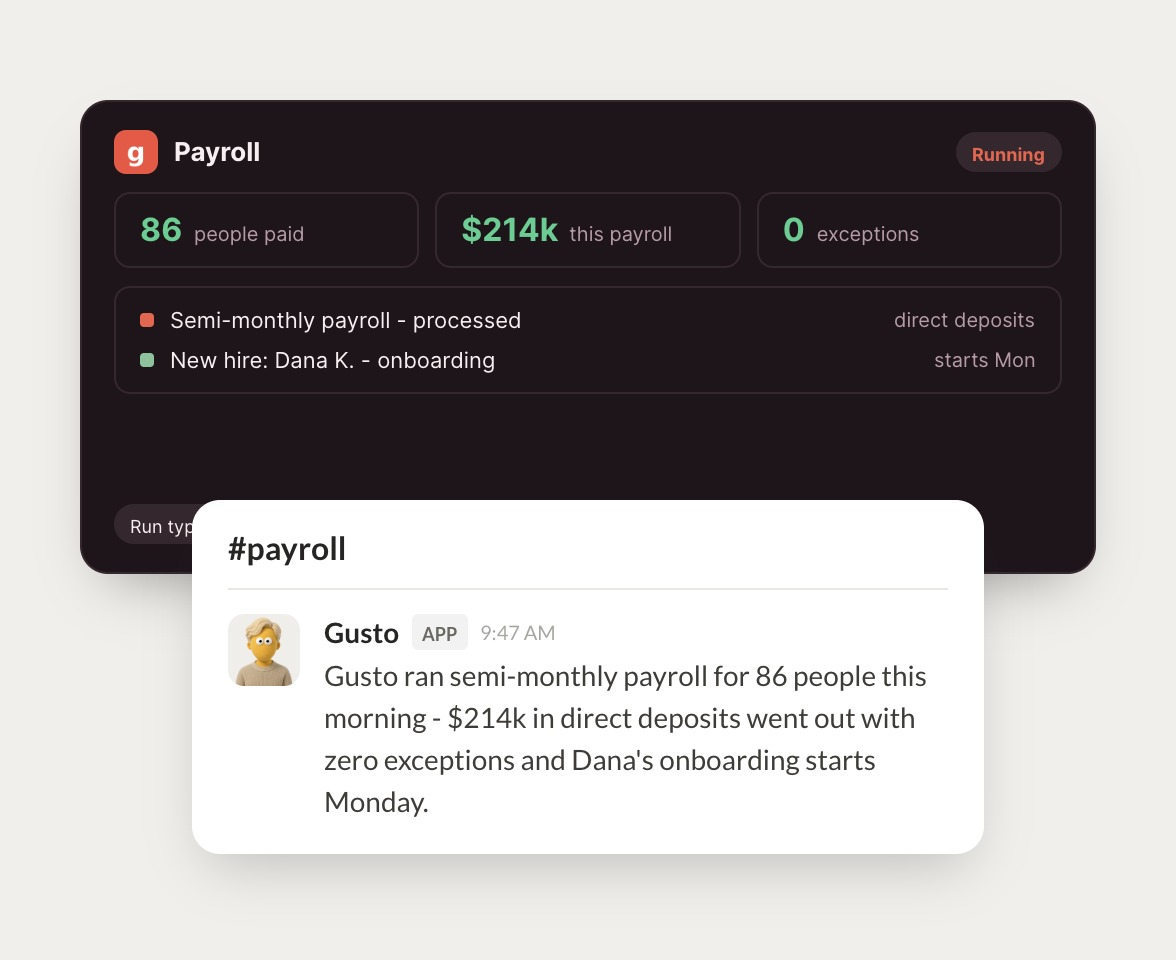
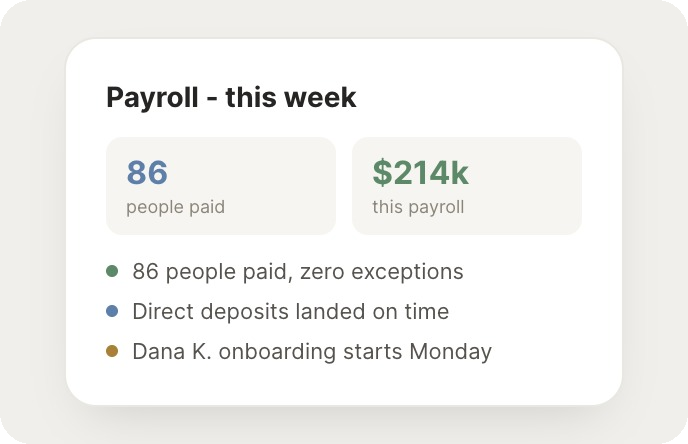
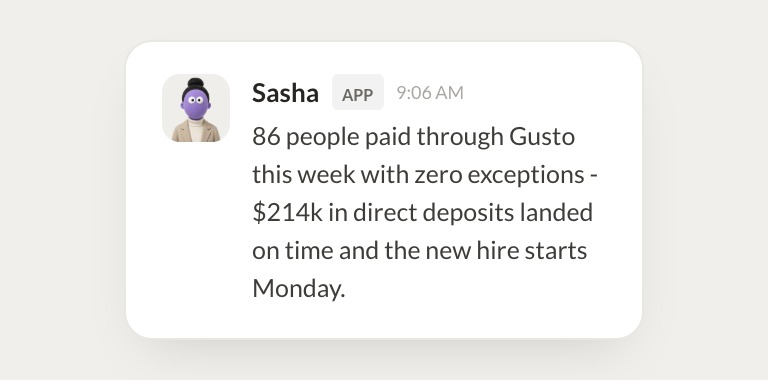
Payroll ran for 86 people. $214k in direct deposits went out with zero exceptions.
Dhruv
9:24 AM
Got it, thanks.
#
#people
Marcus
8:31 AM
Where is Dana's onboarding at?
Sasha
APP
8:32 AM
Dana's paperwork is signed and her start date is Monday. Direct deposit is set up.
Marcus
8:38 AM
Awesome, super helpful.
#
#finance
Dylan
9:00 AM
Flag anything unusual in the next payroll preview.
Kayo
APP
9:02 AM
The preview looks clean except one overtime entry that's double last month's. I flagged it for review.
Dylan
9:05 AM
Perfect.
Live in three steps
No integration project. Connect in under a minute and your agent is working.
01
Find
Pick the integration from your agent's list, or just ask the agent to connect it.
02
Approve
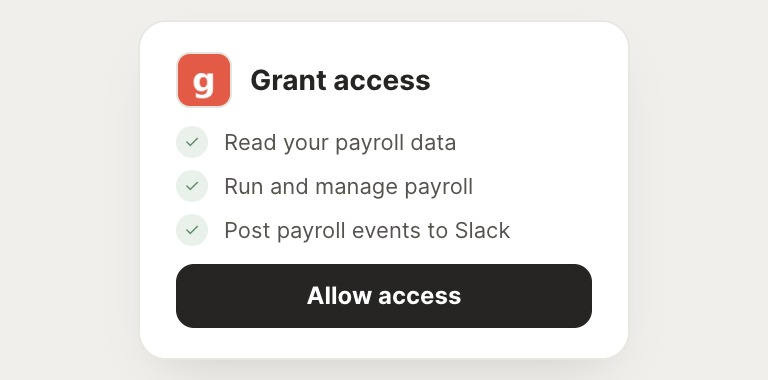
Confirm the access. Change what's granted anytime.
03
Done
Your agent gets to work and reports back.
⇄
Ready to put Gusto on autopilot?
Connect Gusto
→
Browse all integrations