Product
Solutions
Enterprise
Pricing
Blog
Log in
Get Started
→
INTEGRATIONS
/
Increase
Increase integration for AI agents
Connect Increase and your Skydive agent gets to work. Ask in plain English, get the answer, keep moving.
Connect Increase
→
Learn more
Increase, connected
Everything your agent can do in Increase
Connect Increase once and your agent can read, act, and report across it.
Just ask, in plain English
just ask and the agent handles the rest in Increase
Vendor payouts
ACH returns
Daily volume
#
#payments-ops
Vento
9:18 AM
Send this week's vendor payouts.
Soybean
APP
9:19 AM
Vendor payout batch of 84 transfers is settling now. All passed validation.
Vento
9:24 AM
Amazing, thank you.
#
#finance
James
8:31 AM
Handle any ACH returns from yesterday.
Poco
APP
8:32 AM
Two ACH returns came in and I auto resubmitted both with corrected details.
James
8:38 AM
That works.
#
#treasury
Philip
9:00 AM
What was our payment volume today?
Plush
APP
9:02 AM
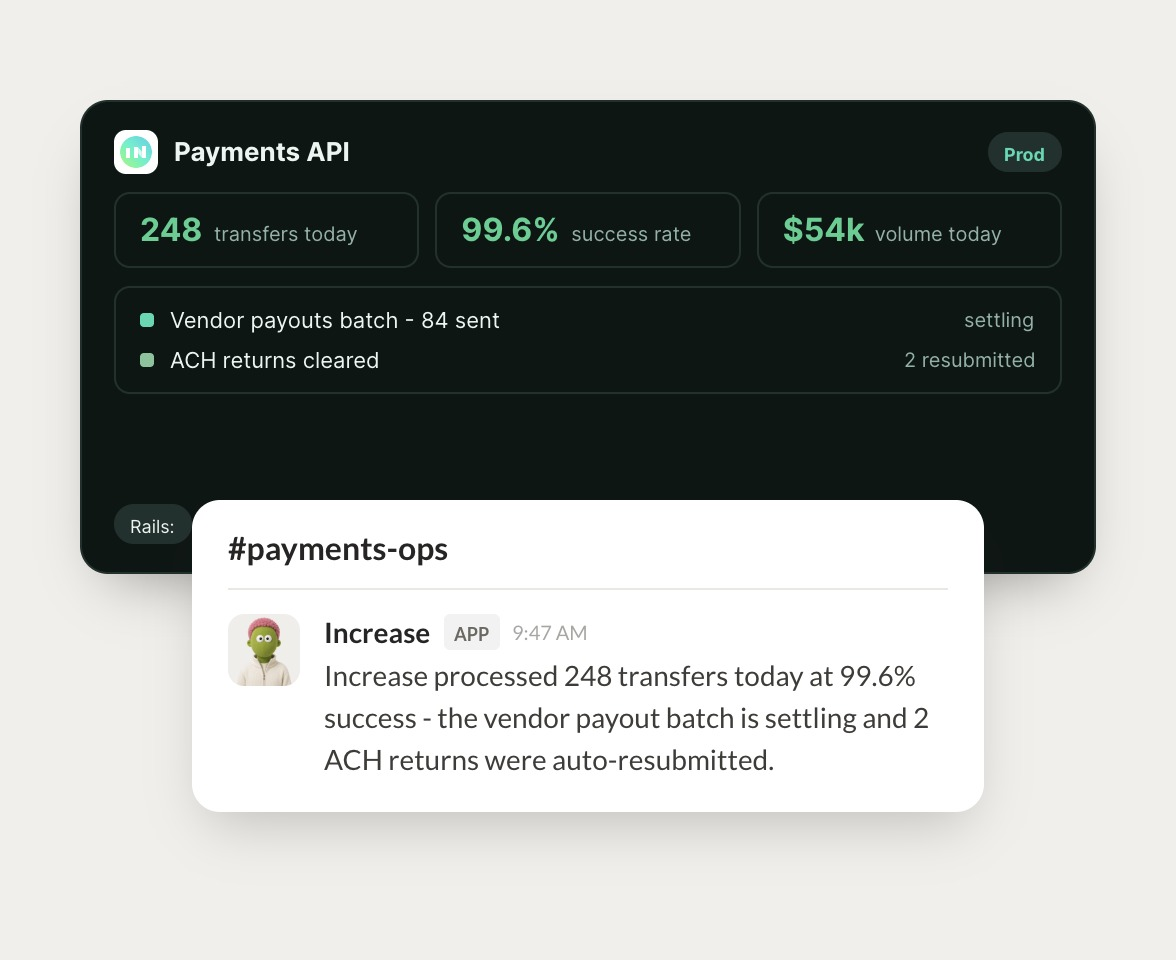
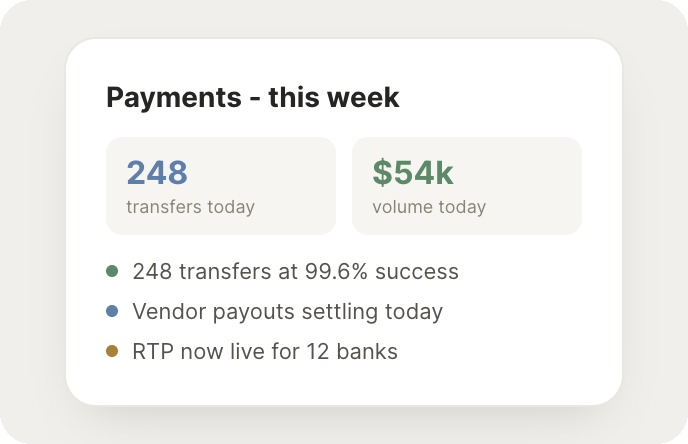
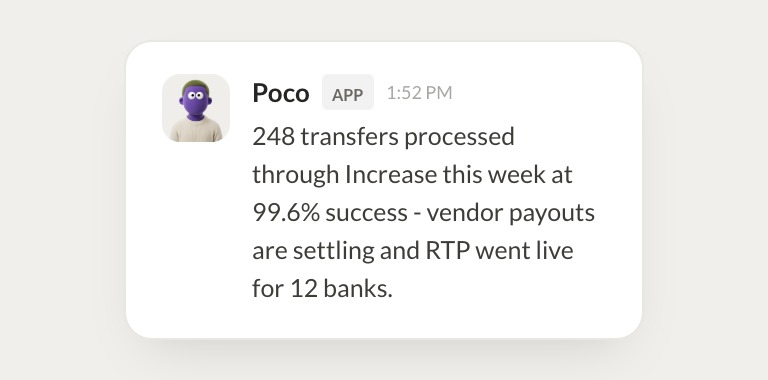
248 transfers today totaling $54k at a 99.6% success rate.
Philip
9:05 AM
Perfect, thank you.
Live in three steps
No integration project. Connect in under a minute and your agent is working.
01
Find
Pick the integration from your agent's list, or just ask the agent to connect it.
02
Approve
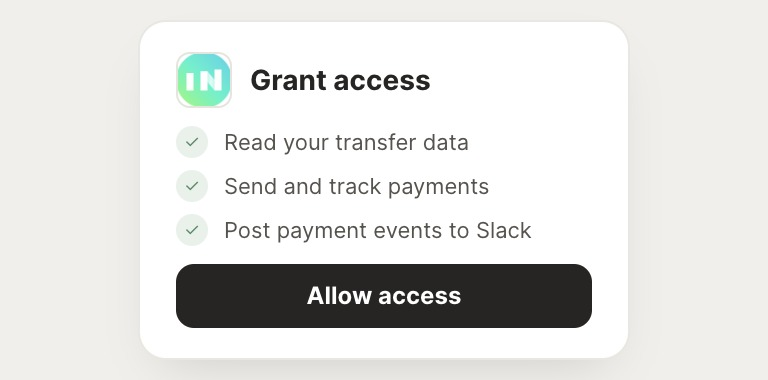
Confirm the access. Change what's granted anytime.
03
Done
Your agent gets to work and reports back.
⇄
Ready to put Increase on autopilot?
Connect Increase
→
Browse all integrations