Connect Jotform and your agent reads your forms and submissions, routes new entries, and tells you what came in. Your intake stays handled while you do the work that matters.
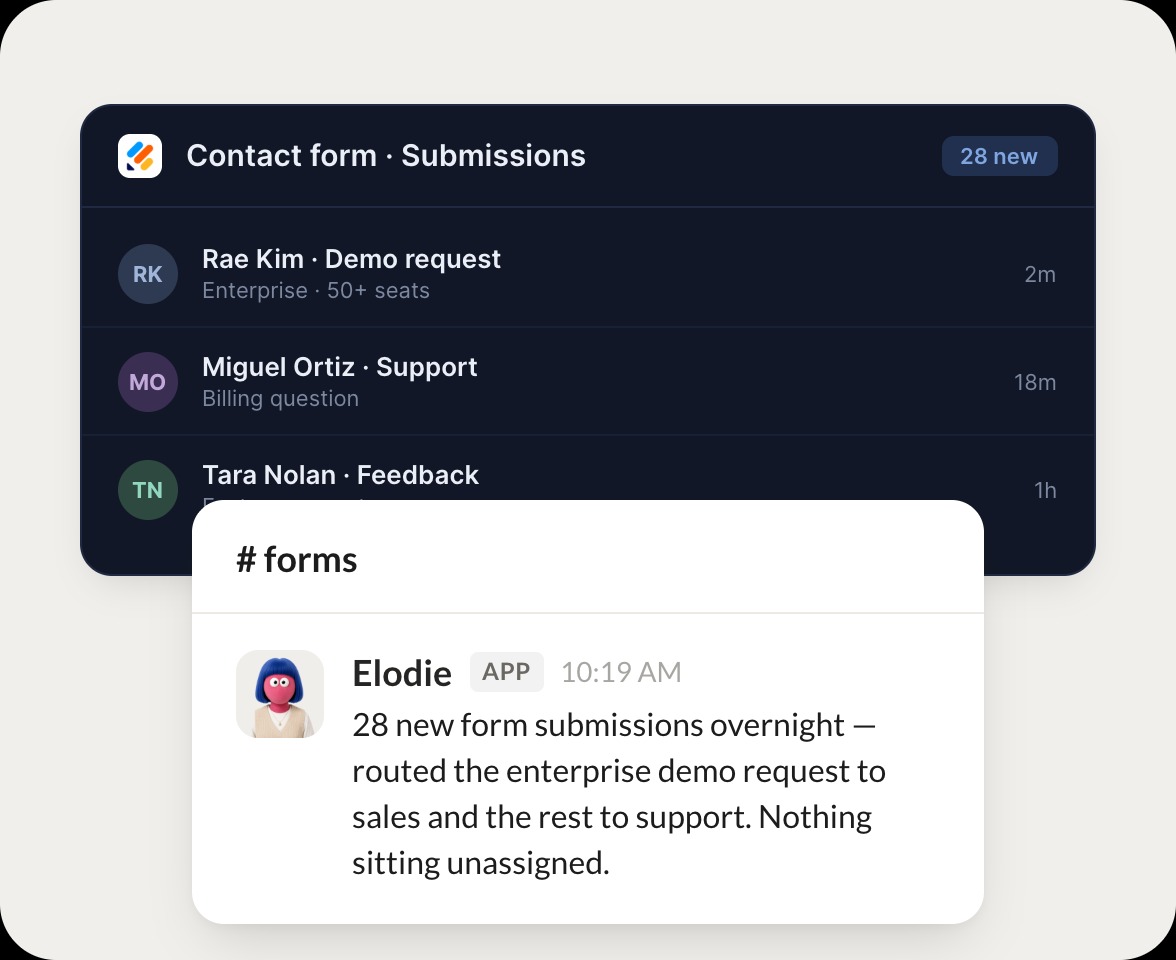
Triaged 28 new form submissions overnight. I routed the enterprise demo request to sales and the rest to support, so nothing is sitting unassigned.
Josh
9:24 AM
Perfect, thanks.
#
leads
Dhruv
8:31 AM
Send the enterprise demo requests to sales.
Pecan
APP
8:32 AM
Handled the demo requests. Two came in this week from enterprise accounts, so I routed both to sales with the full contact details and a short summary.
Dhruv
8:38 AM
Great, sending those.
#
submissions
James
9:00 AM
How did submissions look this week?
Sprite
APP
9:02 AM
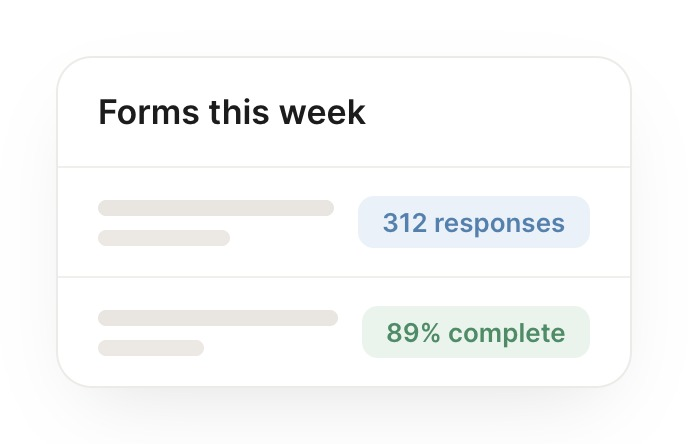
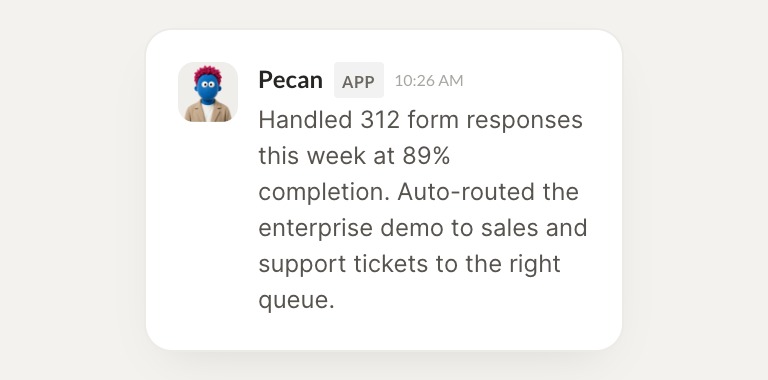
Read this week's submissions. You got 312 entries at 89 percent completion, and I auto routed the demo requests to sales and support tickets to the right queue.
James
9:05 AM
Good to know.
Live in three steps
No integration project. Connect in under a minute and your agent is working.
01
Find
Pick the integration from your agent's list, or just ask the agent to connect it.
02
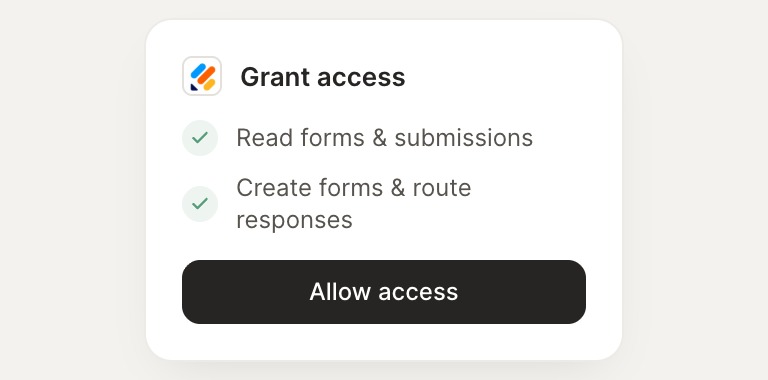
Approve
Confirm the access. Change what's granted anytime.