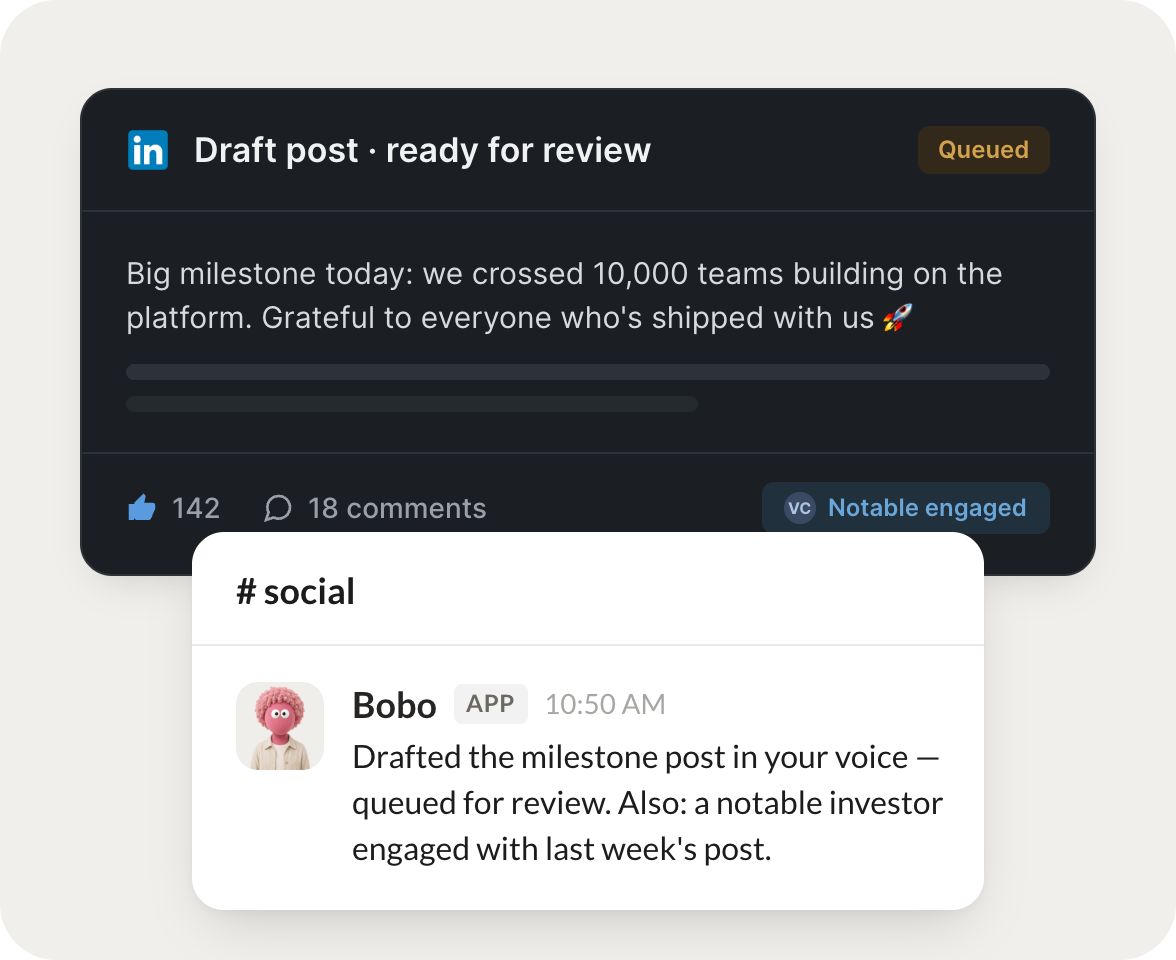
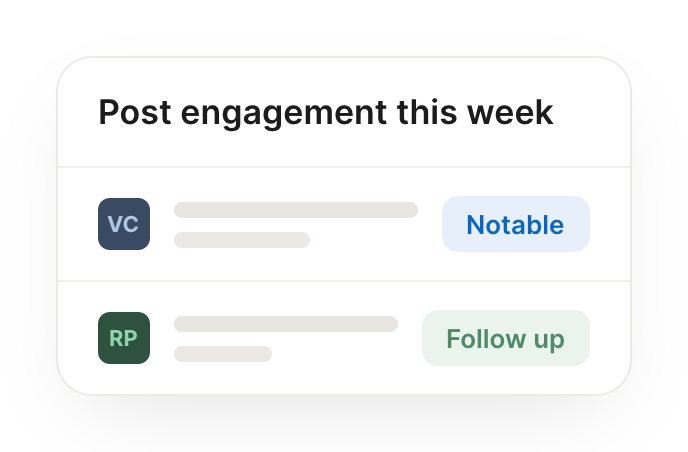
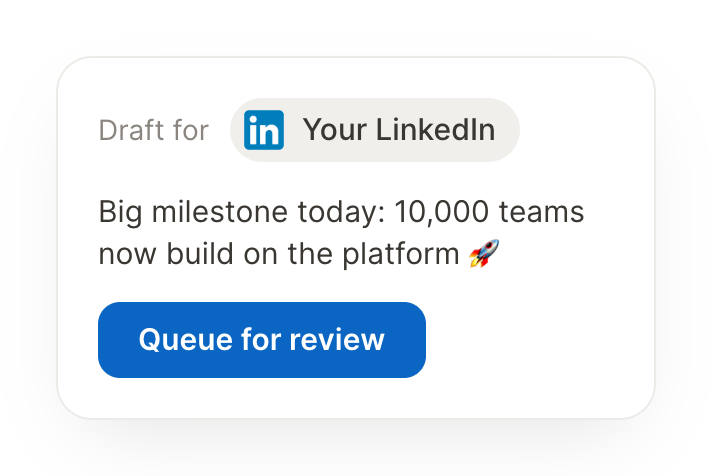
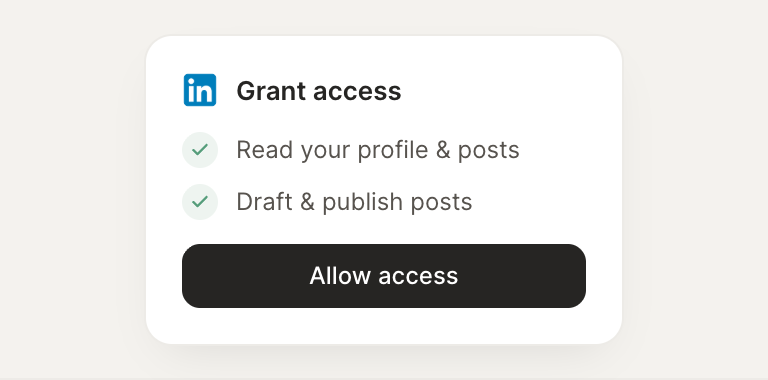
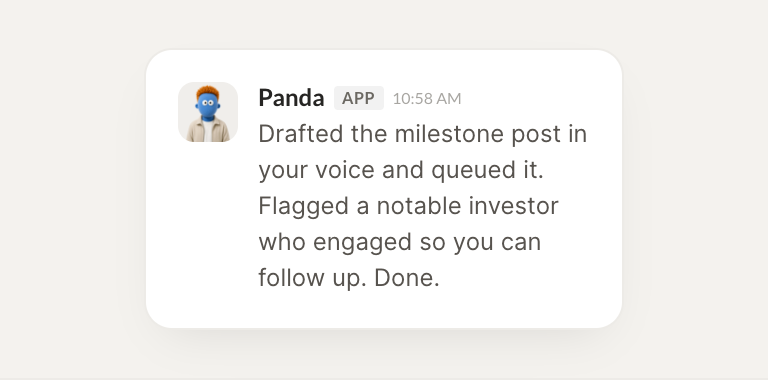
Connect LinkedIn and your agent drafts posts in your voice and tells you when someone notable engages. Your presence stays active while you do the work that matters.
Draft a post about this milestone in my voice and queue it for my review.
Panda
APP
9:19 AM
Drafted a post about the milestone in your voice and queued it for your review. It leads with the number and keeps your usual tone, ready to publish when you approve.
Dhruv
9:24 AM
Reads just like me.
#
network
Leo
8:31 AM
When someone notable engages with my post, tell me so I can follow up.
Bobo
APP
8:32 AM
The VP of Product at a target account just commented on your post. I flagged it so you can follow up while it's warm, and pulled up their profile for context.
Leo
8:38 AM
I'll reach out.
#
content
James
9:00 AM
Turn this announcement into a LinkedIn post that sounds like me.
Glacier
APP
9:02 AM
Turned your announcement into a LinkedIn post that sounds like you: tighter, a clear hook, and a line that invites replies. It's queued for your review.
James
9:05 AM
Queued, thanks.
Live in three steps
No integration project. Connect in under a minute and your agent is working.
01
Find
Pick the integration from your agent's list, or just ask the agent to connect it.
02
Approve
Confirm the access. Change what's granted anytime.