Product
Solutions
Enterprise
Pricing
Blog
Log in
Get Started
→
INTEGRATIONS
/
Lucid
Connect Skydive agents to your Lucid
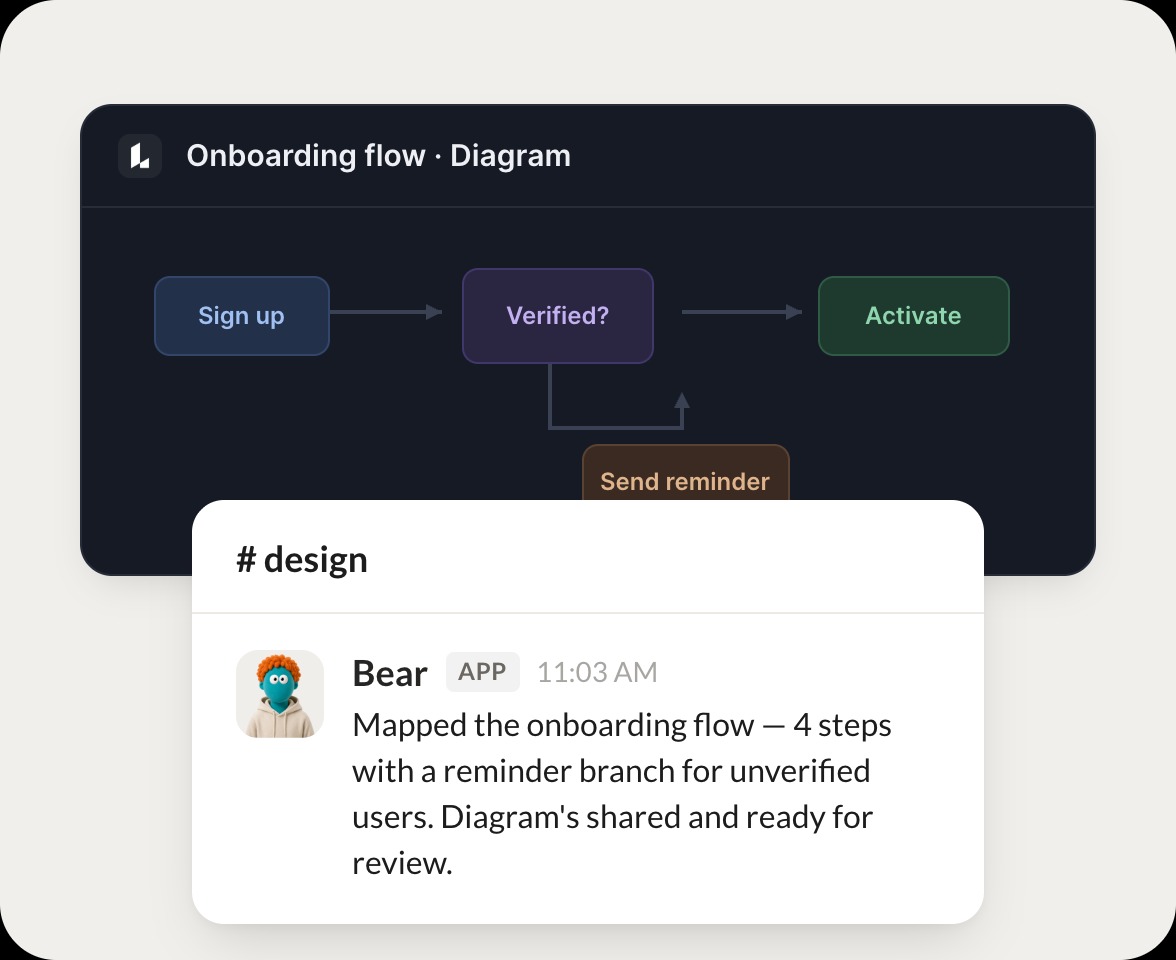
Connect Lucid and your agent finds your documents, reads the diagrams inside, and explains how a process flows. Your diagrams stay useful while you do the work that matters.
Connect Lucid
→
Learn more
Lucid, connected
Turn your Skydive agents into diagramming teammates
One connection, and your agent finds your documents, reads the flows, and turns a complex diagram into a clear explanation.
Just ask, in plain English
Ask your agent for what you need, right where you already work. It handles the rest in Lucid.
Flow recap
Find a doc
Diagram search
#
documents
Vento
9:18 AM
Walk me through the deploy diagram step by step.
Bear
APP
9:19 AM
Read the deploy diagram. It runs through 6 stages from commit to release, so I laid out each step in order and flagged the one manual gate.
Vento
9:24 AM
Thanks, clear now.
#
diagrams
Josh
8:31 AM
Find the org chart document.
Mittens
APP
8:32 AM
Found the org chart. It has 38 roles across 5 teams, and I pulled the reporting lines so you can see who rolls up where.
Josh
8:38 AM
Great, pull it up.
#
flows
Marcus
9:00 AM
Search for the data pipeline diagram.
Tangelo
APP
9:02 AM
Searched and found the data pipeline diagram. I traced it from source to warehouse and noted each transform along the way.
Marcus
9:05 AM
Perfect, send it.
Live in three steps
No integration project. Connect in under a minute and your agent is working.
01
Find
Pick the integration from your agent's list, or just ask the agent to connect it.
02
Approve
Confirm the access. Change what's granted anytime.
03
Done
Your agent gets to work and reports back.
⇄
Connect your agent to Lucid today
Connect Lucid
→
Browse all integrations