Product
Solutions
Enterprise
Pricing
Blog
Log in
Get Started
→
INTEGRATIONS
/
Lumin
Lumin integration for AI agents
Connect Lumin and your Skydive agent gets to work. Ask in plain English, get the answer, keep moving.
Connect Lumin
→
Learn more
Lumin, connected
Everything your agent can do in Lumin
Connect Lumin once and your agent can read, act, and report across it.
Just ask, in plain English
just ask and the agent handles the rest in Lumin
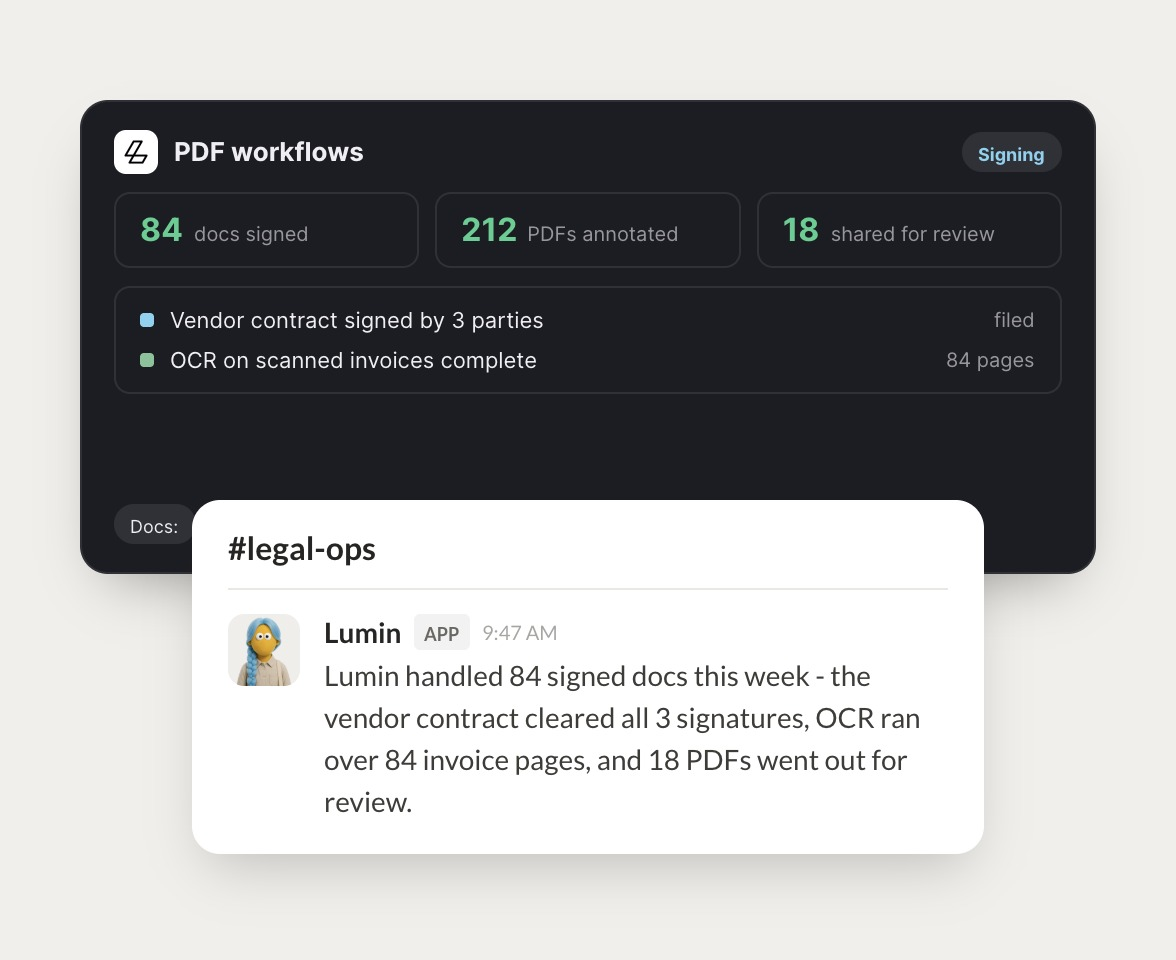
Contract signing
Invoice OCR
Review queue
#
#legal-ops
Josh
9:18 AM
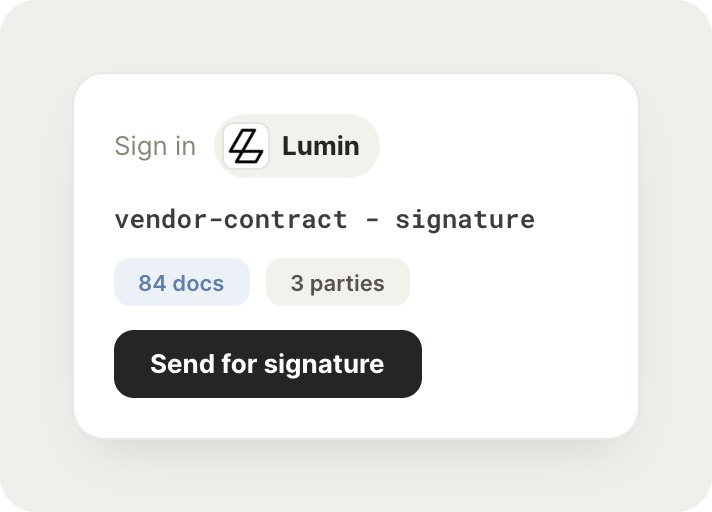
Send the vendor contract to all three parties for signature.
Ribbon
APP
9:19 AM
Vendor contract went out and all three parties have signed. The final copy is filed.
Josh
9:24 AM
Nice, that's quick.
#
#finance
Brendan
8:31 AM
Run OCR on this week's scanned invoices.
Pearly
APP
8:32 AM
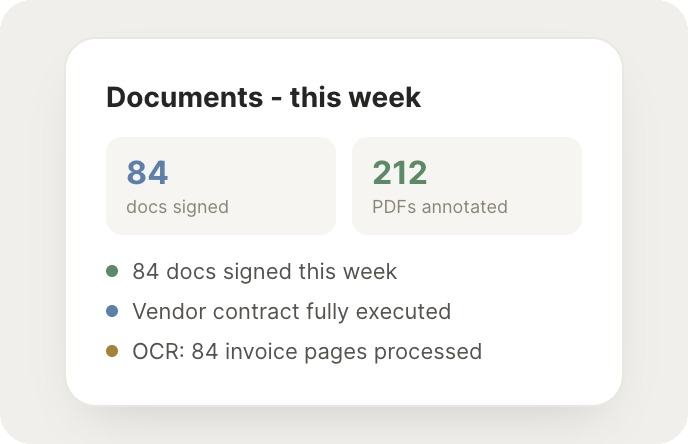
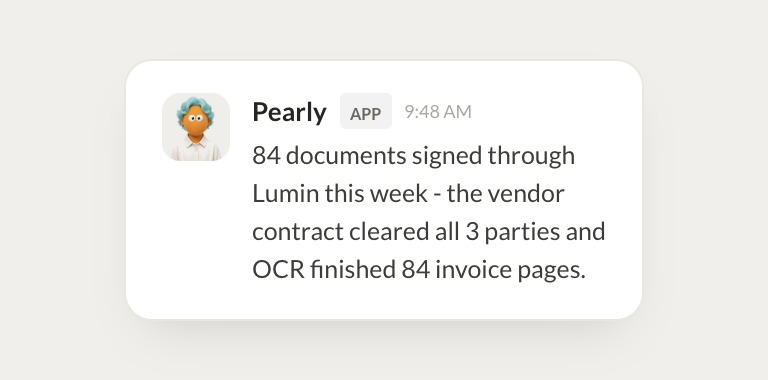
OCR finished on 84 invoice pages. The text is searchable and totals are pulled into the sheet.
Brendan
8:38 AM
Great, appreciate it.
#
#docs
Eldar
9:00 AM
Which documents are still waiting on review?
Lotus
APP
9:02 AM
18 PDFs are waiting on review, most from legal. List is in the thread.
Eldar
9:05 AM
Love it.
Live in three steps
No integration project. Connect in under a minute and your agent is working.
01
Find
Pick the integration from your agent's list, or just ask the agent to connect it.
02
Approve
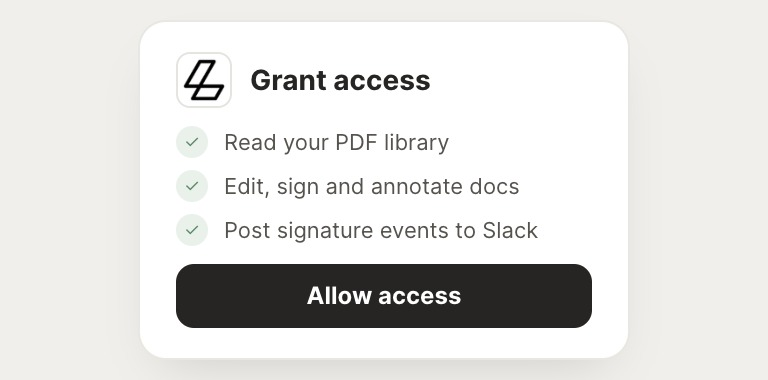
Confirm the access. Change what's granted anytime.
03
Done
Your agent gets to work and reports back.
⇄
Ready to put Lumin on autopilot?
Connect Lumin
→
Browse all integrations