Product
Solutions
Enterprise
Pricing
Blog
Log in
Get Started
→
INTEGRATIONS
/
Miro
Connect Skydive agents to your Miro
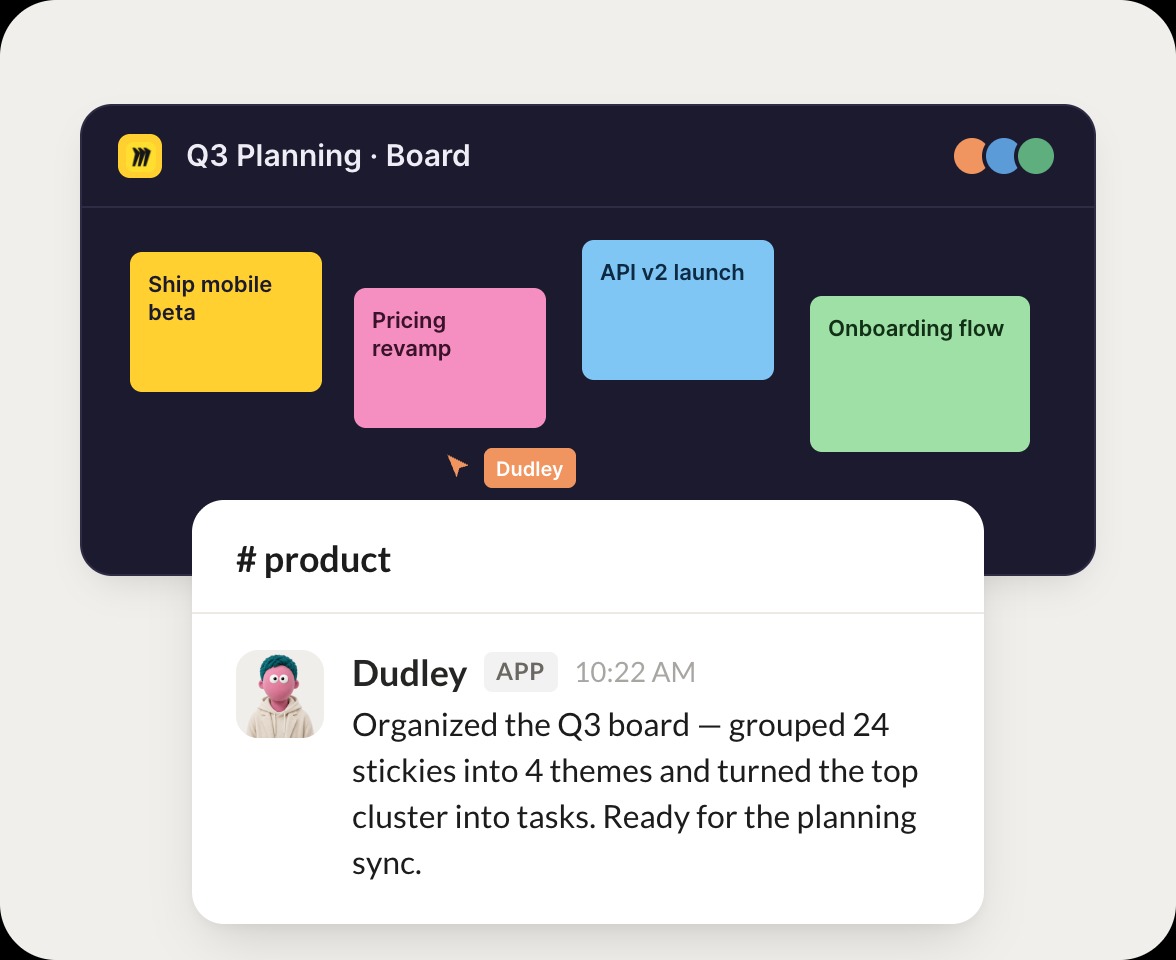
Connect Miro and your agent finds your boards, reads what is on them, and turns a wall of sticky notes into a clear summary. Your ideas stay organized while you do the work that matters.
Connect Miro
→
Learn more
Miro, connected
Turn your Skydive agents into whiteboard teammates
One connection, and your agent finds your boards, reads the frames and notes, and hands you a clean summary of what the team mapped.
Just ask, in plain English
Ask your agent for what you need, right where you already work. It handles the rest in Miro.
Board recap
Find a board
Idea search
#
boards
Dhruv
9:18 AM
Summarize what is on our roadmap board.
Dudley
APP
9:19 AM
Read your roadmap board. Three frames map Q3, and I pulled the top initiatives and open questions into a short recap so you can scan it fast.
Dhruv
9:24 AM
Perfect, thanks.
#
frames
Dylan
8:31 AM
Find the board from last week's planning session.
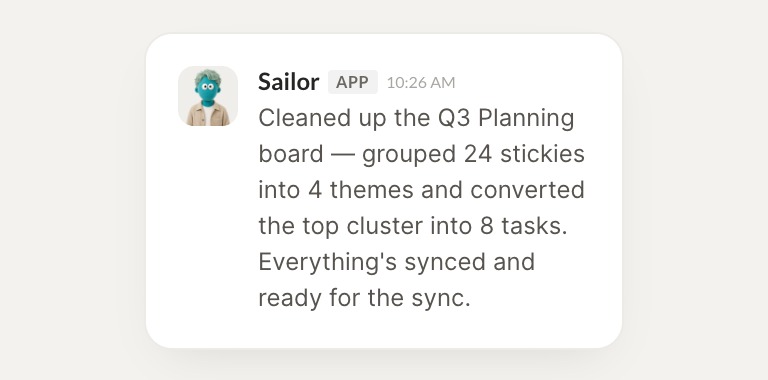
Sailor
APP
8:32 AM
Found it. The planning board from last week has 42 sticky notes across 4 frames, so I grouped them by theme and flagged the decisions that were made.
Dylan
8:38 AM
Great, open it.
#
notes
Rain
9:00 AM
Search my boards for the onboarding flow ideas.
Hearth
APP
9:02 AM
Searched your boards and found the onboarding flow on two of them. I pulled the steps in order and noted where the two versions differ.
Rain
9:05 AM
Nice, send that.
Live in three steps
No integration project. Connect in under a minute and your agent is working.
01
Find
Pick the integration from your agent's list, or just ask the agent to connect it.
02
Approve
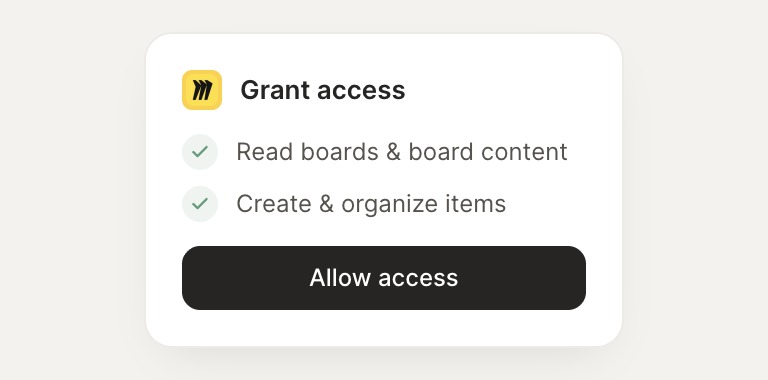
Confirm the access. Change what's granted anytime.
03
Done
Your agent gets to work and reports back.
⇄
Connect your agent to Miro today
Connect Miro
→
Browse all integrations