Connect Neon and your agent reads your branches, spins up previews, and tracks compute. Your database stays flexible while you do the work that matters.
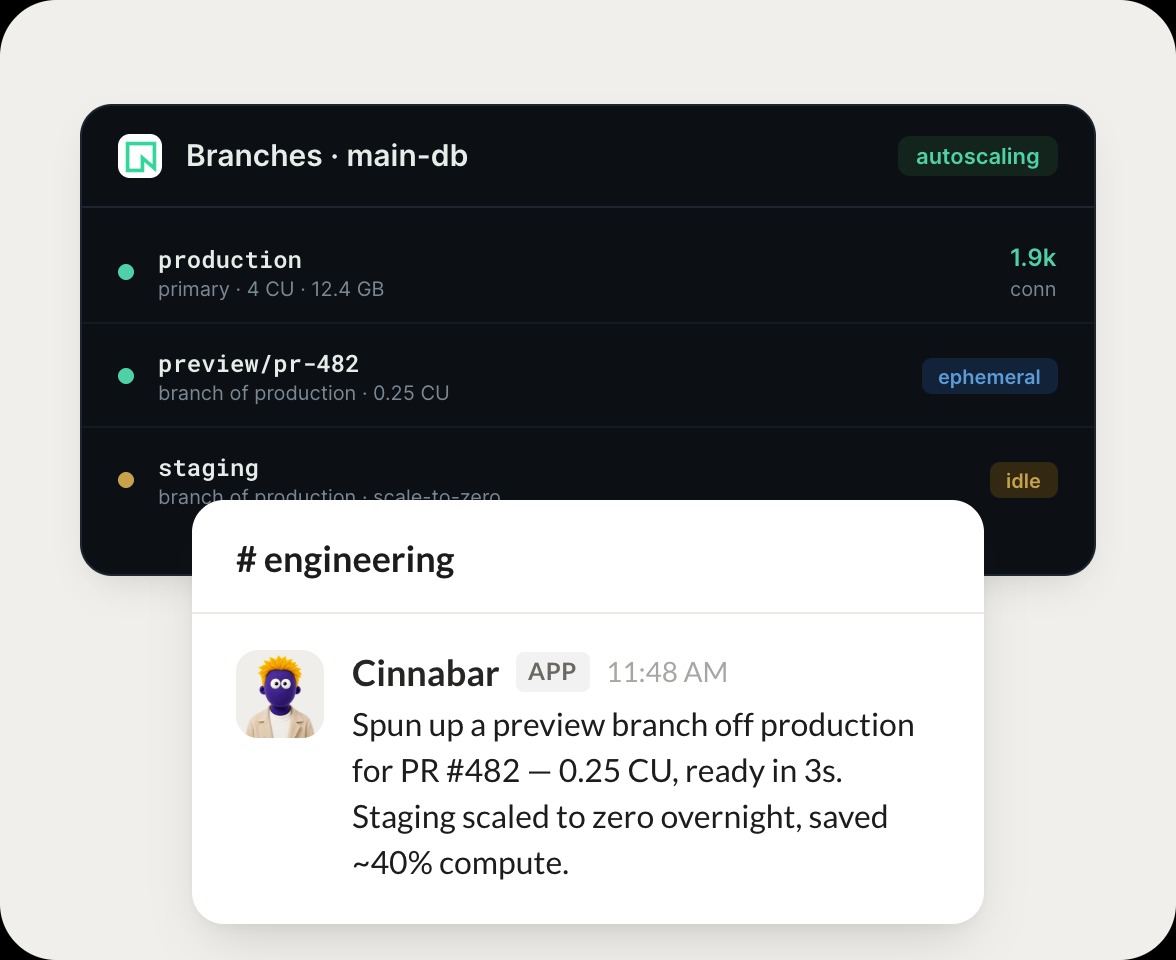
Checked your branches. Production is on 4 CU with 1.9k connections, and I spun up a preview branch off it for PR 482 at 0.25 CU, ready in 3 seconds.
Brendan
9:24 AM
Great, thanks.
#
branches
Leo
8:31 AM
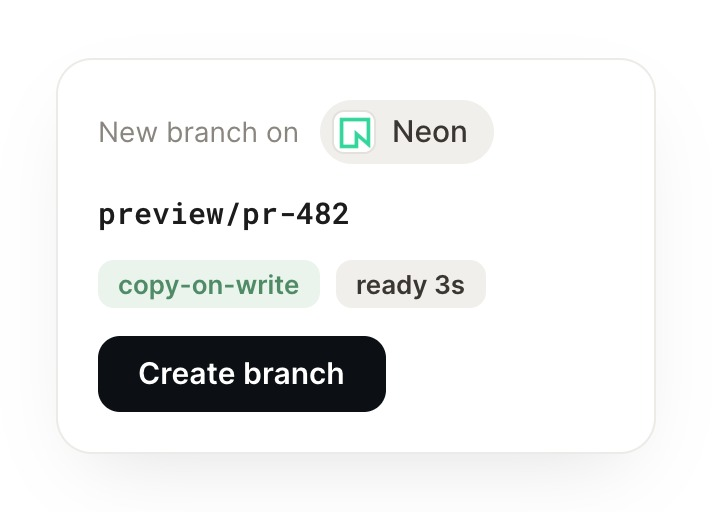
Spin up a preview branch for this PR.
Remy
APP
8:32 AM
Created the preview branch off production for PR 482 at 0.25 CU, ready in 3 seconds, and set staging to scale to zero when idle so it costs nothing.
Leo
8:38 AM
Perfect.
#
compute
Zaria
9:00 AM
How is our compute spend trending?
Seaglass
APP
9:02 AM
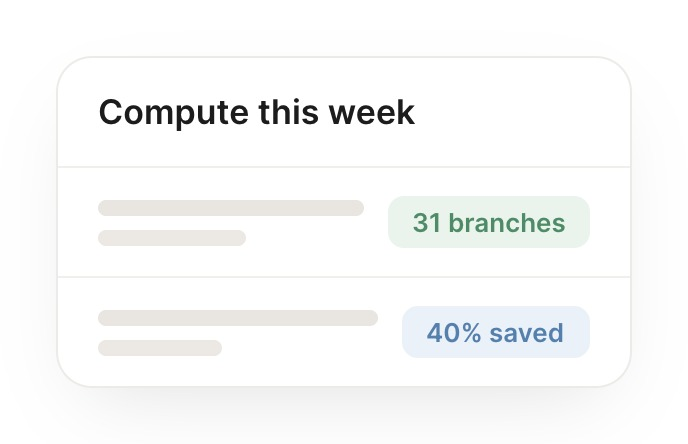
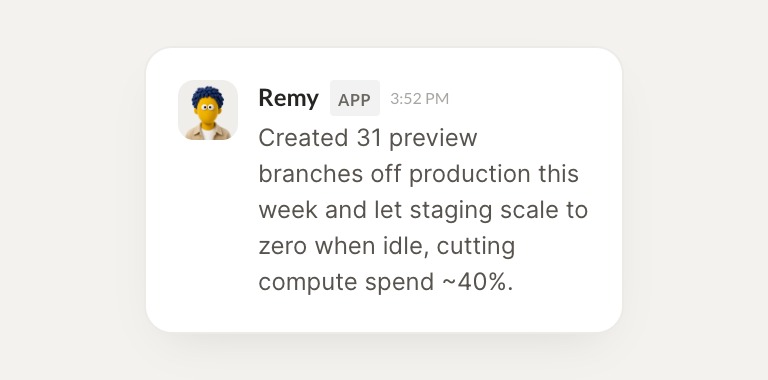
Read this week's compute. You created 31 preview branches and let staging scale to zero when idle, cutting compute spend about 40 percent, so I flagged the savings.
Zaria
9:05 AM
Nice, helpful.
Live in three steps
No integration project. Connect in under a minute and your agent is working.
01
Find
Pick the integration from your agent's list, or just ask the agent to connect it.
02
Approve
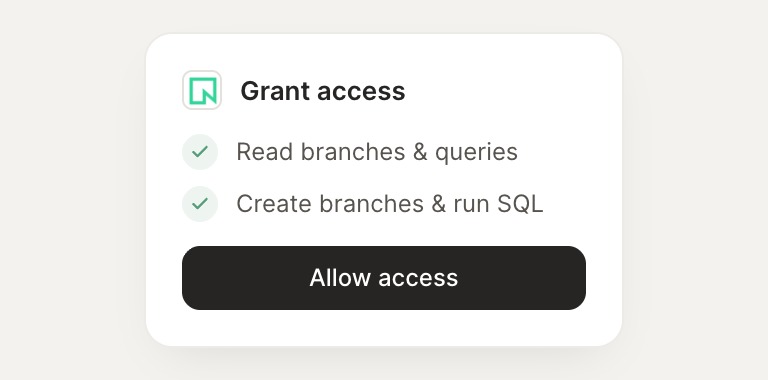
Confirm the access. Change what's granted anytime.