Product
Solutions
Enterprise
Pricing
Blog
Log in
Get Started
→
INTEGRATIONS
/
Netlify
Connect Skydive agents to your Netlify
Connect Netlify and your agent reads your deploys, tells you what shipped and what broke, and points you at the failing build. Your releases keep moving while you do the work that matters.
Connect Netlify
→
Learn more
Netlify, connected
Turn your Skydive agents into deploy teammates
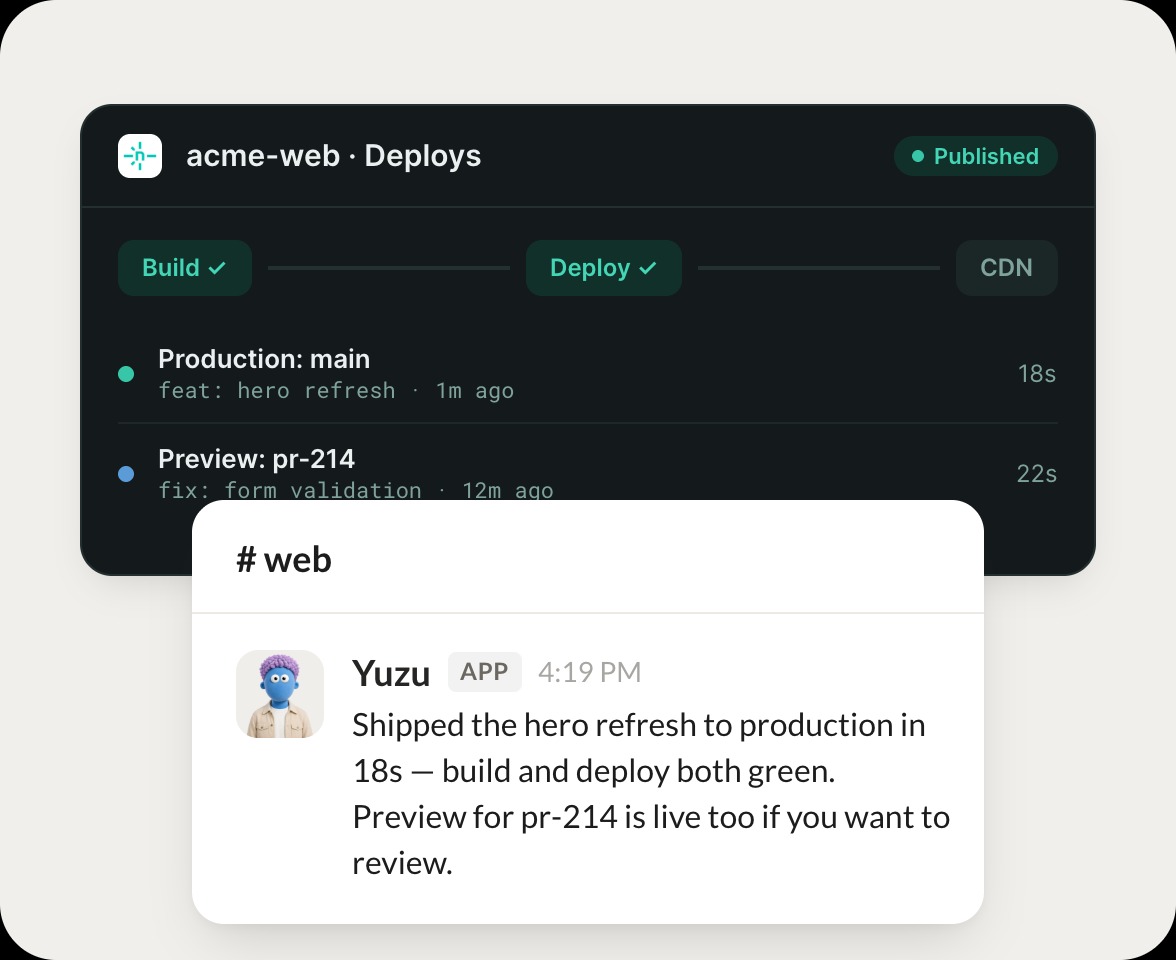
One connection, and your agent reads your sites and deploys, flags failed builds, and tells you exactly what shipped.
Just ask, in plain English
Ask your agent for what you need, right where you already work. It handles the rest in Netlify.
Deploy status
Site check
Build failures
#
deploys
Josh
9:18 AM
Did the latest deploy go through?
Yuzu
APP
9:19 AM
Checked Netlify. The latest deploy to production succeeded 8 minutes ago, and I confirmed the site is live with the new build.
Josh
9:24 AM
Great, thanks.
#
sites
Marcus
8:31 AM
Which builds failed today?
Boon
APP
8:32 AM
Looked at today's builds. Two failed, both on the same missing environment variable, so I pulled the log line that caused it.
Marcus
8:38 AM
On it now.
#
builds
Philip
9:00 AM
What changed in the last deploy to production?
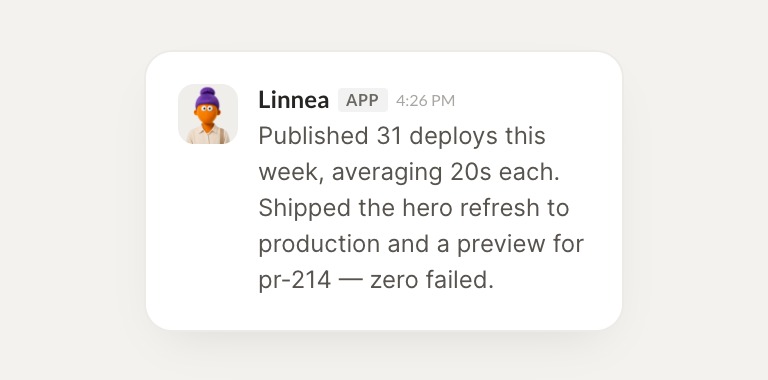
Linnea
APP
9:02 AM
Read the last production deploy. It shipped 6 commits, and I summarized what each one changed so you have a quick record.
Philip
9:05 AM
Perfect, noted.
Live in three steps
No integration project. Connect in under a minute and your agent is working.
01
Find
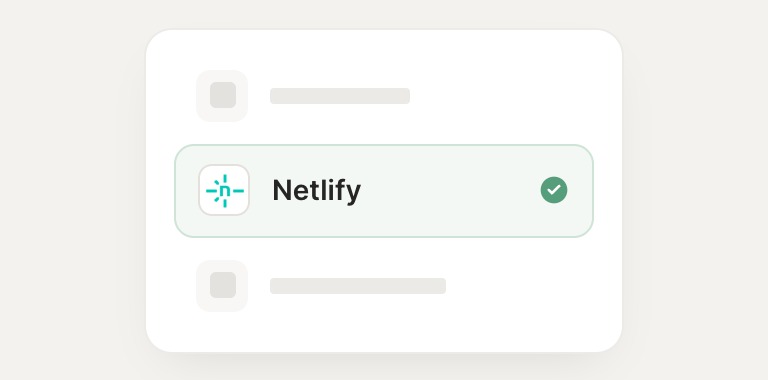
Pick the integration from your agent's list, or just ask the agent to connect it.
02
Approve
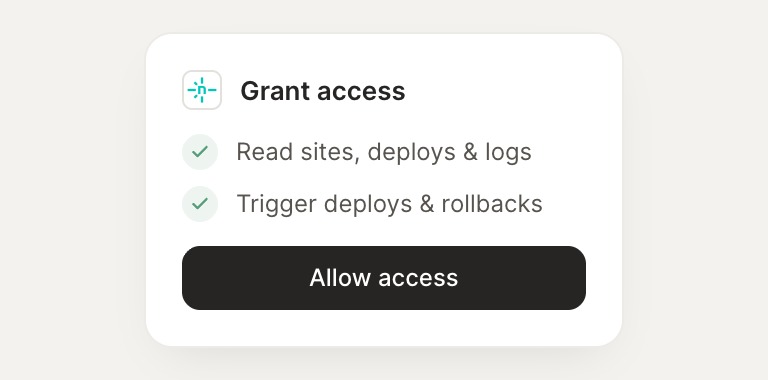
Confirm the access. Change what's granted anytime.
03
Done
Your agent gets to work and reports back.
⇄
Connect your agent to Netlify today
Connect Netlify
→
Browse all integrations