Product
Solutions
Enterprise
Pricing
Blog
Log in
Get Started
→
INTEGRATIONS
/
OpenStatus
OpenStatus integration for AI agents
Connect OpenStatus and your Skydive agent gets to work. Ask in plain English, get the answer, keep moving.
Connect OpenStatus
→
Learn more
OpenStatus, connected
Everything your agent can do in OpenStatus
Connect OpenStatus once and your agent can read, act, and report across it.
Just ask, in plain English
just ask and the agent handles the rest in OpenStatus
Incident recap
Status page
Monitor check
#
#incidents
Dylan
9:18 AM
Were there any outages this week?
Zesty
APP
9:19 AM
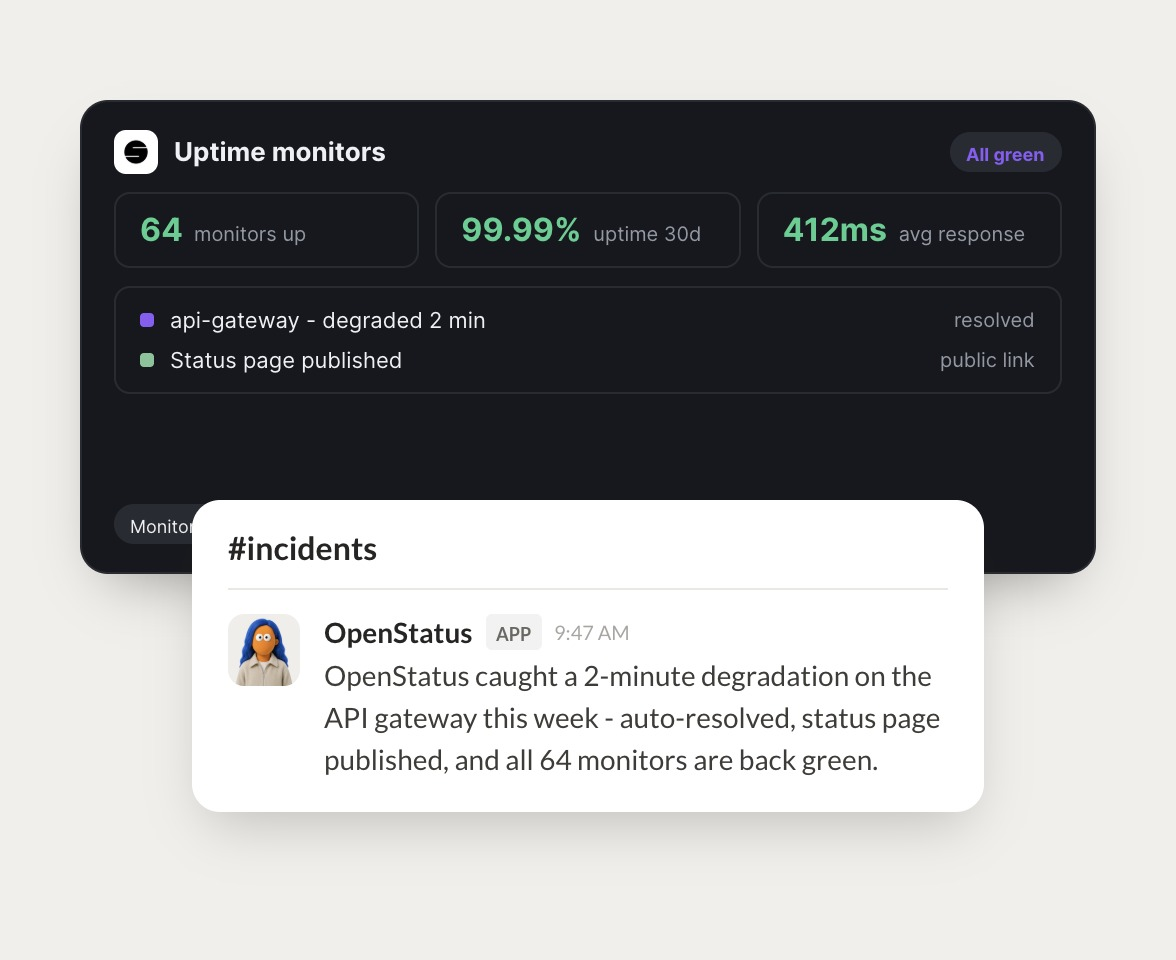
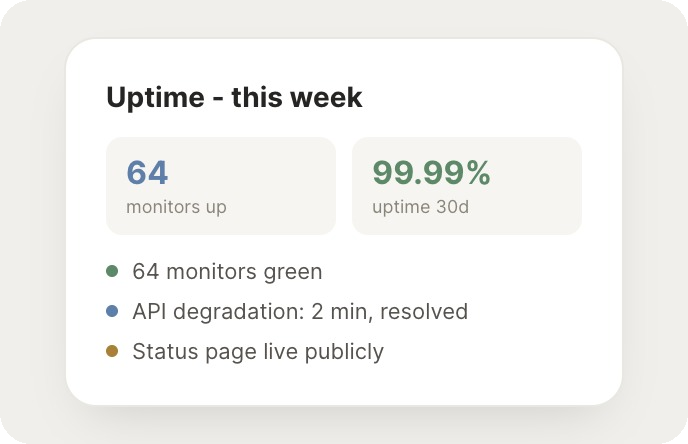
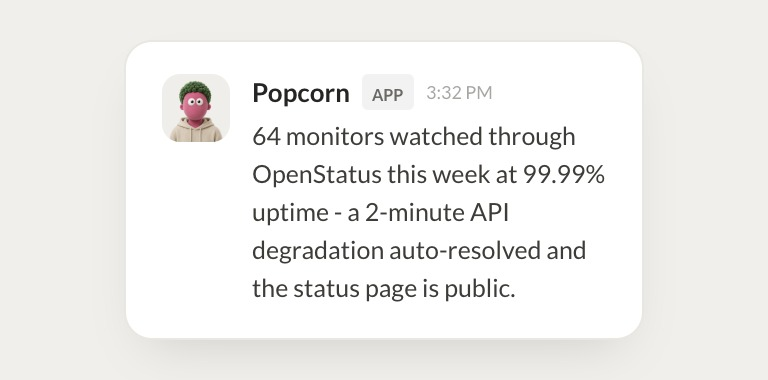
One 2 minute degradation on the API gateway, which auto resolved. Uptime was 99.99%.
Dylan
9:24 AM
Nice, that's quick.
#
#oncall
Gen
8:31 AM
Publish a status update for the API gateway.
Popcorn
APP
8:32 AM
Status update is published on the public page with the timeline and resolution.
Gen
8:38 AM
Great, appreciate it.
#
#support
Leo
9:00 AM
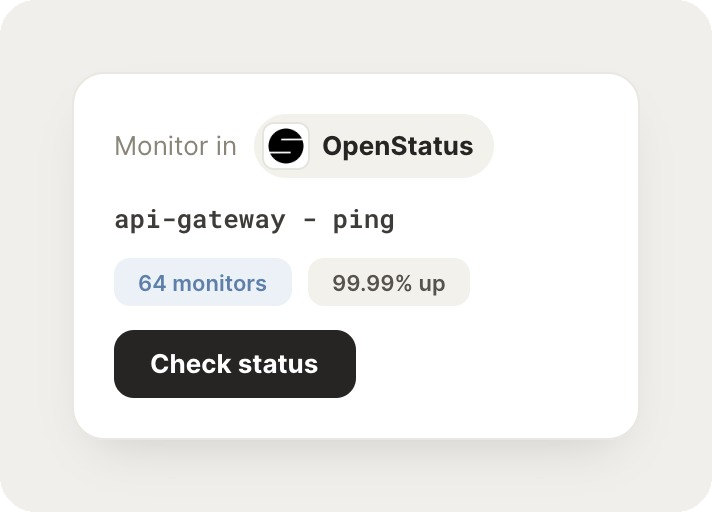
Are all our monitors green?
Paloma
APP
9:02 AM
Yes, all 64 monitors are green with 412ms average response time.
Leo
9:05 AM
Love it.
Live in three steps
No integration project. Connect in under a minute and your agent is working.
01
Find
Pick the integration from your agent's list, or just ask the agent to connect it.
02
Approve
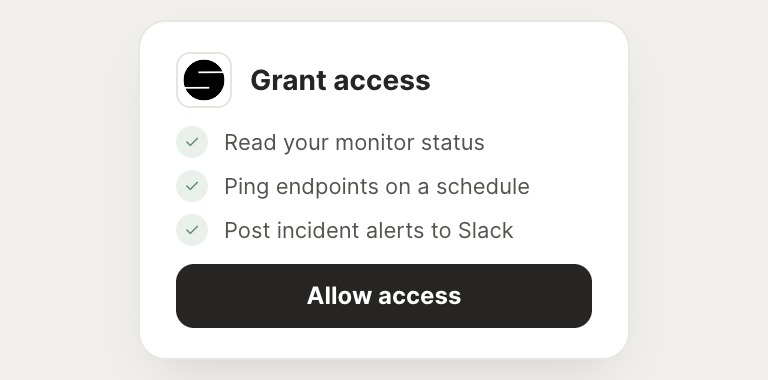
Confirm the access. Change what's granted anytime.
03
Done
Your agent gets to work and reports back.
⇄
Ready to put OpenStatus on autopilot?
Connect OpenStatus
→
Browse all integrations