Product
Solutions
Enterprise
Pricing
Blog
Log in
Get Started
→
INTEGRATIONS
/
Prisma
Prisma migrations, handled in chat
Your agent edits the schema, runs migrations, and keeps the generated client in sync so every model change ships type-safe.
Connect Prisma
→
Learn more
Prisma, connected
Schema changes without the ceremony
Ask to add a relation or run a migration and the agent keeps Prisma and your client in step.
Just ask, in plain English
Just ask, and the agent handles the rest in Prisma.
Schema edit
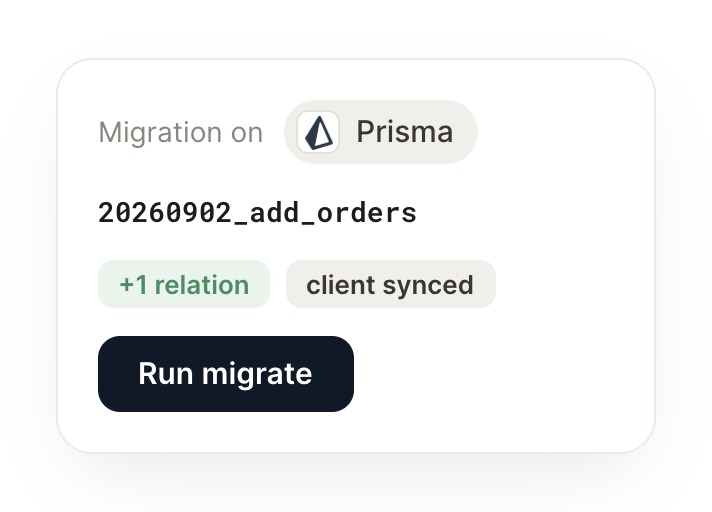
Run a migration
What changed
#
backend
Gen
9:18 AM
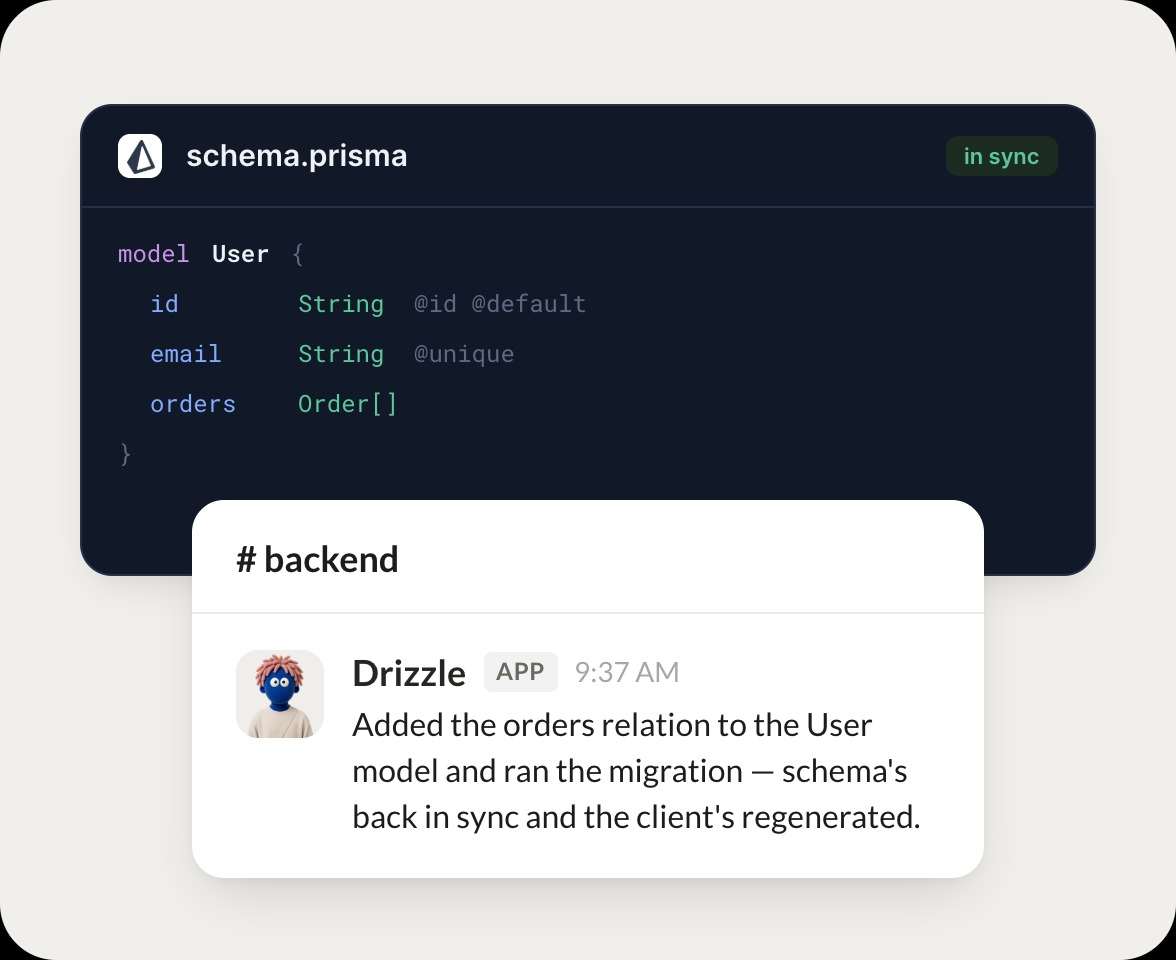
Add an orders relation to the User model and migrate.
Drizzle
APP
9:19 AM
Added the orders relation to the User model and ran the migration. Schema is back in sync and the client is regenerated.
Gen
9:24 AM
Perfect, deploy it.
#
migrations
James
8:31 AM
Recap the migrations we ran this week.
Rio
APP
8:32 AM
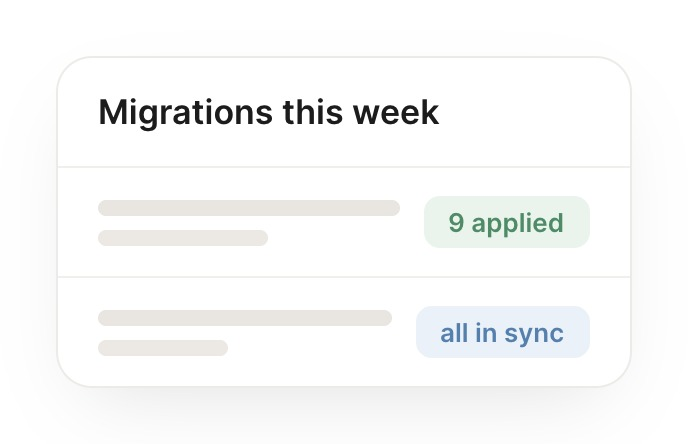
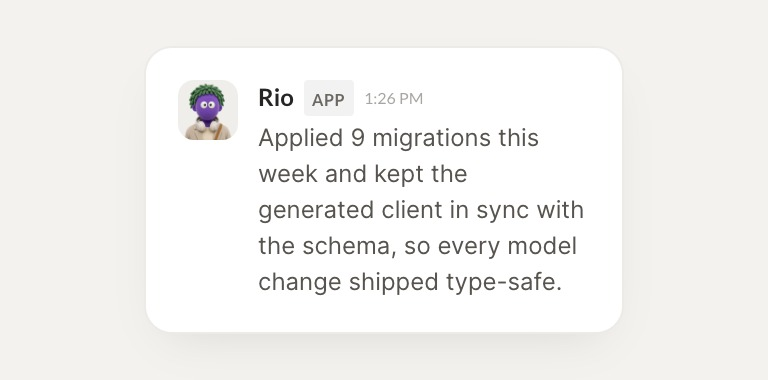
Applied 9 migrations this week and kept the generated client in sync with the schema, so every model change shipped type-safe.
James
8:38 AM
No drift, love that.
#
reviews
Vento
9:00 AM
Is the generated client in sync with the current schema?
Hearth
APP
9:02 AM
The client is fully in sync with the current schema as of the last migration. No drift detected.
Vento
9:05 AM
Great, thanks.
Live in three steps
No integration project. Connect in under a minute and your agent is working.
01
Find
Pick the integration from your agent's list, or just ask the agent to connect it.
02
Approve
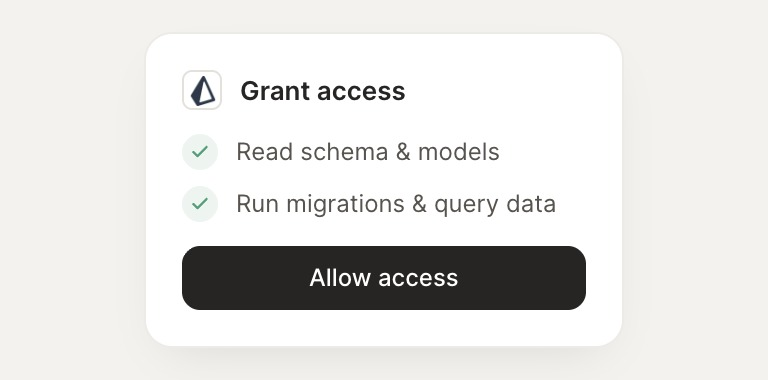
Confirm the access. Change what's granted anytime.
03
Done
Your agent gets to work and reports back.
⇄
Ship schema changes straight from chat
Connect Prisma
→
Browse all integrations