Product
Solutions
Enterprise
Pricing
Blog
Log in
Get Started
→
INTEGRATIONS
/
Quo
Quo integration for AI agents
Connect Quo and your Skydive agent gets to work. Ask in plain English, get the answer, keep moving.
Connect Quo
→
Learn more
Quo, connected
Everything your agent can do in Quo
Connect Quo once and your agent can read, act, and report across it.
Just ask, in plain English
just ask and the agent handles the rest in Quo
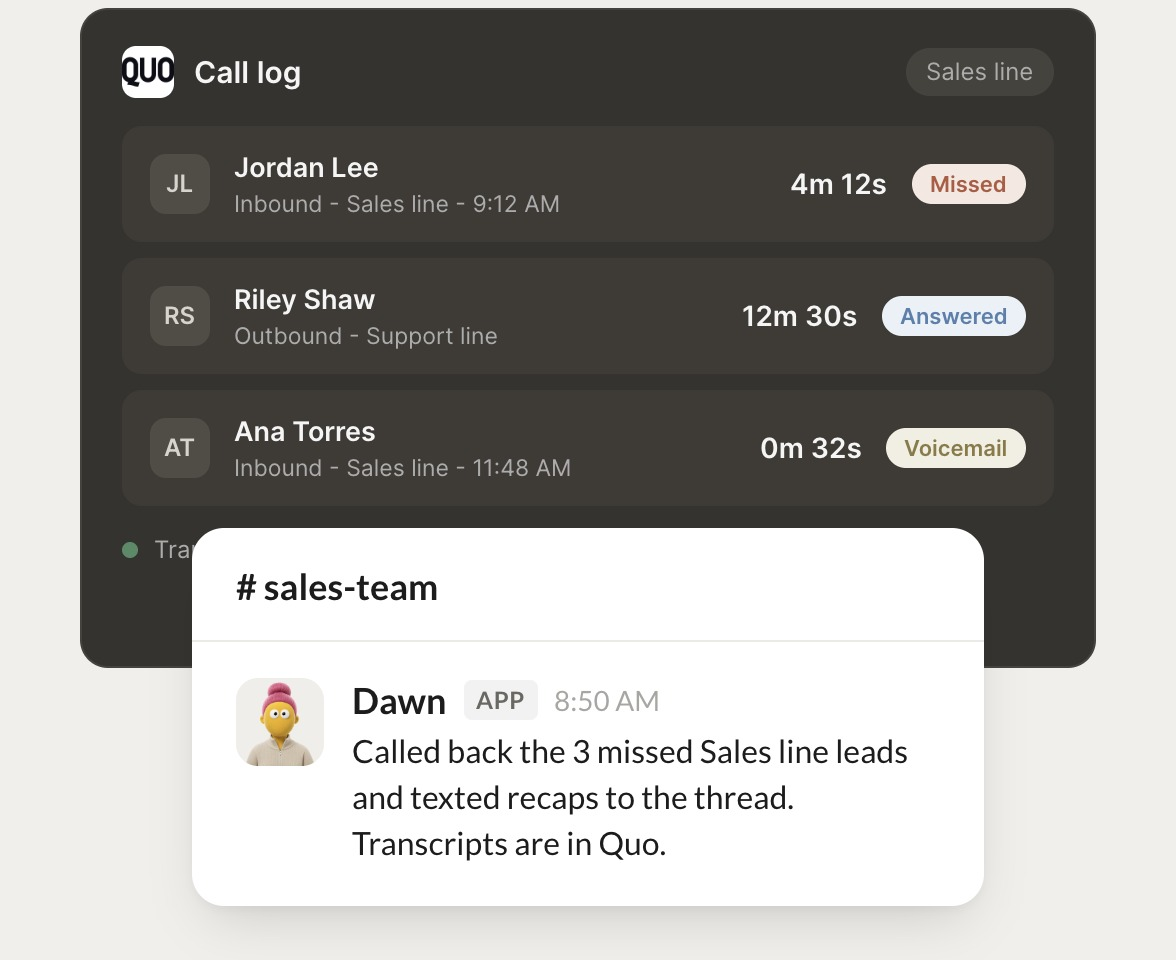
Missed calls
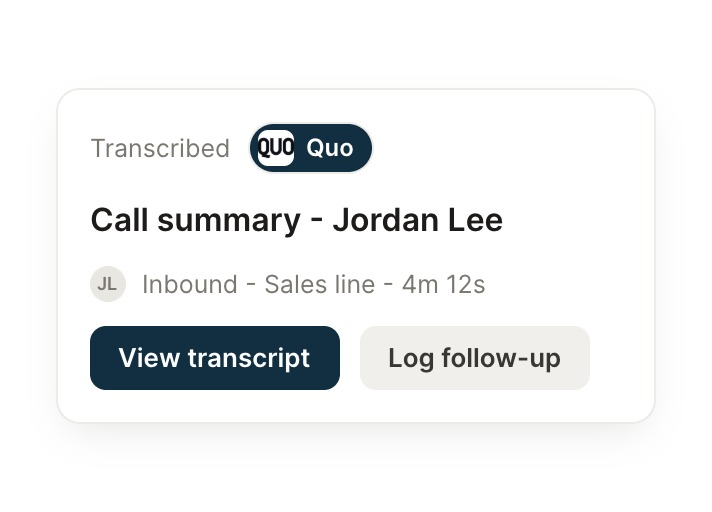
Call recap
Follow up texts
#
#sales-team
Eldar
9:18 AM
Call back the missed Sales line leads from this morning.
Dawn
APP
9:19 AM
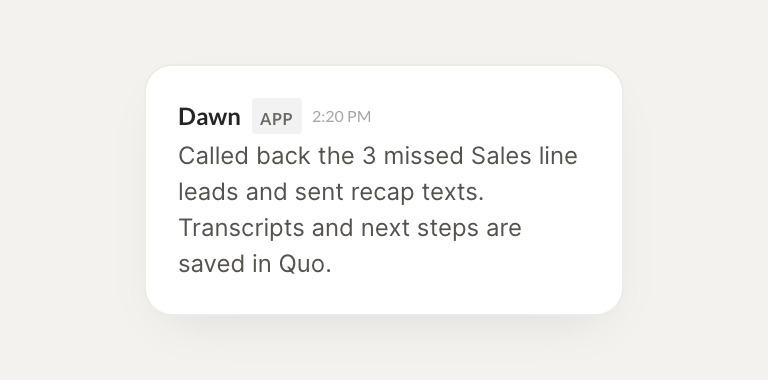
Called back the 3 missed Sales line leads and texted recaps to each. Transcripts are saved in Quo.
Eldar
9:24 AM
Nice, that's quick.
#
#support
Zaria
8:31 AM
Summarize yesterday's calls on the support line.
Xavier
APP
8:32 AM
Support line had 22 calls yesterday. Most were about billing, and two need a follow up today.
Zaria
8:38 AM
Great, appreciate it.
#
#sales
Arnav
9:00 AM
Text everyone who called about pricing with our rate sheet.
Patch
APP
9:02 AM
Texted the rate sheet to 9 callers who asked about pricing this week.
Arnav
9:05 AM
Love it.
Live in three steps
No integration project. Connect in under a minute and your agent is working.
01
Find
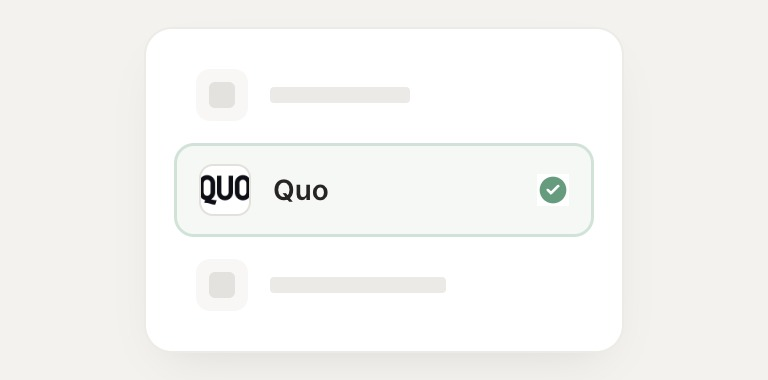
Pick the integration from your agent's list, or just ask the agent to connect it.
02
Approve
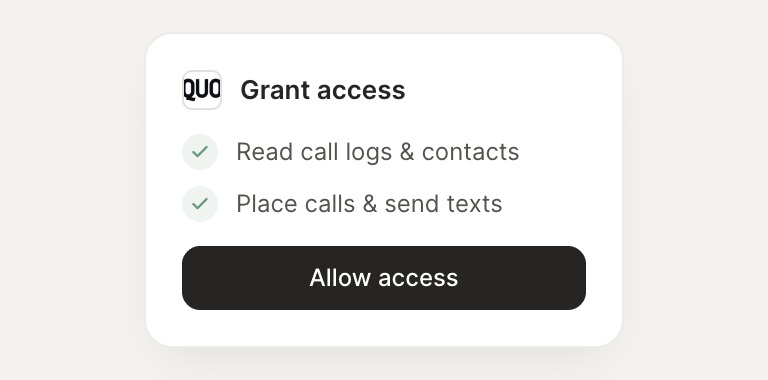
Confirm the access. Change what's granted anytime.
03
Done
Your agent gets to work and reports back.
⇄
Ready to put Quo on autopilot?
Connect Quo
→
Browse all integrations