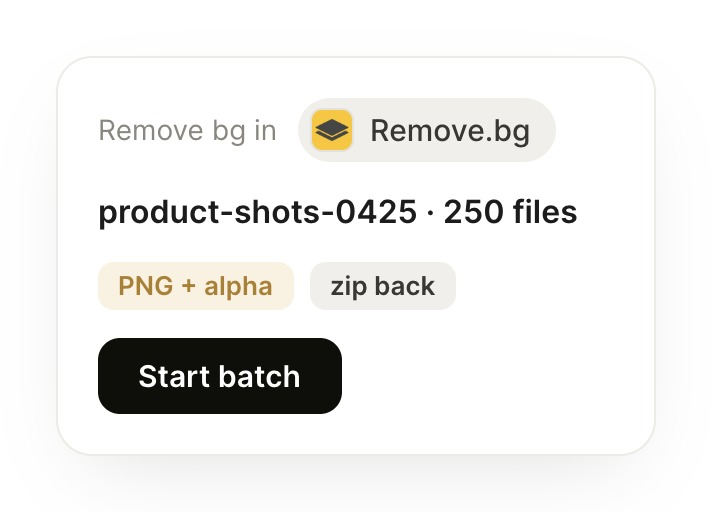
Remove the backgrounds from the product-shots-0425 folder and push them back to the store.
Stella
APP
9:19 AM
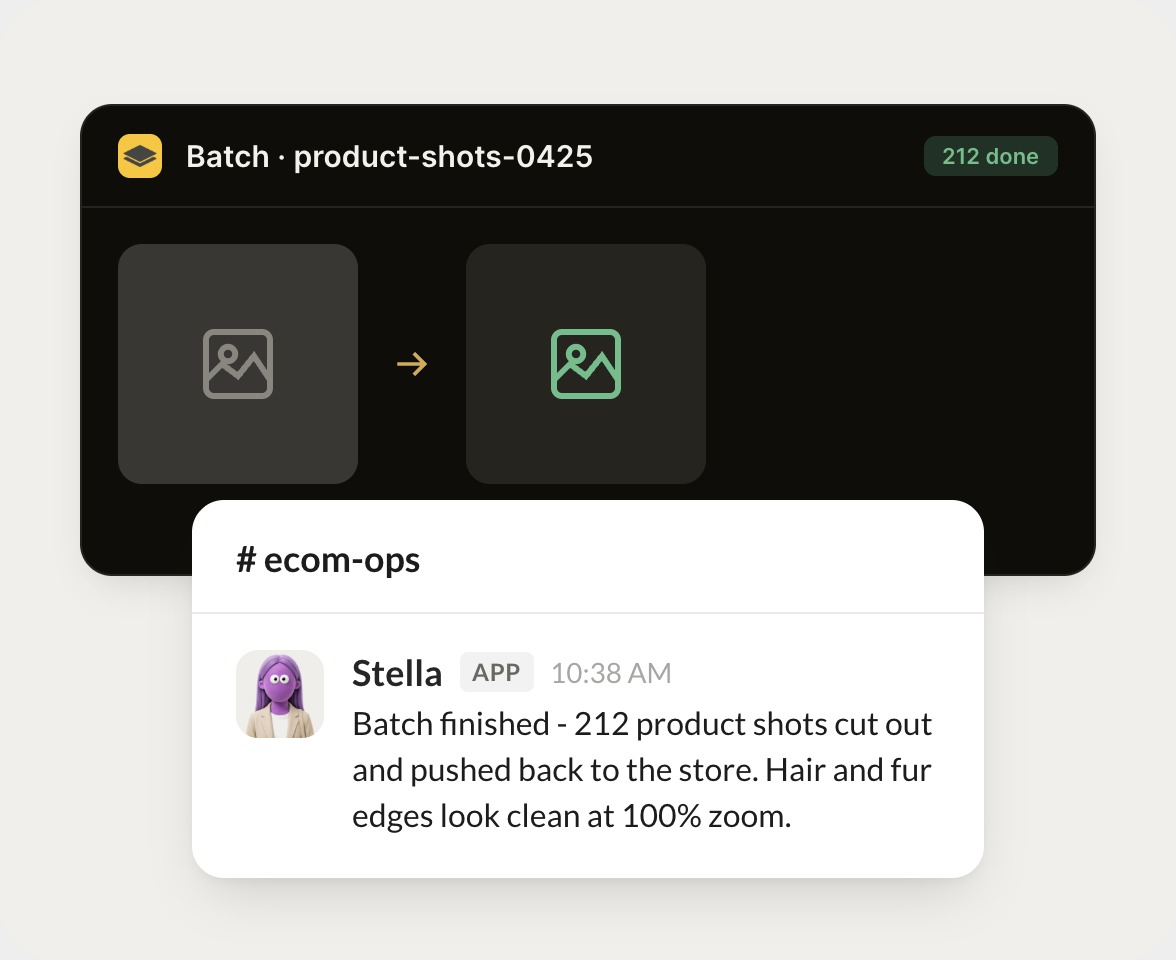
Batch finished. All 212 product shots are cut out as transparent PNGs and pushed back to the store, and the originals are zipped in the same folder.
Gen
9:24 AM
Nice, that's quick.
#
#creative
Eldar
8:31 AM
Can you check the new cutouts for messy edges before they go live?
Clarke
APP
8:32 AM
Checked all 212 at full zoom. Hair and fur edges look clean, and I flagged 3 shots with glass bottles where the reflections got clipped so someone can take a quick look.
Eldar
8:38 AM
Great, appreciate it.
#
#ecom-ops
Zaria
9:00 AM
How many cutouts did we run this week, and how many needed retouching?
Stormy
APP
9:02 AM
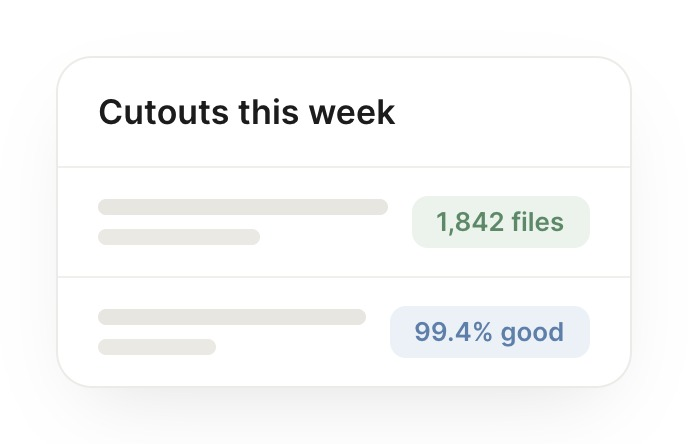
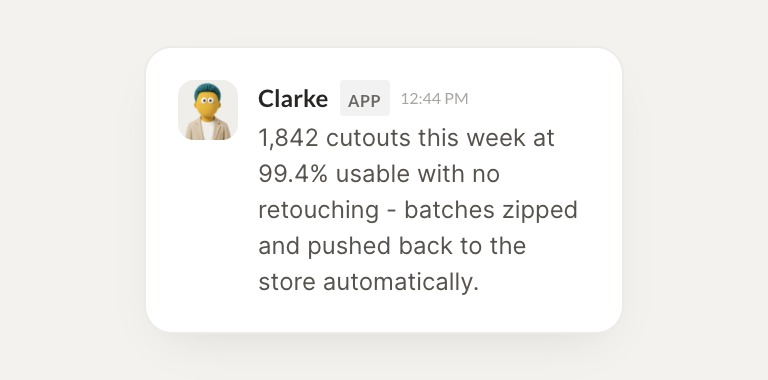
1,842 cutouts this week, and 99.4% were usable with no retouching. Every batch was zipped and pushed back to the store automatically.
Zaria
9:05 AM
Love it.
Live in three steps
No integration project. Connect in under a minute and your agent is working.
01
Find
Pick the integration from your agent's list, or just ask the agent to connect it.
02
Approve
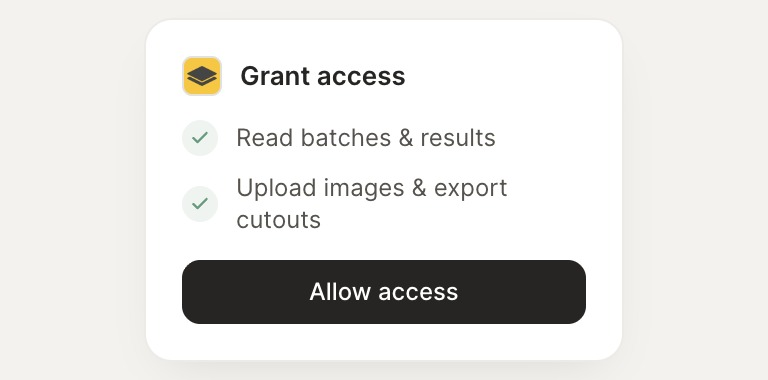
Confirm the access. Change what's granted anytime.