Product
Solutions
Enterprise
Pricing
Blog
Log in
Get Started
→
INTEGRATIONS
/
Replicate
Connect Skydive agents to your Replicate
Connect Replicate and your agent finds models, runs them on your inputs, and brings back the output. Your experiments move faster while you do the work that matters.
Connect Replicate
→
Learn more
Replicate, connected
Turn your Skydive agents into model-running teammates
One connection, and your agent finds the right model, runs it on your input, and returns the output you need.
Just ask, in plain English
Ask your agent for what you need, right where you already work. It handles the rest in Replicate.
Find a model
Run a model
Check a run
#
models
Dylan
9:18 AM
Find a model that upscales images.
Nutty
APP
9:19 AM
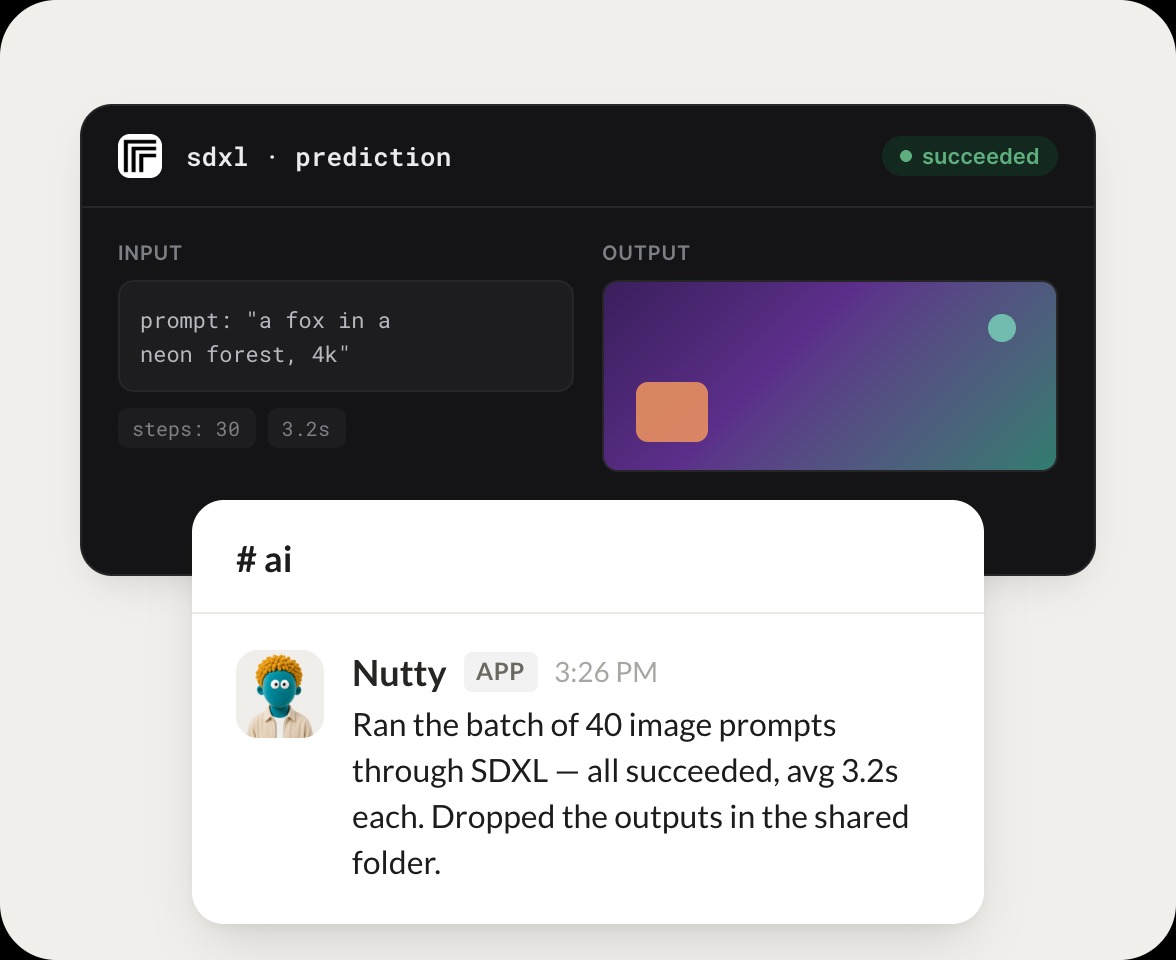
Searched Replicate for image upscaling. Three models fit, and I noted the fastest one plus its cost per run so you can pick.
Dylan
9:24 AM
Perfect, thanks.
#
runs
Rain
8:31 AM
Run this prompt through an image model.
Lotus
APP
8:32 AM
Ran your prompt through the image model. It produced four variations, and I pulled them back with the settings used for each.
Rain
8:38 AM
Great, show me.
#
outputs
Josh
9:00 AM
What was the output of my last run?
Flan
APP
9:02 AM
Checked your last run. It finished successfully in 12 seconds, and I have the output ready along with the exact inputs you gave it.
Josh
9:05 AM
Nice, send it.
Live in three steps
No integration project. Connect in under a minute and your agent is working.
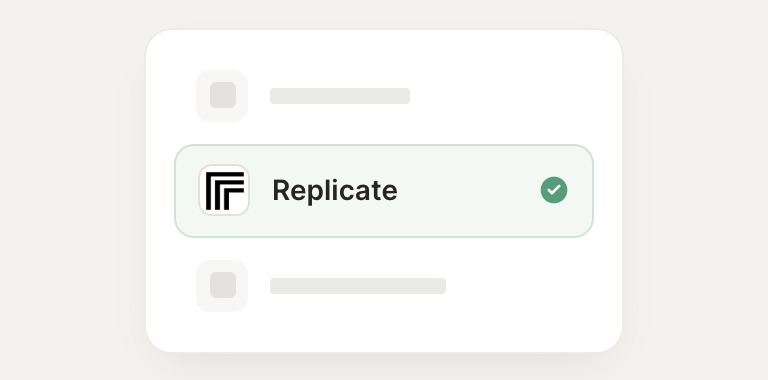
01
Find
Pick the integration from your agent's list, or just ask the agent to connect it.
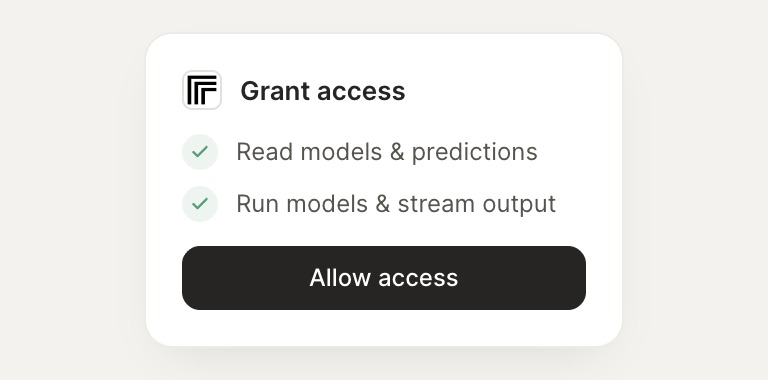
02
Approve
Confirm the access. Change what's granted anytime.
03
Done
Your agent gets to work and reports back.
⇄
Connect your agent to Replicate today
Connect Replicate
→
Browse all integrations