Product
Solutions
Enterprise
Pricing
Blog
Log in
Get Started
→
INTEGRATIONS
/
Resend
Connect Skydive agents to your Resend
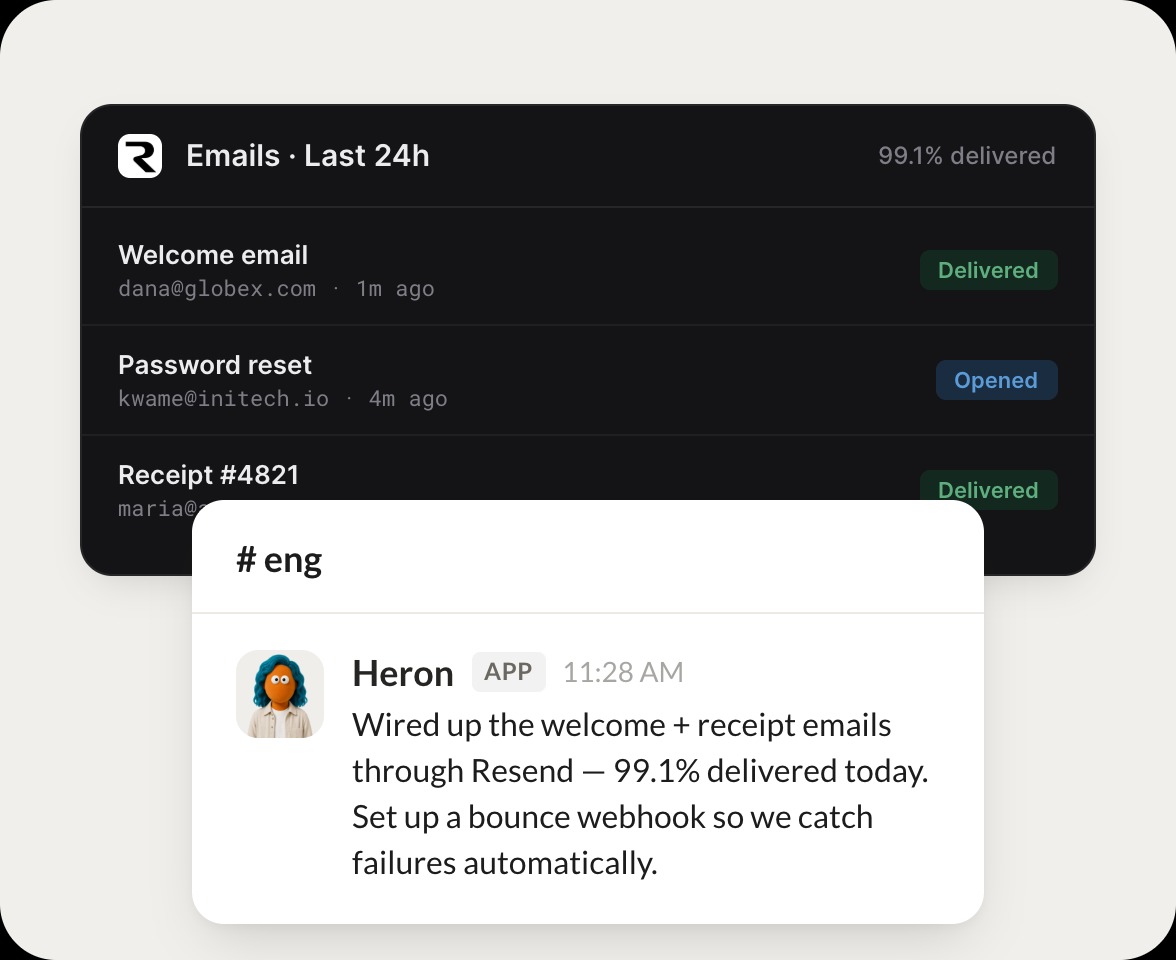
Connect Resend and your agent sends emails, checks delivery, and tells you how your messages are landing. Your email keeps flowing while you do the work that matters.
Connect Resend
→
Learn more
Resend, connected
Turn your Skydive agents into email teammates
One connection, and your agent sends your emails, reads delivery status, and flags anything that bounced.
Just ask, in plain English
Ask your agent for what you need, right where you already work. It handles the rest in Resend.
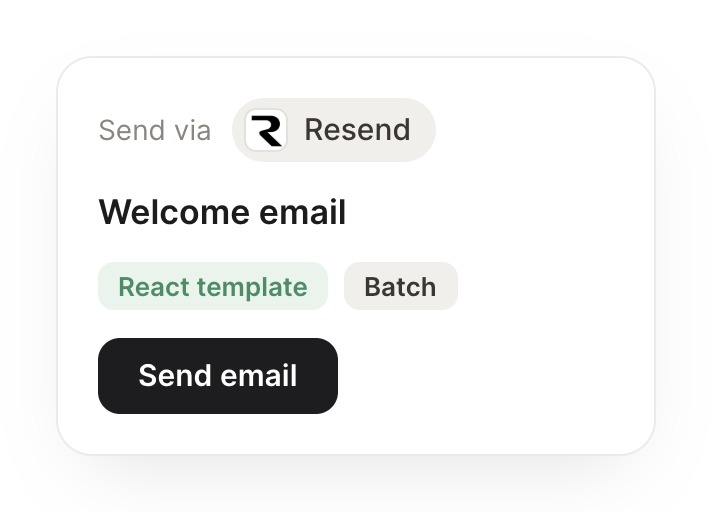
Send an email
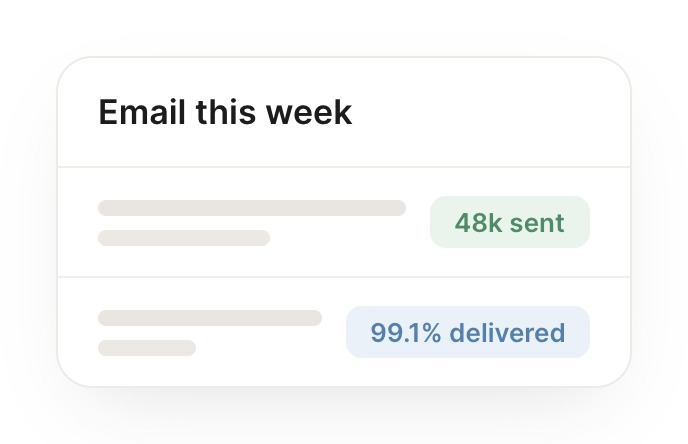
Delivery check
Bounce watch
#
sending
Marcus
9:18 AM
Send the welcome email to this new signup.
Heron
APP
9:19 AM
Sent the welcome email to the new signup through Resend, confirmed it was accepted, and I have the message id if you want to track it.
Marcus
9:24 AM
Perfect, thanks.
#
delivery
Philip
8:31 AM
Did yesterday's batch all get delivered?
Drizzle
APP
8:32 AM
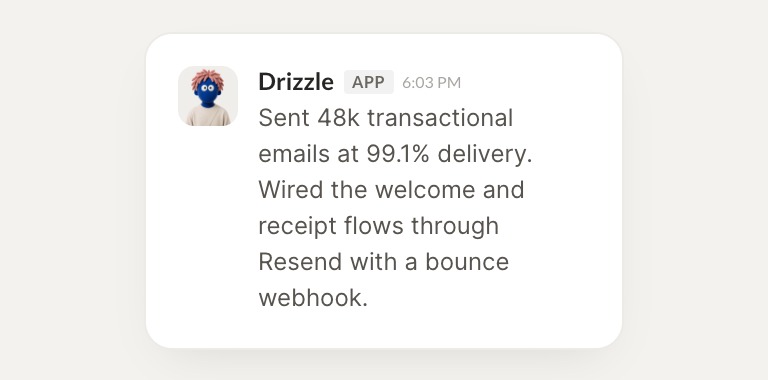
Checked yesterday's batch. 486 of 490 delivered, and the 4 that did not were soft bounces, so I listed them for a retry.
Philip
8:38 AM
Good, all set.
#
status
Zaria
9:00 AM
Which emails bounced this week?
Tadpole
APP
9:02 AM
Pulled this week's bounces. Seven in total, all hard bounces from invalid addresses, so I flagged them to remove from your list.
Zaria
9:05 AM
Nice, clean it up.
Live in three steps
No integration project. Connect in under a minute and your agent is working.
01
Find
Pick the integration from your agent's list, or just ask the agent to connect it.
02
Approve
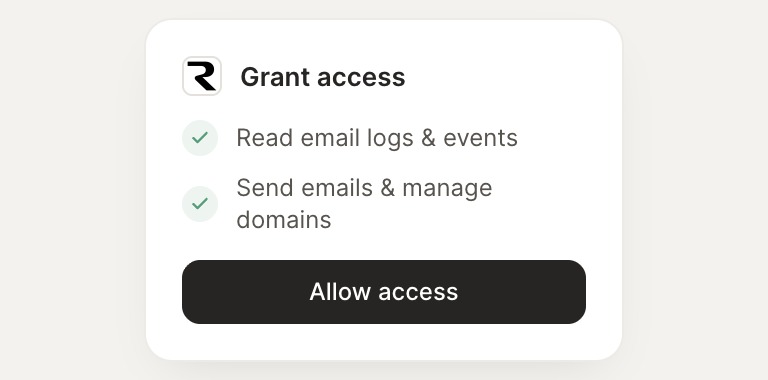
Confirm the access. Change what's granted anytime.
03
Done
Your agent gets to work and reports back.
⇄
Connect your agent to Resend today
Connect Resend
→
Browse all integrations