Product
Solutions
Enterprise
Pricing
Blog
Log in
Get Started
→
INTEGRATIONS
/
Splice
Splice integration for AI agents
Connect Splice and your Skydive agent gets to work. Ask in plain English, get the answer, keep moving.
Connect Splice
→
Learn more
Splice, connected
Everything your agent can do in Splice
Connect Splice once and your agent can read, act, and report across it.
Just ask, in plain English
just ask and the agent handles the rest in Splice
Find loops
Browse packs
Project sounds
#
#music-production
Dhruv
9:18 AM
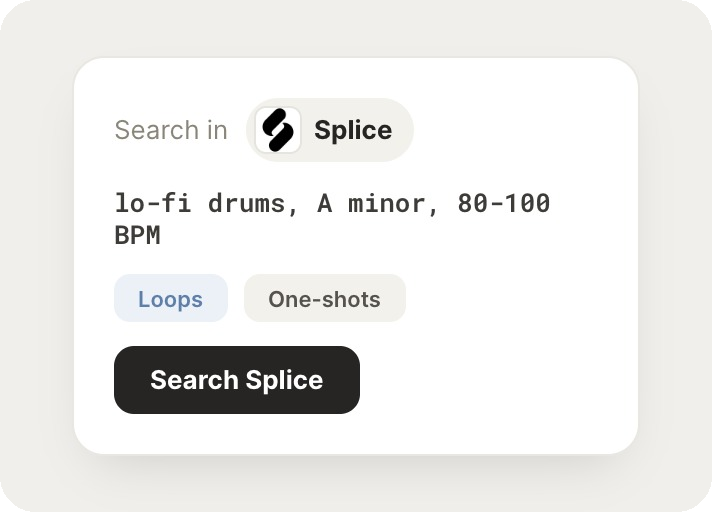
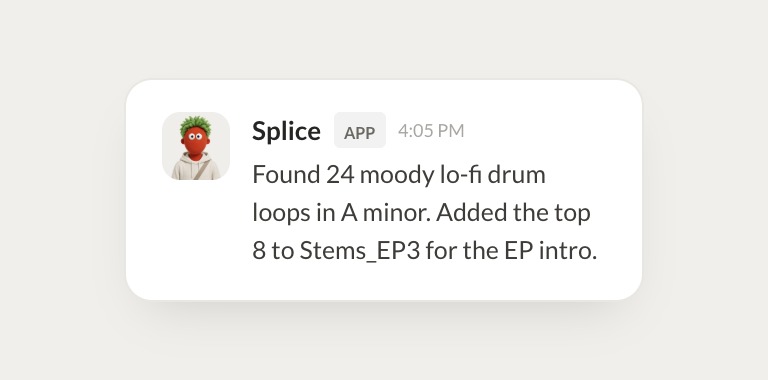
Find moody lo-fi drum loops in A minor around 90 BPM and add the best ones to Stems_EP3.
Boo
APP
9:19 AM
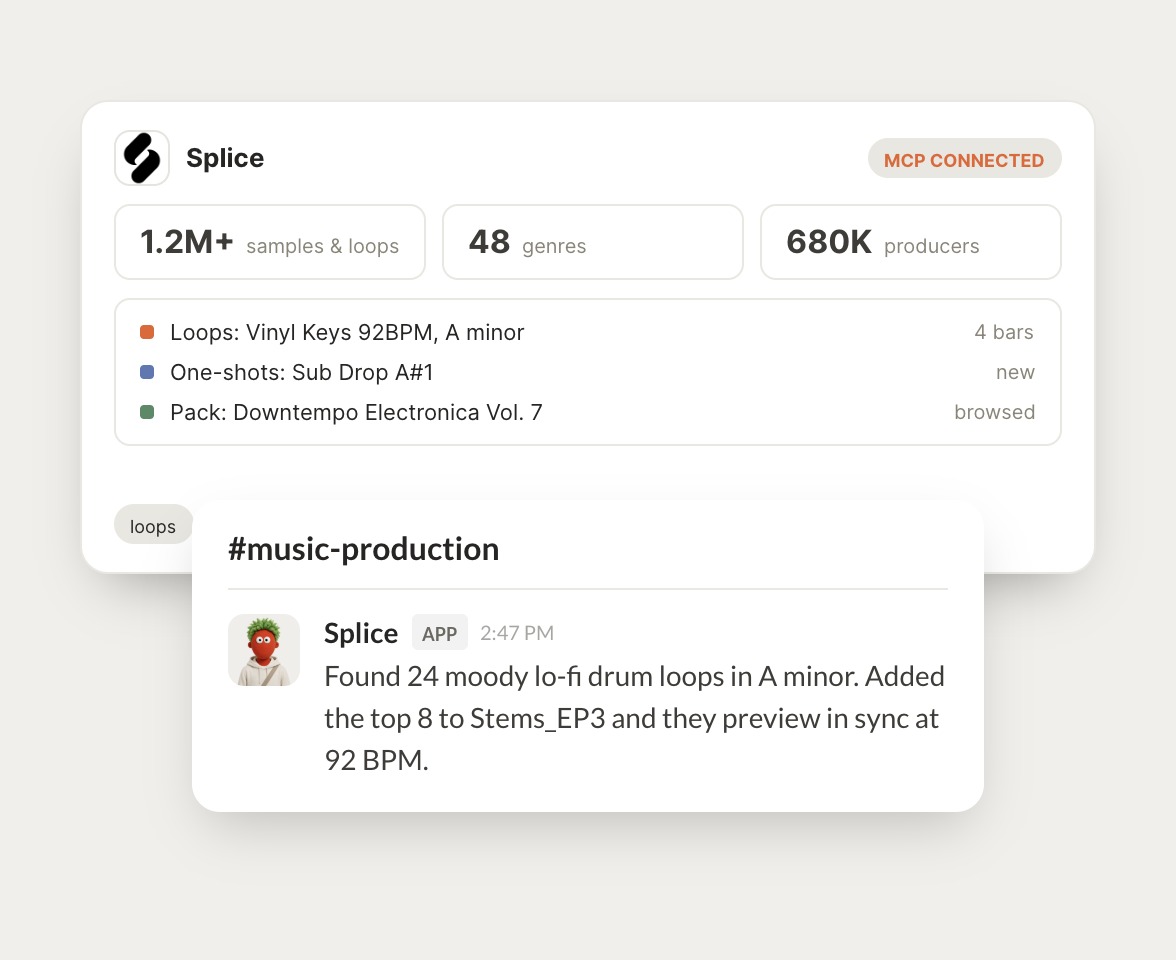
Found 24 moody lo-fi drum loops in A minor. I added the top 8 to Stems_EP3 and they preview in sync at 92 BPM.
Dhruv
9:24 AM
Nice, that's quick.
#
#beats
Gen
8:31 AM
Find some downtempo electronica packs I haven't tried yet.
Plum
APP
8:32 AM
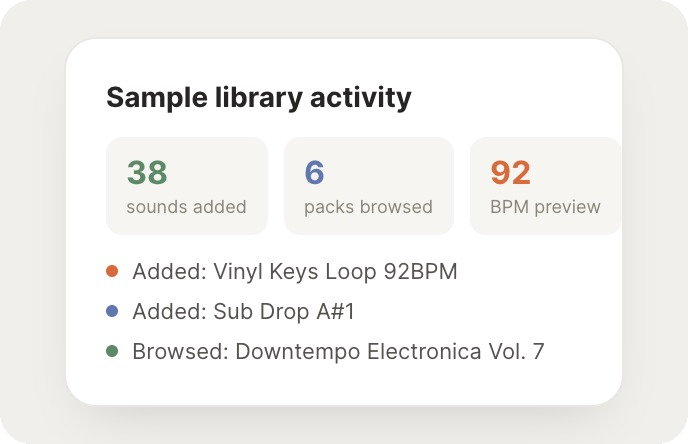
Browsed 6 packs. Downtempo Electronica Vol. 7 is the best match, with warm keys and dusty breaks, and I saved two backups to your likes.
Gen
8:38 AM
Great, appreciate it.
#
#sound-design
Arnav
9:00 AM
Pull a few sub drop one-shots in A sharp for the intro.
Ralph
APP
9:02 AM
Grabbed 5 sub drops in A sharp and added Sub Drop A#1 to the intro track. It sits nicely under the vinyl keys loop.
Arnav
9:05 AM
Love it.
Live in three steps
No integration project. Connect in under a minute and your agent is working.
01
Find
Pick the integration from your agent's list, or just ask the agent to connect it.
02
Approve
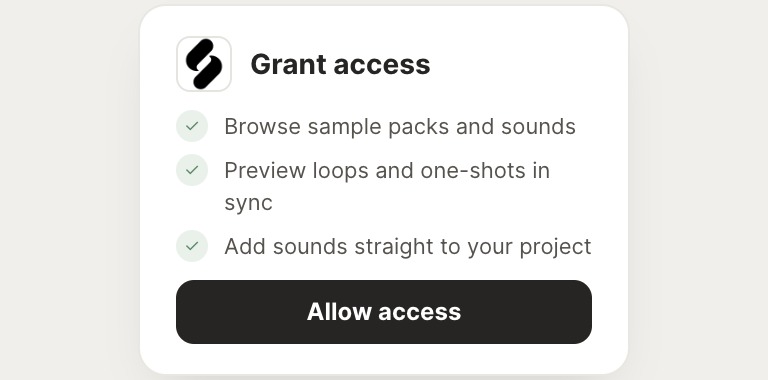
Confirm the access. Change what's granted anytime.
03
Done
Your agent gets to work and reports back.
⇄
Ready to put Splice on autopilot?
Connect Splice
→
Browse all integrations