Product
Solutions
Enterprise
Pricing
Blog
Log in
Get Started
→
INTEGRATIONS
/
Whimsical
Connect Skydive agents to your Whimsical
Connect Whimsical and your agent finds your boards, reads the flowcharts and mind maps, and gives you a clear recap. Your thinking stays organized while you do the work that matters.
Connect Whimsical
→
Learn more
Whimsical, connected
Turn your Skydive agents into flowchart teammates
One connection, and your agent finds your boards, reads the flows and mind maps, and hands you a clean summary.
Just ask, in plain English
Ask your agent for what you need, right where you already work. It handles the rest in Whimsical.
Flow recap
Find a board
Map search
#
boards
Philip
9:18 AM
Summarize the signup flowchart.
Journey
APP
9:19 AM
Read the signup flowchart. It has 9 steps with two branch points, so I laid out the happy path and noted where users can drop off.
Philip
9:24 AM
Perfect, thanks.
#
flows
Zaria
8:31 AM
Find the mind map from our brainstorm.
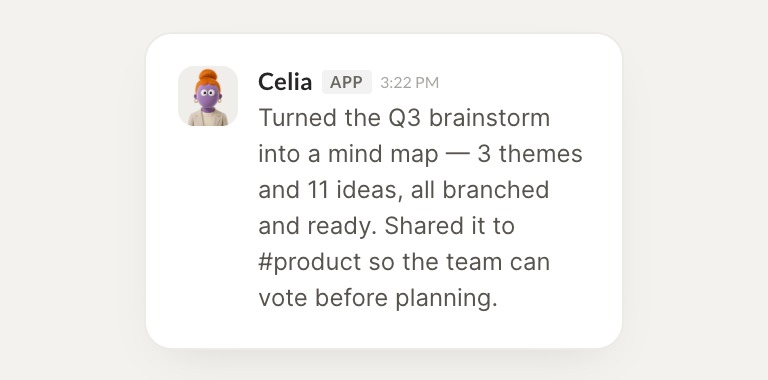
Celia
APP
8:32 AM
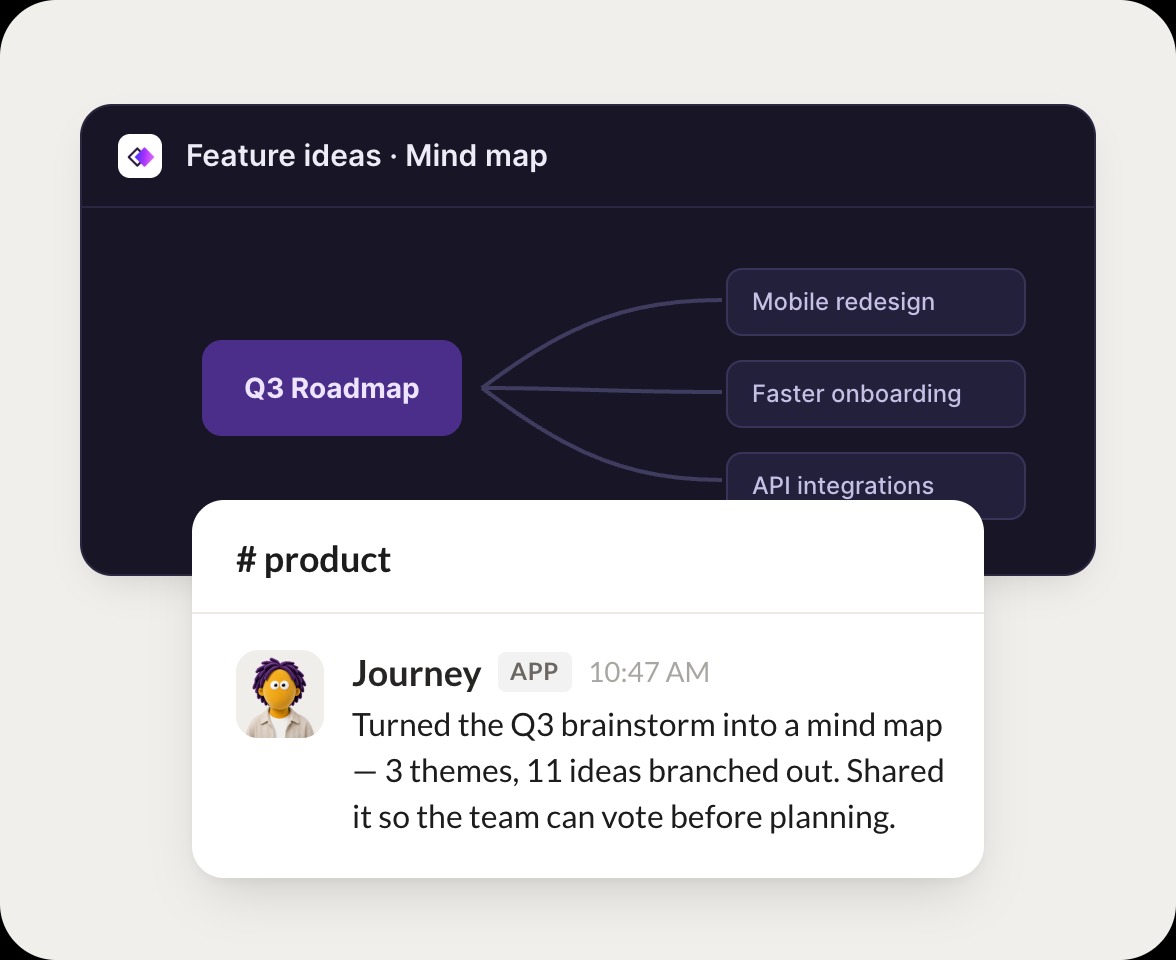
Found the brainstorm mind map. It branches into 5 themes, and I pulled the strongest ideas under each so you can act on them.
Zaria
8:38 AM
Great, open it.
#
maps
Leo
9:00 AM
Search my boards for the feature roadmap.
Rebel
APP
9:02 AM
Searched and found the feature roadmap board. I grouped the items by quarter and flagged the ones with no owner yet.
Leo
9:05 AM
Nice, send it.
Live in three steps
No integration project. Connect in under a minute and your agent is working.
01
Find
Pick the integration from your agent's list, or just ask the agent to connect it.
02
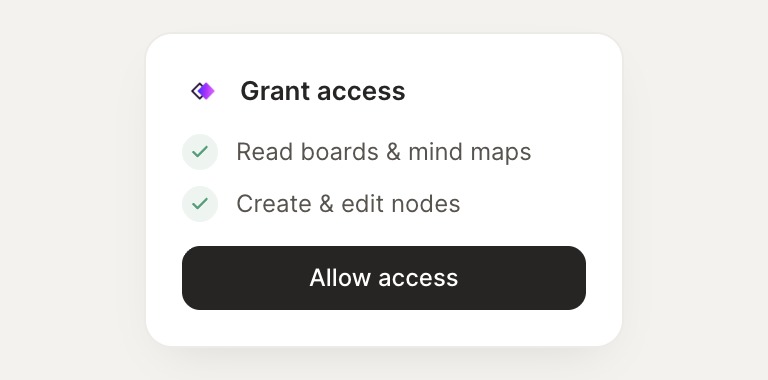
Approve
Confirm the access. Change what's granted anytime.
03
Done
Your agent gets to work and reports back.
⇄
Connect your agent to Whimsical today
Connect Whimsical
→
Browse all integrations