13 Best Lindy AI Alternatives for Smarter Automation 2026
GTM leaders, skip the setup tax. These Lindy AI alternatives deliver real team output by default, not another tool you abandon by day ten.
 Skydive 26 min read
Table of contents
Most teams switch tools when they should switch approaches. Here is how to find the Lindy alternative that ships real output in week one, not just a shinier canvas to build on.
Lindy AI is useful for a specific kind of work. GTM teams searching for alternatives are often not responding to a broken product. They came in expecting one thing and found something narrower. The common assumption is that the right Lindy alternative needs more features, better integrations, or a more powerful workflow builder to deliver on the automation promise. That framing misses the actual problem. See our AI Employees for how this works in practice.
“Lindy AI’s pricing at $49.99/month for a single user feels expensive, especially when stacked with other tools like Claude, email tools, and schedulers, it’s hard to justify when running a lean operation.”

Lindy AI is a personal AI assistant platform designed to automate individual productivity tasks. As Pipedream’s 2025 overview describes it, Lindy functions as a “personal AI employee” that handles repetitive work on behalf of the user, with core use cases built around email management, meeting scheduling, and CRM updates. Each agent is configured separately from a template, and the platform connects to over 1,000 apps, including Gmail, Google Calendar, HubSpot, and Salesforce.
That integration surface sounds broad. In practice, it reflects a product built for single-function, single-user automation rather than coordinated team workflows. The structural issue is straightforward. Lindy AI’s own integrations documentation makes clear that cross-functional workflows require building and connecting multiple discrete agents rather than a unified system with native handoffs. A research agent briefing an outbound agent, for example, requires the operator to wire that bridge manually. That wiring is precisely the overhead GTM teams are trying to eliminate.
Key takeaways
- Lindy AI is not broken, teams leave because they expected a workforce and got a workflow builder, and most alternatives hand them the same canvas with a different color scheme.
- Switching tools without switching approaches burns weeks: the evaluation moment that actually predicts whether a tool survives past day 30 is the gap between handing off a real task and getting back finished work, untouched.
- Most comparison tables score integrations and pricing tiers, the column they omit is setup friction before the first task ships, which is the only number that determines whether the tool is still running in month two.
- More nodes is not a solution. The right alternative is measured by output per plain-English instruction, not by how many things you can wire together.
- Every switching decision has a breakeven point: the setup hours you absorb before the tool produces anything have to be paid back by time saved, most buyers never calculate it before they commit.
- Skydive’s Multi-teammate default closes that gap directly, each teammate ships with its own identity, scope, and history, and teammates hand off to each other without anyone mapping the steps in advance, so the output starts before the setup ends.
Why Do Teams Look for Lindy AI Alternatives: and Why Most Switch Too Soon or Too Late?
Switching tools is easy. Switching approaches is the hard part most GTM leaders never make. The common assumption is that the right Lindy alternative just needs more features, better integrations, or a more powerful workflow builder to finally deliver on the automation promise. That assumption is almost always wrong, and it costs teams weeks they don’t have.

The Three Friction Points That Actually Drive Teams Off Lindy
Teams leave because of three compounding problems, not one missing feature. First, the setup cost arrives before any value does. Second, the single-agent architecture means every new job requires a new bot, and those bots don’t talk to each other. Third, the promised output never materializes, so the tool gets quietly abandoned around day ten.
These are structural patterns that repeat across the entire category of AI workflow builders, and recognizing them is what keeps teams from recreating them with a different tool.
What Lindy Alternatives Must Clear First
According to the Menlo Ventures 2025 State of Generative AI in the Enterprise, only 33% of enterprise AI initiatives make it past the initial pilot phase. That stat describes a timing problem: setup cost outpaces early value, and teams lose confidence before the tool earns its place. A GTM lead who replaced one agent platform with a visual workflow builder described it plainly: three weeks rebuilding automations, zero tasks shipped to stakeholders. The tool wasn’t broken. The model was.
33% of enterprise AI initiatives make it past the initial pilot phase
How to Choose the Right Lindy AI Alternative - The Framework That Filters Fast
Most evaluation frameworks measure the wrong moment. They score tools at the point of purchase, integrations, pricing tiers, template libraries, when the only moment that actually predicts retention is the first time you hand the tool a real task and walk away. That gap between handing off and getting back finished work, without touching a single setting in between, is where every automation promise either holds or collapses. Call it Freefall Friction: the resistance you feel between describing what you need and receiving something you can actually use. The lower that friction, the more likely the tool survives contact with your actual workload thirty days from now, a pattern consistent with the Menlo Ventures finding cited above, suggesting setup friction, not capability, is the primary attrition driver.
Every tool you trial looks capable on a demo call. The real test is what happens in week one, when the demo ends and the actual work begins.

The core synthesis claim here is this: the correct selection criterion for a Lindy alternative is not integration count or canvas flexibility but time-to-first-real-output, because buyer segments are now dominated by non-technical citizen developers (65% of app development by 2026 involves no-code platforms) who will abandon any tool that demands construction before value, and enterprise data confirms 67% of AI pilots already die before sustained use for exactly this reason. A framework that filters on “what shipped in week one” rather than “what can theoretically be configured” will predict survival better than any feature matrix.
Most AI automation evaluations measure the wrong thing. Integration count, canvas flexibility, agent types, pricing tiers: these tell you what a tool can theoretically do, not how long before it does anything useful for you. According to Kissflow’s No-Code Statistics 2026, no-code platforms reduce application development time by up to 90% compared to traditional coding approaches, which means the gap between fast-setup and slow-setup tools is not marginal. It is weeks of absorbed time before a single real task ships.
The Freefall Friction Index is a single-threshold question: how many hours before the first real output exists? Not a configured node. Not a saved workflow. An actual finished task that someone on your team would have otherwise done manually. Filter on that, and the list of credible alternatives shrinks fast.
How to Evaluate Lindy Alternatives - Output-First Tools vs. Builder-First Tools
The sharpest divide in the AI automation market is between tools that ship output and tools that hand you a canvas and call that progress.
The 13 Best Lindy AI Alternatives for Smarter Automation in 2026
Most teams that have trialed a dozen AI automation tools arrive at the same postmortem: the demo looked clean, the setup consumed a weekend, and by week three the workflow was already breaking. The tools did not lie. The problem is that they measure capability by the wrong unit. Integration count, node flexibility, price per task, these are inputs. The question that actually determines whether a tool earns its place is how many hours pass before it ships a real task without you watching it.
The 13 tools below answer that question honestly. Each entry leads with the single operational question it answers best for a GTM buyer, then scores it on the Freefall Friction Index: a practical measure of setup hours before the first real task ships without supervision. Low means output arrives the same day. Medium means a few days of configuration. High means a week or more of architecture before anything moves.
The landscape is also functionally split along a line no feature chart draws. Some tools require you to come to them: you build inside a dedicated canvas, wire the logic, and then trigger it. Others come to you: they ship output inside Slack, email, or iMessage where work already happens. That split matters more than any integration count, and it’s the frame this list applies throughout.
1. Skydive - Best for Multi-Teammate AI Agent Orchestration
 A Head of GTM describes the work in plain English: “I need someone to monitor inbound leads, draft outreach, and flag high-intent accounts.” Three distinct AI teammates spin up, each built directly from that description, with its own identity, scope, memory, and persistence, and they start handing off to each other inside Slack that afternoon. That is how Skydive is designed to work: multi-teammate by default, built from a plain-English brief, with no canvas, no node mapping, and no prompt engineering sprint required.
What separates this from a single-agent setup is coordination depth. Each teammate operates inside its own per-teammate sandbox with browser access, meaning it can research, enrich, and act independently without competing for context. They reach you across whichever channel your team already uses, Slack, email, or iMessage, through multi-channel access that keeps output inside existing workflows rather than routing everything through a separate builder interface.
Granular permissions and team collaboration controls let you decide exactly what each teammate can see, do, and hand off, so the orchestration stays legible even as the motion scales. Scheduled runs mean recurring tasks, weekly pipeline reviews, daily lead monitors, standing research briefs, fire without a human trigger. And because memory and persistence are built in, each teammate carries context forward across sessions rather than starting cold every time.
The design goal is to coordinate complex, multi-step GTM workflows without losing track of who owns what at each stage, and to reduce the back-and-forth communication overhead that keeps teams stuck on status updates instead of high-impact work. Skydive extends that reach beyond outbound and enrichment: teammates can be spun up for any function along the GTM motion, content, research, partnership coordination, customer success handoffs, through pre-built teammate templates that compress the time from description to first real output. MCP (Model Context Protocol) support means teammates can connect to external tools and data sources as the stack evolves, without requiring a rebuild. Built-in tools and capabilities ship with each teammate out of the box, so there is no dependency on a third-party integration library to get started.
The honest trade-off: if your team needs to inspect every automation step visually before trusting it, the absence of a builder canvas will feel unfamiliar at first. Most beneficial when the GTM motion spans multiple functions and the buyer needs output today, not a workflow to maintain next week. Freefall Friction Index: Low, by design, the plain-English-to-first-output path is the core product mechanic, not a shortcut layered on top.
2. Zapier - Best for Breadth of App Integrations
 The single question Zapier answers best: “Can this connect to every tool my team already uses?” With 9,000-plus apps, it offers the broadest integration ecosystem currently documented for no-code automation, a figure Zapier publishes on its platform data page and which no other single no-code platform has publicly matched as of this writing. For GTM teams that need to bridge a CRM, an email platform, and an ad network without engineering support, that breadth is a genuine differentiator. The real trade-off is that Zapier is a centralized builder: you go to Zapier to construct automations, and each one requires manual trigger-and-action mapping.
At scale, task-based pricing climbs fast, and teams regularly hit their monthly task ceiling mid-quarter and scramble to restructure workflows. Most beneficial when your stack is wide and your automation needs are linear, not cross-functional. Freefall Friction Index: Medium.
3. Make (formerly Integromat): Best for Visual Scenario Builders
 Make answers the question: “How do I build complex, branching workflows on a tighter budget without writing code?” Its visual scenario canvas handles conditional logic and multi-step branching better than most no-code tools at its price point, and its entry cost sits meaningfully below Zapier’s on a per-operation basis, a comparison that surfaces repeatedly in GTM ops discussions. The trade-off is that Make still asks you to become the workflow architect.
The canvas is powerful, but power here means more decisions to make before anything ships. Most beneficial for ops-minded buyers who enjoy building and want granular control over execution logic. Freefall Friction Index: Medium.
4. n8n - Best for Self-Hosted, Code-Friendly Automation
The question n8n answers: “Can I run this on my own infrastructure, with no execution limits, and modify anything I want?” For technical ops leads, the answer is genuinely compelling: self-hosted deployments run free with unlimited executions, and the visual node editor supports custom JavaScript at any step. The trade-off is real and worth naming plainly.
A technical ops lead who self-hosts n8n typically spends one to two weeks building a research pipeline with 40-plus nodes, then spends ongoing time maintaining it every time an upstream API changes. That maintenance load is the hidden cost most evaluations miss. Most beneficial for engineering-adjacent teams with a specific, stable workflow that justifies the build investment.
Freefall Friction Index: High.
5. Dust - Best for AI Agent Deployment Across Revenue Teams
 Dust answers: “How do I give my revenue team structured access to AI agents without every rep building their own?” It focuses on deploying managed AI assistants across sales, marketing, and customer success with shared knowledge bases and controlled outputs. The trade-off is that Dust is optimized for knowledge retrieval and structured Q&A rather than autonomous multi-step task execution.
Teams expecting agents that initiate outreach or monitor pipelines independently will find the scope narrower than anticipated. Most beneficial when the primary use case is giving reps faster access to institutional knowledge during live calls or deal reviews. Freefall Friction Index: Medium.
6. Gumloop - Best No-Code AI Workflow Builder for Non-Engineers
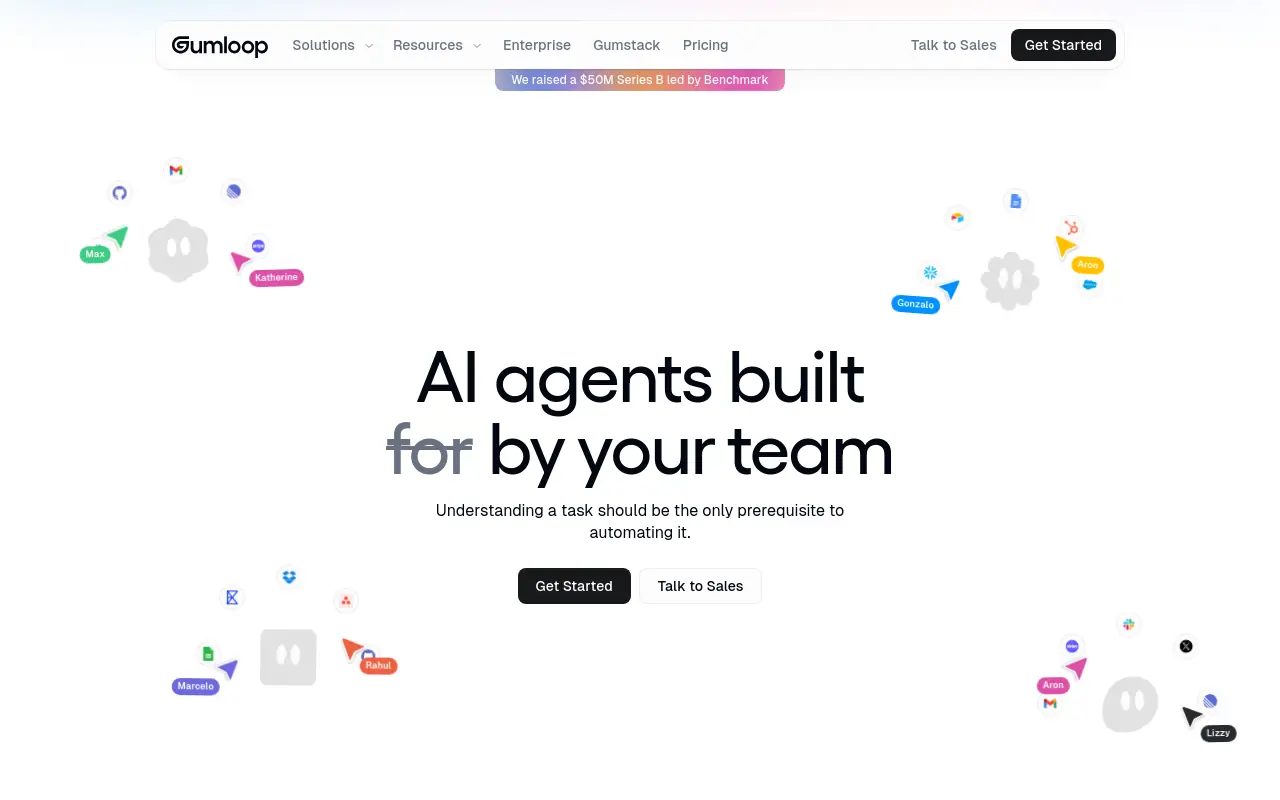 Gumloop answers: “Can a non-engineer build a parallelized AI data pipeline without writing a single line of code?” Its visual builder handles AI-native data processing and web-scraping workflows in a way that feels purpose-built for the task, not retrofitted. The trade-off is that Gumloop still places the buyer in the role of architect.
Building a pipeline requires assembling nodes in the right sequence, and debugging a broken flow still demands logical patience even without code. Most beneficial for growth or content ops teams that need to process large volumes of structured data and have someone willing to own the build. Freefall Friction Index: Medium.
7. Nexos AI - Best for AI-Driven RevOps Automation
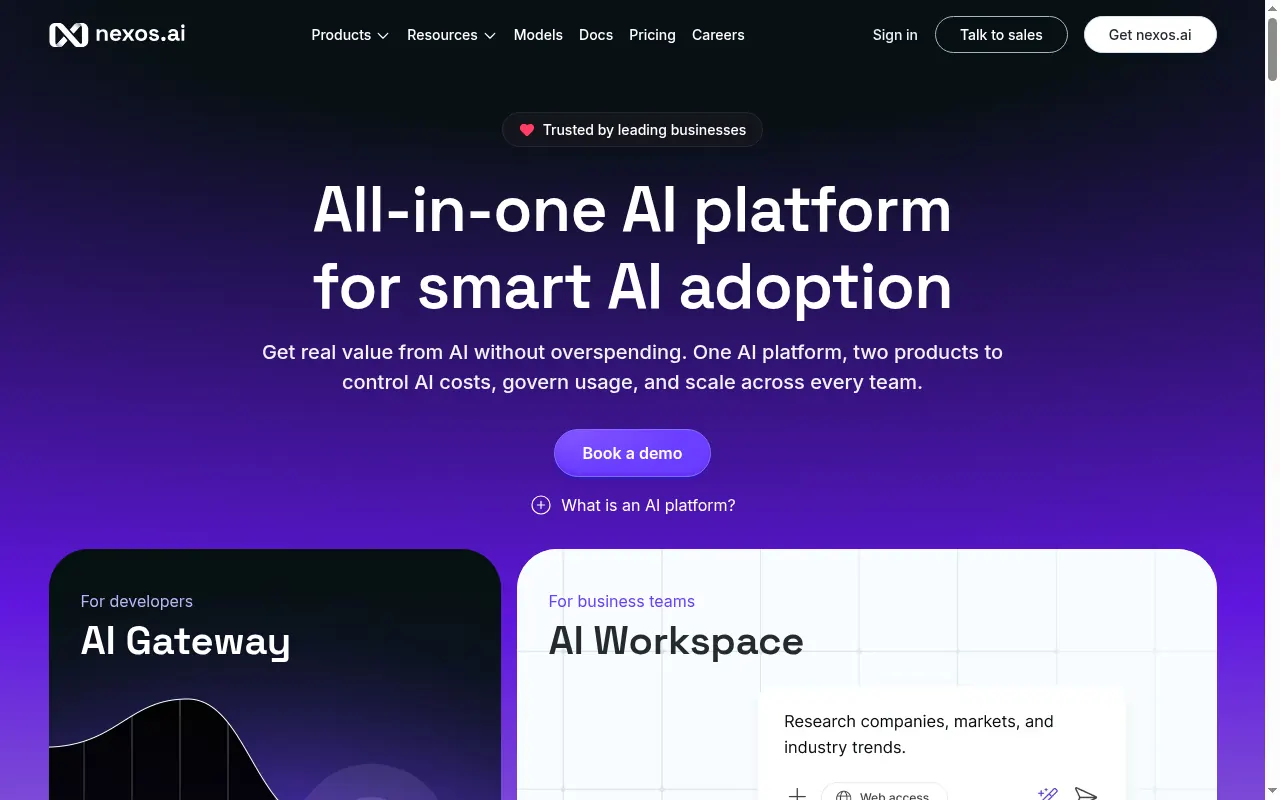 The question Nexos AI answers: “Can AI handle the repetitive coordination work inside my revenue operations layer, like routing, scoring, and follow-up sequencing?” It targets the RevOps function specifically, which makes it a focused tool rather than a general-purpose platform. The trade-off is that narrow focus cuts both ways: it fits RevOps workflows cleanly, but teams expecting it to stretch across content, research, or partnership workflows will find gaps quickly. Most beneficial when a dedicated RevOps function owns the tool and the use case stays within pipeline management and sales coordination. Freefall Friction Index: Medium.
8. Glean - Best for Enterprise Knowledge Automation and Search
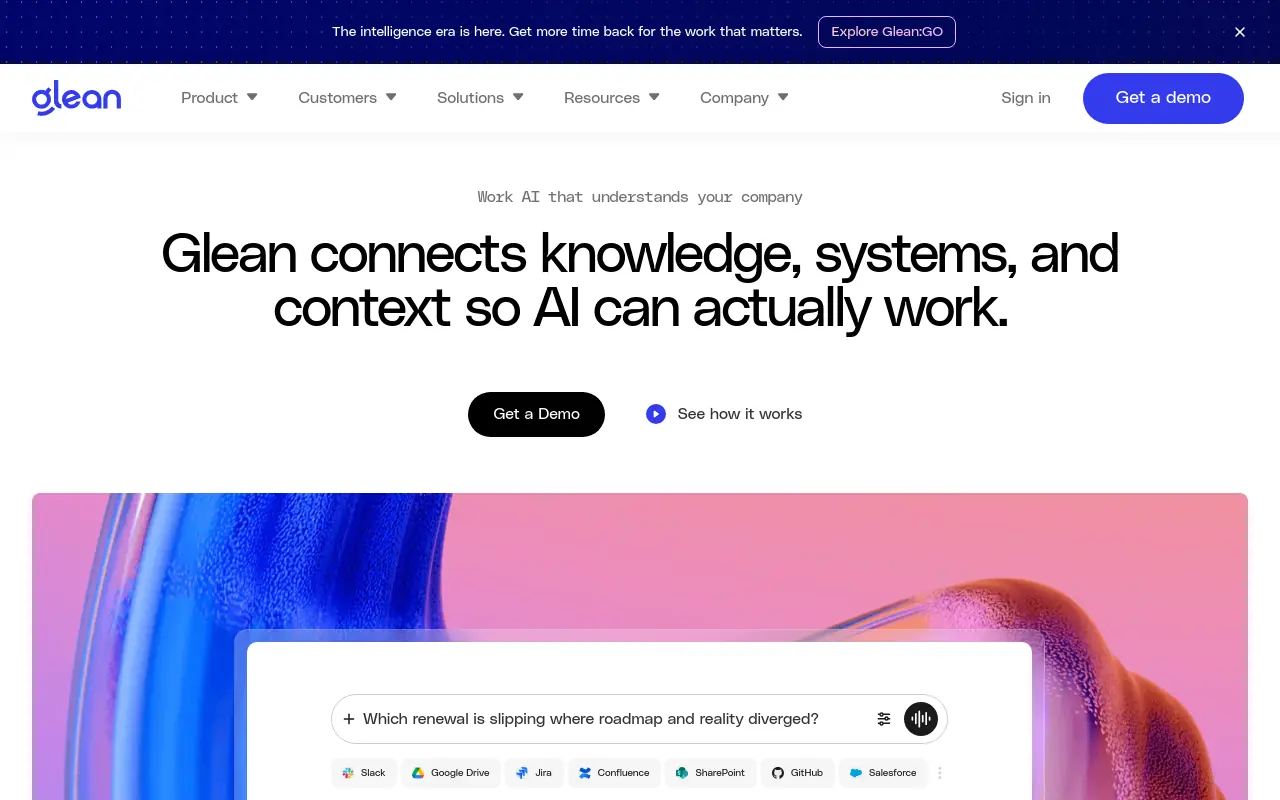 Glean answers: “How does my team find the right internal information, from any source, without asking someone?” It connects to dozens of enterprise systems and surfaces relevant knowledge through a unified search layer, with AI-generated summaries that reduce the time reps spend hunting for context before a call or proposal. The honest trade-off: Glean is a knowledge tool, not a task-execution tool.
It surfaces information; it does not act on it. GTM buyers expecting autonomous outreach or pipeline movement will be disappointed. Most beneficial in larger orgs where institutional knowledge is scattered across Notion, Salesforce, Confluence, and Slack simultaneously.
Freefall Friction Index: Low (for search); High (if the goal is task automation).
9. Insider - Best for AI-Powered Marketing Automation at Scale
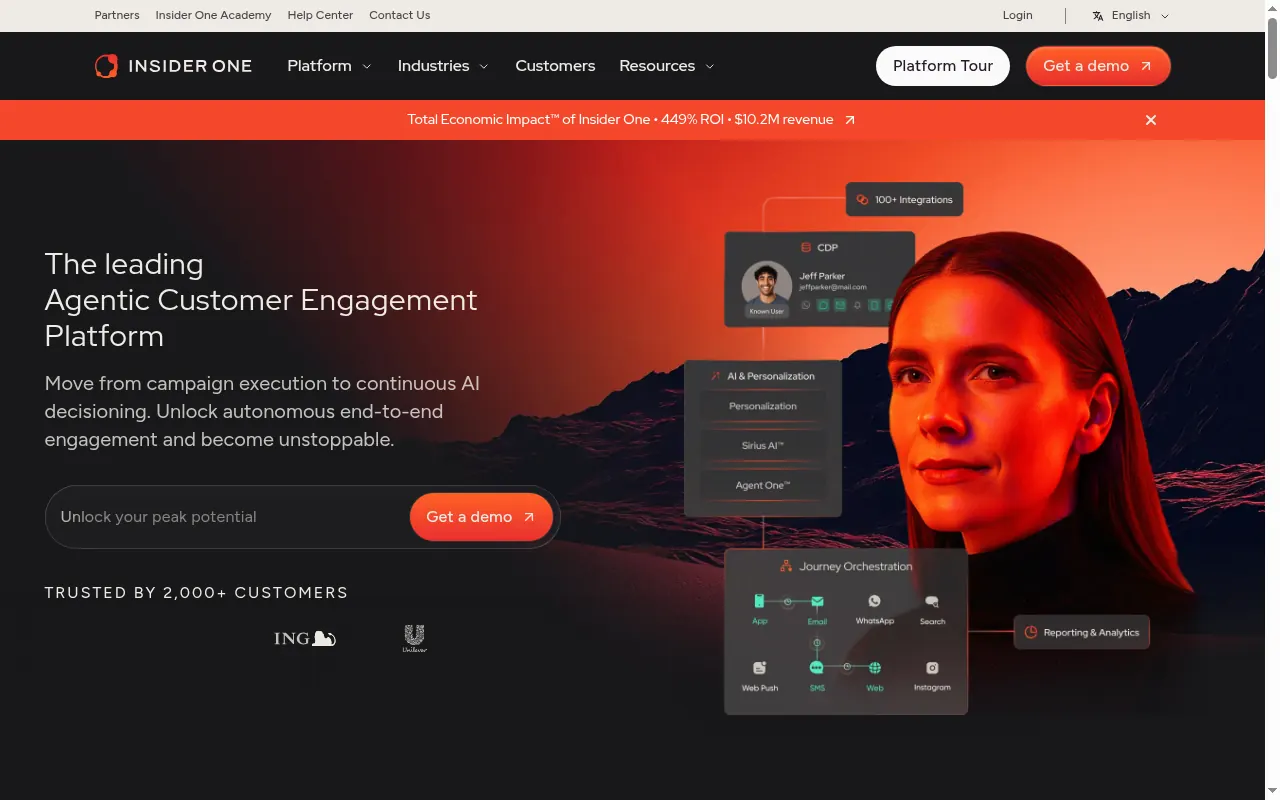 Insider answers: “How do I personalize cross-channel marketing campaigns at a volume my team cannot manually manage?” It covers web, email, SMS, and push channels with AI-driven segmentation and journey orchestration. For a marketing-heavy GTM motion, that breadth across channels is its clearest strength.
The trade-off is that Insider is a marketing platform first: it is not designed for sales outreach, pipeline research, or cross-functional GTM coordination. Teams hoping for a single tool that handles both marketing automation and sales ops will need to pair it with something else. Most beneficial when the primary bottleneck is campaign personalization at scale, not workflow orchestration.
Freefall Friction Index: Medium.
10. ZoomInfo Copilot - Best for AI-Augmented B2B Sales Prospecting
 ZoomInfo Copilot answers: “How do I give my reps AI-assisted signals on which accounts to prioritize and what to say?” It layers AI recommendations on top of ZoomInfo’s existing data infrastructure, surfacing buying signals and suggested talking points at the account level. The trade-off is that Copilot’s value is tightly coupled to a ZoomInfo subscription: teams without existing ZoomInfo access are buying a data platform and an AI layer together, which changes the pricing math significantly.
Practitioners in sales forums note that the prospecting intelligence is strong, but the tool still requires reps to act on the signals manually. Most beneficial for enterprise sales teams already inside the ZoomInfo ecosystem. Freefall Friction Index: Low (for signal delivery); Medium (for workflow integration).
11. Aspr AI - Best for AI Meeting Capture and Follow-Up Automation
Aspr AI answers: “How do I make sure nothing falls through after a customer call?” It captures meeting content, extracts action items, and automates follow-up drafts so reps leave every call with next steps already in motion. The trade-off is scope: Aspr AI is a meeting-layer tool.
It does not monitor pipelines, initiate outreach, or coordinate across the broader GTM motion. Teams treating it as a full automation replacement rather than a meeting-productivity accelerator will hit that ceiling fast. Most beneficial for customer-facing teams running high call volumes where follow-up consistency directly affects close rates.
Freefall Friction Index: Low.
12. Relay.app - Best for Human-in-the-Loop AI Workflow Automation
Relay.app answers: “How do I automate workflows that still need a human to approve or adjust before the next step triggers?” It builds human checkpoints into automation sequences natively, which matters for GTM workflows where a wrong outbound message or a miscategorized lead has real consequences. The trade-off is that every human checkpoint is also a delay: Relay.app is deliberately not fully autonomous, and teams that want hands-off execution will find the approval steps more friction than feature. Most beneficial for teams in regulated categories or with high-stakes outbound where a human review step is a compliance or quality requirement, not a preference. Freefall Friction Index: Medium.
13. Bardeen - Best for Browser-Based AI Automation Without APIs
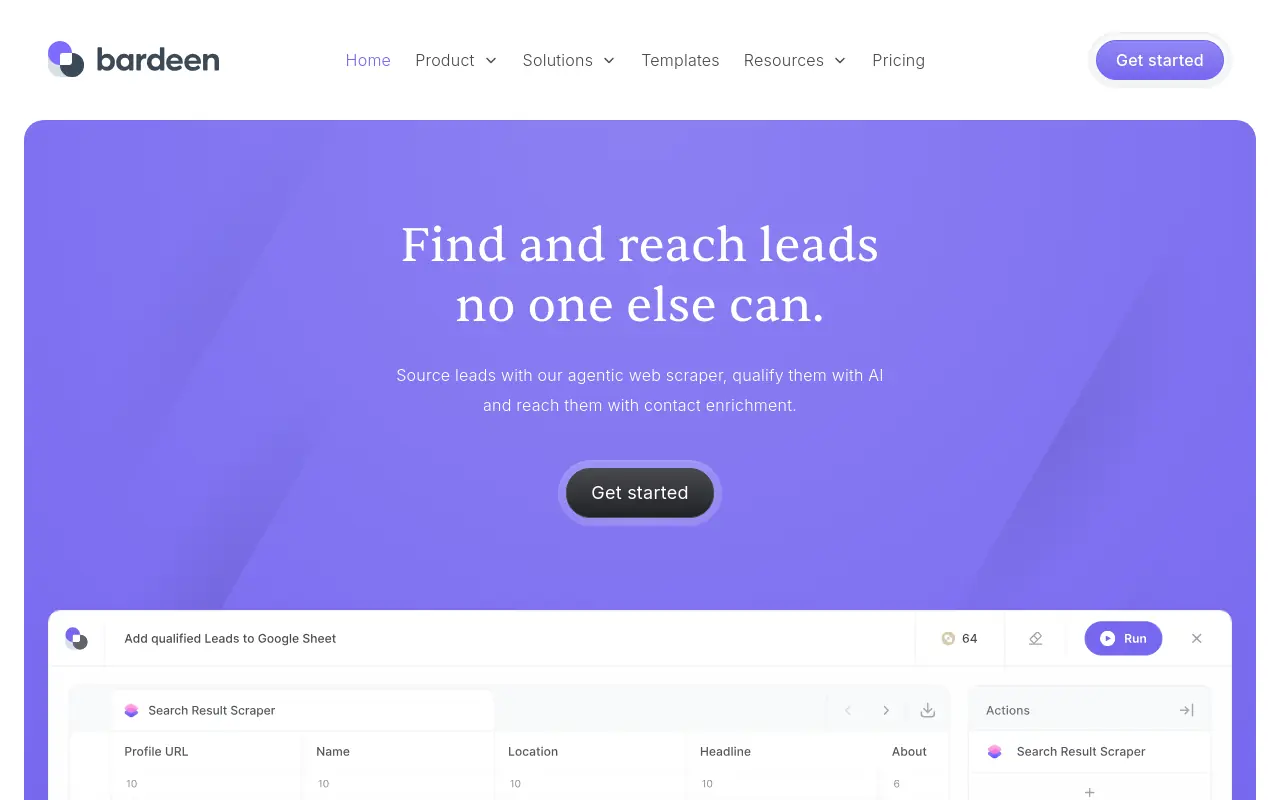 Bardeen answers: “How do I automate research and data collection from websites that have no API?” It runs directly in the browser, scraping LinkedIn profiles, enriching records, and triggering actions without requiring any backend integration. Bardeen’s adoption has grown steadily among sales and ops teams who need to move data between tools that don’t officially connect.
The trade-off is that browser-based automation is inherently fragile: a site layout change or a login prompt can break a playbook silently. Teams relying on Bardeen for mission-critical daily workflows should expect occasional maintenance. Most beneficial for SDRs and growth ops teams doing high-volume prospecting research across surfaces that block traditional API access.
Freefall Friction Index: Low to Medium.
The 13-tool landscape here is split between tools that require you to come to them and tools that come to you. Zapier, n8n, and Make are builder-first: powerful, configurable, and honest about asking you to do the architecture work. Bardeen, Aspr AI, and Relay.app are narrower but faster to value inside specific workflows. The multi-teammate model sits in a different category entirely: instead of handing the buyer a canvas, it fields a coordinated group of agents built from a plain-English description, each with its own scope, memory, and persistence, working inside the channels where the team already operates, and extending across every phase of the GTM motion, not just outbound and enrichment.
Feature breadth is a proxy metric. Setup time is the real filter, a point our market understanding of this category consistently reinforces. A tool with 9,000 integrations that takes two weeks to produce a single working task costs more in setup than most GTM teams budget for. The right shortlist is the one built on how fast each tool ships real work, not how many apps it can theoretically touch.
Each of these 13 tools earns its place on the list, but a ranked description only gets you so far when you’re trying to justify a switch to your team or your budget owner. The next section puts every alternative side-by-side on pricing tiers, free-plan availability, open-source status, and the Freefall Friction Index score in a single scannable table, so the shortlist that took you 1,500 words to build takes thirty seconds to defend.
Related Reading
- The Complete Guide to AI Agent Infrastructure & Components
- Make vs n8n: Which Automation Tool Wins in 2026?
- Gumloop vs n8n: Which Automation Tool Should You Choose?
- 13 Best AI Agent Builders in 2026
- Multi Agent Orchestration Explained: What It Is and How It Works
Lindy AI Alternatives Compared - Feature and Pricing Breakdown at a Glance
Feature tables are everywhere. The problem is that most of them measure the wrong thing.
Checking whether a tool supports multi-agent workflows or has a free tier tells you almost nothing about whether it will still be running real tasks at day 30. The column every comparison table omits is the one that actually predicts survival: how much setup friction must you absorb before the first task ships without you watching it. That is the Freefall Friction Index, and it is the primary filter in the table below.

The core synthesis claim this table is built on: A side-by-side pricing comparison that lists n8n’s self-hosted tier as “$0” without accounting for infrastructure and DevOps overhead is structurally misleading, because the same SaaS-sprawl research showing organizations waste $17–20M annually on underutilized subscriptions also shows 45% of licenses go unused monthly, meaning the honest comparison column is not “price/month” but “cost per task actually completed at 30 days.”
How to Read the Freefall Friction Index
Freefall Friction scores Low, Medium, or High based on one question: how many hours of configuration stand between sign-up and a completed task that required no hand-holding? A tool can have 6,000 integrations and still score High if it hands you a blank canvas and asks you to wire the logic yourself. Most tools in this comparison earn Medium or High for exactly that reason.
The teams we work with consistently run into the same wall: they start an automation project with genuine momentum, then stall inside the tool itself, wiring logic, debugging integrations, chasing down who owns which step. That back-and-forth communication overhead is where automation projects go to die, long before the workflow ever runs unsupervised. Skydive is built to remove that specific drag. Because teammates are multi-teammate by default, every workflow arrives with coordination built in, granular permissions and team collaboration mean it’s always clear who owns what at each stage, without a status-update thread to maintain. Scheduled runs and memory and persistence mean the work continues whether anyone is watching or not.
The real cost comparison is total cost of ownership: setup time, maintenance burden, and the probability the tool survives week two. Take n8n’s self-hosted tier, listed in nearly every comparison table as “$0”.
That number is accurate in only the narrowest sense. As InstaPods notes, the self-hosted path requires you to provision and maintain your own infrastructure, so the DevOps hours required to keep it running are a deferred invoice, not a saving. n8n’s own pricing page makes clear that the managed cloud option starts at $24/month precisely because self-hosting carries a real operational cost that the “$0” headline erases.
A “free” self-hosted tier that requires a DevOps afternoon every month is not free.
Skydive scores Low on Freefall Friction because the path from sign-up to a completed, unsupervised task is short by design: pre-built teammate templates mean you are not starting from a blank canvas, built-in tools and capabilities remove the integration-wiring step, and MCP (Model Context Protocol) support means teammates can connect to the context they need without custom plumbing. Each teammate also gets a per-teammate sandbox with browser, so testing a workflow before it touches live data does not require a separate environment to configure. Multi-channel access means the same teammate can act across surfaces without rebuilding logic for each one.
The Full Comparison Table
| Tool | Multi-Agent | Free Tier | Open Source | Starting Price | Freefall Friction |
|---|---|---|---|---|---|
| Skydive | Yes | No | No | Custom | Low |
| Zapier | Partial | Yes (100 tasks) | No | $19.99/mo | Medium |
| n8n | Yes | Yes (self-hosted) | Yes | $0 self-hosted / $24/mo cloud | High |
| Make | Partial | Yes | No | $9/mo | Medium |
| Relevance AI | Yes | Yes | No | $349/mo (Team) | Medium |
| Gumloop | Yes | Yes | No | ~$37/mo | High |
| Botpress | Partial | Yes | No | $495/mo (Team) | High |
| Bardeen | No | Yes | No | $10/mo (Pro) | Low |
Next steps
If your automation trials keep stalling before week two, the path forward starts with filtering on time-to-first-real-output rather than integration count or canvas flexibility.
The switching breakeven insight means most teams are still carrying productivity debt from their last tool change before the new one delivers anything. The builder-versus-output split across the 13-tool landscape means centralized canvas tools keep asking you to become the engineer, compounding that debt with every workflow you wire manually. Together, they point to one practical next step: stop evaluating what a tool can theoretically configure and start measuring what it actually ships on day one.
Start with AI Employees for a plain-English-to-first-output path that fields a coordinated team of specialized agents from a description, not a canvas. From there, the coordination overhead your current stack hands back to you, including status tracking, handoff wiring, and context resets, moves off your plate and into a system built to absorb it by default.
Frequently Asked Questions
Why does Lindy AI keep breaking my cross-functional GTM workflows?
The issue is architectural: Lindy uses a single-agent model where every new job requires a separate bot, and those bots don’t natively hand off to each other. A research agent feeding an outbound agent, for example, requires you to wire that bridge manually, which is precisely the coordination overhead GTM teams are trying to eliminate.
Is Zapier a good replacement for Lindy if I just need simple automations?
Zapier works well when your stack is wide and your automation needs are linear rather than cross-functional, connecting 9,000-plus apps without engineering support. The real trade-offs are that each automation still requires manual trigger-and-action mapping inside Zapier’s centralized builder, and task-based pricing can climb fast at scale, with teams regularly hitting their monthly task ceiling mid-quarter.
What’s the most important thing to look for when evaluating any Lindy alternative?
The post argues the correct filter is time-to-first-real-output, specifically, how many hours pass before a finished task exists that someone on your team would have otherwise done manually. Integration count, canvas flexibility, and pricing tiers tell you what a tool can theoretically do, not how long before it does anything useful, and the post cites data showing 67% of AI pilots die before sustained use precisely because setup friction outpaces early value.
What’s the difference between no-code builder tools like Make or Gumloop and an orchestration approach like Skydive?
Builder-first tools like Make and Gumloop give you a visual canvas to assemble and wire logic yourself, which means you become the workflow architect before anything ships, the post labels this a Medium Freefall Friction rating. Skydive is designed around the opposite model: you describe what you need in plain English, multiple AI teammates spin up with their own identities, memory, and scopes, and they begin handing off to each other inside Slack, email, or iMessage the same day, earning a Low Freefall Friction rating.