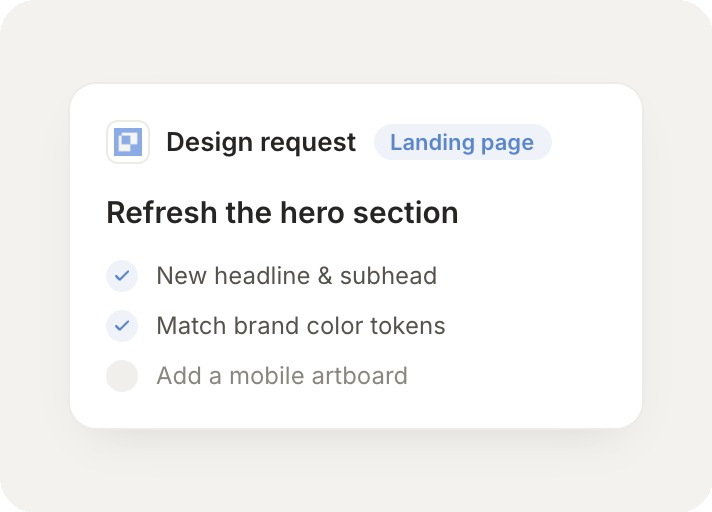
Build a settings screen in the open Paper file using the design tokens already on the canvas.
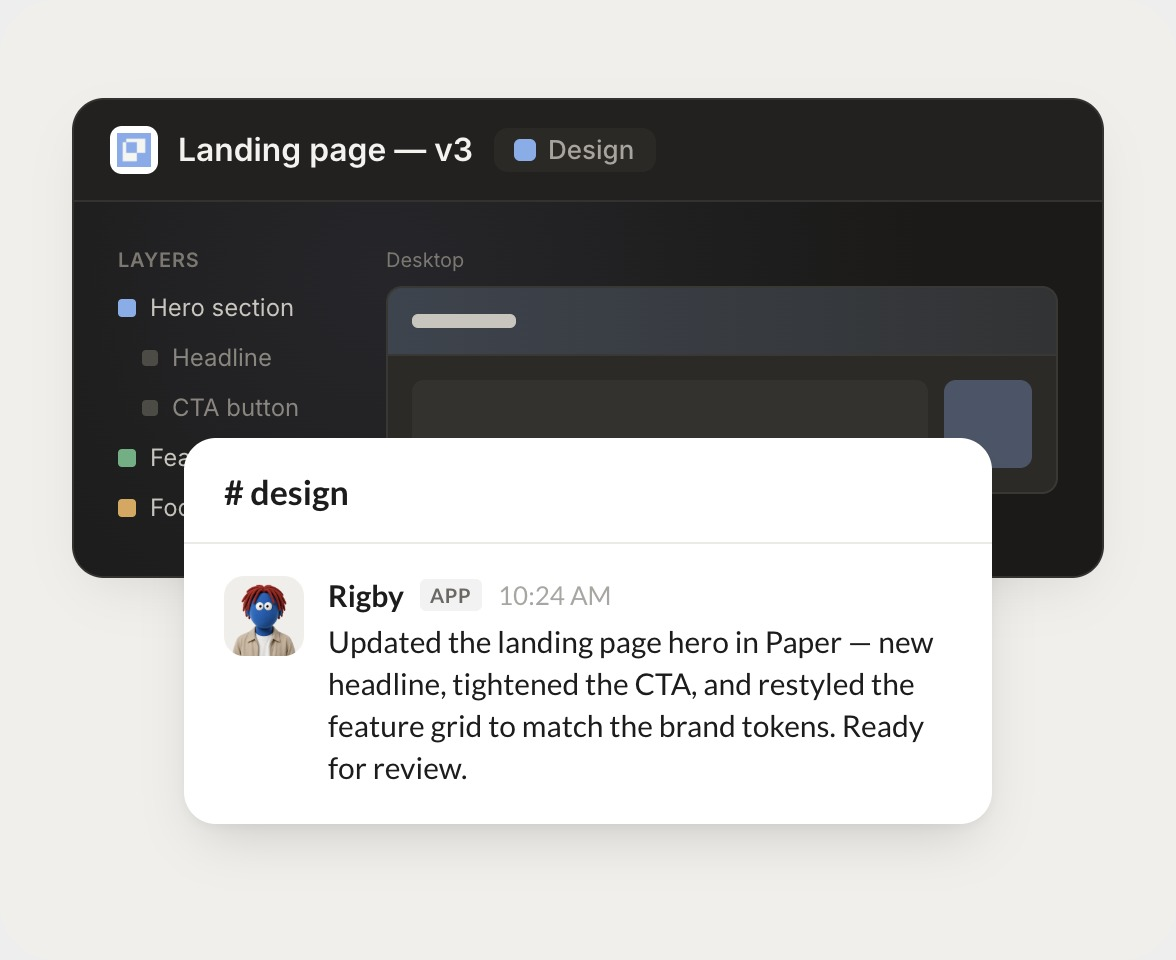
Rigby
APP
9:19 AM
Built the settings screen on a new artboard using the tokens already on the canvas. Colors, spacing, and type all pull from your styles, so it matches the rest of the file. Take a look and tell me what to adjust.
Aleena
9:24 AM
Looks great, thanks.
#
canvas
Dhruv
8:31 AM
Update the selected pricing card with this copy and keep the existing layout.
Gingersnap
APP
8:32 AM
Updated the pricing card with your new copy and kept the layout exactly as it was. The card height held, so nothing around it shifted. Ready for your review.
Dhruv
8:38 AM
Perfect, ship it.
#
exports
Dylan
9:00 AM
Export the selected logo as SVG and the hero artboard as a 2x PNG.
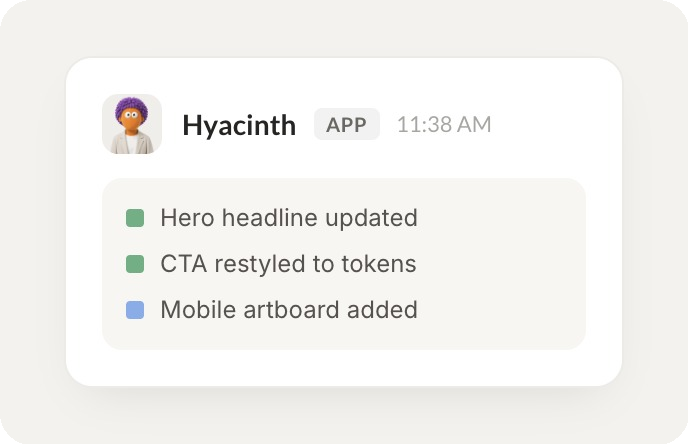
Hyacinth
APP
9:02 AM
Exported the logo as SVG and the hero artboard as a 2x PNG, both dropped in the shared folder. File names match your naming, so they are ready to hand off.
Dylan
9:05 AM
Exactly what I needed.
Live in three steps
No integration project. Connect in under a minute and your agent is working.
01
Find
Pick the integration from your agent's list, or just ask the agent to connect it.
02
Approve
Confirm the access. Change what's granted anytime.