13 Best Relevance AI Alternatives for Building AI Agents 2026
Skip the canvas rebuild cycle. The top Relevance AI alternatives for GTM teams in 2026 that produce output without per-workflow construction.
 Skydive 23 min read
Table of contents
Most Relevance AI alternatives just move the wiring burden to a new canvas. Here is how to find a platform that ships real output instead of handing you another construction project.
Searching for a Relevance AI alternative usually starts with a specific frustration, not a general dissatisfaction. Most professionals assume the right alternative is a better, more flexible agent-builder or workflow canvas, one with more integrations, smarter LLMs, or a cleaner UI. A Head of GTM builds an outbound agent, watches it work in the demo environment, then realizes that the research brief, the partner update, and the content calendar still require three separate workflows, three separate rounds of prompt engineering, and three separate mornings of setup time.
The tool isn’t broken. The architecture just wasn’t built for the full surface area of the job. See our AI Employees for how this works in practice.

The L1-L4 autonomy framework is genuinely well-designed. It gives teams a mental model for what an agent can handle independently versus what still needs a human in the loop. The problem surfaces when you move from the demo to a real GTM workflow.
User reviews aggregated by Quantum Desk’s 2026 analysis consistently flag a steep learning curve at scale, with teams investing significant effort in prompt engineering, canvas construction, and workflow logic before the platform produces real output. The autonomy tiers describe what’s possible; the canvas is where the work actually lives, and that work falls entirely on the operator.
Every new use case resets the clock. A research brief is a new build. An outbound sequence is a new build.
GTM work doesn’t happen in one lane. Research, content creation, outbound sequencing, partnership tracking, and pipeline analytics are distinct surfaces, often running in parallel and often feeding each other. Platforms built around a per-workflow canvas model require manual hand-offs at each boundary rather than end-to-end coverage across functions, a structural pattern that Quantum Desk’s 2026 review analysis identifies in user feedback on Relevance AI.
Practitioners evaluating Relevance AI frequently note that the construction effort required for each new use case compounds over time: the second week of real GTM work tends to surface friction that the first-week demo did not. This is a structural property of any canvas-first platform. The seams between workflows are where time and momentum disappear, regardless of which tool holds the canvas.
The seams between workflows are where time and momentum disappear, regardless of which tool holds the canvas.
Key takeaways
- Switching to a ‘better’ agent builder doesn’t reduce the wiring burden on your team, it relocates it to a different canvas.
- Most Relevance AI alternatives hand you a blank prompt box and expect you to construct the coordination logic yourself, which means someone on your team quietly becomes a part-time workflow engineer.
- The real cost of choosing the wrong tool isn’t the subscription fee, it’s the compounding labor of maintaining agent logic as your GTM motion scales.
- A feature checklist (integrations, LLM quality, UI cleanliness) is the wrong starting filter; the right question is how much coordination your team has to build and maintain by hand.
- Every time a GTM operator migrates from one canvas to another, they don’t escape the blank-canvas problem, they redecorate it.
- Skydive’s multi-teammate model closes that gap: each teammate carries its own identity, scope, and history, and teammates hand off to each other without anyone mapping the steps in advance.
What to Look for in a Relevance AI Alternative - Before You Evaluate Any Tool
The common assumption is that the right alternative to Relevance AI is a better, more flexible agent-builder or workflow canvas, one with more integrations, smarter LLMs, or a cleaner UI. The feature checklist feels like the obvious starting point. Find a tool with better integrations, a cleaner prompt editor, or a lower price tier, and the problem should be solved. It rarely is.
The structural question most comparison lists skip is simpler and more uncomfortable: does this platform produce output by default, or does it hand you a blank canvas and expect you to construct the logic yourself? Teams we work with at Skydive hit this wall repeatedly. They finish a trial, feel impressed by the demo, and then realize weeks later that they’ve been building, not working.

The wiring burden migrated to a different UI. The operator is still the engineer. That cycle of trialing tools that don’t stick is one of the most consistent drains on momentum we see, and it almost always traces back to the same root cause: the platform optimized for configuration flexibility instead of immediate output.
The Blank-Canvas Trap, Why Most Alternatives Just Move the Wiring Burden
Output-by-default vs. output-after-construction is the axis that most comparison articles never draw. A visual workflow canvas that requires 40 nodes before sending a single email is a construction project.
Industry data reflects the broader challenge: the Global State of IT Automation Report found that only 20% of organizations report their automation initiatives are fully meeting business expectations. More builders and more flexible canvases, on their own, do not automatically translate into real output, a finding consistent across automation approaches regardless of interface style.
20% of organizations fully meeting automation expectations
The canvas is the problem. Skydive is designed around the opposite premise. Every teammate is built from a description, meaning you describe what you need done in plain language and the teammate is constructed from that intent, assembled from intent rather than node by node.
Pre-built teammate templates compress the gap between “I signed up” and “something useful is happening.” Scheduled runs mean output ships on a cadence without manual triggering. The goal is concrete: get real output from AI tools, not suggestions, and that requires a platform where the default state is a teammate already capable of doing work.
The wiring burden is also where multi-step, cross-tool work typically collapses. When a single workflow touches a CRM, an inbox, a spreadsheet, and a Slack channel, approaches that lack built-in tools force the operator to become the integration engineer. Skydive addresses this through built-in tools and capabilities alongside MCP (Model Context Protocol) support, so teammates can handle work that spans tools without the operator holding the connectors together. Memory and persistence mean context isn’t lost between steps, a teammate that started a task on Monday still knows what happened on Monday when it picks back up on Wednesday.
No-Code Builders vs. Code-First Frameworks, The Split That Determines Your Real Workload
Visual workflow builders and code-first frameworks serve fundamentally different buyers. No-code builders abstract the logic into drag-and-drop nodes; code-first frameworks give engineers full control through scripts and APIs. As Coworker AI and Kissflow both document, the landscape splits across no-code builders, visual workflow tools, ecosystem-locked platforms, and developer frameworks, each serving a buyer with different expectations of output versus configuration effort.
The category Skydive occupies is distinct from all four. Multi-teammate by default means the platform is designed for coordinating a team of AI teammates through complex, multi-step workflows. Granular permissions and team collaboration let human team members work alongside those teammates with appropriate access controls, reducing the back-and-forth communication overhead that keeps people stuck in status updates instead of doing the actual work. Per-teammate sandboxes with browser access and multi-channel access extend what each teammate can reach without requiring a developer to extend the integration layer manually.
Understanding which category your team belongs to, not which demo felt most impressive, is the decision that determines whether a new platform reduces your workload or redecorates it. If your team needs real output across tools without becoming the engineers who produce it, the comparison axis is output-by-default versus output-after-construction. That is the question worth asking before the next trial begins.
13 Best Relevance AI Alternatives for Building AI Agents
That filter exposes a problem most comparison articles never name: switching to a “better” agent builder doesn’t reduce the engineering burden on your team. It relocates it. Every time a GTM operator migrates from one canvas to another, they don’t escape the blank-canvas problem. They just redecorate it.
“Many ‘AI agent builder’ startups (like Relevance AI and its alternatives) feel redundant now that major players like OpenAI have launched their own native agent-building tools.”
That pattern shows up consistently across teams evaluating AI agent platforms. The promise is flexibility. The reality is that flexibility requires someone to do the wiring. And in a 15-to-50-person startup, that someone is usually the Head of Growth, the RevOps lead, or the founder, spending hours on node logic before the first email gets sent or the first research brief lands in Slack.
The list below evaluates each alternative not just on features but on a single axis that matters more than pricing or integration count: does this platform hand you a blank canvas, or does it ship coordinated output from a plain-language description? That distinction separates tools that look powerful in demos from tools that survive the second week of real GTM work.
1. Skydive - Best for Multi-Teammate AI Agent Orchestration
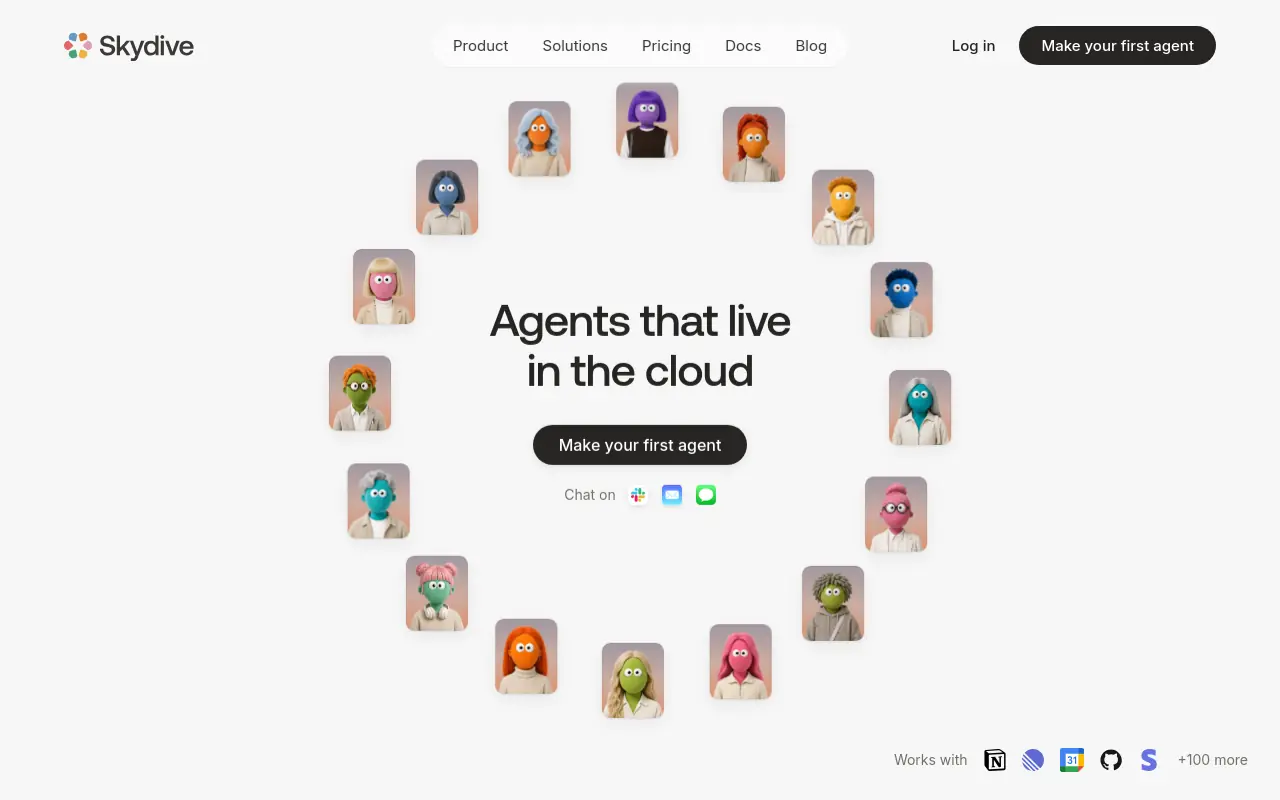 Most teams building AI agents spend their first month not producing output but constructing the conditions for output: mapping handoffs, wiring integrations, writing prompts that survive edge cases. Skydive removes that construction phase entirely. From a plain-language description, it deploys a bench of coordinated AI teammates, each with its own identity, scope, and history, working across Slack, email, iMessage, and web chat by default. The operator becomes the director of work, not the engineer of the wiring. The one honest tradeoff: teams that want granular control over every agent decision will find the default coordination model less configurable than a code-first framework.
2. Lindy - Best No-Code AI Agent Builder for Automating Repetitive Tasks
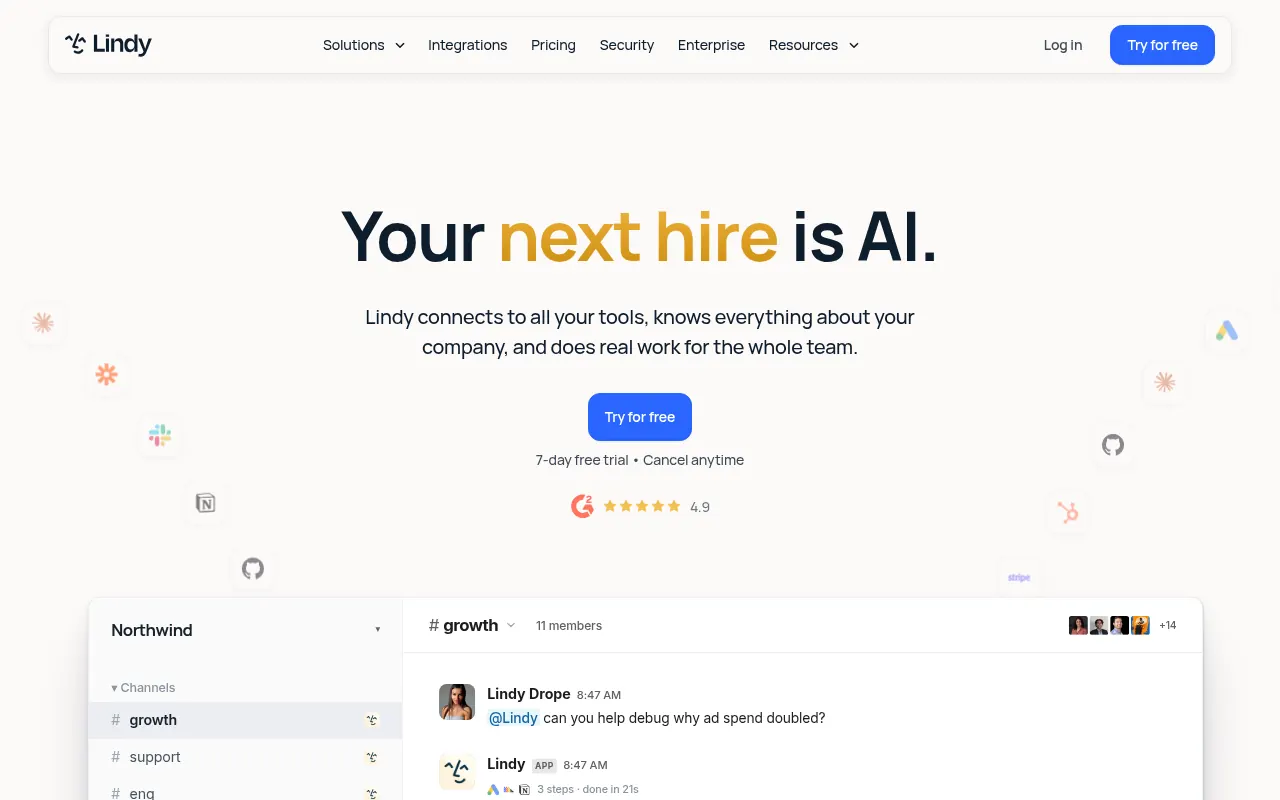 Lindy is the fastest path to a working personal AI assistant for non-technical operators. Its native integration catalog spans a broad range of tools, and its template library means a solo operator can build an email-triage or CRM-update agent quickly without writing a single line of code. As Lindy’s own published research notes, the practical value of an agent platform is measured by the use cases it can automate end-to-end, not by the sophistication of its visual canvas. Where Lindy falls short is breadth: it excels at single-agent, single-function tasks, and teams expecting it to coordinate a research agent, a content agent, and an outbound agent across a shared GTM motion will hit its ceiling quickly.
3. Zapier - Best for Connecting AI Agents Across 6,000+ App Integrations
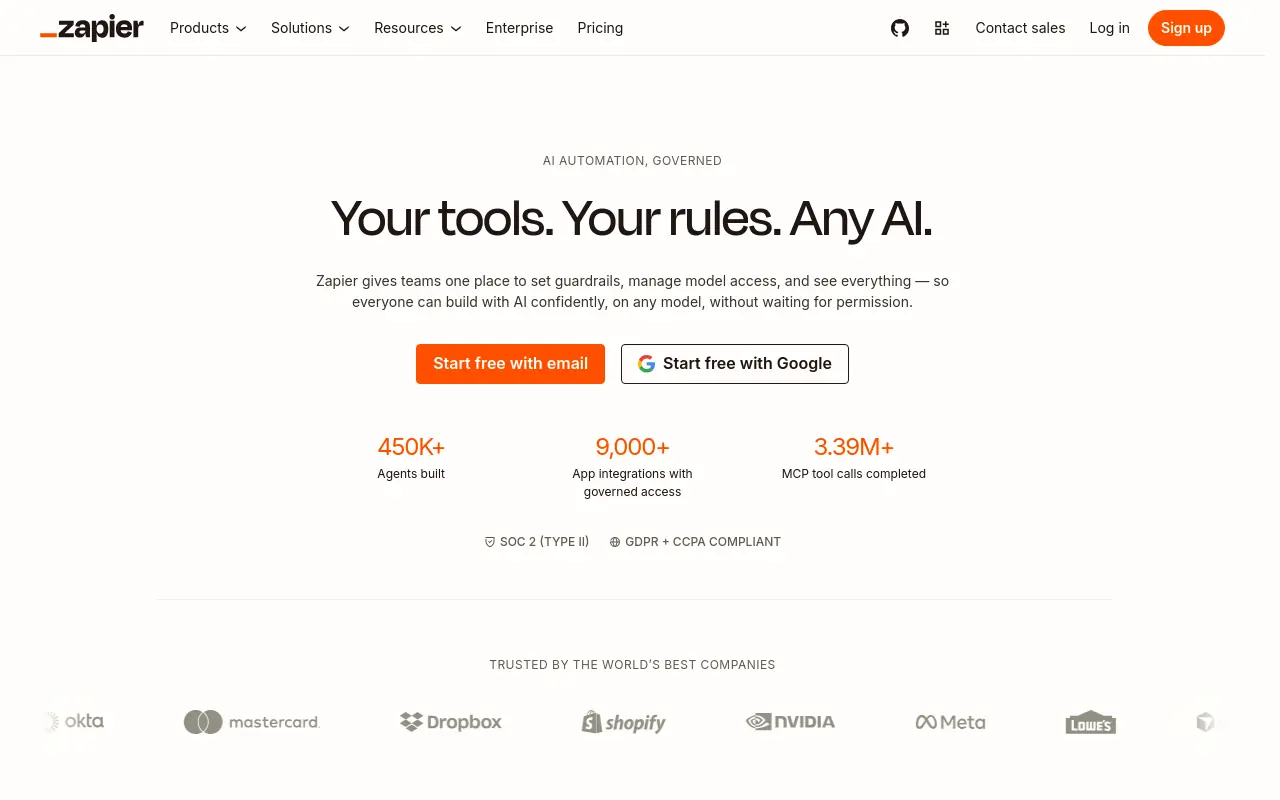 Zapier’s core advantage is its ecosystem. With connections to an exceptionally wide range of apps, it is the default choice for teams whose GTM stack is wide and whose automation needs are trigger-response in shape. Its AI agent features, added in 2025, let operators attach reasoning steps to existing Zaps. The honest limitation is architectural: Zapier was built for linear workflows, and its agent layer reflects that lineage. Teams expecting true multi-agent coordination, where one agent hands context to another based on judgment rather than a fixed trigger, will find the mental model doesn’t stretch that far without significant custom logic layered on top.
4. n8n - Best Open-Source AI Workflow Automation for Technical Teams
N8n occupies a distinct position on this list because it is the only major open-source workflow automation platform with a mature AI agent node layer. Self-hosted deployments give technical teams full data control, which matters in regulated industries or for organizations with strict data residency requirements. Its user base among engineering and DevOps teams grew substantially through 2025, reflecting genuine traction among builders who want workflow power without a SaaS pricing ceiling. The tradeoff is real: n8n requires someone who can maintain infrastructure, debug node failures, and update the self-hosted instance. For a 15-person startup without a dedicated engineer, that maintenance cost compounds fast.
5. Gumloop - Best Visual AI Workflow Builder for Rapid Prototyping
Gumloop’s canvas-based builder lets teams assemble multi-model LLM reasoning flows visually, which makes it fast for prototyping. A product manager can wire together a research-to-draft pipeline in an afternoon without engineering support. The limitation that surfaces in production is the same one that affects most visual canvas tools: the operator is still the architect.
Every handoff, every conditional branch, every integration point requires a deliberate design decision. Gumloop makes that design process faster and more visual. It does not remove the design requirement.
Teams that prototype quickly on Gumloop often find the gap between prototype and maintained production agent wider than expected.
6. Make (formerly Integromat): Best for Complex Branching Agent Scenarios
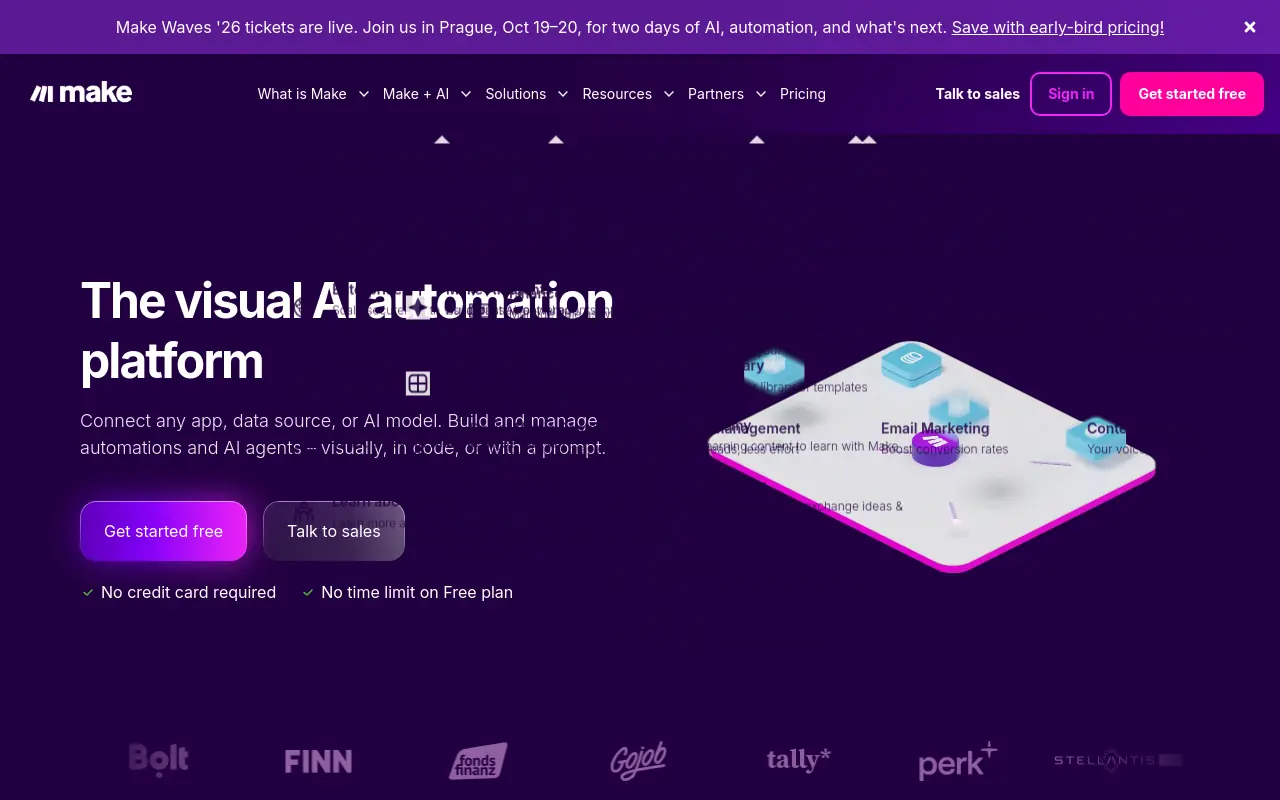 Make earns its place on this list for teams whose automation logic involves genuine complexity: multi-path branching, conditional routing, and scenario-level error handling. Its visual router model is more expressive than Zapier’s trigger-action structure, which makes it better suited to workflows where the path depends on data state rather than a fixed sequence. The tradeoff is a steeper learning curve than most no-code tools advertise. Non-technical operators frequently describe the initial setup as closer to low-code than true no-code, particularly when building agent scenarios that span more than three or four systems.
7. Pickaxe - Best for Consultants and Agencies Deploying White-Label AI Agents
 Pickaxe solves a specific problem that most agent builders ignore: how to package an AI agent as a client-facing product without exposing the underlying infrastructure. For consultants and agencies, that packaging layer is the entire business model. Pickaxe lets operators build, brand, and deploy white-label AI tools that clients interact with directly, without those clients needing accounts on the underlying platform.
The limitation is scope. Pickaxe is purpose-built for client-facing deployment, not internal GTM orchestration. Teams expecting it to coordinate internal research, content, and outbound workflows will find it the wrong tool for that job.
8. Microsoft Agent Framework - Best for Enterprise .NET and Azure-Native AI Agents
For organizations whose engineering stack runs on.NET and whose cloud infrastructure lives in Azure, Microsoft’s agent framework is the path of least resistance. It connects natively to Azure OpenAI, Azure Cognitive Search, and the broader Microsoft 365 surface, which means enterprise teams can deploy agents without building new authentication layers or data pipelines. The honest constraint is that this framework is designed for enterprise engineering teams, not GTM operators. A Head of Growth at a Series A startup will not find a productive starting point here without dedicated engineering support, and the Azure pricing model at scale can surprise teams that underestimate query volume.
9. LangChain - Best Open-Source Framework for Custom LLM-Powered Agent Logic
 LangChain remains the most widely referenced open-source framework for building custom LLM-powered agent logic, and its community size reflects genuine adoption among engineers who need fine-grained control over how language models reason through tasks. The framework’s strength is composability: chains, tools, memory, and retrieval components can be assembled in almost any configuration. The production reliability concern is real and widely discussed among engineering teams: LangChain’s abstraction layer, while powerful, adds debugging complexity when agents fail in unexpected ways under real workloads. Teams building for production should budget significant engineering time for reliability work beyond the initial prototype.
10. CrewAI - Best for Role-Based Multi-Agent Collaboration Frameworks
 CrewAI has become the reference implementation for role-based multi-agent systems in Python. Its model, assigning distinct roles, goals, and backstories to individual agents that then collaborate on shared tasks, maps intuitively onto how GTM teams think about division of labor. CrewAI has seen growing adoption among engineering teams building collaborative agent pipelines, reflecting genuine practitioner interest in role-based multi-agent architectures rather than purely promotional traction.
Teams evaluating CrewAI alongside Dust often find the two serve different needs: CrewAI for code-first role-based orchestration, Dust for knowledge-grounded agent workflows closer to the business user. The tradeoff that surfaces in production is maintenance: as the number of agents and role definitions grows, the coordination logic becomes a codebase in its own right. Teams that start with CrewAI for a two-agent research pipeline often find the system harder to extend than the initial setup suggested.
11. Augment Code - Best AI Agent Orchestrator for Software Development Workflows
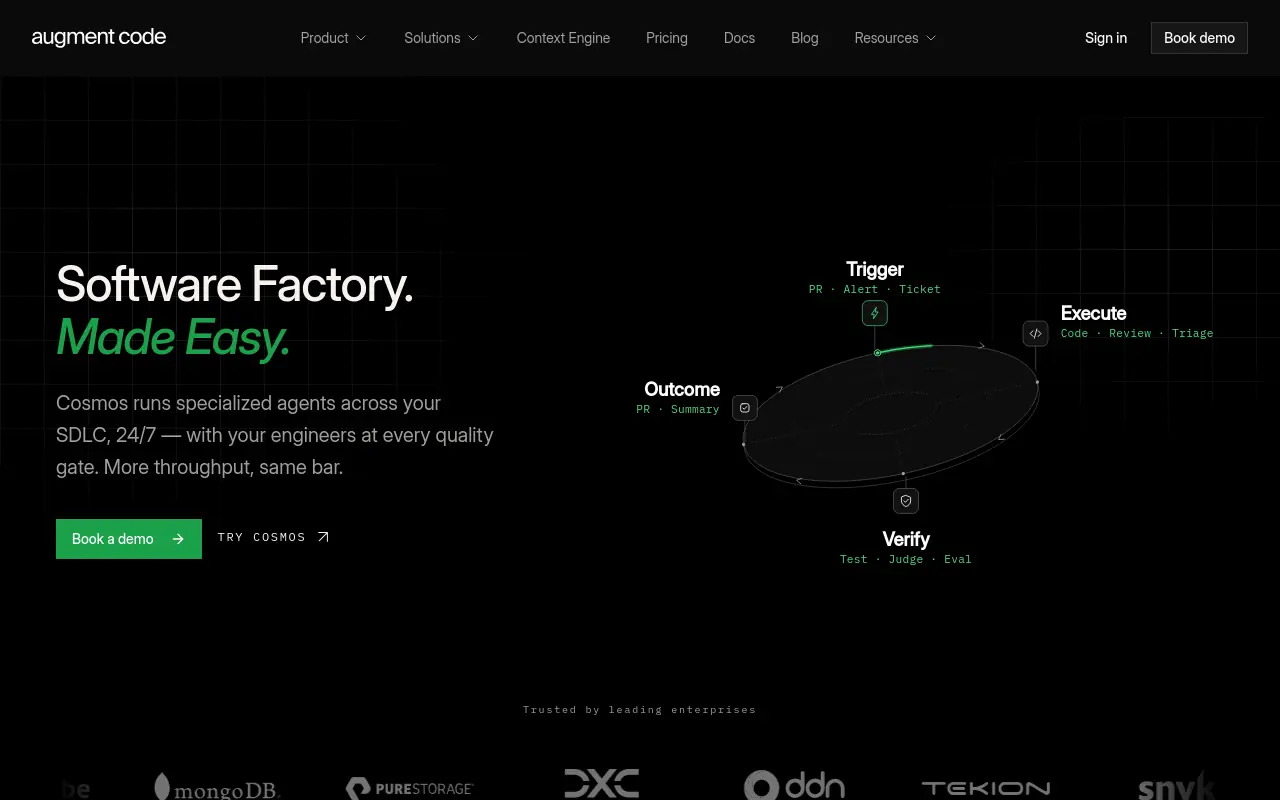 Augment Code is purpose-built for software development workflows, which makes it highly effective for engineering teams and poorly suited for GTM operators. Its agent layer understands code context, repository structure, and development task dependencies in ways that general-purpose agent builders don’t. For a team whose primary agent use case is accelerating engineering work, reviewing pull requests, generating tests, or orchestrating multi-step code tasks, Augment Code is a credible choice. For a Head of Growth trying to automate research, content, and outbound coordination, it is the wrong category of tool entirely.
12. Atlan - Best for AI Agent Memory and Context Management in Data Teams
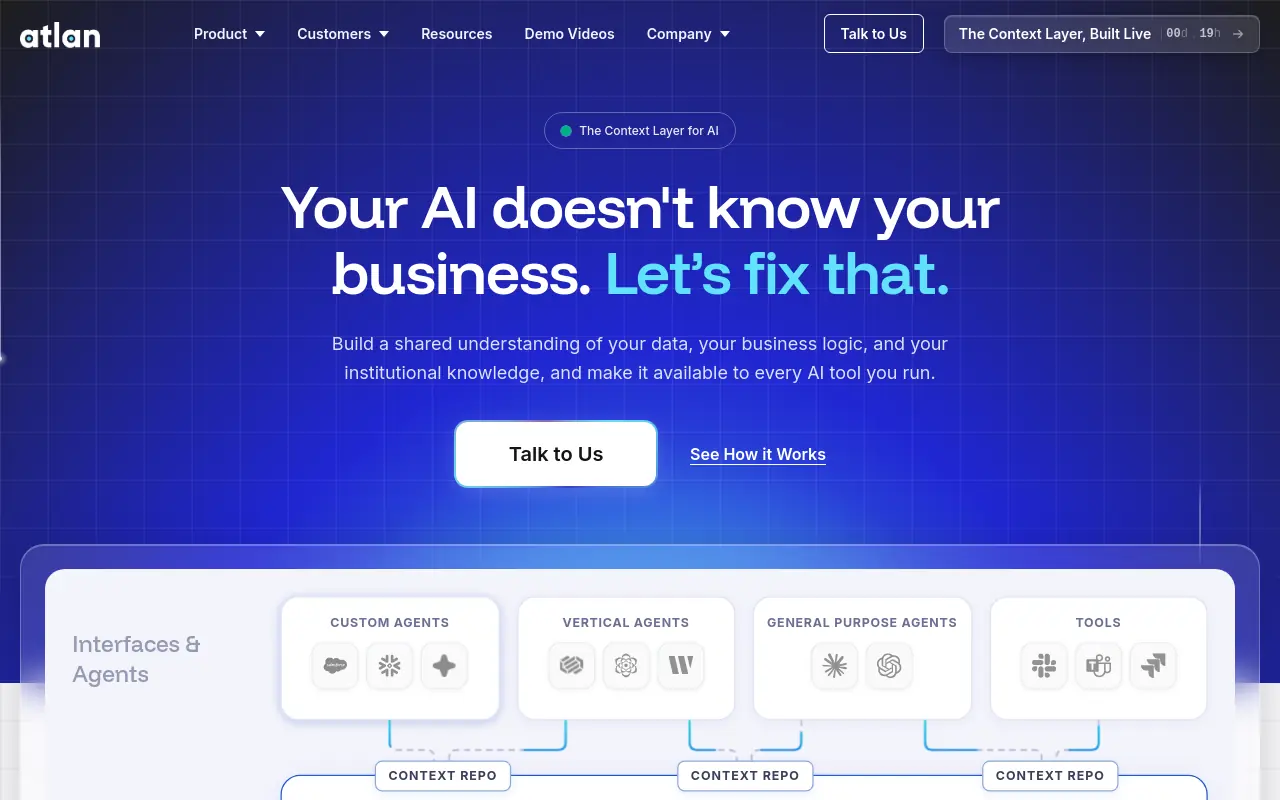 Atlan occupies a narrow but important niche: AI agent memory and context management for data teams. Its metadata layer gives agents persistent awareness of data assets, lineage, and business context, which matters enormously when agents need to answer questions about data without hallucinating schema details or misattributing metrics. For data engineering and analytics teams, that context layer is genuinely differentiating. For GTM teams evaluating multi-agent AI tools for outbound, content, or research workflows, Atlan is not the right starting point. Its value materializes specifically when the agent’s job is to reason about data infrastructure, not to produce GTM output.
13. Vertex AI Agent Builder - Best for Google Cloud-Native AI Agent Deployment at Scale
 Vertex AI Agent Builder is Google Cloud’s enterprise-grade agent deployment surface, and it is best evaluated as infrastructure rather than a builder tool in the conventional sense. Teams that already run their data and ML workloads on GCP will find it a natural extension. The pricing model, structured around per-query costs at scale, can become significant for high-volume deployments, and teams evaluating it should model usage carefully before committing. For a 15-to-50-person startup without an existing GCP footprint, the onboarding overhead and pricing structure make it a poor fit. For a data-heavy enterprise team already inside Google Cloud, it is the most integrated option available.
The hidden cost running through almost every item on this list is the same one that travels with the canvas regardless of which platform you choose. A durable evaluation criterion, one that surfaces consistently in practitioner post-mortems, is whether a platform produces end-to-end output across functions, not whether its visual builder is sophisticated or its LLM integration list is long. Feature breadth in the demo rarely predicts maintenance burden in production.
Most teams calculate switching costs in license fees. The real cost is the engineering hours that accumulate before the first GTM output is produced. A modest license saving means nothing if the team spends weeks wiring agent logic before the first research brief or outbound sequence runs. The blank canvas doesn’t get cheaper just because it’s on a different platform.
The teams that escape that cost are the ones who stopped building and started directing. That shift, from operator-as-engineer to operator-as-director, is what separates a tool that survives week two from one that gets quietly abandoned after the demo high fades.
Every tool on this list solves a different slice of the agent-building problem. Knowing which slice your team actually has is the decision that matters most. The next section turns this list into a decision rule so you can stop evaluating and start deploying.
Related Reading
- The Complete Guide to AI Agent Infrastructure & Components
- Make vs n8n: Which Automation Tool Wins in 2026?
- Gumloop vs n8n: Which Automation Tool Should You Choose?
- 13 Best AI Agent Builders in 2026
- Multi Agent Orchestration Explained: What It Is and How It Works
- 13 Best Lindy AI Alternatives for Smarter Automation 2026
How to Choose the Right Relevance AI Alternative for Your Team
That hidden labor cost is the real stakes of the decision. Choose the wrong tool and you don’t just waste a subscription fee, you quietly commit someone on your team to becoming a part-time workflow engineer, indefinitely. It never appears on a pricing page, and it compounds fast once your GTM motion grows beyond a handful of people.

The Wiring-Cost Axis - The One Tiebreaker Most Comparison Guides Skip
Feature lists look identical until someone has to maintain them. Across the market, tools split cleanly along a “blank-canvas vs. output-by-default” axis:
- Developer-oriented frameworks offer maximum flexibility but require engineering hours to configure.
- No-code platforms deliver coordinated output from a plain-language description alone.
That distinction is the real tiebreaker for non-technical GTM teams. Two platforms can share the same integration list, and one still restarts the construction cycle every time a new use case appears.
Decision Matrix by Team Persona
The decision routes by one question: who does the wiring after onboarding?
If your team has a dedicated AI engineer, visual canvas builders are a genuine option. If your team is a 15-to-50-person funded startup with a Head of GTM and no engineering bench, canvas builders become a liability. Every new workflow is a project. Every new use case is a negotiation for engineering time your team doesn’t have. The financially rational criterion at that size is time-to-first-output, not integration count.
Pricing Reality Check - What Plans Actually Cost in Engineering Hours
Free tiers are not free. What most teams report bears out a consistent pattern: complex multi-department automations can take 8–12 weeks to implement fully, a timeline that is net-negative before a single workflow produces output for a fast-moving GTM team. Seat-based pricing adds a second trap: a team of ten people sharing a platform that charges per seat at scale can quickly find the monthly bill exceeding the labor cost the automation was meant to displace. Evaluate total cost of ownership, including engineering hours and seat count at your projected headcount, before anchoring to the base plan price.
Decision Matrix - Matching Your Team Profile to the Right Alternative
| Team Profile | Recommended Tool Type | Key Criterion | Avoid |
|---|---|---|---|
| Non-technical GTM team, no eng bench | Output-by-default platform (e.g., Skydive, Lindy) | Time-to-first-output | Code-first frameworks |
| Technical team, in-house engineers | Developer framework (e.g., LangChain, CrewAI, n8n) | Control & composability | No-code tools with ceilings |
| Microsoft / Azure org | Ecosystem-locked (Copilot Studio, Azure Agent Framework) | Native integration depth | Cross-cloud builders |
| Salesforce-heavy revenue org | Ecosystem-locked (Agentforce) | CRM context fidelity | General-purpose canvases |
| Consultant / agency | White-label builder (Pickaxe) | Client packaging layer | Internal GTM orchestrators |
| Data / analytics team | Context-aware platform (Atlan, Vertex AI) | Metadata & lineage awareness | Conversational-only tools |
| Customer-facing conversation | Conversational AI (Botpress, Voiceflow) | Multi-turn dialogue fidelity | General-purpose agent builders |
Next steps
If your team keeps trialing agent platforms only to find someone on your GTM team quietly becoming a part-time workflow engineer, the path forward starts with recognizing that the bottleneck was never the builder. Switching to a better canvas relocates the wiring burden. It does not remove it. Start with our AI Employees.
The blank-canvas trap means that every new use case resets the construction clock, whether you are on your first platform or your fifth. The financially rational criterion for a 15-to-50-person team is time-to-first-output, not integration count, because a tool requiring 8-to-12 weeks of implementation before producing output will always be net-negative for a startup moving at GTM speed. Layered on top of that, the 23-minute cognitive recovery cost per context switch, compounded across 300 daily task switches, means the real post-deployment question is never whether the agent ran but who owns it when it breaks. Those two realities together make the next step obvious: stop evaluating builders and start working with AI teammates that ship coordinated output by default.
Start with AI Employees to see what a coordinated bench of AI teammates looks like when deployed from a plain-language description, not a blank canvas. From there, you can match specific teammates to the GTM surfaces your team actually owns, without wiring a single node.
Frequently Asked Questions
What is Relevance AI actually used for?
Relevance AI is used for building AI agents and automating GTM workflows, things like outbound sequencing, research briefs, and content calendars. It uses an L1–L4 autonomy framework to define what agents can handle independently versus with a human in the loop, and operators build those agents on a visual workflow canvas.
What are the biggest weaknesses of Relevance AI that push people to look elsewhere?
The steepest complaint is the construction burden: every new use case, a research brief, an outbound sequence, a content calendar, requires a separate workflow build, a separate round of prompt engineering, and significant setup time before producing real output. User reviews flagged in Quantum Desk’s 2026 analysis consistently cite a steep learning curve at scale, and the seams between workflows are where time and momentum disappear in real GTM work.
Which alternative is the best fit if I don’t want to write any code?
Skydive is the strongest no-code option for teams that need coordinated output across multiple functions without becoming the engineers who produce it. Unlike other no-code tools that still hand you a canvas and expect you to construct the workflow logic, Skydive deploys a bench of coordinated AI teammates from a plain-language description, so the default state is a teammate already capable of doing work rather than a blank canvas waiting to be wired.
Why doesn’t switching to a ‘better’ agent builder actually solve the problem?
Because the root issue is architectural, not cosmetic, most alternatives still hand you a blank canvas and expect you to construct the workflow logic yourself, which simply relocates the wiring burden to a different UI. As the post puts it, every time a GTM operator migrates from one canvas to another, they don’t escape the blank-canvas problem; they just redecorate it. The meaningful distinction is whether a platform produces output by default or only after significant construction.