15 Best Gumloop Alternatives for AI Automation in 2026
GTM leaders evaluating Gumloop alternatives in 2026 finally get output, not more workflows to maintain, with multi-teammate AI that does the work.
 Skydive 27 min read
Table of contents
Every Gumloop alternative promises less work. Most just move the engineering burden to a different canvas. Here is what to look for instead.
Most GTM teams searching for Gumloop alternatives in 2026 are not early experimenters. They have already built workflows, watched them break, rebuilt them, and are now asking a harder question: why does every tool in this category feel like a second job after the first two weeks? The common assumption is that if they find the right alternative, the tool will finally take real work off their plate without them having to build and maintain everything themselves. The answer has less to do with which platform they chose and more to do with a structural role every canvas-based builder silently assigns to its users. See our AI Employees for how this works in practice.

The Decentralized AI Adoption Problem
According to industry research, AI adoption inside companies has become “a fast-moving, decentralized free-for-all,” with different functions independently sourcing and trialing tools. The result is a collection of fragmented workflows that operators, not the tools, are responsible for maintaining.
The Hidden Maintenance Cost of Canvas-Based Builders
Gumloop’s pitch is compelling: build powerful AI workflows without writing code. For early exploration, it delivers. The cracks appear when that workflow becomes load-bearing. Both patterns share the same structural problems:
- A broken enrichment node on a Friday afternoon stalls the pipeline and puts a Head of GTM on IT work instead of reviewing deals.
- Every new integration, every API change, and every edge case the canvas did not anticipate lands back in the operator’s queue.
That is the hidden cost no demo ever shows. Teams that wanted AI to take work off their plate find themselves with a new category of work: workflow upkeep. Swap the logo, keep the architecture. That is the pattern.
A different canvas still requires the operator to specify every step, map every handoff, and maintain every connection. Teams that rebuilt the same lead-research flow across two different platforms describe the same fatigue: the tool changed, the burden did not.
Key takeaways
- Most GTM teams searching for Gumloop alternatives in 2026 have already built, broken, and rebuilt workflows, the problem isn’t the tool they picked, it’s that every canvas-based builder still requires a human to act as the engineer.
- Switching platforms rarely removes the maintenance burden; it relocates it, new nodes, new documentation, same person wiring integrations on a Sunday.
- The evaluation criteria that actually predict whether a tool survives past week two are workflow proximity and handoff logic, not integration count or monthly price.
- A hidden cost, call it the engineer-trap, shows up in every comparison table that lists features but omits how much ongoing human coordination the tool silently demands.
- The right question before any trial isn’t ‘does this tool have the feature I need?’, it’s ‘does this tool conform to how my revenue team works, or does my team have to conform to the tool?’
- Skydive closes that gap with Multi-teammate by default: each AI teammate carries its own identity, scope, and history, and teammates hand off to each other without anyone mapping a single step in advance.
What to Look for in a Gumloop Alternative - Before You Trial Another Canvas Builder
Most heads of GTM, growth, and VP Growths assume that if they find the right alternative, the tool will finally take real work off their plate without them having to build and maintain everything themselves. But by the time a GTM team reaches its third or fourth tool trial, the evaluation criteria have usually narrowed to the wrong question: which canvas has more nodes, cleaner UI, or cheaper per-task pricing. The real question, the one that predicts whether a tool survives contact with an actual workload, is architectural. Does the tool ask you to engineer the work, or does it do the work?

The Three Friction Points That Kill Adoption After Week One, Not Week Eight
The first friction point is setup cost. A tool that requires 23 configured nodes before it sends a single Slack message has already lost the operator’s confidence before it delivers a single result. The second is maintenance burden: teams running no-code workflow builders spend more time rewiring broken automations than building new ones, particularly when an upstream API changes or a process step shifts. The third is context switching. If the tool lives in a separate tab the team has to remember to open, it is functionally invisible inside a real workday.
In a 2025 LinkedIn post, Joseph Abraham found that 70% of software adoption fails not because the technology is bad, but because the experience is. Week one is where that experience verdict gets made.
70% of software adoption fails not because the technology is bad, but because the experience is.
The Hidden Cost of Canvas-Based Gumloop Alternatives
Canvas-based builders solve the coding problem, but not the engineering problem. The operator still decides which step triggers which action, maps every conditional branch, and owns every failure when the logic breaks. That is the same cognitive load, relocated to a drag-and-drop surface. The canvas is a different interface for the same job.
Single-Lane Coverage - Why Tools That Automate One Function Create Duct-Tape Debt Everywhere Else. GTM teams in 2025 operate across an average of more than 130 SaaS applications, a pattern that holds consistently across the market.
Why Fragmented Point Solutions Multiply Work Instead of Reducing It
When a tool automates only one function, such as enrichment or sequencing or routing, the team still owns every handoff between that function and every adjacent step. Those handoffs do not disappear. They get filled with manual exports, copy-paste transfers, Zaps that break on schema changes, and Slack messages asking someone to trigger the next step.
The result is duct-tape debt: a growing stack of micro-automations that each require their own maintenance, their own monitoring, and their own institutional knowledge to keep running. A team running four single-function tools has not automated four problems. It has created four new maintenance obligations while the coordination layer between them remains entirely manual.
Each new point solution added to reduce workload increases the surface area of things that can break, so the operator who was supposed to be freed from build-and-maintain work is now doing more of it across more systems than before.
The 15 Best Gumloop Alternatives for AI Automation in 2026 - Ranked and Reviewed
There is a version of this search that ends well: you find a tool with a cleaner interface, lower per-task pricing, and a faster setup, and you ship something in week one. The version most GTM teams actually live through looks different. The new tool has more nodes, better documentation, and a shinier canvas. And then, quietly, the same thing happens. Someone has to wire the integrations. Someone has to define the triggers. Someone has to fix the broken step when the API changes on a Tuesday afternoon. The platform changed. The job description didn’t.
That pattern is structural. Every visual workflow builder, whether it markets itself as no-code or low-code or AI-native, requires someone to explicitly map the logic before anything runs. The “no-code” label on most Gumloop alternatives is a marketing artifact. The cognitive and labor overhead does not disappear after go-live. It gets reclassified as “configuration” and “exception handling,” and it lands on whoever had the most context when the workflow was built. Usually, that is you.
The 15 entries below are ranked on what actually matters to a Head of GTM evaluating AI automation tools in 2026: how far each platform pulls you into the engineer role before you see your first real output. Think of it as an engineer-trap spectrum. At one end, you have full DIY canvas builders where you own every node. At the other, you describe what you need and a coordinated set of AI teammates handles the work. Most alternatives cluster toward the canvas end. A few break the pattern entirely. Here is where each one sits.
1. Skydive - Best for Teams That Want AI Teammates, Not Just Workflows
 Skydive’s AI Employees occupy a different category than every other entry on this list. Instead of handing you a canvas, the platform builds from a plain-English description of the outcome you want, no node placement, no trigger mapping, no integration wiring sessions. Each teammate has its own identity, scope, and persistent memory, and because teammates are multi-channel by default, they can reach across research, writing, outreach, CRM updates, and beyond outbound and enrichment into every insight-generating function a GTM team actually runs, all without a single workflow node ever being placed.
Where teams consistently feel the pain of traditional builders is coordination overhead: knowing who owns which step, chasing status updates instead of doing the work, and watching complex multi-step workflows collapse the moment one node breaks. Skydive is designed around removing exactly that friction. Teammates coordinate complex, multi-step workflows without losing track of who owns what at each stage, and built-in granular permissions and team collaboration mean every stakeholder has the right level of access without a back-and-forth configuration session.
Scheduled runs keep work moving autonomously, pre-built teammate templates reduce time-to-first-output, and MCP (Model Context Protocol) support means teammates can connect to external tools and data sources without custom integration work. Each teammate also runs inside its own sandbox with a dedicated browser, so parallel workstreams don’t collide.
The honest tradeoff: if your team wants granular, step-by-step control over every logic branch, this is not the right fit. It is built for GTM operators who want output, not another build session.
2. n8n - Best Open-Source Alternative for Developer-Led Teams
N8n is best for developer-led teams that want self-hosted infrastructure control and the ability to write custom JavaScript or Python directly inside workflow nodes. It is fair-code licensed, supports unlimited workflows on the self-hosted version with no execution limits, and includes native AI agent nodes plus vector database support. The steeper learning curve compared to no-code tools is real: teams must choose between managing their own infrastructure or paying for a managed cloud tier, and that infrastructure burden is a meaningful hidden cost for any GTM team without dedicated engineering support.
Community discussions confirm that self-hosted deployments carry their own operational considerations that go beyond the zero-dollar license fee. Best when a developer owns the stack end-to-end.
3. Zapier - Best for Non-Technical Teams Needing Reliable, Broad Integrations
 Zapier is best for simplicity and ecosystem breadth. It connects more than 8,000 apps, which makes it the default choice when a non-technical operator needs to link two tools without writing a line of code. The limitation that matters at scale: Zapier’s per-task pricing model means costs climb fast as automation volume grows, and enterprise plan pricing can become a significant line item for teams running high-frequency workflows. It is the right pick for straightforward, linear automations across popular SaaS tools. It is the wrong pick when your workflows branch, require conditional logic, or need to span multiple functional lanes without human intervention.
4. Make (formerly Integromat): Best Visual Automation for Mid-Market Operations Teams
 Make is best for visual logic and complex data manipulation. The drag-and-drop canvas supports real-time data preview as you build, which makes debugging faster than most canvas tools. It connects more than 3,000 apps and supports major LLM providers.
The pricing model is operation-based, meaning every action inside a scenario consumes credits, and high-volume teams routinely report that their monthly operation count scales faster than expected. That surprise is structural to how the tool counts work. Most beneficial when a mid-market ops team has a dedicated process owner who can monitor and tune scenario logic regularly.
5. Langflow - Best Drag-and-Drop Builder for AI-Native Agent Prototyping
Langflow is a visual builder designed specifically for LLM-powered agent flows, built on top of LangChain. It is the fastest way for an AI-native team to prototype a multi-step agent pipeline without writing boilerplate orchestration code. The tradeoff is that Langflow is a prototyping tool: production deployments require additional infrastructure work, and the community around it, while active, skews heavily toward developers. GTM teams without an ML or backend engineer on staff will hit a ceiling quickly. Pick it when you need to test an agent architecture fast and have someone technical enough to carry it to production.
6. Flowise - Best Self-Hosted LLM Workflow Tool with Active Community Support
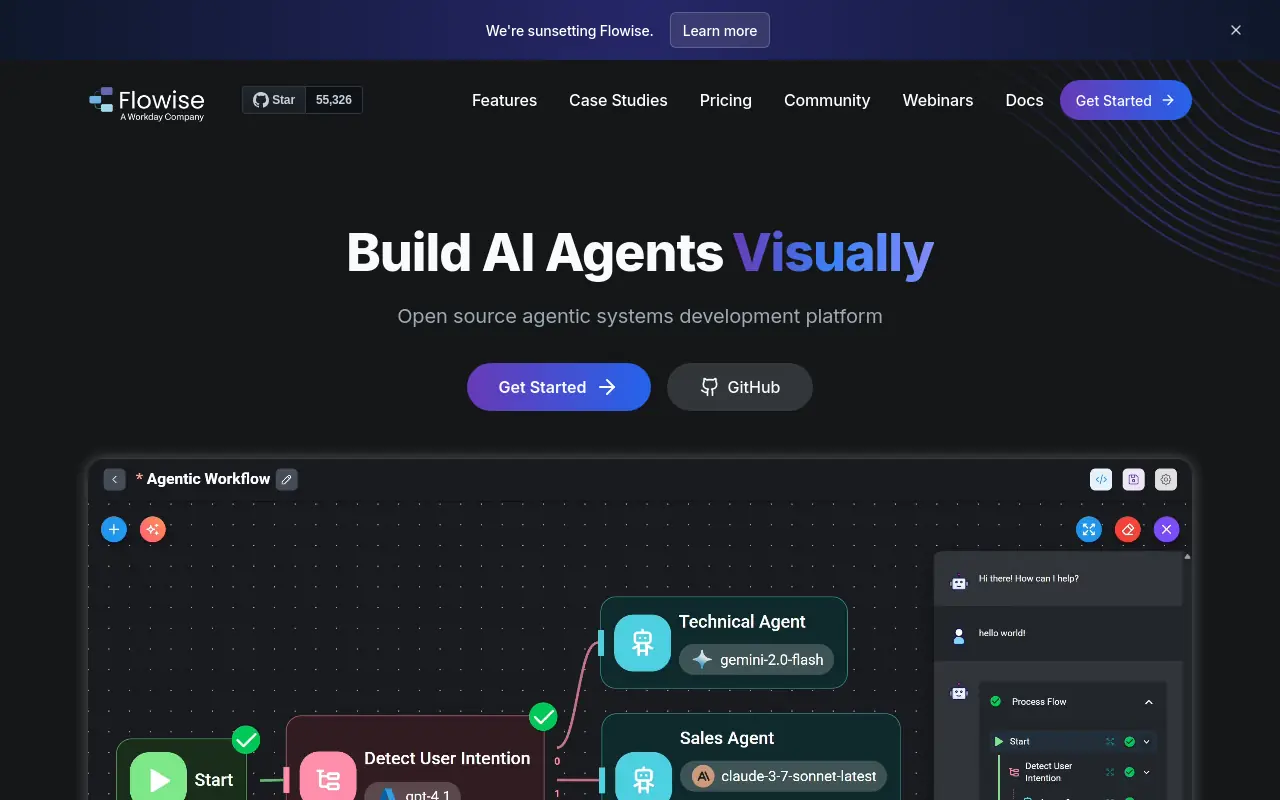 Flowise is an open-source, self-hosted alternative to Langflow with a strong community and a lower barrier to entry for teams comfortable with Docker deployments. It handles LLM chains, agent flows, and retrieval-augmented generation pipelines through a visual canvas. The active community means troubleshooting resources are available, which matters when you are running your own infrastructure. The limitation is the same one that applies to every self-hosted tool: someone on your team owns the uptime, the updates, and the security posture. For a lean GTM team, that hidden operational cost adds up faster than the zero-dollar license fee suggests.
7. Dify - Best No-Code AI App Builder with a Polished Multi-Module UI
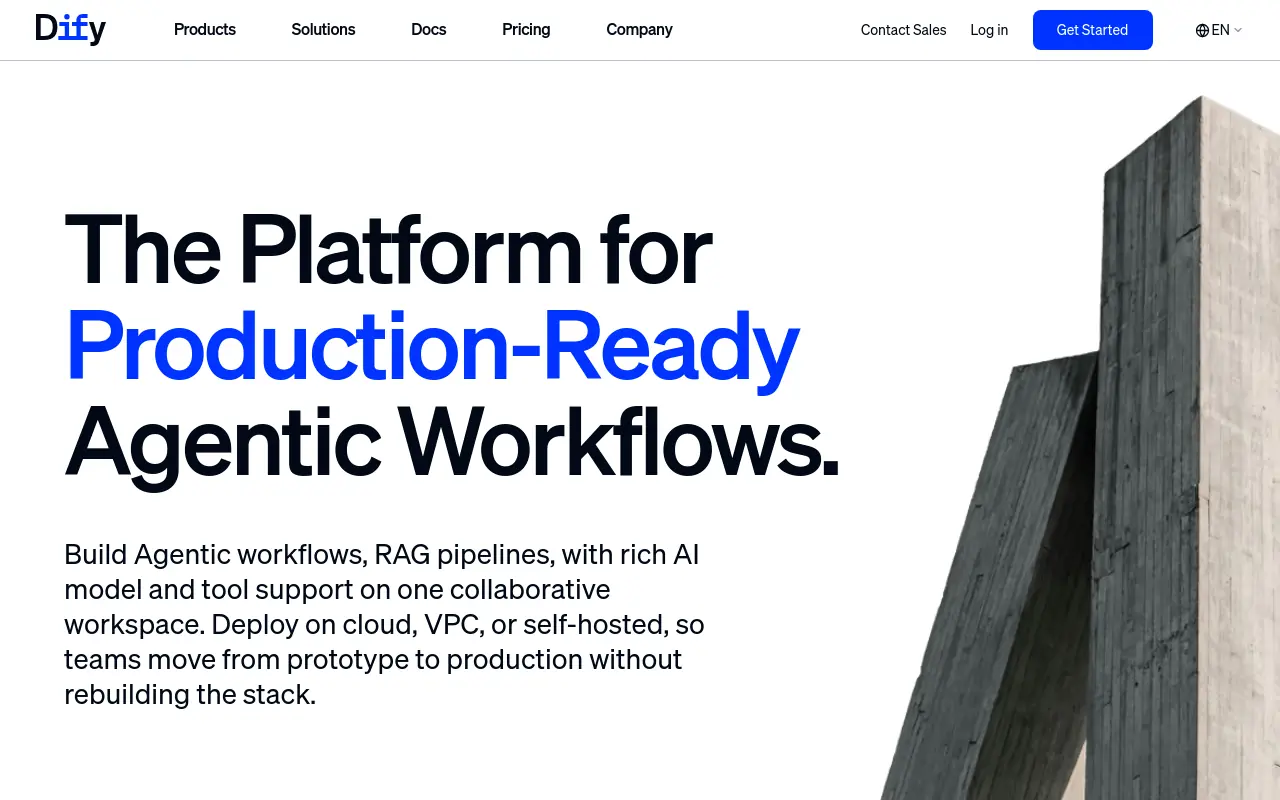 Dify offers one of the most polished interfaces in the open-source AI builder category. It supports prompt orchestration, RAG pipelines, agent workflows, and API publishing from a single, well-designed UI. The multi-module structure means a non-technical user can get further than they can in Flowise or Langflow before hitting a wall.
The honest limitation: “no-code” in Dify’s context still means you are defining the application logic, selecting models, and configuring retrieval settings. The canvas is cleaner; the operator burden is structurally similar. Best for product or ops teams that want to ship an internal AI tool without a dedicated ML engineer, but still have someone technical enough to configure it correctly.
8. Lindy - Best for Plain-English AI Employee Workflows Across Ops Tasks
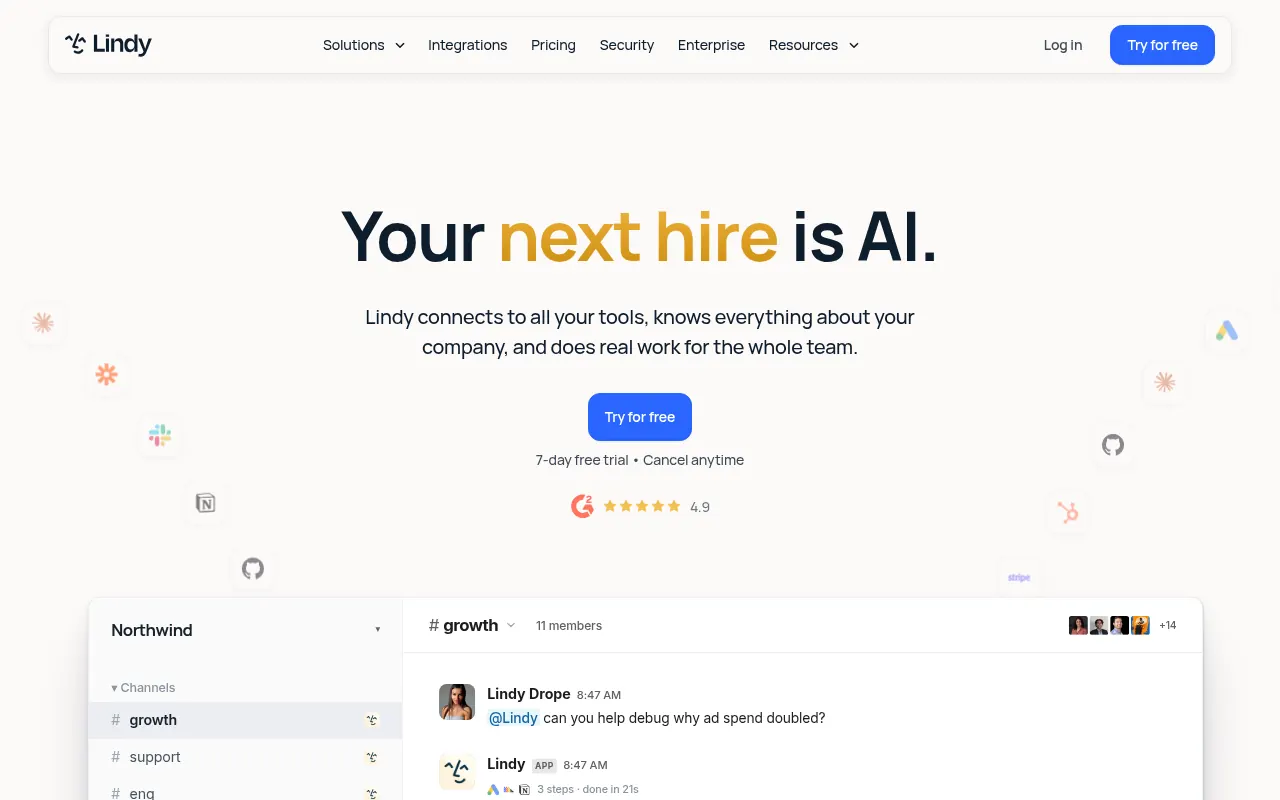 Lindy is best for conversational AI employee workflows. It handles email triage, CRM data entry, and calendar scheduling through a natural-language interface that feels closer to describing a job to a new hire than building a flowchart. That distinction matters: Lindy offers less granular step-by-step control than visual flowchart builders, which is a feature for non-technical operators and a frustration for anyone who wants to audit every decision point. The platform works well for well-defined, repeatable ops tasks. It is less suited to cross-functional GTM work that requires judgment across multiple functional lanes simultaneously.
9. Relevance AI - Best for Building Custom AI Agents with a No-Code Tool Library
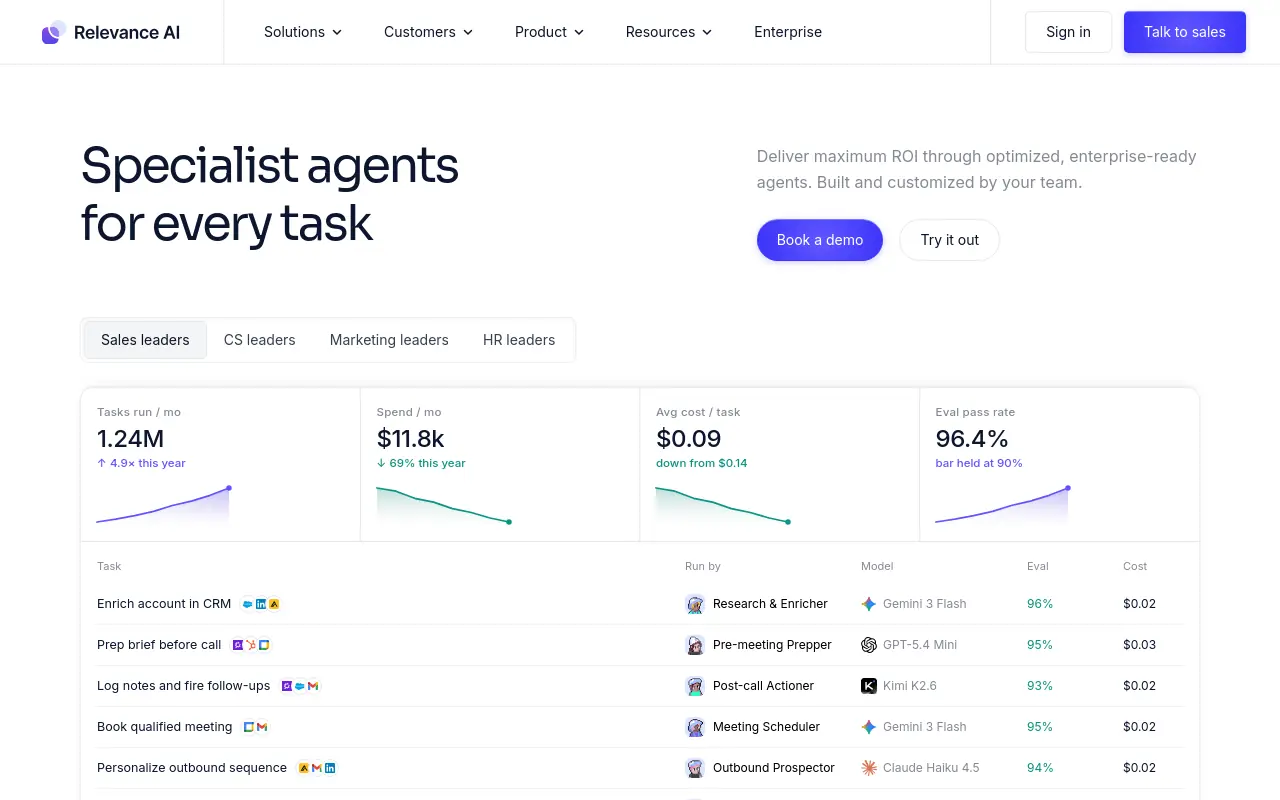 Relevance AI is best for enterprise multi-agent orchestration. Teams can spin up squads of specialized AI agents with shared memory, assign them to distinct tasks, and manage autonomy levels across an L1-to-L4 framework. The tool library approach means non-technical users can assemble agent logic without writing code, which is a genuine differentiator at the enterprise tier. The tradeoff relevant to a funded startup or mid-market GTM team: Relevance AI is an enterprise play in pricing and complexity. Credit-based pricing for agent runs can become expensive at high-frequency execution volumes, and the platform’s depth is most valuable when you have a dedicated AI ops function to manage it.
10. Vellum AI - Best for LLM Prompt Engineering and Production AI Workflow Testing
 Vellum AI is purpose-built for teams that need to evaluate, test, and version-control LLM prompts before they go into production. It is the right tool when the question is which prompt performs best at scale rather than how to automate a GTM workflow. The evaluation and testing infrastructure is strong.
The limitation is scope: Vellum does not replace a workflow builder; it complements one. GTM teams who need to ship AI-powered content or outreach at volume will find Vellum most useful as a quality-control layer, not as the primary automation engine.
11. Activepieces - Best Open-Source Zapier Alternative with Native AI Steps
 Activepieces is an open-source workflow automation platform that competes directly with Zapier on price and with n8n on self-hosting flexibility, while adding native AI steps that Zapier’s core product still treats as an add-on. The integration library is smaller than Zapier’s 8,000-plus app ecosystem, but it is growing, and the native AI steps make it meaningfully more useful for teams building LLM-powered automations into standard business workflows. The honest tradeoff: Activepieces is earlier-stage than Zapier or Make, and edge-case integrations may require custom development. Best when a technically comfortable ops team wants Zapier-style simplicity at open-source pricing with AI steps built in.
12. Voiceflow - Best for Building and Deploying Conversational AI Agents at Scale
 Voiceflow is the strongest purpose-built platform for designing, testing, and deploying conversational AI agents across chat, voice, and messaging channels. It is the right pick when the primary use case is a customer-facing agent: a support bot, a product assistant, or a guided onboarding flow. The canvas is designed specifically for conversation design, which makes it faster for that use case than a general-purpose builder. The limitation is that Voiceflow is optimized for conversation, not for cross-functional GTM automation. Teams looking to automate research, outbound, or internal ops workflows will find the tool’s strengths misaligned with those needs.
13. Microsoft Power Automate - Best for Microsoft 365 Shops Needing Free AI Automation
Microsoft Power Automate is the default choice for organizations already running Microsoft 365, where it is included in most enterprise licensing tiers at no additional cost. The AI Builder features add document processing, prediction, and form recognition without requiring a separate platform. The tradeoff is meaningful: Power Automate’s interface is complex, its AI capabilities are tightly coupled to the Microsoft ecosystem, and teams outside that ecosystem will find the integration library frustrating compared to Zapier or Make. Most beneficial when the automation use case lives entirely inside Microsoft tools and the IT function already manages the tenant.
14. Domo - Best for AI Workflow Automation Embedded in Business Intelligence Dashboards
 Domo is a business intelligence platform that has added workflow automation and AI capabilities on top of its core data visualization layer. For teams that already use Domo for reporting, the ability to trigger automations from dashboard data is a workflow accelerator. The limitation is that Domo is a BI platform first. Teams evaluating it as a primary AI automation tool will pay enterprise BI pricing for automation capabilities that dedicated tools deliver more efficiently. It is the right pick when the automation is downstream of a data insight and the team already has Domo in the stack; it is the wrong pick when automation is the primary need.
15. CrewAI - Best for Orchestrating Multi-Agent Systems with Role-Based Task Assignment
 CrewAI is a Python framework for building multi-agent systems where each agent is assigned a specific role, goal, and set of tools. There is no visual canvas, no drag-and-drop, and no natural-language setup. What it offers is precise control over how agents collaborate, delegate, and complete role-based tasks. For a team with an ML engineer who wants to build a custom multi-agent pipeline without the constraints of a SaaS platform, CrewAI is a strong foundation. For a GTM team without that engineering resource, it is a framework that will stay in a GitHub repository rather than shipping real output.
The common thread across 14 of these 15 entries is the same one that made Gumloop feel like a second job: someone still has to architect the system. The platform changes; the operator burden doesn’t. GTM teams that have personally trialed a dozen AI tools recognize this pattern by week two, when the initial setup is done and the maintenance work begins. What they are actually searching for is not a better canvas. It is a way to describe the outcome, across outbound, enrichment, research, insights, and every other lane they run, and have coordinated work happen without mapping a single step.
Each of these 15 tools earns its spot on the list. But knowing which one fits your stack requires more than reading a description. The next section stress-tests all 15 side by side on pricing, core features, and a single score that reveals exactly how deep into the engineer trap each platform pulls you before you ship your first real output.
Related Reading
- Lindy vs Zapier: Which Automation Tool Wins in 2026?
- How to Build a Multi Agent Workflow That Actually Scales
- Types of AI Agent Pricing Models (And How to Choose)
- How to Master AI Agent Prompt Engineering in 2026
- 13 Best Relevance AI Alternatives for Building AI Agents 2026
Gumloop Alternatives Compared - Pricing, Features, and Engineer-Trap Score
Most comparison tables show you what a Gumloop alternative costs at signup and how many integrations it supports. They don’t show you what it costs three months after you’ve migrated, when task-based billing starts compounding against your volume or your engineers are quietly absorbing the hours a self-hosted tool demands to stay functional. This section surfaces that hidden accounting through an Engineer-Trap Score, so you can evaluate alternatives on the tax that actually determines whether a tool survives inside your operation.

The Engineer-Trap Score - What It Measures
Comparison tables feel objective. They’re not. Every column you can see, monthly price, integration count, use-case label, is real data. The column that’s missing is the one that determines whether a tool survives past week two: how many hours per week it consumes from whoever owns it after the trial ends.
A Gumloop alternative’s true cost of ownership only becomes visible three months post-migration, not at the vendor demo, because every popular alternative either taxes your budget as volume grows or taxes your team’s time as complexity grows, and no alternative escapes both taxes simultaneously. Zapier’s task-based pricing creates a cost trap the moment automation succeeds at scale, while n8n’s self-hosted model trades vendor bills for engineering hours, making the choice less about features and more about which tax your organization is better positioned to absorb.
“I struggle with hidden or unpredictable billing on platforms like Zapier due to task-based limits, making high-volume workflows financially risky, a direct concern when comparing Gumloop alternatives on pricing.”
Two friction points drive most migrations away from tools in this category, and they’re worth naming plainly:
- Reliability: Canvas-based automation platforms frequently freeze or break mid-execution, burning credits on faulty runs while the underlying workflow looks intact on screen.
- You don’t find out something went wrong until a downstream task is missing or a credit balance disappears.
- Unpredictable cost at scale: Task-based pricing means that the moment your automations actually start working at scale, processing more records, triggering more sequences, your bill scales with them in ways that weren’t obvious at the demo.
- High-volume workflows become financially unpredictable, and teams end up throttling automations they need precisely because they can’t forecast the cost of letting them run.
Industry research measures one additional dimension: how much ongoing operator time a tool demands after initial setup. This is the Engineer-Trap Score (ETS). A score of 1 means the tool runs without manual intervention.
A score of 5 means someone on your team has become the tool’s maintenance engineer, rewiring broken steps, chasing credit limits, and debugging automations that silently fail mid-run. The ETS is calibrated against a concrete standard: the ability to handle work that spans tools without your team becoming the engineer. If using a platform requires a dedicated person to babysit runs, re-authenticate connections, or manually restart broken sequences, that platform has shifted its operational burden onto your headcount, and the ETS reflects that.
The ETS doesn’t punish complexity. It flags the tools where complexity falls on you. A tool that supports granular permissions and team collaboration, coordinates multi-step workflows across teammates, and maintains memory and persistence across runs scores better because those features absorb operational load rather than redistribute it.
Scheduled runs that execute reliably, per-teammate sandboxes that isolate failures, and pre-built teammate templates that eliminate from-scratch setup all reduce the hours a human must spend keeping automations alive. Skydive is built from this description, multi-teammate by default, with built-in tools and MCP (Model Context Protocol) support, which is why it scores differently on the ETS than canvas-based tools that require manual intervention the moment a run hits an unexpected state.
How to Choose the Right Gumloop Alternative for Your GTM Stack
That shorter answer starts with a single question most teams skip entirely: does the tool conform to how your revenue team already works, or does your revenue team have to conform to the tool?
The core synthesis this section builds toward, but never names directly, is this: the true ceiling of any Gumloop alternative is set by workflow proximity, not by agent capability or integration count. Because AI tools embedded in familiar environments like Slack and email achieve 90%+ adoption rates while standalone tools stall, and because 56% of SaaS licenses go unused when behavioral change is required, a GTM team’s evaluation should not be led by feature comparison but by a single diagnostic question: does the tool operate inside the channels where your team already works, or does it require your team to leave those channels to manage it?

The vast majority of SaaS licenses go unused, according to the Zylo SaaS Management Index, and the pattern behind that number is almost always the same: a tool that required the team to change where they work, not just how they work. For a Head of GTM already carrying the weight of a dozen half-used platforms, one more evaluation spreadsheet is not the answer.
Three Buyer Profiles, Three Right Answers
The right AI automation tool for GTM depends almost entirely on where your team’s work actually happens. If your motion is primarily outbound and your team lives in a CRM and email, you need a tool with native action inside those channels. If your team runs cross-functional work spanning research, content, and reporting, a single-agent tool will cover one lane and leave the rest manual. A 30-person SaaS startup whose VP Growth needs research, outbound, and reporting covered simultaneously needs a platform where distinct teammates hand off to each other without anyone building the bridge between them. That is a structural requirement, not a preference.
Warning Signs an Alternative Will Collapse Under Real GTM Workload
Watch for these signals during a trial: if you spend more than two hours configuring before seeing a single output, the tool is asking you to be the engineer. If coverage stops at one functional lane, the rest of your GTM motion stays manual.
Related Reading
- The Complete Guide to AI Agent Infrastructure & Components
- Make vs n8n: Which Automation Tool Wins in 2026?
- Gumloop vs n8n: Which Automation Tool Should You Choose?
- 13 Best AI Agent Builders in 2026
- Multi Agent Orchestration Explained: What It Is and How It Works
- 13 Best Lindy AI Alternatives for Smarter Automation 2026
Next steps
If your GTM team has cycled through canvas builders and still finds someone on the team doing workflow triage instead of revenue work, the path forward starts with accepting that the architecture is the problem, not the platform. Every no-code label in this category is a marketing artifact, not an operational reality. The cognitive overhead does not disappear after go-live. It gets reclassified as configuration and exception handling, and it lands on whoever built the thing.
The true cost of any Gumloop alternative only becomes visible three months post-migration, not at the vendor demo. Zapier taxes your budget as volume grows; n8n taxes your team’s time as complexity grows. No popular canvas builder escapes both simultaneously. And because AI tools embedded in familiar environments achieve adoption rates above 90% while standalone tools stall, the ceiling of any alternative is set by workflow proximity, not by integration count or agent capability. Together, those two realities point to the same next step: stop evaluating canvas builders against each other and find a platform where you describe the outcome instead of engineering every step.
Start with AI Employees from Skydive. Tell a teammate what outcome you need, and it handles the steps, the handoffs, and the coordination, without a node graph, a rebuild cycle, or a broken integration waiting for you on a Tuesday afternoon.
Frequently Asked Questions
What is Gumloop and what does it do?
Gumloop is a no-code AI workflow builder that lets teams build automation workflows without writing code. Its pitch is compelling for early exploration, but the cracks appear when a workflow becomes load-bearing, every new integration, API change, and edge case lands back in the operator’s queue rather than being handled by the tool.
Why do most Gumloop alternatives feel like just as much work as Gumloop itself?
Because the problem is architectural, not cosmetic. Every visual workflow builder, no-code, low-code, or AI-native, still requires someone to explicitly map the logic, specify every step, and maintain every connection. Swapping the logo keeps the same structure, so the operator burden doesn’t disappear; it just moves to a different canvas.
What should I actually look for in a Gumloop alternative before I trial another tool?
The real evaluation question is architectural: does the tool ask you to engineer the work, or does it do the work? The three friction points that kill adoption are setup cost, maintenance burden, and context switching, and a tool that requires 23 configured nodes before it sends a single Slack message has already lost the operator’s confidence before it delivers a result.
Is Zapier or Make a good fit if my team isn’t very technical?
Zapier is the right pick for straightforward, linear automations across popular SaaS tools for non-technical operators, but its per-task pricing climbs fast at scale and it struggles when workflows branch or require conditional logic. Make supports more complex visual logic and real-time data preview for debugging, but its operation-based pricing means monthly costs scale faster than most teams expect, and it works best when a dedicated process owner monitors and tunes scenario logic regularly.
Can n8n replace a paid automation tool if my team hosts it ourselves?
N8n’s self-hosted version supports unlimited workflows with no execution limits and includes native AI agent nodes, making it a strong option for developer-led teams. However, managing your own infrastructure carries a real hidden operational cost, someone on your team owns the uptime, updates, and security posture, which is a meaningful burden for any GTM team without dedicated engineering support.