13 Best AI Agent Integrations to Automate More in 2026
The 13 best AI agent integrations for ops leaders who need to stop losing days to disconnected tools and finally give their team a day back.
 Skydive 27 min read
Table of contents
More connectors won’t fix this. The real integration gap isn’t about what your agent can reach, it’s about whether it can actually act once it gets there.
Most teams building toward AI-powered operations already understand that integration matters. They know a disconnected agent is just a smarter search bar. The common assumption is that if we just connect enough systems via APIs and integration platforms, the agent will have the context it needs and the cross-tool work will get handled automatically. The standard framing for solving the problem, counting connectors and expanding API coverage, quietly misses the deeper problem before anyone notices the ceiling. See our AI teammates for how this works in practice.
AI agent integration is the architectural process of connecting autonomous AI systems to your organization’s data sources, applications, and core infrastructure. An engineer hears API contracts and authentication flows. An ops leader hears “will it actually touch the tools my team uses every day.” Both are right. Neither is complete. Without it, an agent can answer questions. With it, the agent can execute: pull a record, update a field, draft a document, flag an exception, and hand the result to the next step in the workflow.

The failure rate here is not a rounding error. According to a 2025 MIT study as reported by ComplexDiscovery, the vast majority of corporate AI projects fail before reaching production, with a leading cause being the gap between technical connectivity and true operational integration.
Organizations conflate linking systems with enabling agents to act autonomously across those systems.
The instinct to solve integration by adding more connectors is logical. It’s also a trap. A larger connector library expands the surface the agent can reach, but it does nothing for the surfaces no one thought to wire up, and in most real stacks, those ungoverned surfaces are where the actual work lives.
The same MIT research notes that organizations underestimate the complexity of integrating autonomous AI systems into existing enterprise workflows and governance structures. The problem is whether the agent has enough operational freedom to handle what it encounters across every surface where real work happens, not just the surfaces someone pre-approved on an integration roadmap.
Key takeaways
- Most teams evaluating AI agent integrations are solving the wrong problem, they’re counting connectors when the real constraint is autonomy: what the agent can do without a pre-built integration.
- The read/write gap is the most expensive assumption in agent deployment, an agent that reads your CRM and one that writes to it require fundamentally different architectures, and most teams don’t price that difference until it’s already broken something.
- API-first integration isn’t free after launch, enterprise API maintenance runs 15-20% of initial build cost annually, and that clock starts the moment a SaaS provider changes its schema.
- The tools that actually break an agent’s week, a partner portal, a legacy dashboard, a tab nobody thought to wire up, are exactly the ones that never make it into an integration catalog.
- Choosing an integration design pattern is a bet on how stable your tool stack will be over the next 12 months; most ops teams are making that bet blind.
- Browser-native agents sidestep the integration backlog entirely, SkyDive gives each teammate its own computer with a browser, so agents log into your existing tools the way a human operator would, navigating systems no one has wired an integration for.
Key Challenges of AI Agent Integrations (and the One Nobody Puts on the Roadmap)
The common assumption is that if we just connect enough systems via APIs and integration platforms, the agent will have the context it needs and the cross-tool work will get handled automatically. APIs are tangible, tickets are writable, and sprints are plannable. But that framing quietly leaves the hardest work untouched.

Engineering Capacity - The First Tax That Compounds
Building a single custom API integration is not a weekend task. According to Inovaflow’s April 2026 analysis, completing one in-house without prior experience with the target system takes 4 to 12 weeks, depending on complexity. That is before the maintenance clock starts. One person ends up holding a growing stack of connectors, and every auth token refresh or API version bump becomes an unplanned interruption that lands on that same person’s plate.
4 to 12 weeks To build one custom API integration
This is one of the most quietly painful dynamics we see in teams scaling their tooling: the original builder becomes the permanent owner by default, fielding breaking changes nobody planned for and nobody else understands. The original build cost is a down payment, and the compounding interest is paid in interrupted sprints and unplanned context-switching. SkyDive’s built-in tools and MCP (Model Context Protocol) support are designed to reduce how much of that surface a single person has to hold. When teammates each operate within their own sandboxed environment with granular permissions already defined, the maintenance burden distributes with the work rather than funneling to one engineer.
The Narrow-Surface Trap
Most integrations solve one job cleanly. A CRM sync. An outbound enrichment pull. A Slack notification trigger. What they do not solve is the motion surrounding that job: the research that informed the decision, the follow-up that required reading a thread, the status update that lived in a tool nobody thought to wire up. As Inovaflow notes, mature SaaS companies routinely handle research, content, customer ops, and partnership workflows manually or with duct tape, because those surfaces sit outside the standard integration layer entirely.
SkyDive’s multi-teammate architecture addresses this gap not by adding more connectors, but by giving every team member a clear, predictable process so no one is walking blindly into their next task or handoff. Pre-built teammate templates cover the workflow surfaces that standard integration layers never reach. Scheduled runs handle recurring motion, the Monday morning rollup, the end-of-sprint status pull, without requiring anyone to manually orchestrate it. The result is less back-and-forth communication overhead and more capacity for the work that actually moves the business forward.
Context Scattered Across Tools and Threads
Cross-system context is the rule. An ops lead compiling Friday’s status report touches a project tracker, a CRM, a shared doc, and three Slack threads before producing a single summary. No API endpoint captures that chain. As multiple industry sources have observed, the API integration backlog is a surface problem: the tools generating the most operational noise are routinely the ones no connector was ever built to reach.
SkyDive’s memory and persistence layer, combined with multi-channel access and per-teammate browser sandboxes, means that chain of context doesn’t have to be reconstructed manually each time. Complex, multi-step workflows stay coordinated, with clear ownership at each stage, so the team isn’t losing track of who picked up what or relitigating context that should already be known. That is the operational gap integrations alone were never built to close.
The Two Fundamental Modes of AI Agent Integration - Read vs. Write
Treating “connecting the agent to our tools” as a single category is one of the most expensive assumptions an ops leader can make. The architectural gap between an agent that reads your systems and one that writes to them is wide enough to swallow an entire deployment.
Here is the uncomfortable truth: the read/write integration split creates an invisible accountability gap that neither layer is designed to close. Organizations invest heavily in RAG pipelines to feed agents context, then assume write-mode API calls will close the loop, but neither layer tracks the in-flight state of a task as it crosses tool boundaries, leaving no system responsible for the judgment calls that used to live in a human operator’s head. More integration surface area doesn’t close this gap; it multiplies the handoff points where intent silently evaporates.

Read Mode - How Data Integration Feeds an Agent the Context It Needs to Reason
Data Integration (Read) is the layer that answers one question: what does the agent need to know before it acts? In practice, this means querying vector databases, cloud storage, documents, and CRM records to supply the agent with real-time and historical context. A practical example: an agent queries a vector-indexed Notion workspace before drafting a customer response, pulling the right policy, the right history, the right tone. Without this layer, the agent is guessing. Agents operating on stale or missing context don’t just underperform; they hallucinate. They give confident, wrong answers.
How RAG Pipelines Turn Scattered Business Data Into Agent-Ready Knowledge
Retrieval-Augmented Generation (RAG) is the primary mechanism powering Read mode. Across the market, RAG has solidified as a cornerstone of enterprise AI data infrastructure, serving as the principal layer through which agents receive both real-time and historical context. Critically, what most teams miss is a distinction that broader industry trends make clear: simply retrieving data is insufficient. Agents require structured, curated context pipelines, not raw API connectivity, to perform reliably. By 2025, RAG’s role had expanded beyond passive document retrieval toward active context management for agentic systems, meaning a RAG pipeline is not simply a lookup tool but the mechanism that governs what an agent treats as authoritative before it takes any action.
5 Integration Design Patterns for AI Agents and When to Use Each
What most evaluations miss: choosing an integration design pattern is not a technical optimization, it’s a bet on how stable your tool stack will be, and most ops and GTM teams are making that bet blind. Direct API calls demand continuous manual maintenance every time a provider changes; agent-to-agent patterns carry the highest maintenance burden of all; and Unified APIs only cover standardized SaaS tools, leaving research, content, and partnership workflows outside every pattern’s reach. The practical result is that the workflows most critical to GTM execution are systematically excluded from every integration design pattern currently on the market.
Most enterprise AI projects stall before they deliver value, and the culprit is rarely the model. Across the market, the root cause is almost always integration architecture: teams pick a pattern without understanding its maintenance cost, then discover six months later that the agent only reaches the tools someone thought to wire up in advance.
The five patterns below are a decision tool, not an engineering reference. Each one maps to a specific team size, tool count, and governance need.
Unified APIs
Unified APIs are the clearest win for scaling across 10 to 100-plus standard SaaS tools. A single schema handles authentication and provider updates, so when a vendor changes its API, the integration layer absorbs the change rather than your engineering backlog. Broader industry trends point to this as the lowest-maintenance pattern for teams with predominantly standard SaaS stacks, precisely because provider-side API changes are absorbed by the unified layer rather than landing as unplanned engineering tickets.
Integration Pattern Selection Framework
| Pattern | Best For | Team Size | Maintenance Burden | Reaches Ungoverned Tools? |
|---|---|---|---|---|
| Direct API Calls | 1–2 stable internal endpoints | Any | High (per-connector) | No |
| Tool & Function Calling | Small curated native toolsets | Small | Low, Medium | No |
| MCP Gateways | 60+ connected tools, enterprise governance | Large / Platform team | Medium | Partial |
| Unified APIs | 10–100+ standard SaaS tools | Mid-to-large | Low (vendor-absorbed) | No |
| Browser-Native / Computer-Use | Partner portals, legacy tools, no-API surfaces | Any | Low (no connector code) | Yes |
Use this table to pre-qualify a pattern before scoping engineering work. If your critical workflows live in ungoverned surfaces (browser-only portals, shadow IT, internal tools with no API), no connector-first pattern reaches them.
1. Sequential Pipeline Pattern - Best for Deterministic, Step-by-Step Workflows
The sequential pipeline pattern routes tasks through a fixed chain of AI agents, each completing its step before passing output to the next. It’s the right pick for compliance-heavy or auditable workflows, think document processing or loan approvals, where predictable execution order matters. The core tradeoff: any single agent failure halts the entire pipeline, making fault tolerance and retry logic non-negotiable design requirements for production AI agent integrations.
2. Event-Driven Fan-Out Pattern - Best for High-Throughput Parallel Agent Execution
This pattern uses an event broker to simultaneously trigger multiple specialized AI agents from a single upstream event, enabling true parallelism. It excels in data pipeline and real-time analytics contexts where latency reduction is critical. Teams integrating AI agents into existing Kafka or Pub/Sub infrastructure will find this a natural fit. The tradeoff is coordination complexity, aggregating results from concurrent agents without race conditions requires careful state management.
3. RAG-Augmented Tool-Use Pattern - Best for Knowledge-Intensive Agent Tasks
Retrieval-Augmented Generation wired directly into an agent’s tool-calling loop lets the agent dynamically fetch grounded, up-to-date context before acting. This is the go-to pattern for enterprise AI agent integrations in legal, medical, or customer support domains where hallucination risk is unacceptable. The real limitation is retrieval latency and index freshness, stale vector stores silently degrade agent accuracy without obvious failure signals, demanding robust monitoring pipelines.
4. Human-in-the-Loop Interrupt Pattern - Best for High-Stakes or Regulated Decision Points
This pattern inserts mandatory human review checkpoints at predefined confidence thresholds or action categories within an agentic workflow. It’s essential for healthcare, finance, and legal AI agent integrations where autonomous errors carry regulatory or reputational consequences. The pattern preserves human authority without requiring full manual oversight. The tradeoff is throughput: poorly calibrated interrupt thresholds create bottlenecks that negate the efficiency gains agents are deployed to deliver.
5. Multi-Agent Group Chat Pattern - Best for Complex, Multi-Domain Problem Decomposition
A coordinator agent dynamically routes subtasks to domain-specialized agents that collaborate through a shared message channel, mimicking expert team deliberation. This pattern shines in AI agent integrations tackling cross-functional problems, such as combining a code agent, a security agent, and a documentation agent on a single engineering task. The critical tradeoff is cost and latency: multi-turn agent conversations multiply LLM inference calls rapidly, making token budget governance essential from day one.
13 Best AI Agent Integrations to Automate More in 2026
The AI agent integration platform market is projected to reach tens of billions in value by 2026, and every ops leader on that growth curve faces the same quiet trap: they evaluate platforms by how many apps are in the catalog, then discover the work that actually breaks their week lives somewhere the catalog never reaches. A browser tab. A partner login. A legacy tool nobody thought to wire up. Connector count is a ceiling, not a floor, and the gap between what a platform covers and what your team actually touches is where the backlog quietly grows.
“I struggle with misleading ‘no GPU required’ claims for AI agent tools, setting up locally only to find performance is unacceptably slow (e.g. 1 token/second), wasting hours of setup time.”
The top AI agent integration platforms and tools each specialize in a distinct layer of this problem: some expand the catalog, some remove the catalog requirement entirely. Here is what each one does best, and where each one stops.
1. SkyDive - Best AI Agent Integration Platform for Operator Teams
SkyDive earns the top position for operator teams in this list because it sidesteps the catalog problem structurally by design. Each AI teammate gets its own sandboxed computer with a browser, logging into tools the way a human operator would, including partner portals, legacy systems, and internal tools with no public API. That per-teammate sandbox is not just a technical detail: it is what makes SkyDive genuinely multi-channel by default, showing up in Slack, email, iMessage, and web chat. Conversation surfaces the team already lives in. iMessage support is novel across the competitive set.
One practical friction point operators run into early with self-hosted or locally-run AI agent tools is setup that does not survive contact with reality: hours invested configuring an environment, only to discover inference runs at one token per second and the workflow is unusable in production. SkyDive’s architecture removes that class of problem: teammates run in managed, pre-configured sandboxes, so the time your team spends goes into scoping workflows, not debugging infrastructure.
Where SkyDive particularly earns its position for ops-led teams is in the three workflow categories that consume the most operator hours with the least visible output:
- Routine support tickets, the repeatable, rule-bound requests that fill a queue without requiring judgment, can be handed to a dedicated AI teammate running on a scheduled cadence, with granular permissions set so it acts only within the surfaces you have explicitly approved.
- Research and enablement scaffolding, the kind of background work that has to happen before a sales call or a campaign brief can move forward, is a natural fit for SkyDive’s memory and persistence layer: teammates retain context across runs, so the research a teammate completes on Monday is available to the teammate handling the follow-up brief on Thursday without manual hand-off.
- Campaign ops and content production workflows, where the bottleneck is usually coordination overhead and status-update loops rather than the work itself, benefit from SkyDive’s multi-teammate architecture, which is built to coordinate complex, multi-step workflows without losing track of who owns what at each stage and to reduce the back-and-forth communication that pulls teams away from high-impact work.
SkyDive also supports MCP (Model Context Protocol), which means teammates can connect to MCP-compatible tool servers directly, extending reach to structured data sources and internal systems that expose an MCP endpoint, without requiring a custom integration layer for each one. Pre-built teammate templates give teams a faster path to deployment across common operator workflows, and scheduled runs mean teammates can execute autonomously on a defined cadence rather than requiring a human trigger.
The tradeoff is real: this approach requires trusting the agent with live credentials and browser sessions, which demands clear permission scoping before deploying it across sensitive surfaces. Anyone on the team creates teammates. Permissions control view, use, or edit on a per-teammate basis. Useful teammates spread the way useful things inside companies always spread. But the discipline of starting with read-heavy, lower-stakes workflows, validating the agent’s judgment, and graduating to write-access surfaces only after a contained pilot is still the right sequence.
2. Zapier - Best for Connecting 7,000+ Apps Without Code
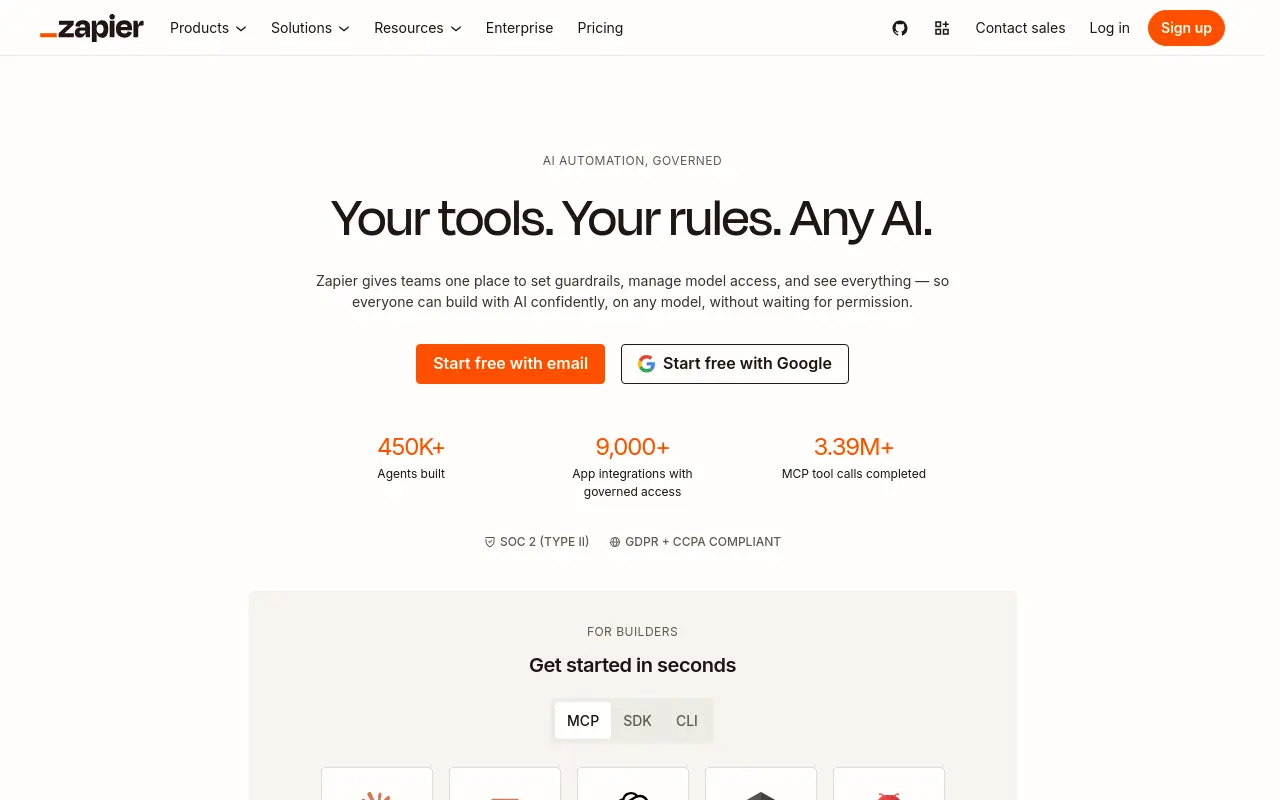 According to Neomanex (July 2026), Zapier has passed 9,000 integrations, making it the largest publicly documented catalog in the no-code automation space as of that report. Its AI agent model, as described on Zapier’s own platform page, layers autonomous agents and AI workflow steps on top of that connector network, meaning agents can only act on tools already wired into the catalog. Zapier’s reliability track record and the breadth of its pre-built templates give ops teams a fast path from zero to automated without writing a line of code, a genuine advantage for teams whose stack is mainstream SaaS and whose priority is speed to value. For teams with shadow IT, internal tools, or unsanctioned apps, the catalog boundary is a real constraint, and it’s worth scoping your ungoverned surfaces before assuming catalog coverage is sufficient.
3. n8n - Best Self-Hosted AI Agent Integration for Developer Teams
N8n is the right call when data sovereignty is non-negotiable and your team has the engineering capacity to run and maintain its own infrastructure. Self-hosting gives you full control over where agent data lives and how credentials are stored, which matters in regulated industries or security-sensitive environments. n8n’s self-hosted architecture gives engineering teams a level of workflow customization and data control that managed platforms typically can’t match, and its active open-source community means complex integration patterns are often already documented before your team encounters them.
The honest tradeoff is that the DevOps overhead is real: setup, maintenance, and performance tuning require dedicated engineering attention, which makes it the right call for engineering-led teams and a harder sell for ops-led ones without that internal support.
4. Make (formerly Integromat): Best Visual Agent Workflow Builder
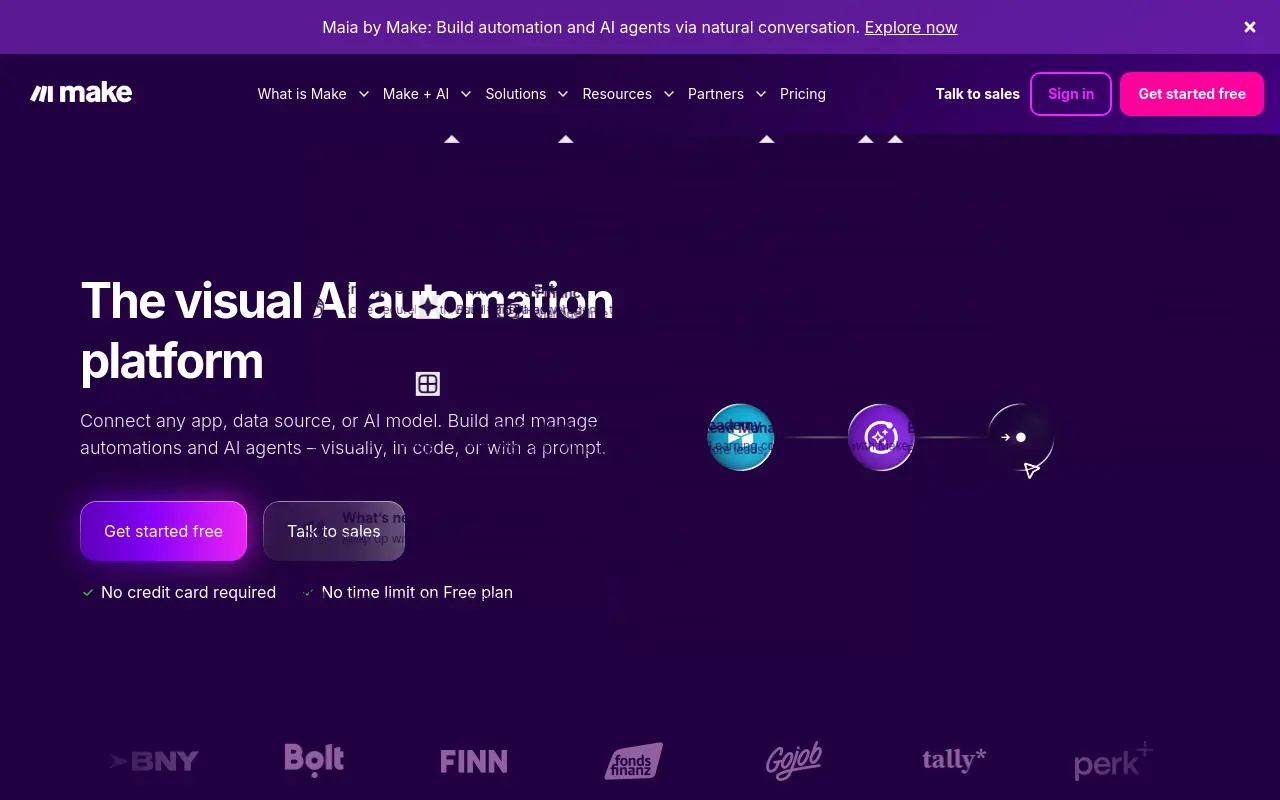 Make’s visual canvas is a genuine differentiator: the scenario builder handles conditional logic and branching in a way that lets non-technical operators reason about, and confidently modify, agent decision paths without developer involvement. For teams that need to own their automations without owning the code, that visual auditability is a real operational advantage.
The limitation that matters for this audience: like most connector-first platforms, Make’s agents are bounded by its integration library. Complex, multi-system workflows that cross into ungoverned tools or internal surfaces still require a developer to extend the platform before the agent can reach them.
5. Slack AI Agents - Best for Teams Already Living in Slack
AI agents work best when the majority of your coordination and decision-making already happens inside Slack channels, because the integration surface is Slack itself. Agents can surface context, summarize threads, and trigger actions within the Slack ecosystem with minimal setup. The constraint is narrow by design: if your critical workflows span CRM, finance, and partner tools outside Slack, this approach handles the communication layer but leaves the execution layer untouched. A strong complement to a broader agent stack, not a standalone answer.
6. Coffee - Best AI Agent Integration for CRM Data Capture
RevOps and sales managers who have lived with manual CRM hygiene know the specific pain: reps log calls inconsistently, deal context lives in email threads, and the CRM record is always three steps behind reality. Coffee targets that gap directly, automating the capture and structuring of sales activity data into CRM fields without requiring reps to change their workflow. It is purpose-built for one surface, which is its strength and its limit. Teams looking for cross-functional agent coverage across research, enablement, and customer ops will need additional tools alongside it.
7. Mastra - Best Open-Source Framework for Building Custom AI Agent Integrations
 Mastra gives engineering teams a TypeScript-native framework for building production-grade AI agent integrations with fine-grained control over tool calling, memory, and workflow orchestration. It is the right foundation when your integration requirements are genuinely custom and no off-the-shelf platform fits the architecture. The tradeoff is direct: Mastra is a framework, not a product. Ops leaders without dedicated engineering support will find the abstraction level too low for practical use. Best evaluated alongside platforms like Paragon, Composio, Nango, or Knit AI when your team needs managed auth and unified API handling on top of a custom agent layer; tools like LangGraph can also complement Mastra when structured multi-agent orchestration is part of the architecture.
8. Zendesk AI - Best AI Agent Integration for Proactive Customer Support
Zendesk AI is built for support teams that want agents to act before a ticket escalates, not just after one arrives. The platform’s proactive support capabilities include intent detection and automated resolution routing that reduce the volume of tickets requiring human handling. Zendesk’s platform materials reference ticket deflection outcomes for teams using its AI-assisted workflows, making the proactive-support claim evidence-anchored rather than aspirational.
9. Intercom Fin - Best Conversational AI Agent for Customer-Facing Automation
Intercom’s Fin agent handles customer conversations end-to-end, resolving queries, escalating edge cases, and handing off to human agents with full context intact. It integrates with knowledge bases, CRMs, and product data to give accurate, grounded answers. Best for SaaS and e-commerce teams that need a high-resolution conversational agent without building one from scratch. The tradeoff: Fin’s performance is tightly coupled to the quality of your knowledge base, garbage in, garbage out applies acutely here.
10. Shopify Sidekick - Best AI Agent Integration for E-Commerce Operators
Shopify’s Sidekick agent integrates directly into the merchant dashboard, letting operators query store data, adjust discounts, draft campaigns, and manage inventory through natural language. For Shopify merchants, it’s the fastest path to agentic commerce without any third-party setup. It also connects to agentic surfaces like ChatGPT and Google AI Mode for buyer-side automation. The tradeoff: it’s exclusively useful within the Shopify ecosystem and offers no value to merchants on other platforms.
11. Sierra - Best AI Agent Integration for High-Stakes Enterprise Customer Experience
Sierra builds conversational AI agents purpose-built for enterprise CX, with deep integration into backend systems like order management, billing, and account data. Its agents handle complex, multi-turn interactions that require real business logic, not just FAQ retrieval. Best for large enterprises in retail, financial services, or telecom where agent errors carry real cost. The tradeoff: Sierra is a premium, high-touch deployment, it’s not a self-serve tool and requires significant onboarding investment.
12. Decagon - Best AI Agent Integration for Technical Support Automation
Decagon specializes in AI agents for technical support teams, integrating with documentation, internal wikis, and engineering ticketing systems to resolve developer and product-related queries autonomously. It’s the right pick for SaaS companies whose support volume is dominated by technical questions that require precise, sourced answers. Agents can escalate with full diagnostic context. The tradeoff: Decagon’s narrow specialization in technical support means it’s a poor fit for general customer service or sales use cases.
13. Braintrust - Best Platform for Evaluating and Monitoring AI Agent Integrations
 Braintrust provides the evaluation, tracing, and monitoring infrastructure that AI agent integrations need to stay reliable in production. Teams use it to run evals against real agent outputs, catch regressions, and benchmark model changes before they reach users. Best for engineering and ML teams managing multiple agent integrations who need observability beyond basic logging. The tradeoff: Braintrust is an evaluation layer, not an agent platform, it adds no automation capability on its own and requires agents to already be running.
Related Reading
- The Future of Agentic AI For Customer Support Explained
- 13 Best Agentic AI Platforms in 2026 for Autonomous Work
- How to Measure AI Agent ROI Before You Scale
- AI Agent vs Assistant: Key Differences Compared (2026)
- How To Measure AI Agent ROI With Proven Metrics
- The Ultimate AI Automation Tutorial for Beginners (2026)
- 14 Best Browser Use Agent Tools for AI Web Automation 2026
- 13 Best AI Agents for Marketing Teams in 2026
- How to Set AI Agent Permissions Without Losing Control
- What Are Parallel AI Agents? A Complete 2026 Guide
Best Practices for Building AI Agent Integrations Without an Engineering Backlog
A checklist doesn’t expire. The integration built from it does.
Most ops leaders treat agent integration best practices as a one-time engineering deliverable: hand the spec to a developer, get the connector built, move on. The real cost shows up six months later, when the SaaS tool changes its schema, the workflow has evolved, and the engineer who built it has moved on. What looked like a solved problem is now a ticket nobody owns.

Audit Your Autonomy Surface Before You Pick a Pattern
Start by mapping what actually lives behind a login. According to BetterCloud’s SaaS research, the average organization uses 130 SaaS applications, and a significant portion are browser-native, meaning no standardized API exists to wire them up. If your audit only covers tools with documented endpoints, you’re scoping your integration surface to the easy minority and leaving the rest as permanent manual work.
Match Integration Maintenance Burden to Your Team’s Actual Engineering Capacity
The real engineering backlog is created by the permanent maintenance tax every connector-based approach imposes. A custom API integration takes 4 to 12 weeks to build, then meaningful ongoing maintenance costs recur annually just to keep it alive. For ops teams without a dedicated engineer, that math doesn’t work. Every new connector is also a recurring budget commitment nobody invoiced for at the start.
Scope Credentials and Audit Trails Before Any Agent Touches a Live System
Agent permissions are a governance decision. A startup that scoped agent credentials to read-only access first, then graduated to write access after a two-week pilot, is following the only sequence that makes sense: prove the agent’s judgment in a contained environment before it can take irreversible action. The blast radius of an agent with too much access is far larger than that of a human making the same mistake, because the agent acts at speed.
The “Six-Month Owner” Test
Before committing to any integration pattern, ask one question: who owns this if the engineer who built it leaves? If the honest answer is “nobody yet,” the maintenance burden of that pattern is already priced wrong. Connector-first approaches that depend on institutional knowledge to stay alive are a single departure away from becoming permanent backlog.
Next steps
If your most critical workflows keep slipping through the gaps between your tools, not because you lack connectors but because the work lives in browser tabs, vendor portals, and PDF threads that no catalog ever reaches, the path forward starts with giving each agent its own computer to navigate those surfaces directly. Start with our AI teammates.
The read/write accountability gap means that adding more integrations multiplies the handoff points where intent evaporates, not the coverage where it lands. The permanent maintenance tax on connector-based approaches means that every new integration is also a recurring budget commitment nobody invoiced at the start, while the workflows that most need automation, research, content, and partnership operations, accumulate as unaddressed debt outside the integration surface entirely. Together, they point to an architecture where agents navigate ungoverned surfaces the way a human operator would, without requiring a connector to exist first.
Start with AI teammates to see how per-teammate sandboxes and built-in memory handle the cross-tool coordination that connector-first platforms leave on the table.
Frequently Asked Questions
How do integrations power RAG pipelines for AI agents?
Integrations are what feed a RAG pipeline the raw material it needs, by querying vector databases, cloud storage, documents, and CRM records, they supply the agent with real-time and historical context before it acts. Without this layer, the agent is guessing; agents operating on stale or missing context don’t just underperform, they hallucinate. By 2025, RAG had expanded beyond passive document retrieval toward active context management, meaning the pipeline governs what an agent treats as authoritative before it takes any action.
What’s the real difference between an agent that reads my systems and one that writes to them?
The gap is wide enough to swallow an entire deployment. Read mode answers what the agent needs to know before it acts, querying records, documents, and history for context. Write mode is where the agent actually executes: pulling a record, updating a field, drafting a document, or flagging an exception. The critical problem this guide highlights is that neither layer tracks the in-flight state of a task as it crosses tool boundaries, leaving no system responsible for the judgment calls that used to live in a human operator’s head.
Which integration design pattern has the lowest maintenance burden for a team with a large SaaS stack?
For teams with 10 to 100-plus standard SaaS tools, Unified APIs carry the lowest maintenance burden because provider-side API changes are absorbed by the unified layer rather than landing as unplanned engineering tickets. That said, Unified APIs, like every connector-first pattern, do not reach ungoverned surfaces such as browser-only portals, legacy tools, or internal tools with no public API. For workflows that live in those surfaces, a browser-native approach like SkyDive’s per-teammate sandboxed computer is the only pattern in the post’s framework that reaches them.
What is Model Context Protocol (MCP) and when does it make sense for an AI agent setup?
MCP gateways provide a standardized, centralized routing layer between agents and third-party systems, with built-in authorization controls. This guide positions them as the right fit for enterprise teams managing 60-plus connected tools, because the gateway enforces governance without requiring per-tool custom code. It’s described as overkill for a smaller team that doesn’t yet have a dedicated platform function, and it only partially reaches ungoverned tools.
Why do so many AI integration projects fail before they deliver value?
The leading cause, as cited from a 2025 MIT study in this guide, is the gap between technical connectivity and true operational integration, organizations conflate linking systems with enabling agents to act autonomously across those systems. A second compounding factor is that teams pick an integration pattern without understanding its maintenance cost, then discover months later that the agent only reaches the tools someone thought to wire up in advance. The workflows most critical to day-to-day operations routinely live in ungoverned surfaces that no connector was ever built to reach.