The Ultimate AI Automation Tutorial for Beginners (2026)
This AI automation tutorial shows ops leaders how to stop losing their day to fragmented systems and finally handle the work no rule-based tool can touch.
 Skydive 33 min read
Table of contents
Traditional automation handles the predictable. AI automation handles the rest. Here is what actually separates the two, and how to build workflows that stop dropping context the moment things get complicated.
Most ops leaders have already automated the obvious steps, and yet the day still fragments across systems, requests, and people who all need them right now. The gap is what those automations can’t touch.
AI automation is software that reads a situation and determines the next action, rather than following a fixed sequence someone wrote in advance. A Zapier zap that routes a form submission is traditional automation.

An AI workflow that reads the same submission, categorizes the intent, drafts a personalized reply, and flags edge cases for human review is AI automation. Same trigger. Completely different cognitive load on the operator.
See our AI teammates for how this works in practice.
Rules-based automation is a light switch, on or off. The moment reality deviates from the script, the zap either fails silently or dumps the exception back on the operator’s plate.
According to Typedef, 80 to 90 percent of all enterprise data is unstructured, existing in formats like emails, PDFs, and audio that traditional automation cannot parse without human interpretation. That is the majority of real operational work.
80 to 90 percent of enterprise data is unstructured
The real argument for AI automation is that it absorbs the class of work that previously required a senior person’s judgment to resolve. Platforms like SkyDive take a different architectural approach: rather than requiring operators to wire individual steps, they surface an AI teammate that holds context across sessions, handles ambiguous inputs, and operates inside Slack, email, or iMessage, so the operator’s role shifts from building the pipeline to directing the outcome.
Key takeaways
- The real bottleneck in AI automation isn’t connecting tools, it’s that no single workflow holds context across tools, teams, and time the way an actual operator does.
- Every AI automation workflow runs on three nodes: trigger, logic, action. Mastering that skeleton gets you a working first workflow; it doesn’t get you leverage at scale.
- Structural success and factual reliability are two independent properties of any AI workflow, a run that completes without errors can still produce outputs you’d never sign off on manually.
- The builders who stall before shipping aren’t stuck on the wiring; they’re stuck because they tried to solve five problems at once before a single node touched real data.
- Once your workflows multiply, the manual work doesn’t disappear, it moves one step to the right, into the seams between automations that no drag-and-drop builder owns.
- The companies extracting real leverage from AI automation aren’t running one clever chatbot; they’re deploying a bench of specialized agents that hand off to each other across the operation.
- SkyDive closes that seam by letting you spin up AI teammates, each owning a defined slice of the work, that operate inside Slack, email, iMessage, and web chat without anyone redrawing the flowchart.
The Core Components of Every AI Automation Workflow and the One Seam Nobody Maps
Three nodes. That is the complete skeleton of every AI automation workflow ever built, from the simplest Slack notification to the most complex multi-step pipeline. The common assumption is that if you learn to build better workflows and connect more tools, you’ll eventually automate enough to get real leverage. Understanding what each node actually does, and where that skeleton stops, is the difference between building automation that saves your team hours and building automation that saves you one step while quietly creating three more.
The Three-Node Skeleton Every AI Automation Workflow Shares
Every AI automation workflow follows the same structural pattern, regardless of the platform used to build it. A trigger node detects an event. An AI reasoning node interprets it. An action node delivers a result. According to Cflow’s workflow automation analysis, this trigger-process-output skeleton is universal across platforms, which means the grammar of AI automation is consistent even when the vocabulary changes. Learn the pattern once and you can read any workflow canvas.
What makes that pattern harder to master than it looks: organizations consistently struggle to find specialists who can design and document complex, multi-step AI automation workflows end-to-end. Mapping the full component structure of a workflow, trigger to reasoning to action, across every function and every handoff point, remains a rare skill. That scarcity is exactly why understanding the skeleton matters before you touch a single tool.
What Each Node Actually Does
The trigger node is the ear of the workflow. It listens for a defined event: a new email arrives, a form is submitted, a row changes in a spreadsheet. No event, no workflow.
The AI reasoning node is where the work gets interesting. This is where a model reads the incoming data, interprets ambiguous inputs, and decides what to do next. Unlike a rules-based filter that matches exact text, a well-configured reasoning node can classify intent, draft a response, extract meaning from unstructured language, and handle the variability that fixed logic cannot. A concrete example: the trigger is a new email arriving, the reasoning node reads and classifies it, and the action is a Slack message sent to the right channel with a summary and a suggested reply.
SkyDive is built around this reasoning layer by default. Each teammate operates in its own per-teammate sandbox with browser access, draws on memory and persistence so context carries forward across runs, and connects through MCP (Model Context Protocol) support to the tools your team already uses. The result is a reasoning node that retains what it has learned about your workflow, your team’s conventions, and the decisions already made upstream.
The action node executes the decision. Send a message. Update a record. Create a task. It is the workflow’s last word, but only in a single-agent, single-run workflow. SkyDive is multi-teammate by default, which means the action node of one teammate can become the trigger of the next, chaining complex, multi-step workflows across functions without losing track of who owns what at each stage.
What Happens After Your AI Automation Workflow Runs and What It Leaves Unresolved
The action node fires, the workflow marks itself complete, and the canvas goes quiet. But the work does not stop there. The Slack message lands in a channel where nobody has the original context. The workflow did exactly what it was designed to do. The seam it created is invisible, and invisible seams are where work stalls, context evaporates, and the operator gets pulled back in to patch what the automation left unresolved.
Industry research flags this coordination gap as one of the central friction points in scaled automation: the individual step completes, but the handoff between steps carries no persistent ownership, no accountability, and no shared context.
SkyDive is designed specifically around closing that gap. Anyone on the team creates teammates. Permissions control view, use, or edit on a per-teammate basis.
Useful teammates spread the way useful things inside companies always spread. Scheduled runs keep multi-step pipelines moving without a human prompt at each stage. Pre-built teammate templates give teams a documented, repeatable starting structure rather than rebuilding the skeleton from scratch every time.
Multi-channel access means the right output reaches the right person in the right place, rather than surfacing in a shared channel where context immediately goes cold.
The goal is to handle work across every function without adding headcount, and to reduce the back-and-forth communication overhead so your team can stay focused on high-impact work instead of chasing status updates across a dozen incomplete automations.
Which Visual Automation Platforms Are Best for Beginners and What Each One Is Actually Good At
The best visual automation platform for beginners is the one that gets a real workflow live today, not the one with the longest feature list. The real question is how much friction sits between you and your first live run.
1. SkyDive - Best All-in-One Visual AI Automation Platform for Beginners
Every platform on this list hands you a canvas and asks you to draw the workflow yourself, which works until the work spans three tools and needs someone to remember what happened last Tuesday. Beginners we work with consistently hit the same wall: it is not connecting individual steps that stalls them, it is owning the context and continuity between those steps once a workflow crosses more than one person or channel.
SkyDive takes a different approach: describe what you need in plain language and the system builds the teammate rather than requiring the operator to act as the engineer. Because SkyDive is multi-teammate by default, each teammate operates inside its own per-teammate sandbox with a browser, carries memory and persistence across runs, and surfaces through multi-channel access, so the context that normally disappears between handoffs stays alive in the system instead of someone’s inbox. Built-in granular permissions and team collaboration mean each person on the team owns exactly what they should, without the back-and-forth that eats into high-impact work.
For teams coordinating complex, multi-step workflows across three or more tools, that architecture is not a convenience feature, it is the difference between a workflow that runs reliably and one that quietly depends on a single person to remember what happened last Tuesday. Pre-built teammate templates compress time-to-first-run, scheduled runs keep processes moving without manual triggers, and MCP (Model Context Protocol) support means SkyDive can connect to the tooling your team already uses. The distinction is architectural: SkyDive is most valuable when the friction is not wiring individual steps but sustaining ownership and continuity between them.
2. Zapier - Best for Absolute Beginners Who Need Fast, Reliable Wins
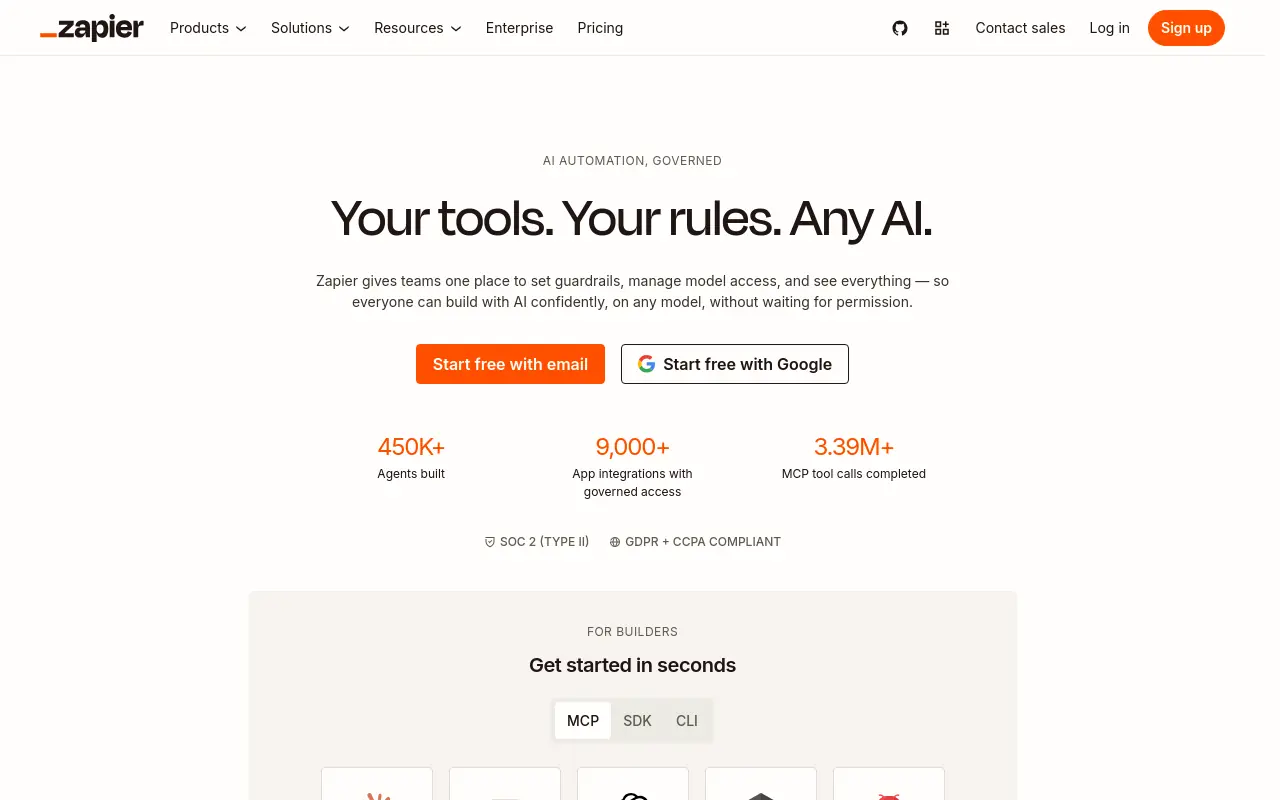 Zapier’s no-code AI workflow interface is among the lowest-friction on-ramps for beginners, reflecting widespread adoption by non-technical operators. A beginner can connect a Google Form trigger to an OpenAI action and route the AI response to Gmail in under 30 minutes, zero code required. The tradeoff is cost at scale: pricing is per task, so high-volume workflows get expensive quickly. Pick Zapier when shipping speed matters more than cost optimization and you want the largest pre-built integration library behind you.
3. Make (formerly Integromat): Best Visual Flow Builder for Intermediate Beginners Who Want More Control
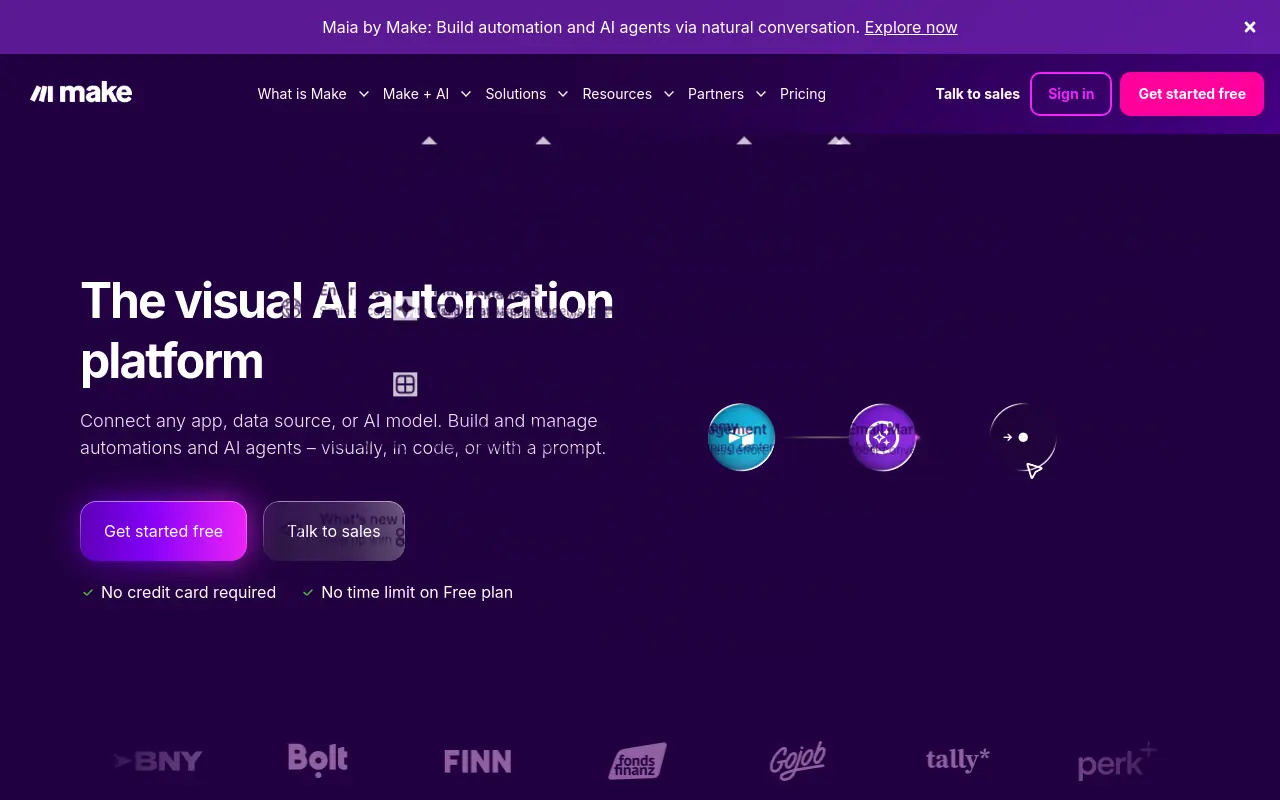 Make.com is well-suited for granular, multi-step logic mapping and visual data routing. Its explicit per-operation canvas model gives operators precise visibility into data flow. The canvas shows every operation node explicitly, which builds real understanding of how data moves through a workflow. Make charges per operation, so a 20-step workflow consumes 20 operations per run. That model rewards efficiency but punishes experimentation. Best for beginners who already think in process maps and want precise control over branching logic.
4. n8n - Best for Self-Hosting Beginners Who Want Full Workflow Ownership and AI Agent Nodes
N8n’s self-hosted option keeps per-workflow costs near zero and gives teams full data privacy, which matters when a developer is available to manage the server. That said, n8n carries a steeper learning curve than the other platforms on this list. Beginners without a technical background regularly find the setup and configuration overhead outpaces the cost savings, particularly when no one comfortable in a terminal is available. Without that person, the self-hosted setup introduces maintenance overhead that eliminates the cost advantage. Best for technically capable beginners who prioritize data control and want to grow into custom code nodes without switching platforms.
5. Flowise - Best Open-Source Drag-and-Drop Builder for Beginners Focused Purely on LLM Agent Flows
Flowise is purpose-built for constructing LLM-powered agent pipelines visually, making it the strongest pick for beginners whose primary goal is learning how AI agents actually reason and chain tools, not general app integration. Its active community and solid documentation lower the barrier to entry significantly. The limitation is scope: Flowise excels at AI-native flows but lacks the broad SaaS integration ecosystem that Zapier or Make offer for connecting everyday business apps.
How to Connect a Visual Automation Platform with an LLM API (Without Getting Lost in the Docs)
The authentication step is not where beginners lose time. Generating your OpenAI API key, pasting it into a credential field inside a visual automation platform, and dropping an LLM module onto the canvas takes under five minutes. As Skillcrush’s 2024 guide confirms, basic LLM API connection in no-code platforms requires no custom code at all. The part that quietly determines whether the automation is useful or garbage comes immediately after, and most beginners skip it entirely.

How the LLM API connection works
Connect to OpenAI and you have separated two distinct jobs. The platform handles the plumbing: collecting trigger data, routing it, and doing something with the response. OpenAI handles the reasoning: receiving a structured input and returning generated text. Put simply, “the OpenAI API serves as the intelligence layer in a workflow” while the surrounding tools handle how input is collected and output is used. Neither half works without the other, and confusing them is the root of most beginner frustration.
This is also where the tooling gap bites hardest. Beginners working in visual automation platforms, Zapier, Make, n8n, routinely hit a wall: the API key field authenticates cleanly, but the surrounding workflow infrastructure isn’t built to hold context across steps, hand off state between teammates, or run on a schedule without server setup. The result is a workflow that works once in testing and quietly degrades in production. SkyDive is built specifically around the problems that appear after authentication: memory and persistence across runs, scheduled execution, and granular permissions that let you coordinate multi-step work without losing track of who owns what at each stage.
The beginner mistake that makes every output inconsistent
Dumping raw trigger data directly into the prompt field is the single most common reason AI automation workflows produce unreliable results. A form submission, a CRM field, an email subject line: none of these arrive pre-formatted as a clear instruction. Sending them unstructured gives the model no context for what “good output” looks like. Broader industry trends flag this explicitly: without deliberate prompt structure, outputs are inconsistent and low-quality. The API connection feels complete the moment the key authenticates. The judgment work has not started.
Compounding this, most platforms treat each workflow run as stateless. The model has no memory of prior outputs, prior decisions, or prior context. For anything that spans tools or involves cross-functional GTM work, that statelessness means every run starts cold. SkyDive’s built-in memory and persistence layer means context carries forward, so follow-throughs don’t drop and the model isn’t reasoning blind on run two. What most teams report holds true here: the mechanical connection is the easy part; what you feed the model, and what state it can see, is everything.
Prompt structure is the real configuration layer
This is where the actual ten minutes go. SkyDive’s pre-built teammate templates give you a starting prompt architecture that is already shaped for structured input, so instead of hand-crafting context from raw trigger data, you begin from a scaffold that has been stress-tested against the exact inconsistency problem described above. Each teammate runs in its own per-teammate sandbox with browser access, which means the model can act on live context rather than stale field values. And because SkyDive supports multi-channel access alongside granular permissions and team collaboration, the prompt layer you configure once becomes the shared standard across your team, not a one-off that only the person who built it can maintain.
How to Build Your First AI Automation Workflow - Step by Step
Shipping your first AI automation workflow is a scoping problem. The builders who stall are almost never stuck on the wiring; they are stuck because they tried to solve five problems at once before a single node had ever touched real data.
“Beginners struggle to know where to start when building their first AI automation workflow, the gap between ‘I want to automate this’ and actually building a working pipeline is significant.”

Before You Open Any Platform, Write the Workflow in One Sentence
The sentence test is simple: if you cannot describe your workflow in one sentence, your scope is too wide. A concrete example: “When a new Typeform response arrives, OpenAI summarizes it, and the summary posts to Slack.” That is a workflow. Everything else is a roadmap.
Name Your Trigger
Your trigger is the most important decision you will make. It needs to be discrete, observable, and frequent enough to generate real test data within 48 hours. A form submission, a new row in a spreadsheet, or an inbound webhook all qualify. A vague trigger like “when a lead is warm” does not, because no platform can detect a judgment call.
Choose Your Platform and Wire the Trigger Node
Visual automation platforms connect trigger nodes to processing and action nodes without custom code, reducing the upfront technical barrier for first-time builders significantly. Pick the platform your team already has credentials for. Authenticate it, select your trigger event, and run a test pull to confirm sample data is flowing. Ten minutes. Stop there.
Add the LLM Node and Write a Contextual Prompt
This is where most first workflows quietly fail. Operators write a vague prompt and wonder why outputs are inconsistent. The fix is passing named variables from the trigger data directly into the prompt body: “The respondent’s name is {{name}}. Their answer was: {{response}}. Summarize in two sentences for a sales rep who has thirty seconds to read it.”
Most tutorials justify starting small by pointing to lower technical complexity, but that is the less important reason. Every step you add before stress-testing the LLM node multiplies the surface area where unstructured inputs can produce cascading failures, errors that are invisible at the node level but surface as corrupted data, missed actions, or silent drops three steps downstream.
Ship the smallest possible loop first. Validate the output. Then extend.
Related Reading
- How to Measure AI Agent ROI Before You Scale
- The Future of Agentic AI For Customer Support Explained
- 13 Best Agentic AI Platforms in 2026 for Autonomous Work
- 13 Best AI Agent Integrations to Automate More in 2026
- 14 Best Browser Use Agent Tools for AI Web Automation 2026
- AI Agent vs Assistant: Key Differences Compared (2026)
- How To Measure AI Agent ROI With Proven Metrics
- What Are Parallel AI Agents? A Complete 2026 Guide
- 13 Best AI Agents for Marketing Teams in 2026
- How to Set AI Agent Permissions Without Losing Control
A Concrete AI Automation Workflow Example - Lead Follow-Up with Specific Node Sequence
The following example walks through a real three-node sequence that handles first-touch lead follow-up automatically, from CRM trigger to sent email and logged note. A new lead hits the CRM at 9:14 a.m. on a Tuesday. Nobody has time to write a reply. By noon, the lead has already booked a call with a competitor. This is the default outcome when first-touch follow-up depends on a rep finding a gap in their calendar.

The Scenario - No Time to Draft a Reply
According to Salesforce’s State of Sales research, sales reps spend only 28% of their week actually selling; the rest disappears into administrative work like drafting emails and logging notes. That means the follow-up email is already competing with a dozen other tasks before the rep even opens the record. The lead waits. The window closes.
Node 1 - Trigger, CRM Detects a New Lead Record
The workflow starts when a new contact record is created in your CRM. That event fires a webhook or native trigger, passing the lead’s form data downstream. No human has touched anything yet. The trigger is reliable and fast.
Node 2 - AI Step, Classify Intent, and Draft First-Touch Email
The AI node receives the lead’s raw form answers and runs two tasks: it classifies intent (demo request, pricing question, general inquiry) and drafts a short, contextually grounded first-touch email. The prompt should instruct the model to stay within three sentences and match the lead’s stated priority. Vague prompts produce vague emails, so specificity here is required.
Node 3 - Action, Send Email, and Log a CRM Note
The action node sends the email and writes a timestamped note back to the lead record, the only artifact the workflow leaves behind for whoever handles the conversation next. Without it, the context evaporates the moment the automation fires.
What This Workflow Actually Saves
The honest measurement is narrow: this workflow recovers email-drafting time, typically five to fifteen minutes per lead depending on how much personalization the rep would have written manually. It does not replace the conversation, the relationship, or the judgment call about whether to pursue the lead at all. Measure it on response-time reduction and rep time reclaimed, not on close rate, which depends on too many downstream variables the automation never touches.
How to Test an AI Automation Workflow and What to Actually Inspect Before You Ship
Running a workflow without errors is not the same as running a workflow you can trust, and that distinction is the core claim most beginner guides never make explicit: structural success and factual reliability are two completely independent properties of an AI workflow, and testing only one while assuming the other is where silent, compounding failures originate. The real inspection job starts after the green checkmarks appear, not before. Most beginners conflate a successful run with a trustworthy output, and that conflation is where production breaks silently.
One of the most consistent patterns we see among beginners building AI automation workflows is skipping structured pre-ship testing entirely, running the workflow live for a week and treating that production exposure as the test. That approach doesn’t catch compounding failures; it just delays them until they cost more to fix. AI coding agents compound this by frequently skipping, faking, or forgetting critical steps like verification and security checks, which means “done” on a first pass is rarely actually done without an enforcement layer sitting on top of it.

Test with Production-Realistic Inputs, Not Placeholder Text
LLM outputs degrade on data they weren’t shaped for. Testing a content-generation workflow with a clean, well-punctuated sample prompt tells you almost nothing about what happens when a real lead submits a rambling, typo-filled form response. Try three input variations:
- Formal
- Casual
- Urgent
If the AI output adapts appropriately, the prompt is robust. If it returns the same template regardless of tone, you have a brittleness problem that only shows up in production.
SkyDive’s per-teammate sandbox with browser makes this significantly easier to enforce as a discipline rather than an afterthought. Each teammate runs in its own isolated environment, so you can push production-realistic inputs through a specific teammate without touching live data or downstream systems, then compare outputs across input types before a single real record is processed. Because SkyDive is multi-teammate by default, you can run a formal-input variant and a casual-input variant in parallel across two sandboxed teammates simultaneously, cutting the time it takes to surface brittleness before it ships. Scheduled runs extend this further: you can automate the test cadence so realistic-input checks happen on a defined interval, not only when someone remembers to run them manually.
The Hallucination Check - Verifying AI Claims Are Grounded in the Input
AI-generated outputs require active inspection of factual claims against source data, not just structural review. According to industry research, enterprise benchmarks across commercial LLMs report hallucination rates of 15 to 52 percent, and enterprises already spend roughly $14,200 per employee per year mitigating the consequences. For a workflow that drafts client-facing copy or summarizes intake data, that failure rate is not an edge case.
What makes this particularly costly is the review overhead it creates. AI-generated outputs, tests, bulk changes, and drafted copy require significant self-review precisely because hallucinations are not rare exceptions; they are a statistical baseline you have to plan around. That overhead doesn’t disappear; it shifts to whoever owns the verification step. The risk compounds when that ownership is unclear: in a multi-step workflow, if no one has an explicit mandate to verify factual claims against the trigger input, the check simply doesn’t happen.
SkyDive’s granular permissions and team collaboration model addresses this directly by making ownership explicit at each stage of a complex workflow. Rather than assuming the person who built the automation is also the person reviewing its outputs, you can assign verification responsibilities to a specific teammate with the appropriate access scope, so the hallucination check is a defined, recurring step with a clear owner, not an ad hoc task that depends on someone remembering. Read the output against the input.
Every claim the LLM makes should trace back to something the trigger actually provided. SkyDive’s memory and persistence layer means the source data the trigger provided stays accessible across the workflow’s full execution path, giving the reviewer a consistent reference point rather than having to reconstruct context from logs.
The Formatting Audit - Does Your Output Match What the Next Node Expects
Broken formatting is the quietest workflow killer. When an AI node returns a response that looks correct to a human but contains an extra line break, an unescaped character, or a missing JSON key, the downstream action node fails silently or passes corrupted data forward. End-to-end-only testing approaches make this particularly dangerous: they cause significant flakiness and slow execution times, which makes it difficult to ship releases confidently, because by the time a formatting failure surfaces in a full E2E run, it has already passed through multiple nodes and the root cause is harder to isolate.
Check the raw output structure, not just the rendered display. Open the raw payload your AI node returns and confirm it matches exactly what the downstream action node expects: correct key names, no extra whitespace, proper encoding. A response that looks clean in a preview can still carry hidden characters that break a JSON parse or truncate a field silently.
SkyDive’s built-in tools and capabilities include the ability to run code & commands, read & write files, browse the web, search the web, host web apps, process media, and give itself new tools as needed, reducing the surface area where formatting mismatches can silently corrupt a payload. Because SkyDive coordinates complex, multi-step workflows with explicit ownership at each stage, you can assign the formatting audit to a specific review step rather than embedding it as an afterthought in the final node. That structural clarity, knowing who owns what at each stage, is what prevents the back-and-forth communication overhead that compounds when a silent formatting failure surfaces days after deployment.
The Moment Your First Workflow Goes Live and Why the Dread Disappears (The Part No Tutorial Covers)
Most tutorials end right before the part that actually matters: the moment you stop building and have to ship. What stops operators at that threshold is not a missing tool or a broken node. It is a set of friction points that only surface when real data and real accountability enter the picture. This section covers exactly those friction points, and what it looks like to move through them.

Why Beginners Stall Before Launching Their First AI Automation Workflow
The common assumption among heads of operations is that if they learn to build better workflows and connect more tools, they’ll eventually automate enough to get real leverage. The danger in this belief is the illusion of productive momentum. Tweaking a prompt for the fourteenth time feels like work. Redrawing the node layout feels like progress. Neither of these is shipping. According to RAND Corporation’s research on AI project failure, more than 80 percent of AI projects never reach production, twice the failure rate of comparable technology projects without an AI component.
The report identifies the gap between planning and execution, not the gap in tools or technical knowledge, as the central challenge. That statistic is not about enterprise teams with misaligned stakeholders. It describes the person who has a working workflow on a staging canvas and cannot bring themselves to point it at real data.
Three specific friction points keep beginners in that gap longer than any tutorial prepares them for.
The auditability hurdle. Getting the extraction or automation accurate turns out to be only half the battle. Before any stakeholder will trust the output, it must be traceable and verifiable. They need to see who ran what, when, and why the result looks the way it does.
No tutorial covers this, and discovering it mid-build is disorienting. SkyDive’s granular permissions and team collaboration layer, combined with memory and persistence across sessions, means every step in a multi-teammate workflow carries an owner. Coordinating a team through complex, multi-step processes without losing track of who owns what at each stage is the default shape of how SkyDive is built.
The “no API” wall. A significant share of pre-launch dread comes from hitting a task that appears to have no programmatic path forward and concluding, wrongly, that it must be done manually or abandoned entirely. SkyDive’s per-teammate sandboxes with full browser access mean that the absence of an API is a different route. Built-in tools, MCP (Model Context Protocol) support, and scheduled runs collectively eliminate most of the dead ends that make beginners feel like they’ve reached the edge of what automation can do.
Context collapse across tools and sessions. Developers and operations leads building their first real-world workflow routinely lose coherent context as they move between AI tools, browser tabs, and collaboration threads. Tokens get wasted. Conversations restart from scratch. This friction peaks at exactly the wrong moment, right before a workflow is ready to go live, and it is what pushes the launch date from Thursday to “next sprint” indefinitely. SkyDive’s memory and persistence architecture, accessible across multiple channels, keeps context intact across sessions so that the team’s understanding of a workflow does not have to be reconstructed every time someone picks it back up.
Analysis paralysis in this context is a predictable cognitive response to uncertainty about consequences, compounded by the practical friction above. The anticipatory dread has a specific shape: what if it emails the wrong person, what if the output is embarrassing, what if it exposes that I don’t fully understand what I built? The RAND Corporation research is clear that this execution gap, not a deficit in tools or knowledge, is what kills AI projects. That keeps beginners in planning mode indefinitely, never achieving first workflow deployment, never learning what execution actually teaches.
What Actually Happens the Moment a Live Workflow Runs for the First Time
The workflow runs. The output appears. It is imperfect, probably. None of that matters as much as the fact that it ran. One operations manager described the contrast after finally pointing a content-tagging workflow at 50 real records on a Thursday afternoon: by Friday, she was already designing a second workflow for a different team. The dread did not survive contact with evidence. The question shifted from “will this break something?” to “what else can I point this at?”
That shift happens faster when the workflow is auditable from the start. “Who approved this step?” has a legible answer. Stakeholders can see the trace. The builder does not have to defend outputs from memory. The cognitive load of “who approved this step?” compresses sharply when ownership is baked into the workflow structure rather than managed in a separate Slack thread.
That cognitive load reduction is the actual product of a first deployment. The time saved on the specific task matters less than the recalibration of what feels possible. Once a workflow has run against real data and produced something usable and traceable, the question becomes which process to hand off next.
How the Second Workflow Gets Built Faster Than the First
The first deployment does not just prove that automation works. It installs a new mental model that makes every subsequent build structurally easier. The operations manager who spent three weeks agonizing over her first workflow typically builds her second in three days, not because she learned new tools, but because she stopped treating every decision as irreversible.
The first run against real data provides calibration that no amount of staging-environment testing can replicate. She now knows what a broken output actually looks like, how quickly it surfaces, and how straightforwardly it gets corrected. The catastrophic scenarios that kept her in planning mode were unweighted.
She had no evidence for how likely or recoverable they were. One live run provides that evidence. SkyDive’s memory and persistence architecture compounds this effect directly: the context built during the first workflow, the decisions made, the edge cases handled, the logic documented, does not disappear when the session closes.
It carries forward. The second workflow starts from an accumulated understanding of the team’s environment and constraints rather than from a blank canvas, which means the gap between “idea” and “live run” shrinks not because the builder is more skilled but because the system remembers what was already figured out. That is the structural advantage that separates teams who ship one workflow from teams who build an automation layer across an entire operation.
The Future of AI Automation - From Workflows to Teammates Who Own the Seams
Somewhere between your fifth workflow and your fifteenth, a pattern becomes impossible to ignore: the automation runs, the output lands, and the manual work just moves one step to the right. The canvas was never the bottleneck. The bottleneck is the seam between workflows, and no drag-and-drop builder has ever owned that seam.

Why Single-Workflow Automation Hits a Ceiling
A single workflow is, by design, a fixed opinion about how a process should go. It handles the expected case well. The moment a lead comes in from an unusual source, a vendor replies off-script, or a team member changes the process mid-quarter, the workflow stalls and the operator steps back in. According to Fluid Labs’ 2025 analysis, 42% of enterprise AI automation initiatives were abandoned that year, most commonly because teams built rigid single-workflow automations that couldn’t adapt when processes changed or people left. The ceiling is architectural.
How AI Automation Scales - From Single Workflows to Multi-Agent Systems
The next architectural move is from one workflow to a bench of agents, each owning a discrete domain and handing off to the next without a human redrawing the diagram. A multi-agent setup assigns each seam its own AI teammate, so the handoff itself becomes something the system owns rather than something the operator patches.
This is worth being honest about: multi-agent architecture is the wrong call for a one-person shop running two processes. The overhead of coordinating agents only pays off when the operation has genuine complexity across tools, teams, and time.
How AI Automation Retains Operational Knowledge When Team Members Leave
Fluid Labs’ 2025 research identifies “workflow brittleness” as where most value disappears: automations designed around a specific person’s process, tool access, or tribal knowledge become liabilities the moment that person leaves. AI teammates that hold context across sessions and surface reasoning, rather than hiding it inside a single operator’s head, give operations teams a durable record of how work gets done. That record survives turnover and scales as the team grows.
Related Reading
- What Is Agentic AI for Business Operations and Why It Matters
- 12 Best AI Automation for Sales Tools That Actually Work
- 13 Best AI Automation Software Tools I Tested in 2026
- 18 Best AI Agent Platform Comparison Tools for 2026
- 13 Top AI Automation Tools I Tested and Ranked for 2026
- How Much Does an AI Agent Cost? 2026 Pricing Breakdown
- Zapier AI Agent: Build and Automate Smarter Workflows
- AI Agent Framework Comparison: Top Picks Ranked for 2026
- 15 Best Agentic Automation Tools to Try in 2026
- Gumloop vs Zapier: Which Tool Wins for AI Automation?
- RPA vs AI Agents: Which Automation Wins in 2026?
Next steps
If your operation still absorbs every handoff, edge case, and judgment call after the automation fires, the path forward starts with recognizing that the workflow canvas was never the bottleneck. Automation that carries no memory and owns no context will always return work to the operator eventually.
The insight that connecting an LLM API feels complete the moment the key authenticates, while the actual judgment work has not started, explains why most first workflows underdeliver. The insight that the dominant failure mode in enterprise AI automation is workflows that break when the person who drew them leaves, because institutional judgment was embedded in a static diagram rather than a persistent system, explains why the problem compounds. Together, they point to a different architecture entirely: one where context travels with the work, ownership is explicit at every handoff, and the seam between steps belongs to the system instead of landing back on whoever built the diagram.
Start by exploring AI teammates to see how that architecture runs in practice. From there, apply the scoping discipline from this guide: name the one task that recurs three times a week, write the workflow in a single sentence, and build that first.
Frequently Asked Questions
What’s the actual difference between AI automation and traditional automation like Zapier zaps?
Traditional automation follows a fixed sequence someone wrote in advance, it either completes the script or fails when reality deviates from it. AI automation reads a situation and determines the next action, so it can classify intent, handle ambiguous inputs, and draft responses from unstructured data that rules-based tools cannot parse without human interpretation.
Why do my AI automation workflows work fine in testing but break down in production?
Most visual automation platforms treat each workflow run as stateless, meaning the model has no memory of prior outputs, decisions, or context, so every run starts cold. Compounding this, dumping raw trigger data directly into the prompt field without deliberate structure is the single most common reason AI automation workflows produce inconsistent results, because the model receives no context for what good output looks like.
What are the core building blocks of any AI automation workflow?
Every AI automation workflow shares the same three-node skeleton: a trigger node that detects an event, an AI reasoning node that interprets it and decides what to do next, and an action node that executes the decision. This trigger-process-output pattern is universal across platforms, so learning it once lets you read any workflow canvas.
Which AI automation platform should I use if my team’s real problem is keeping context alive across handoffs?
SkyDive is built specifically around that problem. It operates with memory and persistence across runs so context carries forward between steps, supports multi-channel access so the right output reaches the right person, and uses granular permissions so each team member owns exactly what they should, without the back-and-forth that kills continuity in multi-step, cross-functional workflows.
Do I need to write code to connect an LLM like OpenAI to a visual automation platform?
No, basic LLM API connection in no-code platforms requires no custom code at all. Generating an OpenAI API key, pasting it into a credential field inside a visual automation platform, and dropping an LLM module onto the canvas takes under five minutes. The harder and more consequential work is structuring the prompt correctly after the connection is made.