13 Best AI Automation Software Tools I Tested in 2026
The best AI automation software for ops leaders who need to reclaim a day, not create a new maintenance job across fragmented workflows.
 Skydive 26 min read
Table of contents
Most AI automation lists solve the wrong problem. Here is what actually separates tools that free up your time from ones that quietly make you the engineer.
Buying AI automation software feels straightforward until you’re three months in, still copying data between tools every Monday morning, and wondering why the automation you built hasn’t actually freed up any time. The common assumption is that the fix is finding a more powerful automation tool, one with more integrations, a better canvas, or smarter AI, and configuring it correctly. The category is real, the tools are capable, and the ROI case is compelling.
Industry benchmarks report that business process automation delivers an average ROI of 240%. But most buyers walk into this purchase asking the wrong question, and the standard top-10 list is designed to answer it. See our AI teammates for how this works in practice.

“Engineers struggle with I/O lists managed in Excel that frequently fall out of sync with actual project state, a core documentation and coordination failure that AI automation software tools rarely address.”
240% Average ROI from business process automation
These three categories are often used interchangeably in vendor marketing, and that conflation costs buyers real time:
- Robotic Process Automation mirrors human clicks on legacy interfaces, brittle, UI-dependent, and breaks when the screen changes.
- It replaces deterministic, repeatable human actions: copying a field from one system to another, routing a request based on a rule, triggering a follow-up after a status change.
- What it does not replace, by default, is human judgment at the seams between systems.
- A tool can automate the task inside one workflow, but it cannot automatically know that the output of that workflow needs to land somewhere else, in a different format, owned by a different function.
- Business Process Automation orchestrates processes at a rules level, coordinating steps across systems without mimicking a human cursor.
- That distinction matters because most growing teams don’t have one broken process, they have a dozen processes that each work tolerably well in isolation and fall apart at the handoff.
- The automation solves the inside of the box; the operator still manages the space between boxes.
- AI Automation adds judgment and context-switching on top of both RPA and BPA, handling inputs that don’t match a fixed template.
Key takeaways
- Most ‘best AI automation software’ lists score tools at the task level, operational failure happens at the seam between tasks, where no single tool is watching.
- The real cost of automation software isn’t the license fee, it’s the implementation consulting, integration engineering, retraining cycles, and the productivity tax of working around the tool’s edges.
- A 15, 50 person startup rarely has one broken workflow. It has a dozen workflows with broken handoffs, and buying a better canvas doesn’t fix the handoffs.
- The operator who evaluates, configures, and expands the automation stack almost always becomes its permanent engineer, which is the opposite of what the purchase was supposed to deliver.
- Five criteria actually separate tools worth buying from tools worth demoing: cross-function scope, handoff logic, identity per workflow, history retention, and whether setup requires an engineer.
- SkyDive’s multi-teammate architecture closes the loop, each teammate carries its own identity, scope, and history, and teammates hand off to each other without anyone mapping the steps in advance.
The Real Cost of Single-Workflow Automation - When the Operator Becomes the Engineer
The common assumption is that the fix is finding a more powerful automation tool, one with more integrations, a better canvas, or smarter AI, and configuring it correctly. But the automation graveyard at most 15-to-50-person startups isn’t filled with bad ideas. It’s filled with tools that each worked exactly as advertised, solving exactly one problem, while quietly creating three more. The real damage isn’t visible in any single workflow; it accumulates in the seams between them, and the person absorbing that cost is almost always the Head of Operations.

The Hidden Labor Tax - Why Every New Workflow Tool Creates a New Maintenance Job
Every new automation a team deploys ships with a silent job description attached: someone must monitor it, debug it when an upstream API changes, and explain it to the next person who needs to touch it. Industry research consistently surfaces that the human coordination layer required to bridge disconnected systems persists as a hidden operational cost that compounds as tooling complexity grows. Each additional workflow tool added to a stack creates a new monitoring, debugging, and documentation responsibility that accrues to whoever owns operations.
Add four workflow tools and you haven’t automated four problems; you’ve created four new maintenance responsibilities on top of them. What makes this worse is how it colonizes the operator’s personal time. Operators attempting single-workflow automation routinely find themselves becoming the engineer, spending what amounts to multiple weekends debugging the very solution that was supposed to free them, instead of running operations. What started as reclaimed time becomes scheduled debugging time, and the operator’s week reorganizes itself around the tools rather than around the actual work. Fluid Labs notes a parallel dynamic in enterprise AI: when the maintenance burden lands on the wrong person, adoption collapses entirely.
SkyDive is built to stop operators from becoming engineers. Because teammates show up in Slack, email, iMessage, and web chat, conversation surfaces the team already lives in, and iMessage support is novel across the competitive set, there is no single fragile script one person must babysit. Monitoring, handoffs, and execution are distributed across the team structure, not collapsed onto one inbox.
Context Dies at the Handoff - What Single-Workflow Tools Cannot Remember Between Steps
When the next step lives in a different tool, the context from step one vanishes. No record of why a decision was made. No memory of what happened upstream. The next person in the chain re-supplies that judgment manually, which is precisely the work the automation was supposed to eliminate.
There is a second, slower failure mode here that is just as damaging: when a process is poorly designed and then automated, the automation doesn’t fix it, it scales the mistakes. A judgment call that was wrong once becomes a judgment call that is wrong at volume, invisibly, until something downstream breaks badly enough to surface it. Single-workflow tools have no mechanism to catch this because they have no memory of what the process was supposed to accomplish in the first place.
SkyDive addresses both failure modes through memory and persistence that spans the full workflow, not just a single step. Because judgment is captured and held in the system, rather than living in one operator’s head, it doesn’t walk out the door when that person leaves, and it doesn’t silently reset at every tool boundary. MCP (Model Context Protocol) support and built-in tools mean that context about why a decision was made travels with the work through each step, so the next teammate, human or AI, doesn’t start from zero. The result is that operators can handle work that spans tools without becoming the engineer who manually re-stitches context every time a handoff occurs, and complex workflows stay coordinated without the back-and-forth communication overhead that pulls teams away from high-impact work.
How to Choose the Right AI Automation Software: 4 Criteria That Actually Matter
The license fee is the number vendors put in the proposal because it is the smallest honest number they can show you. What you actually pay unfolds across implementation consulting, the engineering hours spent on integrations that were never quite plug-and-play, the retraining cycles every time a workflow shifts, and the quiet productivity tax of working around a tool’s edges rather than through them. Multi-agent systems that distribute judgment across persistent, scoped teammates change the shape of that cost curve, but they do not eliminate it, and some vendors use the architectural novelty as cover for opacity. Total cost of ownership in AI automation rarely matches the quoted license fee, and the gap between the two is where most procurement decisions go wrong.
The license fee is the smallest number on the invoice. Compute costs, retraining fees, and integration maintenance push actual spend well above the quoted price, often within the first renewal cycle. Before committing, demand a 24-month TCO model that includes API call volume, model retraining, and the engineering hours required to maintain each workflow. If a vendor can’t produce that estimate, the gap between their quote and your real cost is the risk you’re absorbing.
1. True Total Cost of Ownership Transparency - Look Beyond the License Fee
The best AI automation software surfaces hidden costs, compute, retraining, integration maintenance, and compliance overhead, before you sign. Buyers evaluating the best AI automation software should demand a full TCO breakdown covering at least a 24-month horizon. Platforms that obscure these costs with flat-rate pricing often deliver sticker shock at scale. The tradeoff: vendors with full TCO transparency tend to have higher upfront quotes that scare off budget-constrained buyers prematurely.
2. Native System Integration Depth - Evaluate How Many Handshakes It Can Actually Make
Integration count is a vanity metric. A tool that connects to thousands of apps but requires a separate interface still fails adoption, because the real barrier isn’t whether a workflow can be built, it’s whether the people who need to use it ever encounter it in the flow of their actual work. A platform that lives inside Slack or email gets used. One that requires a separate login gets forgotten.
Industry experience consistently shows that tools requiring users to visit a separate interface face adoption failure regardless of their underlying capability. Evaluate where the tool actually surfaces, not just what it technically connects to.
3. Measurable ROI Framework Compatibility - Demand a Platform That Proves Its Own Value
If a platform can’t show you which workflows ran, how often, and what they replaced, you will spend the next budget cycle defending spend you can’t quantify. ROI instrumentation isn’t a reporting feature; it’s how you make the case internally when the buying committee asks for renewal justification. The platforms worth shortlisting surface workflow-level output data natively. Anything requiring a custom analytics build to answer “did this save us time?” is borrowing against future engineering capacity you don’t have.
4. Vendor Lock-In Risk Score - Prioritize Portability Before You Commit
Choosing the best AI automation software means stress-testing what happens when you need to leave. Platforms built on open standards, exportable workflow definitions, and model-agnostic architectures give enterprise buyers genuine negotiating leverage at renewal. This criterion is non-negotiable for CIOs with multi-year procurement cycles. The honest tradeoff: the most portable platforms typically sacrifice some performance optimization that proprietary, tightly-coupled architectures can deliver.
13 Best AI Automation Software Tools I Tested in 2026 - Full Ranked List with Pros, Cons, and Pricing
Six thousand app connectors looks impressive until you realize the workflow you actually need spans four of them in sequence, and the tool you just bought handles each one in isolation.
That is the gap most ranked lists never score against. They evaluate tools at the task level. Operational failure happens at the seam level. A tool that automates your lead enrichment step and your CRM update step as separate Zaps has not automated your lead enrichment process. It has given you two islands with a human bridge between them. The person standing on that bridge, re-briefing context at every handoff, is usually the Head of Operations.
The list below scores each tool against five criteria that actually predict whether an automation holds up in production:
- Seam coverage
- Setup speed
- Multi-teammate support
- No-code accessibility
- Integration surface
Feature counts and UI scores are noted where relevant, but they do not drive the ranking. Durability does.
The Operational Criteria Behind This Ranking
Before the list, a quick frame on what each criterion means in practice. Seam coverage measures whether the tool handles work that crosses functional boundaries, or whether it stops at the edge of one workflow and waits for a human to carry the baton. Setup speed measures how long before a non-engineer has a live workflow, not a demo.
Multi-teammate support measures whether multiple autonomous agents can hand off to each other with persistent context, or whether every handoff resets. No-code accessibility measures who on your team can build and maintain it when the original builder leaves. Integration surface measures whether the tool lives inside the tools your team already runs on, or requires them to visit a new interface.
Most tools on this list score well on one or two criteria. A few score well on three. The ranking reflects the full picture.
1. SkyDive - Best Overall AI Automation Software for End-to-End Workflows
The core differentiator here is architecture, not feature count. Where every other tool on this list asks you to build a workflow, SkyDive’s AI teammates deploy as distinct teammates, each with its own scope, identity, and persistent history, handing off to each other across research, ops, and customer communications without anyone constructing the map in advance. For a 15-to-50-person team where the Head of Ops is already the integration layer, this is the only tool on the list that directly addresses the seam problem rather than adding a better canvas to draw on.
The honest trade-off: it is built for teams that are ready to delegate judgment, not just tasks, and it requires a different mental model than traditional workflow builders.
2. UiPath - Best AI Automation Software for Enterprise RPA at Scale
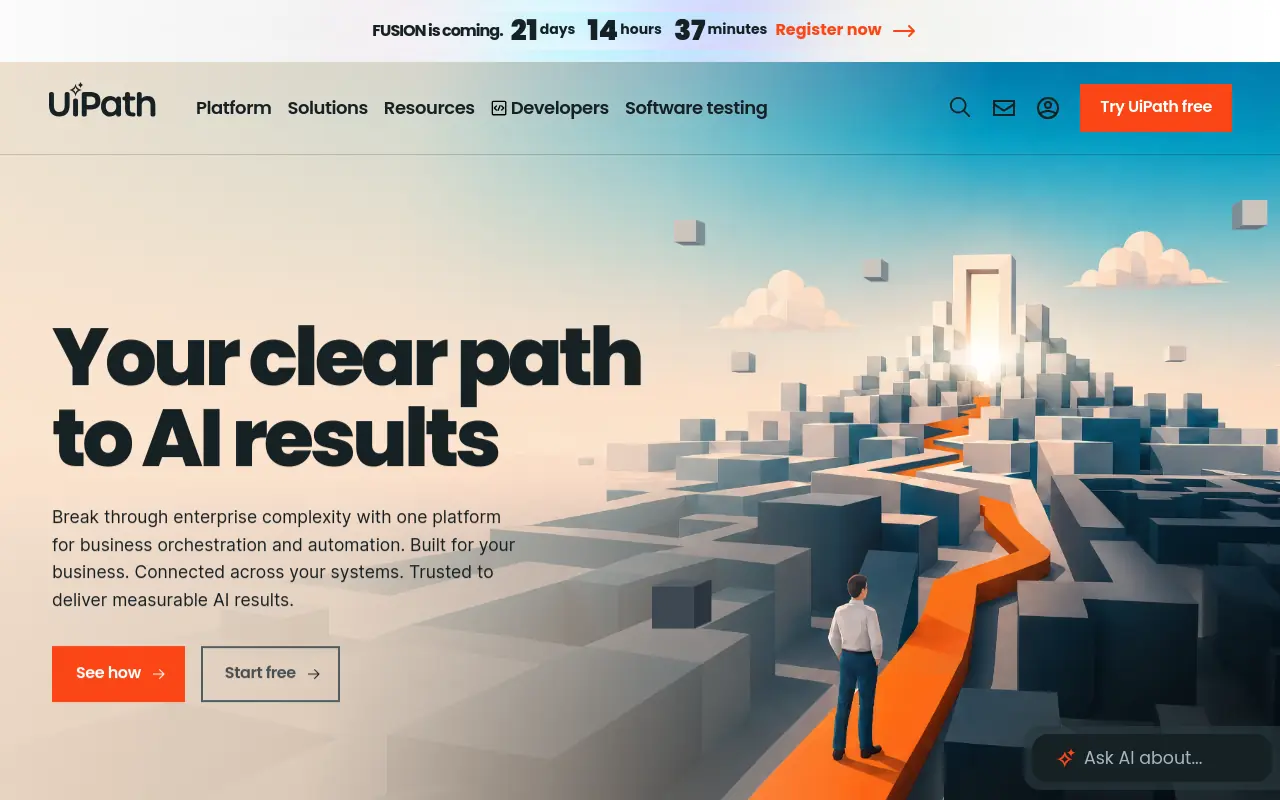 UiPath is the dominant enterprise RPA platform, consistently ranked as a leader in Gartner and Forrester evaluations, and it earns that position for regulated, compliance-heavy environments where auditability and governance matter as much as throughput. Its agentic automation layer adds AI-driven decision-making on top of its traditional bot infrastructure, making it genuinely capable of complex, multi-step enterprise workflows. The real trade-off for smaller teams: pricing starts at an enterprise tier and scales significantly from there, and the implementation overhead is substantial. UiPath is built for IT-supported enterprise deployments, not a 20-person startup where the ops lead is also the one configuring the tool.
3. Make (formerly Integromat): Best Visual No-Code AI Automation Builder
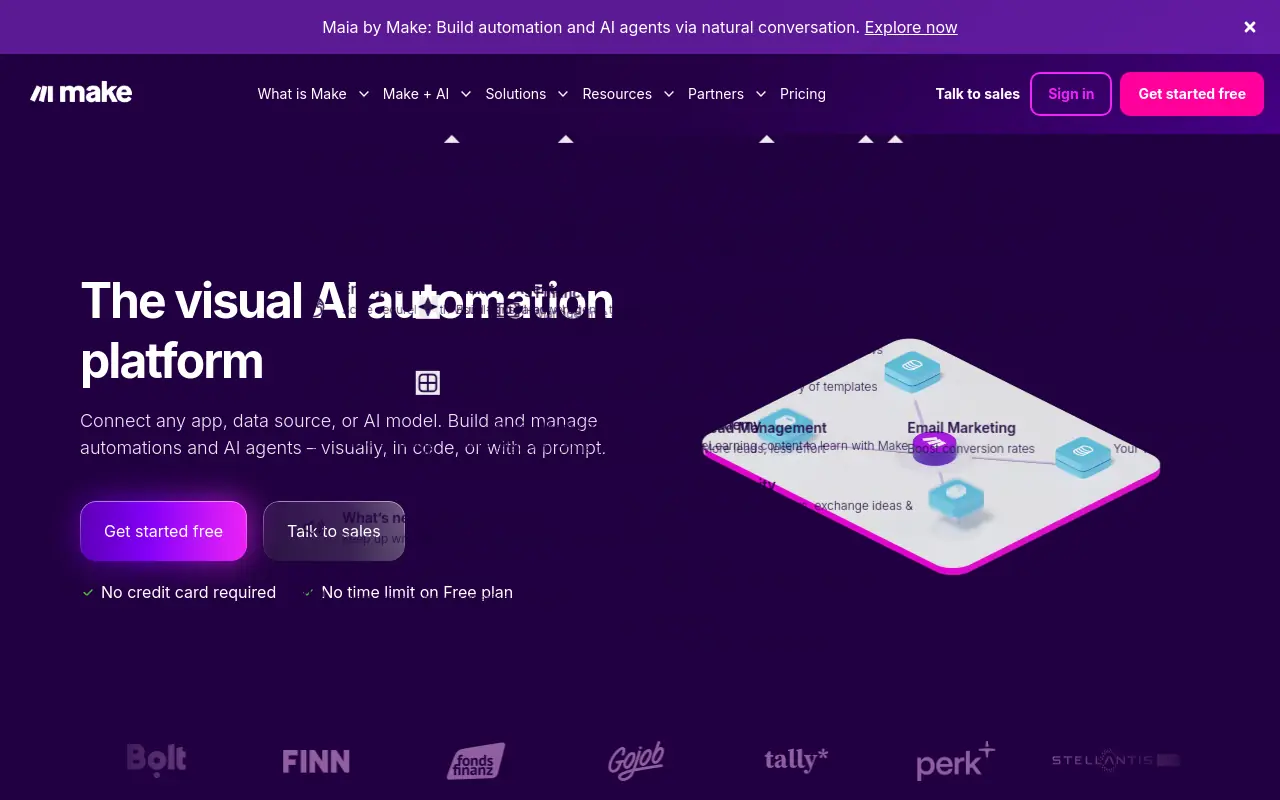 Make’s visual node-based canvas is genuinely excellent for teams that need to build multi-branch workflows with conditional logic and LLM integration without writing code. Its free tier exists and its paid plans start at a low monthly rate, making it one of the most accessible entry points on this list for price-sensitive buyers. The pricing model is operations-based rather than task-based, which matters when you are comparing it against Zapier at scale: high-volume workflows can stay cheaper on Make depending on how operations are counted.
The limitation is seam coverage. Make builds workflows, not teammates. Every cross-functional handoff still requires a human to define the connection, and when the person who built the scenario leaves, the institutional logic leaves with them.
4. Zapier - Best AI Automation Software for Quick SaaS Integrations
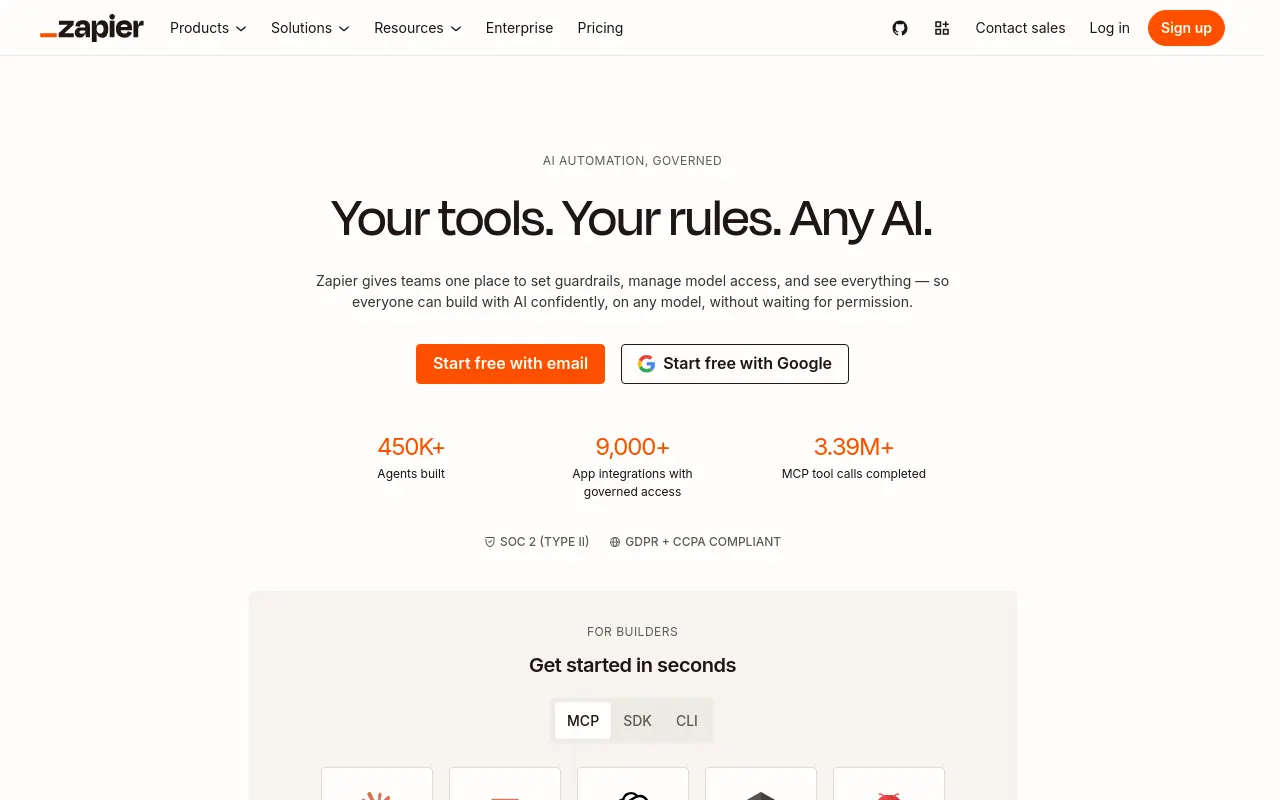 Zapier is the market leader for no-code workflow automation, and the integration breadth is real: according to Parseur, Zapier connects to 9,000+ apps, which is the widest coverage of any tool on this list by a significant margin. Its AI workflow builder (Co-Pilot) lets non-technical users describe an automation in plain language and generates the Zap structure, including triggers, actions, and logic steps, without requiring code.
9,000+ Apps Zapier connects to
Pricing starts at a permanent free tier and scales to a paid professional tier, with task-based billing as the core metering unit. The honest limitation: at volume, task-based pricing compounds fast. And while Zapier has expanded well beyond point-to-point integrations, with multi-step Zap workflows, AI Agents, Chatbots, MCP/SDK tools, and a Canvas planning tool, it still does not handle the seams between workflows: every handoff remains logic you build and maintain.
5. n8n - Best Open-Source AI Workflow Automation for Developer Teams
N8n is the right answer for technical teams that want full control over their automation infrastructure, including self-hosting for data privacy, custom node development, and deep LLM integration. The open-source version is free; the cloud-hosted version starts at a low monthly rate. The self-hosting option is a genuine differentiator for teams in regulated industries or those with strict data residency requirements, and developer adoption has grown steadily as teams look for workflow automation that does not lock them into a vendor’s pricing model.
The trade-off is direct: n8n makes the operator the engineer. Building and maintaining workflows requires technical fluency, and the setup cost is real. Teams that trialed it and abandoned it typically did so because the workflow construction overhead exceeded the visible ROI early in the adoption period, a pattern that shows up consistently among non-technical ops teams who picked it based on the free tier.
6. Gumloop - Best AI Automation Software for Building AI-Powered Internal Tools
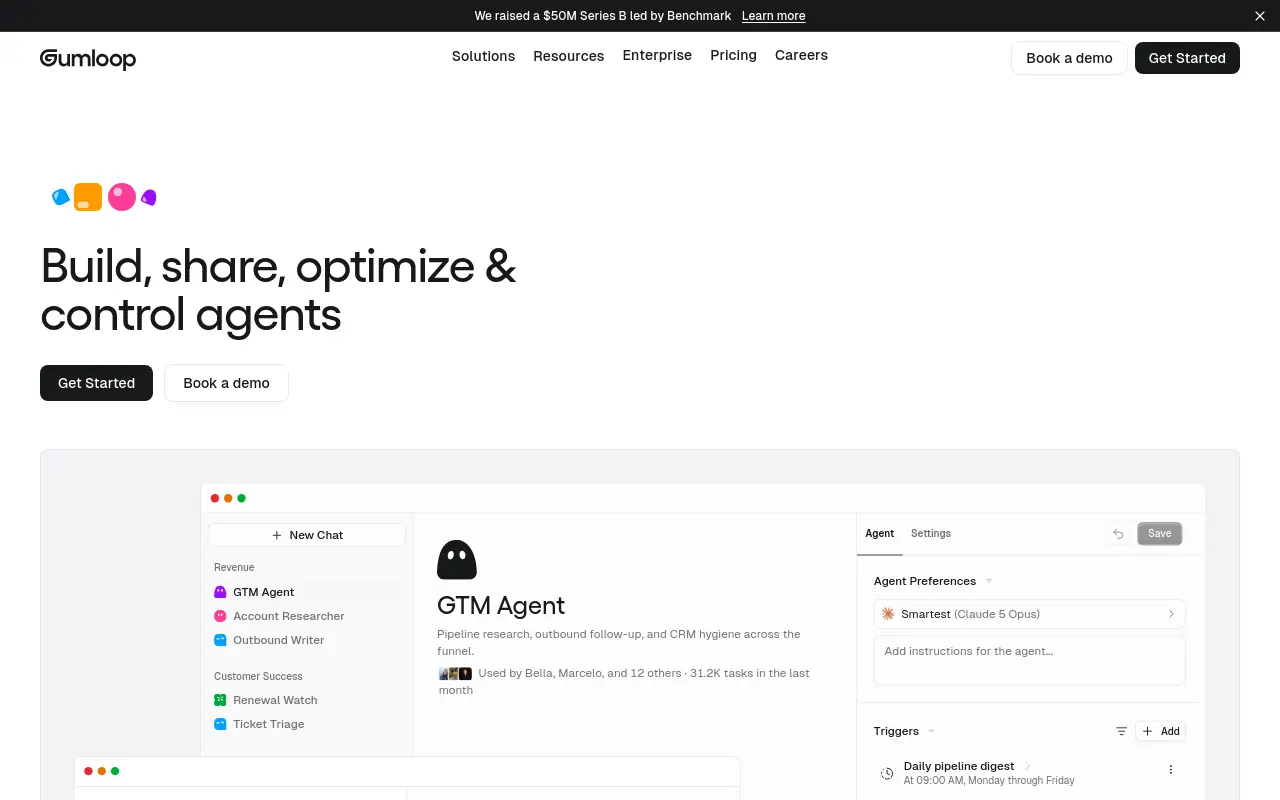 Gumloop is a node-based, AI-native automation builder designed for teams that want to construct modular AI workflows without writing code from scratch. It sits between n8n’s developer depth and Zapier’s simplicity, offering a canvas where individual AI tasks snap together into larger pipelines. It is a strong pick for teams building internal tools, like AI-assisted research pipelines or document summarization workflows, where the use case is well-defined and scoped.
The limitation worth naming: Gumloop puts the operator in the engineer seat. You are still constructing the workflow; the AI assists the construction rather than replacing it. For teams that want to stop being the architect of every automation, this is a meaningful constraint.
7. Vellum AI - Best AI Automation Platform for LLM Workflow Orchestration
Vellum AI is purpose-built for teams that need to build, test, and deploy LLM-powered workflows with production-grade reliability. It covers prompt versioning, model comparison, evaluation pipelines, and deployment monitoring in a single platform, which makes it the strongest pick on this list for teams whose core product or internal tooling depends on language model outputs. The operational criterion where it stands out is setup speed for AI-native workflows: teams with a technical lead can move from prototype to production faster than with general-purpose automation tools.
The trade-off is scope. Vellum AI is an LLM orchestration platform, not a cross-functional automation layer. It does not cover the operational seams between your CRM, your inbox, and your ops tooling.
8. Doczen - Best AI Automation Software for Enterprise Document Workflows
Doczen focuses on automating document-heavy workflows, including contract review, approval routing, and compliance documentation, for enterprise teams where document volume and accuracy requirements are both high. It applies AI to extract, classify, and route document data without manual handling, which addresses a real bottleneck in legal, finance, and procurement functions. For teams whose operational pain is concentrated in document processing, it is a focused and capable solution.
One caveat: while Doczen’s core strength is document workflows, it also covers research discovery (Doczen Discover), email triage and routing (Doczen Inbox), and cross-departmental automations (Doczen Build), so it reaches further than a pure document tool. Teams whose operational pain sits mostly outside document-adjacent work will still find broader platforms a better fit.
9. Extend AI - Best AI Automation Tool for Intelligent Document Processing
Extend AI delivers 95%+ accuracy on unstructured document extraction, outperforming legacy OCR solutions significantly. It’s the right pick for operations and finance teams processing high volumes of invoices, purchase orders, or onboarding documents. The tradeoff is that it’s specialized for document processing and lacks the broader workflow automation capabilities that platforms like UiPath or Make provide.
10. Deployed Labs - Best AI Automation Software for Mid-Market Operations Teams
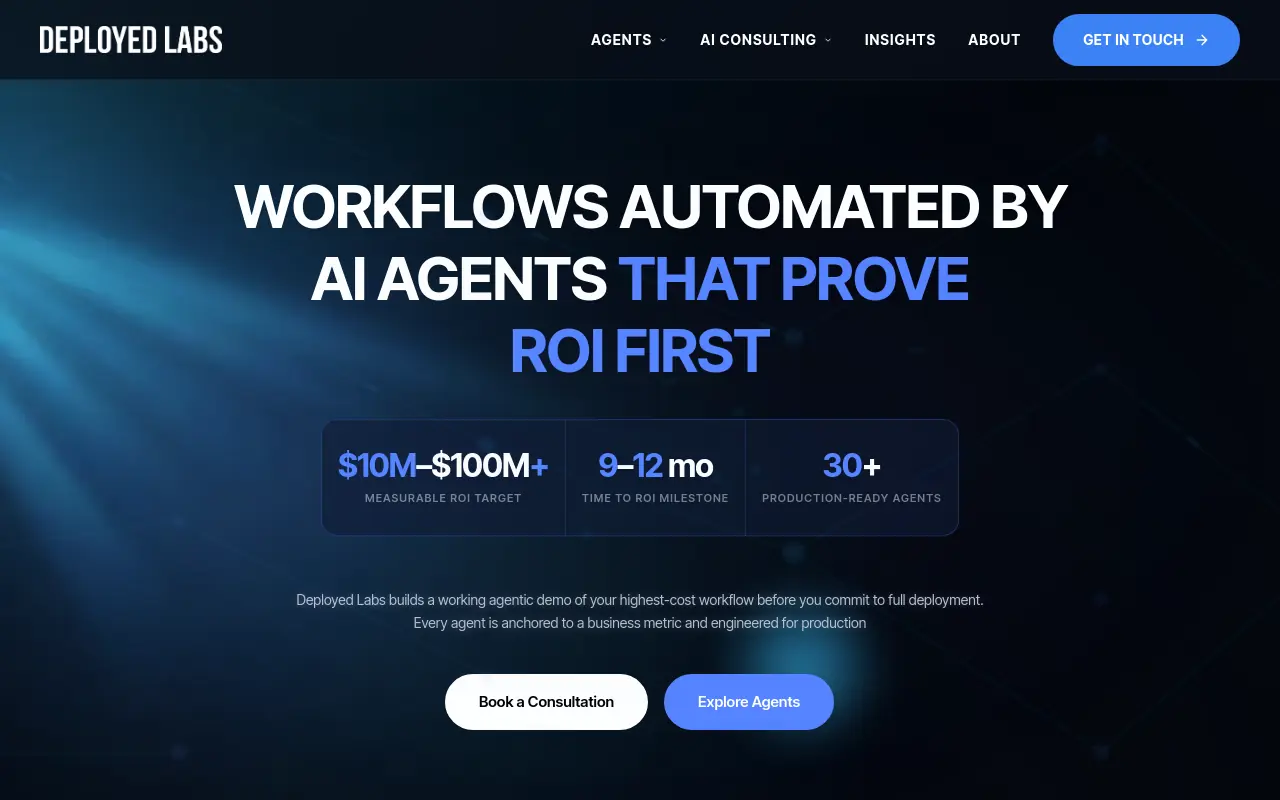 Deployed Labs is engineered for mid-market operations, finance, and HR teams that need AI automation without the enterprise price tag or the complexity of developer-first tools. Its pre-built workflow templates for common business processes accelerate time-to-value significantly. The limitation is that highly custom or niche automation scenarios may require workarounds that a more flexible platform would handle natively.
11. HubSpot AI Automation - Best AI Automation Software for Marketing and CRM Workflows
HubSpot’s AI-powered automation suite is the strongest choice for marketing and sales teams that already live in a CRM ecosystem. Its AI tools handle lead scoring, email sequence personalization, and pipeline automation natively without third-party integrations. The tradeoff is that it becomes expensive at higher contact tiers and its automation capabilities outside the marketing-sales funnel are limited compared to dedicated platforms.
12. Marketo Engage - Best AI Automation Platform for B2B Demand Generation at Scale
Marketo Engage remains the enterprise B2B standard for AI-assisted demand generation, offering advanced audience segmentation, predictive content, and multi-touch attribution automation. It’s the right pick for large marketing teams running complex, multi-channel campaigns with dedicated MOps resources. The significant tradeoff is cost and implementation complexity, it’s not viable for teams without a dedicated marketing operations function.
13. Digi-Texx AI - Best AI Automation Software for BPO and High-Volume Data Entry Replacement
Digi-Texx combines AI document processing with BPO-grade service delivery, making it uniquely suited for organizations looking to replace or augment large manual data entry operations. It’s the right fit for enterprises in logistics, banking, and healthcare processing thousands of documents daily. The tradeoff is that it operates more as a managed service than a self-serve SaaS platform, which limits flexibility for teams wanting full in-house control.
Related Reading
- What Is Agentic AI for Business Operations and Why It Matters
- 12 Best AI Automation for Sales Tools That Actually Work
- 18 Best AI Agent Platform Comparison Tools for 2026
- How Much Does an AI Agent Cost? 2026 Pricing Breakdown
- Zapier AI Agent: Build and Automate Smarter Workflows
- AI Agent Framework Comparison: Top Picks Ranked for 2026
- 15 Best Agentic Automation Tools to Try in 2026
- Gumloop vs Zapier: Which Tool Wins for AI Automation?
- 13 Top AI Automation Tools I Tested and Ranked for 2026
- RPA vs AI Agents: Which Automation Wins in 2026?
AI Automation Software FAQs - What Buyers Ask Before They Commit
The questions buyers ask before committing to AI automation software are rarely about features. They’re diagnostic. Each one reveals a failure mode the buyer has already lived through, and a FAQ that only delivers the “right answer” without naming what went wrong last time leaves that buyer equipped to choose a tool but not to avoid repeating the mistake. One of the most consistent frustrations buyers bring into these conversations is the experience of receiving disposable demos or generic templates that collapse the moment they try to deploy them in a real environment. Production-ready is not the same as demo-ready, and experienced buyers have learned to treat that distinction as a hard requirement before they sign anything.

AI Workflow Automation vs. Traditional Automation - The Judgment Gap
Traditional automation follows a simple contract: if X happens, do Y. That contract holds until reality stops cooperating. Across the market, traditional workflow automation follows fixed, pre-defined rules and deterministic paths, while AI workflow automation adds judgment, dynamic routing, and the ability to handle unstructured or ambiguous inputs. The failure mode of choosing traditional automation for a judgment-heavy task is a workflow that runs perfectly and still produces the wrong output, because no rule you wrote anticipated the edge case you are now staring at.
Buying a rule-engine when the job requires discretion.
SkyDive is built from a description rather than a rules editor, meaning the logic lives in how a teammate is defined, not in a brittle decision tree a developer had to hard-code. When reality introduces an edge case, a teammate exercising contextual judgment can handle the ambiguity that would cause a fixed-rule system to silently produce the wrong result. Scheduled runs mean that judgment operates continuously, not only when someone remembers to trigger it.
RPA vs. BPA vs. AI Workflow Automation - Why Conflating These Three Costs You
These are genuinely distinct categories, not marketing synonyms. As Fluid Labs explains, RPA mimics human UI interactions at the task level, BPA redesigns and automates end-to-end business processes, and AI workflow automation orchestrates the sequenced movement of work between people and systems while adding contextual judgment. Buyers who conflate them typically buy RPA for a process problem, then wonder why their bots break every time the UI updates.
The failure mode is a mismatch between the category of tool and the category of problem. A team copying data between a legacy system and a spreadsheet needs RPA. A team trying to route customer requests across three functions based on intent needs AI workflow automation. Buying the cheaper, simpler option for the harder problem does not save money; it creates a second project.
Category mismatch is one of the earliest signals separating successful implementations from expensive failures. SkyDive is built for the orchestration layer: coordinating complex, multi-step workflows across teammates without losing track of who owns what at each stage. Granular permissions, team collaboration features, and multi-channel access mean it is designed for process problems that span people and systems, not for UI-scraping tasks that belong to a different category of tool entirely.
Do You Need a Developer to Set Up AI Automation Software?
The honest answer is: it depends on the tool, and the dependency matters more than the setup cost. No-code tools can reduce initial deployment time significantly compared to developer-required platforms, but “no-code” is not the same as “no single point of failure.”
The hidden cost buyers never ask about is what happens when the person who built the workflows leaves. Broader industry trends make this plain: no-code tooling reduces single-point-of-failure risk only when the logic is documented and owned by the team rather than one individual, because when the person who built the workflows leaves, the institutional knowledge embedded in those workflows leaves with them unless the platform surfaces it in a form others can maintain.
SkyDive addresses this structurally rather than procedurally. Teammates are multi-teammate by default, meaning no workflow is inherently owned by one person. Each teammate has its own computer with a browser.
Teammates log into your existing tools the way a human operator would, navigating across systems no one has wired an integration for. Memory and persistence mean context is retained at the platform level, not in the head of whoever configured the workflow last. Productive on day one.
Templates for inbox triage, lead enrichment, CRM hygiene, deck updates, content drafting, research, support triage. Library expands as customers build and share. And MCP (Model Context Protocol) support means teammates can connect to the systems your team already uses, reducing the back-and-forth communication overhead that tends to accumulate when automation requires constant human intervention to stay on track.
The result is that institutional knowledge is embedded in the platform in a form the whole team can read, maintain, and hand off, not in the muscle memory of the person who built it.
Related Reading
- The Future of Agentic AI For Customer Support Explained
- 13 Best Agentic AI Platforms in 2026 for Autonomous Work
- How to Measure AI Agent ROI Before You Scale
- AI Agent vs Assistant: Key Differences Compared (2026)
- How To Measure AI Agent ROI With Proven Metrics
- The Ultimate AI Automation Tutorial for Beginners (2026)
- 14 Best Browser Use Agent Tools for AI Web Automation 2026
- 13 Best AI Agent Integrations to Automate More in 2026
- 13 Best AI Agents for Marketing Teams in 2026
- How to Set AI Agent Permissions Without Losing Control
- What Are Parallel AI Agents? A Complete 2026 Guide
Next steps
If your week keeps reorganizing itself around the tools instead of the actual work, the path forward starts with recognizing that the bottleneck was never a tool problem. Adding a more powerful automation canvas to an unowned handoff doesn’t eliminate the human in the middle. It gives that human a more sophisticated set of systems to manually reconcile. Start with our AI teammates.
Integration count is a vanity metric, which means a tool with thousands of app connectors still fails if it requires a separate interface nobody visits. And the hidden cost buyers never ask about is what happens when the person who built the workflows leaves, which means the institutional logic embedded in those workflows walks out the door with them. Together, these two realities point to the same conclusion: the evaluation criterion that matters is not how many workflows a tool can build, but whether the judgment those workflows encode survives contact with organizational reality, across functions, after the builder is gone.
Start by exploring AI teammates from SkyDive. Each teammate carries its own memory, scope, and persistent context across the tools your team already runs on, so you stop being the engineer at every seam.
Frequently Asked Questions
What’s the difference between RPA, BPA, and AI automation?
Robotic process automation (RPA) mirrors human clicks on legacy interfaces and breaks when the screen changes. Business process automation (BPA) orchestrates processes at a rules level, coordinating steps across systems without mimicking a human cursor. AI automation adds judgment and context-switching on top of both, handling inputs that don’t match a fixed template, and for a 15–50 person team running modern SaaS, AI automation is almost always the right category.
Does AI automation actually deliver a real return on investment?
Yes, but the headline number hides important nuance. According to Vegam AI’s 2025 analysis, business process automation delivers an average ROI of 240%. However, the license fee is described as the smallest honest number a vendor can show you, compute costs, retraining fees, and integration maintenance routinely push actual spend well above the quoted price, often within the first renewal cycle.
Why do so many automation projects fail even when the tool works as advertised?
Because most tools solve the inside of one workflow but leave the handoffs between workflows to a human. This guide describes this as the seam problem: context dies at the handoff, and the person re-supplying that judgment manually, usually the Head of Operations, quietly absorbs the cost. When the maintenance burden lands on the wrong person, it can consume the time the automation was supposed to free up, turning reclaimed hours into scheduled debugging time.
Is enterprise-grade AI automation overkill for a small or mid-sized team?
For platforms built specifically for large IT-supported enterprise deployments, yes. This guide notes that tools like UiPath start at an enterprise pricing tier with substantial implementation overhead, making them a structural mismatch for a 20-person startup where the ops lead is also the one configuring the tool. A multi-agent system that distributes judgment across persistent, scoped teammates, rather than requiring a dedicated engineering team to maintain it, is better suited to the 15–50 person range.