13 Top AI Automation Tools I Tested and Ranked for 2026
Top AI automation tools ranked for 2026, so growth teams skip the failed trials and get straight to the output that actually sticks.
 Skydive 28 min read
Table of contents
Most AI automation tools get abandoned by week two. Here is why evaluations fail before they start, and how to pick a tool your team will actually keep using.
The common assumption among heads of GTM, growth, and VP Growths is that if they just find the right tool with the right integrations and invest enough time configuring the workflow, it will finally run on its own and free up their team. The definition of an AI automation tool has quietly shifted under most buyers’ feet. What the category described two years ago and what it describes now are genuinely different things, and the gap between those two definitions is where most tool evaluations go wrong before they even start. See our AI teammates for how this works in practice.
“AI automation tool knowledge in 2026 is heavily gatekept behind paywalls, affiliate links, and paid courses, making it difficult for everyday users to understand what these tools actually are or how they work end-to-end.”
Traditional Automation - Fixed Rules, No Judgment
Traditional automation is a promise: if X happens, do Y. Set the trigger, map the action, connect the apps. The system executes. It does not think. According to Vena Solutions’ January 2025 analysis, traditional workflow automation operates on fixed triggers and predefined rules with no capacity to handle exceptions or exercise judgment. That last clause is the one most buyers gloss over.

The no-code automation space has, in this model, handed you a canvas and asked you to architect every step: triggers, branches, error handlers, reconnections when an API changes. A common assumption is that any tool with a chat box and an LLM underneath qualifies as AI automation. In practice, that describes an assistant. Assistants wait. They answer when asked. They do not initiate, monitor, or complete a task while you are in another meeting.
AI Automation - A Decision Layer That Adapts
AI automation adds a decision layer. The system evaluates context, handles ambiguity, and adapts its response rather than halting or firing the wrong branch. That is the structural difference.
Not the interface. Not the integration count. The second model in the no-code automation space accepts a description of an outcome and deploys judgment to reach it.
No canvas required. That split is measurable. The agentic workflow segment is growing at a pace pulling investment away from traditional rule-based workflow automation at a rate the RPA market has not seen since the original no-code wave.
Key takeaways
- The definition of ‘AI automation tool’ has shifted, what the category meant two years ago (workflow builders) and what it means now (outcome-driven agents) are genuinely different products, and most buyers are still shopping for the old one.
- The dropout pattern is structural, not behavioral: teams don’t abandon these tools because they lack discipline; they abandon them because the tools require a human architect on standby every time something breaks or changes upstream.
- Integration count is a vanity metric, Zapier connects to 9,000-plus apps and still requires a human to write every trigger, define every logic branch, and debug every edge case when an upstream field name changes.
- The tools with the longest integration lists are statistically the ones most likely to be quietly shelved by week three, not the ones still running by month six.
- Sticker price is almost never the real cost, the larger budget line is operator hours spent mapping steps, re-explaining workflow logic, and firefighting broken triggers, none of which appears on any vendor’s pricing page.
- The one question that separates a tool that sticks from one that gets abandoned: does it deploy specialized teammates or force every task through a single model pretending to multitask?
- SkyDive’s Multi-teammate architecture closes that gap directly, each teammate carries its own identity, scope, and history, and hands off to the next without anyone mapping the steps in advance.
Why Most AI Automation Tools Don’t Survive the Second Week
Every AI automation tool evaluation starts the same way: a promising demo, a free trial, a weekend of setup. Then, quietly, the tool stops getting opened.
The dropout isn’t random. It follows a pattern so consistent across teams that it stops looking like a user problem and starts looking like a structural one.

Why AI Automation Tools Get Abandoned Before Delivering ROI
According to Userpilot’s 2024 research, a significant share of signups churn before reaching any meaningful activation moment. The window to demonstrate value is far shorter than most teams assume. For a Head of GTM already running research, outbound, content, and async communications in parallel, that window closes fast.
*Key takeaway: The real cost of a failed tool evaluation isn’t the subscription fee, it’s the calendar: procurement time, onboarding time, and the slow realization in week two that the tool requires more architectural work than the team has capacity to give it.*
The Blank-Canvas Problem - Why Visual Workflow Builders Shift Engineering Work Back to You
The most common failure mode in AI workflow automation tools is structural: the platform surfaces a visual builder and then quietly promotes the operator to workflow architect. Every decision about triggers, conditions, branches, and error handling falls on the person who was supposed to be freed from that kind of work.
The operator becomes the engineer. A GTM team that builds an elaborate scenario for their outbound sequence discovers this the hard way when one renamed Salesforce field breaks the entire flow and nobody has the bandwidth to diagnose it.
AI Automation vs. Traditional Automation - Why the Distinction Changes the Evaluation
The most expensive mistake a GTM team makes during an evaluation is evaluating the wrong category.
Traditional automation executes rules. AI automation exercises judgment. Applying rule-based evaluation criteria to agentic platforms produces a comparison that looks rigorous and leads to the wrong decision:
- Integration count
- Step limit
- Pricing per task
The question worth asking before any demo is not “what does this connect to” but “what does this decide on its own.”
How I Evaluated These AI Automation Tools: the Selection Criteria That Actually Matter
Most AI automation tool rankings are built on criteria that look rigorous but predict almost nothing about whether a tool will still be running six months after you buy it. This section breaks down why the most common benchmark, integration count, actively misleads buyers, and then lays out the five criteria that actually determine whether a tool survives past the initial evaluation window. The goal is to give you a sharper lens for what to look for, not a longer list of features to compare.

Why Integration Count Is a Misleading Way to Rank AI Automation Tools
The seductive logic runs like this: more integrations means more coverage, more coverage means more automation, more automation means less work for your team. In practice, every one of those connections still requires a human to write the trigger, define the logic, and fix the edge cases when they break. According to Kissflow’s December 2025 benchmarking research, no-code automation tools are increasingly evaluated on cross-functional accessibility rather than raw integration count, precisely because integration lists measure theoretical reach, not operational reality. A tool with thousands of connectors that takes an engineer to maintain is an engineering contract disguised as a SaaS subscription.
One real-world failure point that integration-count rankings never surface: agents who struggle with disorganized follow-up processes, treating every lead identically regardless of intent or urgency, get no relief from a connector catalog. They need a system that can differentiate, prioritize, and act without constant human intervention. That is a workflow design problem, not a quantity-of-integrations problem.
The Five Criteria That Actually Predict Whether a Tool Survives Past Week Two
The five criteria scored here are the ones that actually predict survival past the evaluation window. Kissflow’s research identifies stickiness as a key differentiator in the category, noting that many automation investments fail not at configuration but at sustained adoption past the first few weeks.
- Time to first meaningful output
- Technical lift required to maintain (not just configure)
- Cross-functional coverage across GTM surfaces
- Whether the tool removes the operator from the engineering loop
- Stickiness past initial setup
SkyDive is built to address each of these directly. It ships multi-teammate by default, with granular permissions and team collaboration baked in, so ownership of each workflow step is explicit and tracked rather than assumed. Its scheduled runs and memory and persistence features mean automated sequences continue working between sessions without manual restarts, which is what kills stickiness in tools that require an operator to babysit the loop. Pre-built teammate templates compress time to first meaningful output, and MCP (Model Context Protocol) support extends capability without requiring custom engineering work to do it.
No-Code vs. Technical Lift, Who on Your Team Can Actually Own, and Maintain This?
The most important selection criterion is whether a non-engineer can reach a meaningful automated output before the evaluation window closes. According to Kissflow (2025), no-code platforms deliver 70% faster deployment of automation workflows than traditional development approaches. That gap is the difference between a platform any operator can run and one that quietly becomes the responsibility of whoever built it, whether or not that person is still on the team.
*Key takeaway: No-code platforms deploy automation workflows up to 70% faster than traditional development approaches, the difference between a platform any operator can run and one that quietly becomes the responsibility of whoever built it.*
SkyDive is designed to keep non-engineers inside the driver’s seat. Each teammate operates within its own per-teammate sandbox with browser, meaning team members can configure, test, and iterate independently without touching shared infrastructure or waiting on a developer. Multi-channel access means the workflows built by one team member are immediately actionable across the surfaces that matter to GTM, without re-engineering for each channel.
Built-in tools and capabilities reduce the dependency on external connector libraries in the first place. The result is a platform that lets your team coordinate through complex, multi-step workflows without losing track of who owns what at each stage, and cuts the back-and-forth communication overhead that bleeds time away from high-impact work.
The 13 Best AI Automation Tools I Tested and Ranked for 2026
Spend enough time evaluating AI automation tools and a pattern emerges that nobody puts in the press release: the tools with the longest integration lists are often the ones that get quietly abandoned by week three. According to Parseur’s 2026 analysis, Zapier connects to 9,000-plus apps and generates an estimated $310M in annual recurring revenue, which proves there is genuine, massive demand for connectivity. But connectivity and completion are different things.
$310M Zapier’s estimated annual recurring revenue Pros and cons at a glance
| ✓ Pros | ✗ Cons |
|---|---|
| Anyone can build fast | Requires rebuilding when a connected app changes its API or a field renames |
| Workflows deploy up to 70% faster than traditional development | Fragility at scale discovered around week three |
| No-code lets non-engineers reach meaningful automated output | Adoption and productivity impact remain stubbornly disconnected |
Industry research found that only 31% of businesses have fully automated even one function, which means integration breadth has never been the real bottleneck. The teams stuck in partial automation aren’t missing a connector. They’re missing a system that can handle the judgment-dependent decisions that live inside every workflow, the ones no trigger-action rule can resolve no matter how many apps it touches.
31% Businesses with even one function fully automated
That gap is what this ranking is built around. Every tool below was evaluated on a single outcome-first question: does this platform deploy a bench of specialized teammates, or does it force everything through a single agent and ask the operator to map every step? The answer shapes whether a tool survives the second week or quietly joins the graveyard of promising demos.
1. SkyDive - Best AI Agent Platform for Multi-Teammate Orchestration
The core difference between SkyDive and every other tool on this list is who does the engineering. A GTM team describes an outcome, “qualify inbound leads and draft personalized follow-ups”, and a coordinated bench of AI teammates handles the reading, scoring, drafting, and logging natively inside Slack, email, iMessage, or web chat, without a workflow diagram ever being built. That describe-and-deploy model extends well beyond outbound and enrichment: teams use it to coordinate complex, multi-step workflows across functions without losing track of who owns what at each stage, and to eliminate the back-and-forth communication overhead that pulls people away from high-impact work.
Each teammate carries its own identity, scope, and memory; they hand off to each other without the operator mapping the seams. Practically, that means each AI Employee runs inside its own sandboxed environment with browser access and has two key capabilities built in:
- Built-in tools and capabilities baked in natively
- MCP (Model Context Protocol) connectivity for teams that need to extend into custom tooling
Granular permissions and team collaboration controls mean different human stakeholders can own different teammates without creating access conflicts. Scheduled runs and memory persistence keep workflows running between sessions, so context doesn’t reset every time a new task comes in. Pre-built teammate templates lower the ramp time for teams that want a starting point before customizing.
Teams that shift to a describe-and-deploy model consistently report that the time previously spent on workflow architecture, writing triggers, mapping branches, and reconnecting broken steps gets redirected toward the actual GTM motion the automation was meant to support. The real tradeoff: teams that want granular control over every conditional branch will find the describe-and-deploy model less transparent than a visual canvas.
2. Zapier - Best for Connecting the Widest App Ecosystem
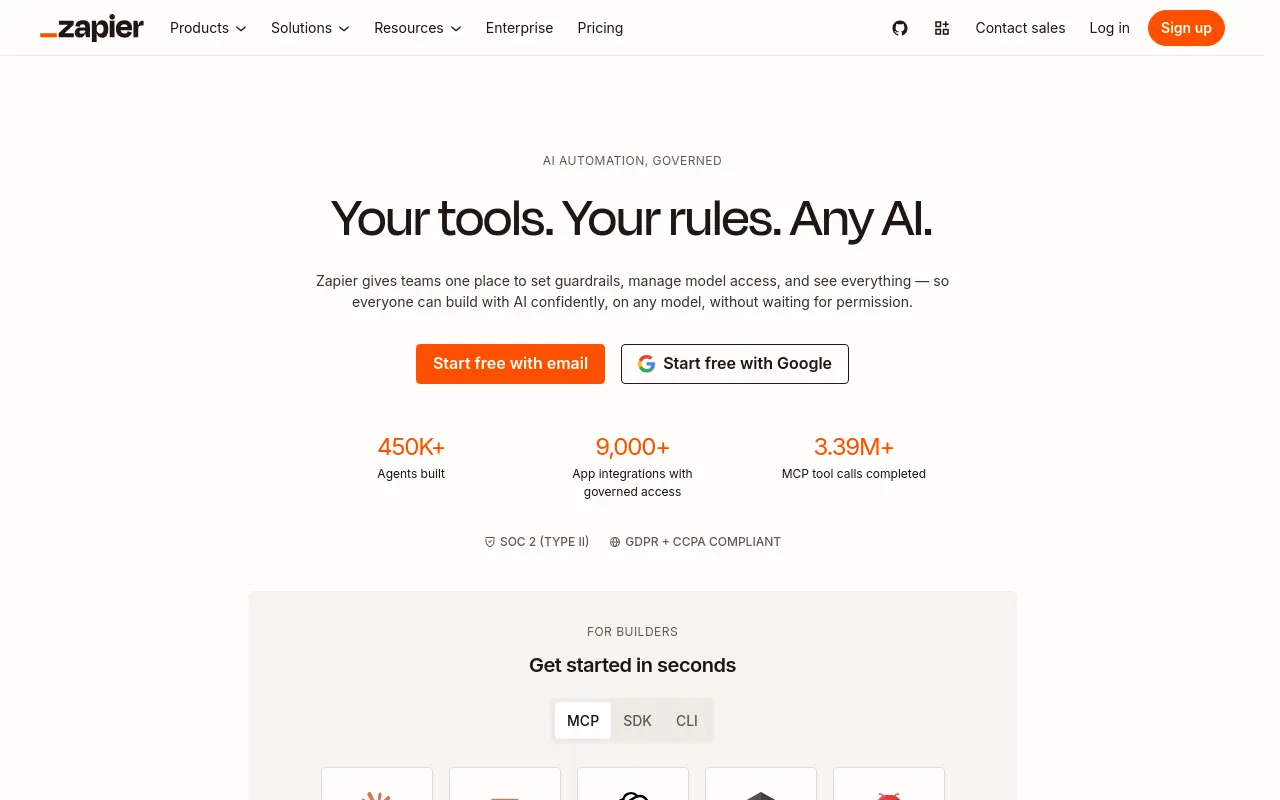 Zapier is the right pick when breadth of app coverage matters more than anything else. Connecting 9,000-plus apps with a Zapier Copilot that builds workflows from plain-English descriptions, it is the fastest path from “I need these two tools to talk” to a working automation. Most beneficial when your stack is diverse and your workflows are linear. The honest limitation is that Zapier still asks the operator to own the logic: every Zap is a step-by-step map the operator builds, maintains, and remembers to trigger, which means the system is only as current as the person running it.
3. n8n - Best Self-Hosted AI Workflow Automation for Technical Teams
N8n earns its place for developer-led teams that want full control over their data environment and the ability to execute custom JavaScript or Python inside a workflow. Its fair-code license means the source code is open and self-hosting is a real option, not a sales conversation. A concrete example: a developer team self-hosts a Python-enriched data pipeline that pulls from three APIs, transforms records, and pushes to a data warehouse on a schedule, all without a SaaS subscription fee. The tradeoff is steep: n8n makes the operator the engineer, and teams without dedicated technical resources will spend more time maintaining the system than running their GTM motion.
4. Make (formerly Integromat): Best Visual Automation Builder for Complex Scenarios
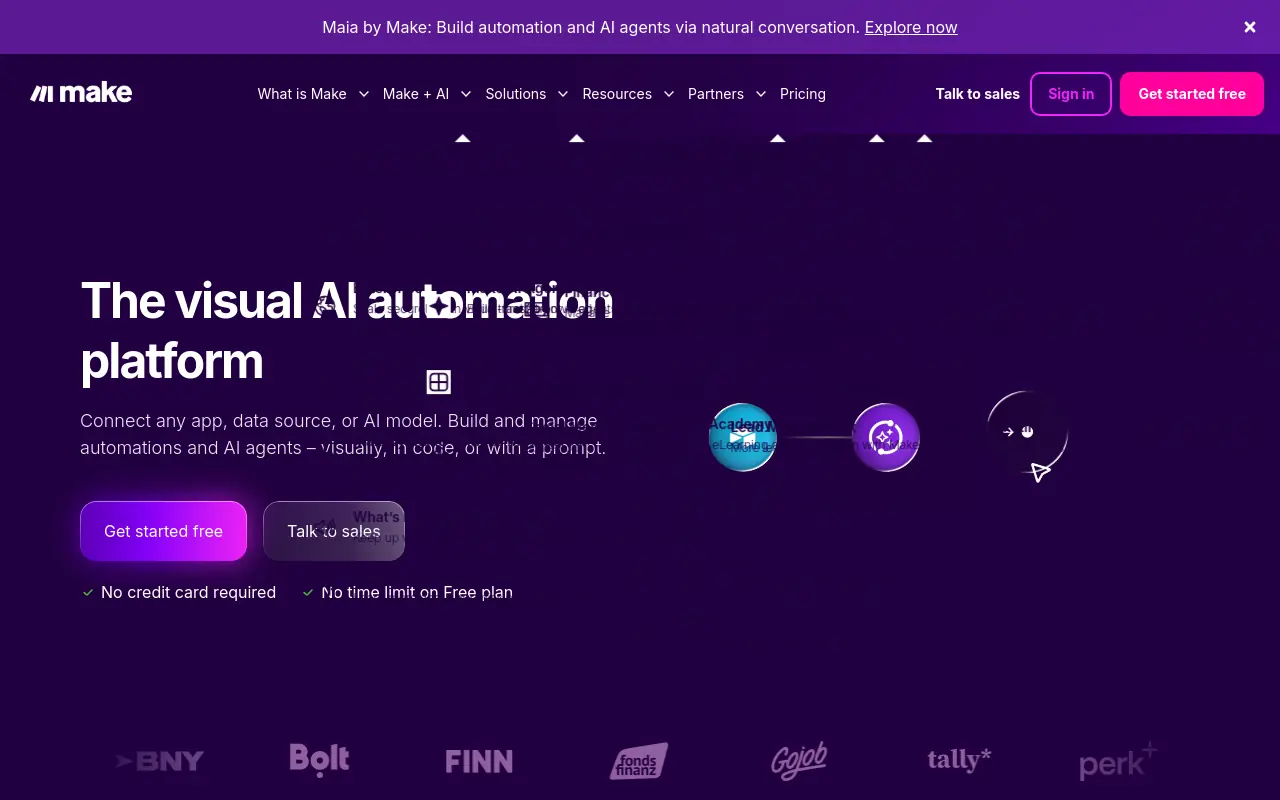 Make is a strong pick for operations teams that need to handle complex conditional logic and high data volumes without writing code. Its visual canvas supports more branching logic than Zapier’s linear Zap structure. Make’s own documentation notes that scenarios can include routers, aggregators, and iterators unavailable in Zapier’s standard Zap builder, making it better suited for workflows with many conditional paths. Its operations-based pricing model tends to be more cost-efficient at scale for teams running workflows with many internal steps per trigger, a meaningful efficiency advantage for operations teams running high-step workflows where per-task billing compounds quickly. The structural tradeoff is the same one that limits every canvas-first tool: Make hands the operator a blank board and asks them to become the architect.
The more complex the scenario, the more maintenance overhead lands on the person who built it.
5. ZoomInfo Copilot - Best AI Automation for B2B Pipeline Intelligence
ZoomInfo Copilot sits closest to the data layer, surfacing buying signals, account prioritization, and rep guidance from ZoomInfo’s underlying contact and company database. It is most valuable when the team already runs ZoomInfo for prospecting and wants AI-driven prioritization layered on top of existing data rather than a new workflow system. The limitation worth naming: Copilot’s intelligence is bounded by ZoomInfo’s data coverage, so teams selling into markets or verticals where ZoomInfo’s database is thinner will see diminishing returns on the signal quality that makes the tool worth the premium.
6. Relevance AI - Best for Building Custom AI Agents Without Code
Relevance AI targets teams that want to build and deploy custom AI agents without writing code, using a visual agent-builder that supports multi-step reasoning and tool use. It sits comfortably in the enterprise tier, with an autonomy framework that lets teams define how much independent action an agent can take before escalating. Most beneficial for larger organizations with dedicated AI ops resources who want to build proprietary agents tailored to specific internal processes. For a smaller funded startup, the platform’s enterprise orientation can feel like more infrastructure than the team needs or has capacity to configure.
7. Autobound - Best AI Automation for Hyper-Personalized GTM Outreach
Autobound pulls from a wide range of signals across dozens of sources to generate personalized outreach at the individual prospect level, covering job changes, company news, shared experiences, and intent signals. The output quality on first-touch personalization produces more contextually relevant first touches than tools relying on static templates or single-signal personalization. The risk that practitioners consistently flag is deliverability: autonomous outreach at volume, regardless of how well-personalized the copy is, can damage sender reputation if cadence and list hygiene aren’t actively managed. Autobound is most beneficial when a human reviews output before send, rather than running fully autonomous.
8. Glean - Best AI Automation for Enterprise Knowledge Work and Search
Glean acts as an AI work assistant that connects across an organization’s full SaaS stack, surfacing relevant documents, answers, and context from wherever the information lives. The value compounds over time as the system learns the organization’s knowledge graph, but that same characteristic means time-to-value is measured in months rather than days. Glean is the right investment for enterprises with sprawling tool stacks and real knowledge-retrieval friction. It is not the right pick for teams that need immediate output on GTM tasks; it answers questions and surfaces information, but it does not initiate or complete work autonomously.
9. LeanData - Best AI Automation for Revenue Operations Lead Routing
LeanData specializes in AI-powered lead-to-account matching and automated routing, ensuring the right rep gets the right lead at the right time without manual ops intervention. It’s the strongest pick for RevOps teams managing complex territory models, partner channels, or account-based plays. Tradeoff: it’s a point solution, powerful within its lane but requires integration with a broader GTM stack to deliver full value.
10. ActiveCampaign - Best AI Marketing Automation for SMB Customer Journeys
ActiveCampaign combines email marketing, CRM, and AI-powered automation in a single platform accessible to small and mid-sized businesses. Its predictive sending, win probability scoring, and automated journey branching make it one of the most capable tools at its price point. Best for SMBs that need a unified marketing and sales automation layer without enterprise pricing. Tradeoff: reporting depth lags behind enterprise-tier competitors.
11. Coworker AI - Best No-Code AI Automation for Non-Technical Business Teams
Coworker AI is designed for business teams who need to automate repetitive AI tasks, summarization, classification, drafting, data extraction, without any developer involvement. Its interface abstracts away prompt engineering and API complexity entirely. Best for HR, finance, and operations teams running high-volume document or data workflows. Tradeoff: customization ceiling is lower than code-first platforms, limiting use for complex multi-step logic.
12. Gumloop - Best AI Workflow Automation for Rapid Prototyping and Iteration
Gumloop offers a drag-and-drop AI workflow builder that lets teams assemble, test, and ship automations in minutes rather than days. It’s particularly strong for marketing and growth teams that need to iterate quickly on AI-powered content or data pipelines. Best for teams that prioritize speed-to-automation over deep enterprise controls. Tradeoff: it lacks the governance, audit logging, and SSO features that larger organizations require.
13. Artisan - Best AI Automation Platform for Autonomous Sales Development
Artisan’s AI sales agent, Ava, autonomously handles prospecting, research, personalization, and outreach sequencing end-to-end, functioning as a virtual SDR rather than a tool that assists one. It’s the right pick for growth-stage teams that want to scale pipeline generation without proportionally scaling headcount. Tradeoff: fully autonomous outreach carries deliverability and brand-voice risks that require human oversight policies to manage effectively.
AI Automation Tools Pricing Compared - What Each Platform Actually Costs in 2026
Pricing pages for AI automation tools are built to show you the number that looks best, not the number you will actually pay. What you spend on a subscription is often the smallest part of the real cost once you factor in operator time, ongoing maintenance, and the kind of mid-contract pricing shifts that can restructure an entire automation budget overnight. This section breaks down what each platform actually costs when you account for all of it.

Sticker Price vs. Total Cost of Ownership - The Number Every Pricing Page Hides
The subscription fee is often the smallest line item in the real budget. The larger cost is operator time: the hours spent mapping steps, debugging a broken trigger at 9 a.m., and re-explaining workflow logic every time an upstream app changes a field name. That cost compounds quietly, and it never appears on any vendor’s pricing page.
There is a second hidden cost that is becoming impossible to ignore: AI subscription pricing itself is rising fast enough to create a genuine ceiling for many businesses. When a model provider changes its pricing policy mid-contract, moving users off flat subscription rates and onto per-call API pricing, the cost structure of an entire automation stack can shift overnight, with no warning on any comparison page. Teams that built workflows assuming one cost model have had to renegotiate their entire AI budget. That fragility makes total cost of ownership far more consequential than the monthly line item.
A third cost almost never surfaces until a project is delivered: who actually owns the ongoing subscription and hosting bill. Freelancers and clients routinely discover, post-launch, that neither side budgeted clearly for the recurring cost of running tools like n8n in production. That ambiguity becomes a recurring source of friction and, often, a recurring expense that was never scoped.
*Key takeaway: A $20/month tool that requires four hours of weekly maintenance costs more than a $99/month tool that runs without intervention, once you count the operator’s hourly rate.*
AI automation tools pricing comparisons that stop at the monthly fee miss the real cost. The same logic applies to coordination overhead: if your automation platform requires your team to constantly chase down who owns which step, or to send status-update messages just to keep a workflow moving, that communication load is a real cost. It just gets charged to your team’s attention rather than your credit card.
SkyDive is built around reducing exactly that overhead. Its multi-teammate architecture assigns clear ownership at each stage of a complex workflow, so teams can coordinate through multi-step processes without losing track of who owns what. Granular permissions mean the right people have visibility and control at the right stages, without everyone needing access to everything. Scheduled runs, memory and persistence, and pre-built teammate templates reduce the renegotiation cost every time a workflow needs to restart, which directly addresses the compounding maintenance expense that never shows up on a vendor’s pricing page.
Pricing Tiers Side-by-Side - Zapier, Make, n8n, Gumloop, Microsoft Power Automate, and SkyDive (2026 Rates)
Each platform uses a structurally different billing model, which makes direct comparison harder than it looks.
| Tool | Free Tier | Entry Paid Tier | Billing Model |
|---|---|---|---|
| Zapier | 100 tasks/month, two-step Zaps only | From $19.99/month (billed annually) | Per task |
| Make | Limited operations/month | From ~$9/month | Per operation |
| n8n | Self-hosted: $0 license fee | Cloud plans available | Per workflow execution + hosting |
| Gumloop | Limited free tier | Paid tiers vary | Per run / credits |
| Microsoft Power Automate | Included in select Microsoft 365 plans | From ~$15/user/month as add-on | Per user or per flow |
| SkyDive | Contact for pricing | Teammate-based model | Per outcome, not per step |
Zapier’s free tier, as documented by No Code MBA in August 2026, is limited to two-step Zaps and 100 tasks per month, a trial environment rather than a production tier. Multi-step workflows, filters, and conditional paths all require a paid plan.
SkyDive’s teammate-based model is structurally different from per-task or per-operation billing. Rather than charging for every step a workflow touches, the model is oriented around outcomes. That distinction matters most for teams running complex, multi-step workflows where a single business result might touch dozens of individual operations, the kind of work where per-task billing scales against you the moment your automation gets genuinely useful.
What Free Plans Actually Unlock and Where Each Tool Puts the Paywall
Zapier’s free plan excludes the features most commonly needed for real automation: filters, paths, formatter tools, and premium app connections. Those capabilities sit behind paid tiers, meaning the free tier is best understood as a scoped sandbox for evaluating basic connectivity, not a viable tier for any GTM team running production workflows.
The paywall problem is compounded by the AI pricing shift happening at the model layer. Teams that build agentic or headless workflows on top of platforms that pass through AI API costs are now absorbing price increases they did not anticipate when they signed up. What looked like a manageable monthly subscription has, for many firms, crossed into unsustainable territory because the underlying model economics changed beneath them.
SkyDive addresses the coordination dimension of this problem directly. Built-in tools and capabilities, MCP (Model Context Protocol) support, multi-channel access, and per-teammate sandboxes with browser access are included by design, not gated behind escalating tiers that unlock only after you have already committed to a workflow architecture. The result is that teams evaluating SkyDive can test the features that actually matter for production use, rather than discovering the paywall only after they have built something real.
Related Reading
- What Is Agentic AI for Business Operations and Why It Matters
- 12 Best AI Automation for Sales Tools That Actually Work
- 13 Best AI Automation Software Tools I Tested in 2026
- 18 Best AI Agent Platform Comparison Tools for 2026
- How Much Does an AI Agent Cost? 2026 Pricing Breakdown
- Zapier AI Agent: Build and Automate Smarter Workflows
- AI Agent Framework Comparison: Top Picks Ranked for 2026
- 15 Best Agentic Automation Tools to Try in 2026
- Gumloop vs Zapier: Which Tool Wins for AI Automation?
- RPA vs AI Agents: Which Automation Wins in 2026?
Which AI Automation Tool Is Right for Your Team: a Buyer’s Decision Guide
Picking the wrong AI automation tool rarely comes down to missing a feature; it comes down to misreading how much engineering your team is actually willing to own. The platforms covered here serve genuinely different operator profiles, and the distinctions that matter most won’t show up in a comparison table. Use this guide to match the tool to the reality of your team, not the version of your team you’re hoping to build.

How to Choose the Right AI Automation Tool for Your Team
Tool selection decisions made in a spreadsheet almost always fail in the field. The feature gap between leading platforms has narrowed to the point where a comparison table won’t tell you what you actually need to know. What separates a tool that sticks from one that gets quietly abandoned after two weeks is simpler and more uncomfortable: who ends up doing the engineering.
Digital transformation projects fail not because tools lack features, but because the model requires end users to become system architects. So before comparing pricing tiers or integration counts, answer one question honestly: does your team have someone who will own the engineering, or do you need the tool to absorb that responsibility itself?
If Your Team Has Engineering Bandwidth and Wants Full Control
n8n and Make are the right tools when a technically fluent operator wants to own every node of the logic. That control is genuinely valuable. The trade-off is real: someone on your team becomes the workflow architect permanently. Most beneficial when you have a dedicated ops or RevOps hire whose explicit job is building and maintaining automation infrastructure.
If You’re Deep in the Microsoft Ecosystem or Need Enterprise Governance
Power Automate and Workato earn their place in organizations where IT governance, audit trails, and Microsoft 365 native integration are non-negotiable requirements. The honest limitation: neither is built for the smaller startup operator who needs cross-functional output without a dedicated systems team.
If You’re a GTM or Growth Team That Needs Cross-Functional Coverage Without Building Anything
BCG’s October 2024 research found that 74% of companies struggle to achieve and scale value from AI adoption, and the pattern behind that number is almost always the same: the tool required the team to become the engineers, mapping every step, maintaining every connector, and rebuilding every time an upstream app changed. For GTM and growth teams without a dedicated ops hire, the right path is a platform that accepts the outcome description and handles the orchestration itself.
Related Reading
- The Future of Agentic AI For Customer Support Explained
- 13 Best Agentic AI Platforms in 2026 for Autonomous Work
- How to Measure AI Agent ROI Before You Scale
- AI Agent vs Assistant: Key Differences Compared (2026)
- How To Measure AI Agent ROI With Proven Metrics
- The Ultimate AI Automation Tutorial for Beginners (2026)
- 14 Best Browser Use Agent Tools for AI Web Automation 2026
- 13 Best AI Agent Integrations to Automate More in 2026
- 13 Best AI Agents for Marketing Teams in 2026
- How to Set AI Agent Permissions Without Losing Control
- What Are Parallel AI Agents? A Complete 2026 Guide
Next steps
If your team keeps cycling through promising tools that collapse the moment the evaluation window closes, the path forward starts with dropping the requirement to architect the workflow yourself. The evidence is clear: when configuration is the prerequisite for value, the tool has already failed the only test that matters. Start with our AI teammates.
Integration count being a vanity metric means connectivity was never the bottleneck. The judgment-dependent decisions living inside your workflows cannot be resolved by a trigger-action rule, no matter how many apps it touches. And the finding that 74% of companies struggle to scale AI value means adoption alone solves nothing. Together, they point to a single shift: choosing a platform where you describe an outcome and a coordinated bench owns the execution, without a workflow diagram ever being built.
Start by exploring AI teammates from SkyDive. Each teammate carries its own identity, memory, and sandboxed browser access, and hands off across a coordinated chain without the operator mapping the seams.
Frequently Asked Questions
What’s the actual difference between AI automation and traditional automation?
Traditional automation executes fixed rules, if X happens, do Y, with no capacity to handle exceptions or exercise judgment. AI automation adds a decision layer, meaning the system evaluates context, handles ambiguity, and adapts its response rather than halting or firing the wrong branch.
Why do most teams stop using an AI automation tool after the first week or two?
The most common reason is that the platform promotes the operator to workflow architect, every trigger, condition, branch, and error handler still falls on the person who was supposed to be freed from that work. The real cost isn’t the subscription fee; it’s the procurement time, onboarding time, and the slow realization in week two that the tool requires more architectural work than the team has capacity to give it.
What criteria should I actually use to evaluate an AI automation tool?
The five criteria that predict whether a tool survives past the evaluation window are: time to first meaningful output, technical lift required to maintain (not just configure), cross-functional coverage across GTM surfaces, whether the tool removes the operator from the engineering loop, and stickiness past initial setup. Integration count is a misleading proxy because it measures theoretical reach, not operational reality.
Does it matter if an AI automation tool is no-code?
Yes, no-code platforms deploy automation workflows up to 70% faster than traditional development approaches, which is the difference between a platform any operator can run and one that quietly becomes the responsibility of whoever built it. The most important selection criterion is whether a non-engineer can reach a meaningful automated output before the evaluation window closes.
If only a third of businesses have fully automated even one function, is the problem really about needing more app integrations?
No, industry research found that only 31% of businesses have fully automated even one function, and integration breadth has never been the real bottleneck. The teams stuck in partial automation aren’t missing a connector; they’re missing a system that can handle the judgment-dependent decisions that live inside every workflow, the ones no trigger-action rule can resolve no matter how many apps it touches.