

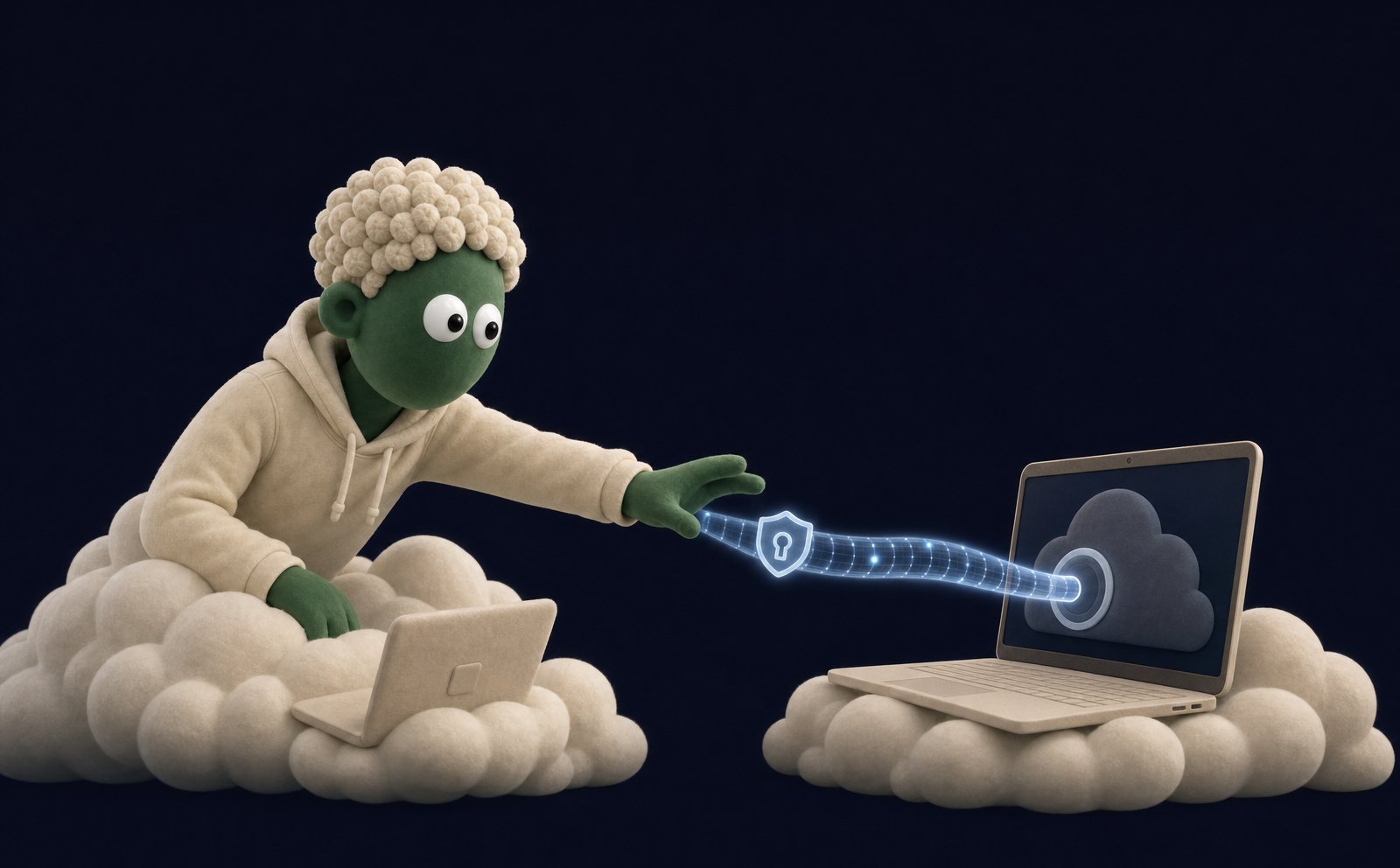
localhost, a command-line tool you have installed, files on your disk, a browser signed into your accounts. Portal lets your agent reach that machine when you run Skydive Desktop and grant that agent access. It needs the desktop app or the Skydive CLI running on that machine: you can’t grant portal access from a phone or tablet browser, so work that touches your computer waits until you’re back at one.
How it works
Portal is off until you turn it on, per agent. Nothing reaches your computer until you say yes.1
Install Skydive Desktop
Skydive Desktop is the small Mac app that connects your machine to your agents. When an agent first asks for access, its request card links the download. Not on a Mac? The Skydive CLI does the same job from a terminal.
2
Approve the agent
The agent asks for permission and a card appears in your chat. Approve it, and that one agent can reach your machine.
3
Ask for the work
Tell the agent what you need done on your computer. It runs the command, reaches the local server, or drives your browser, and reports back.
What it unlocks
Local servers
Reach a dev server or local app running on
localhost.Local tools
Run a command-line tool or script installed on your machine.
Your browser
Drive your own browser, signed into your accounts.
Local files
Read and work with files that live on your disk.
Driving your browser
When a task needs your accounts (anything behind a login), the agent can drive your own signed-in browser instead of asking for credentials. It tells you before it takes control, keeps it brief, and hands control back when done. For public pages that don’t need your logins, the agent uses its own browser in the cloud. It never has to touch your machine for those.Good uses
- Restarting a local dev server and tailing its logs
- Running a build or a script you have set up locally
- Pulling a report from a tool that only runs on your machine
- Posting on your behalf in a web app you’re already logged into
Portal is default-deny and granted per agent. An agent can only reach your computer after you approve it in Skydive Desktop. You can revoke that access at any time.