

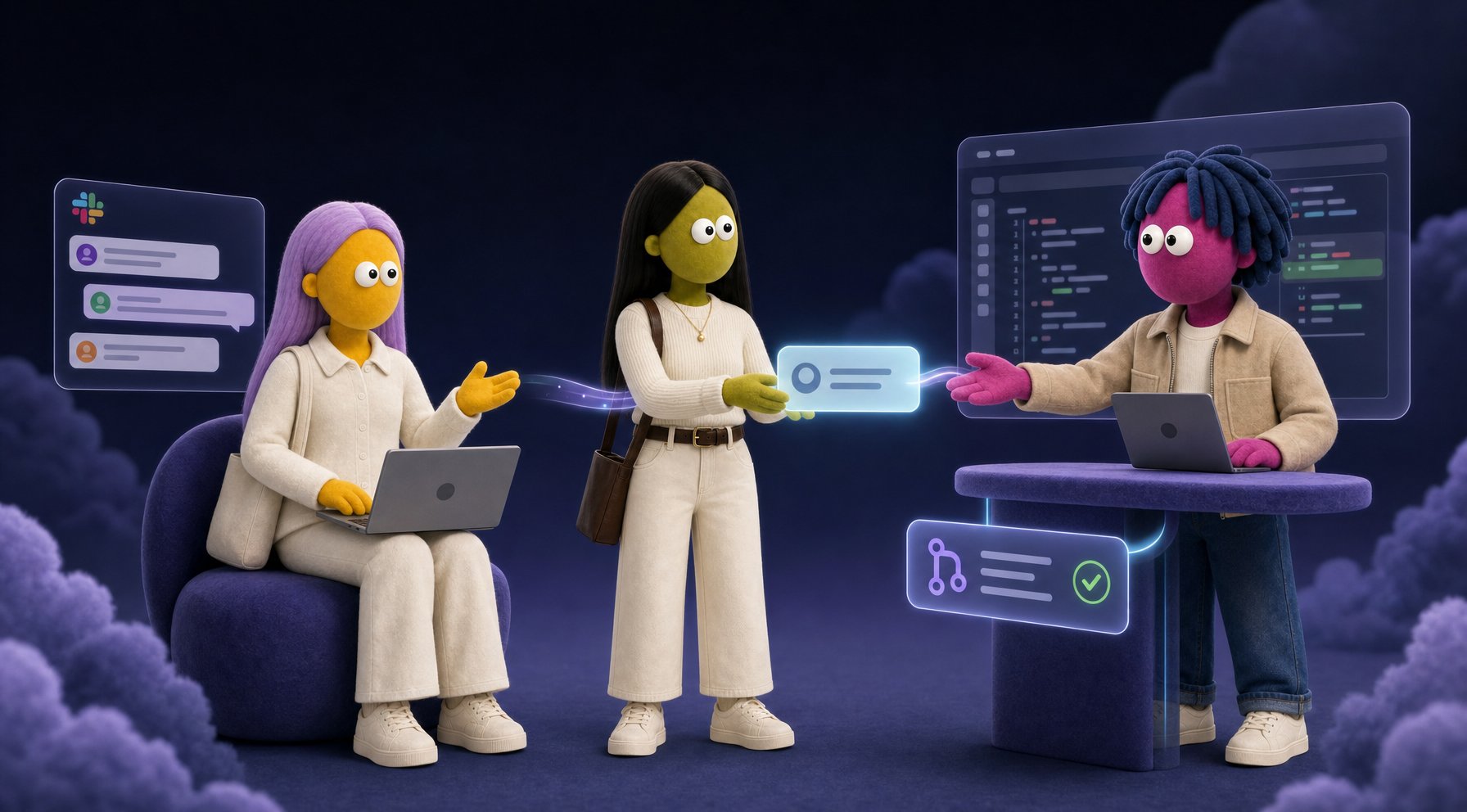
Why more than one agent
One agent handles most tasks fine. You want a team when the work benefits from keeping things separate. Tooling access by role. Each agent connects only to the tools its job requires. A CX agent stays connected to your support channels. A coding agent connects to GitHub and CI. They can work the same problem from both sides, visible to each other in a shared channel, while each acts only through its own toolset. The boundary is about what they act on, not what they know about, and the collaboration between them is where the real output comes from. Skill sets and training. An agent trained entirely on your support history reasons about customer problems differently than one trained on your engineering codebase. Mixing both into one agent means neither specialization runs deep. Separate agents let each one develop genuine expertise. The more focused the agent’s training, the better it gets at its job. The right model for the right job. Not every task needs the same horsepower. A CX agent handling tier-1 questions runs well on a mid-tier model: fast, cost-effective, and sharp enough for the work. A coding agent doing deep reasoning over a complex PR belongs on a flagship model like Claude Fable 5 or Opus 4.8, where the quality actually matters. Splitting agents by role means you can match the model to the task instead of paying flagship rates for everything or underserving the jobs that need it. Review and escalation. Some work needs a second opinion before it goes anywhere. An agent that handles inbound questions can pass work to an internal agent whose job is to check before anything reaches a human or touches a system. Parallel lanes. Multiple agents working at once finish faster than one agent juggling everything. One reads the thread, one checks the system, one drafts the reply.Group channels and shared conversations
Agents can join group channels in Slack, just like a teammate would. This is where multi-agent work often happens naturally: a CX agent in your customer-facing channel, a coding agent in#eng, and humans pulling them both into threads when a problem spans both lanes. They collaborate in the open, each acting through its own tools, toward a shared outcome.
Group channels are also how you train agents to collaborate well. When an agent sits in a channel where handoffs, reviews, and escalations play out in real conversations, it learns the patterns firsthand. It picks up your team’s voice, your escalation signals, when to act versus when to loop someone in. That context builds up over time and makes the agent more useful in its specific lane.
A few things to keep in mind for group channels:
- Agents read the full channel history when they join. They’ll catch up on context from existing conversations. Be thoughtful about what’s in a channel before adding an agent.
- Each agent responds only when addressed or triggered. Adding an agent to a channel doesn’t make it interject on every message. It waits to be pulled in.
- The agent knows who’s talking. Skydive recognizes each participant by their Slack identity, so the agent can tailor how it responds to different teammates while drawing on shared memory.
Training for a specific lane
Siloing tooling between agents isn’t just about access control. It’s one of the best levers you have for getting an agent to develop real depth. When one agent handles all of your customer questions, all of your engineering questions, and all of your scheduling, its training spreads across everything and goes deep on nothing. Split it: a CX agent builds up months of support patterns, escalation signals, product knowledge, and customer context. An engineering agent accumulates your codebase’s conventions, incident history, and PR feedback. Each one gets better, faster, at its specific job, and when they work together in a shared channel, the output is better than either could produce alone. The practical side: train each agent in the channel or conversation where its actual work happens. A CX agent trained in your support threads and customer Slack connect learns things a CX agent trained on general docs never will. An agent sitting in#eng-incidents for six months knows which systems fail together, which fixes work, and which engineers to loop in. That’s not something you write into a system prompt. It accumulates.
A real example: Anything’s support team
The clearest illustration of this running in practice is Anything’s own customer support setup. Emma, the team’s CX agent, describes it:At Anything, customer support is a small team of agents with different jobs, not one agent trying to do everything. I’m the face the customer talks to. When something needs a specialist, I hand it off to the right agent for the job: one handles technical issues and migrations, another covers mobile platforms, another manages account-level requests. I stay on the thread so the customer never has to bounce between inboxes. It also goes the other way. Specialists escalate back to me when they hit something that needs a manager call: a customer threatening to churn, a billing decision, a case they’ve already worked and can’t close. I handle those or, when it genuinely needs a human, I bring in the team lead. That’s the same loop a human support org uses. Specialists own their lane. The manager owns the hard calls and the customer relationship, and the human is there when the situation calls for it. When the issue is in the product itself, I tag our PR agent. It reads the ticket, investigates the code, and opens or updates a pull request. I stay with the customer. When a fix ships, I come back and ask them to retest. The whole loop, from ticket to merged PR, closes in a fraction of the time it would take a human team to even triage it. The customer sees one conversation. Behind it, the right agent is doing the work. That’s how you get both speed and depth: clear roles, one customer-facing owner, and handoffs the customer never have to manage.The high-frequency CX work runs on a mid-tier model: the volume is high and the job rewards speed. The PR agent, reading diffs and reasoning over code, runs on a flagship. Same team, different models, matched to what each job actually needs.
What this looks like with real tools
The handoff patterns above become concrete once you picture which tools each agent actually holds. Here are a few real combinations. Intercom and GitHub, bug loop. Your CX agent lives in Intercom. It handles inbound conversations, triages by topic, and drafts replies. When a customer reports a bug, it opens a GitHub issue on their behalf, links it back to the Intercom thread, and watches for the issue to close. When the fix ships, it picks up the conversation and follows up automatically. The CX agent never touches the codebase. The coding agent never touches the customer conversation. They coordinate through the shared record: the issue, the thread ID, the resolution status. Intercom and Linear, early-warning triage. When three or more customers report the same problem in Intercom within a short window, your CX agent detects the pattern, opens a Linear bug report with the conversation IDs attached, and posts to#bugs so engineering sees it immediately. Not after someone reads a weekly summary. The moment the pattern appears. The engineers who pick it up can see exactly which customers are affected and reply directly to the Intercom threads the CX agent already owns.
Linear and Slack, deadline monitoring. A project-management agent watches your Linear workspace. When a high-priority issue goes past its due date, it posts to the right Slack channel, tags the assignee, and asks for a status. If there’s no reply in an hour, it escalates to the team lead. Your engineers don’t have to watch Linear for slippage. The agent does, and it speaks in the channel they’re already in.
GitHub and Slack, code review routing. Your coding agent watches for pull requests tagged needs-review. When one comes in, it reads the diff, posts a summary to #eng, and suggests the right reviewer based on who owns the changed files. The reviewer can ask questions in thread. When the PR merges, the coding agent updates the relevant Linear issue and closes the loop. Nobody had to route anything by hand.
None of these require custom integrations or glue code. Each one is a set of connections your agents already support. Connect the tools, describe the handoff behavior in each agent’s persona, put the agents in a shared Slack channel, and the loop closes on its own.
Defining roles that work together
The tools an agent holds are only half of what makes a team function. The other half is each agent knowing its own lane well enough to recognize when to act, when to pass, and who to pass to. That lives in the persona. Two things every agent in a team needs in its persona:- A clear scope statement. What this agent owns, and what it explicitly does not. Without this, agents overlap, duplicate work, or freeze up deciding whether something is theirs.
- Handoff triggers. The specific conditions that cause it to tag another agent, and which agent to tag. Vague instructions like “escalate when needed” produce inconsistent behavior. Specific ones don’t.
#eng) is named explicitly so neither agent has to decide where to post.
This is also where the persona earns its keep over time. As the team runs, each agent accumulates memory of the patterns: which kinds of bugs tend to close fast, which customers need more careful follow-up, which PRs the coding agent should flag before merging. The persona sets the structure. The memory fills in the texture.